

Agent harness to run an office of your clones
Free, open source and performant multi-agent harness, works with your existing subscriptions (uses hourly limits).
Free, open source and performant multi-agent harness, works with your existing subscriptions (uses hourly limits).
One download. It wraps the agent CLI you already use and runs on your laptop. Your code, your keys, your existing subscription — nothing leaves your machine.
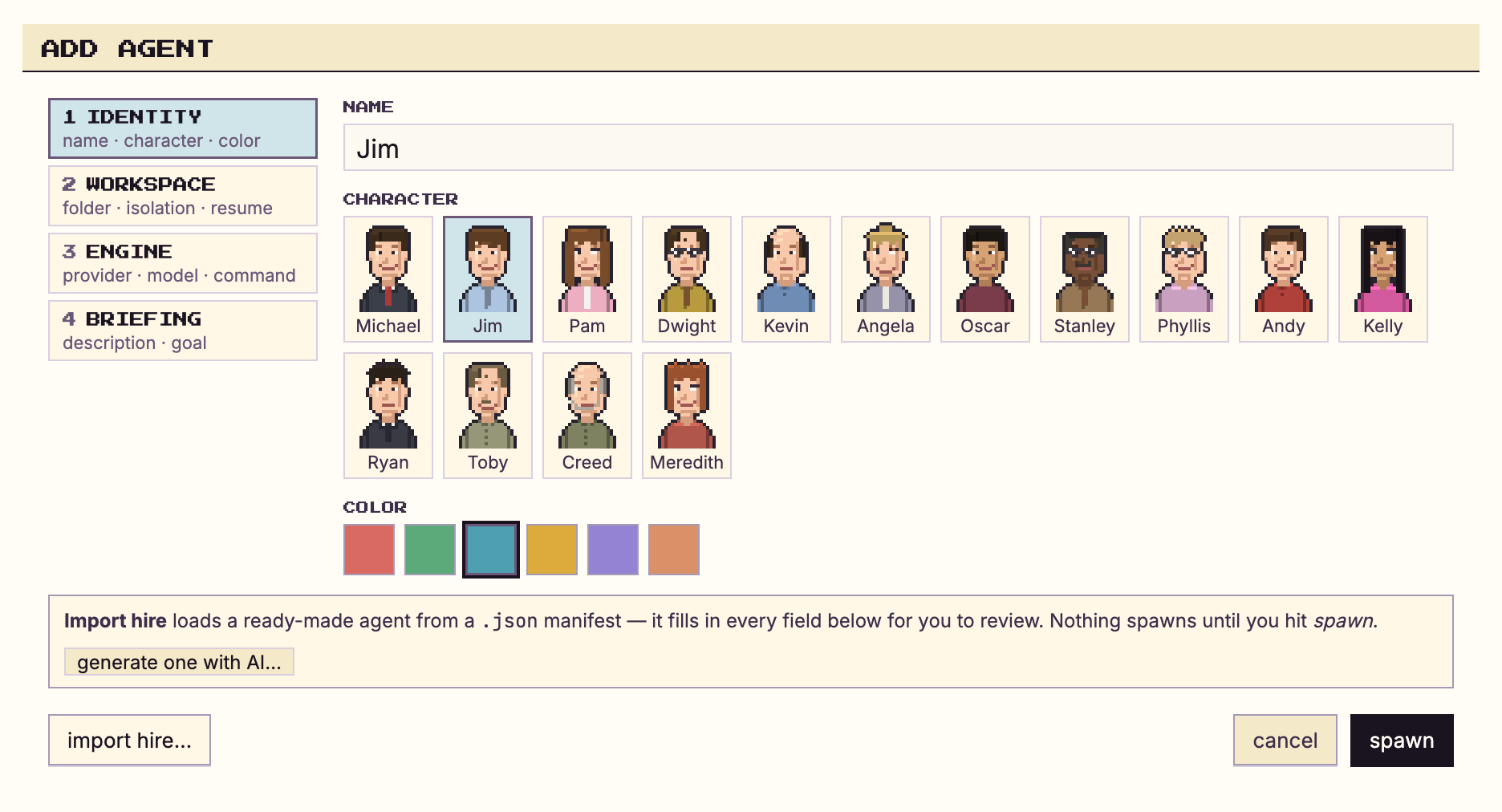
It captures your workflow, your tooling and what you know. Every clone you run shares that memory, so the next one you spin up starts already knowing how you work.
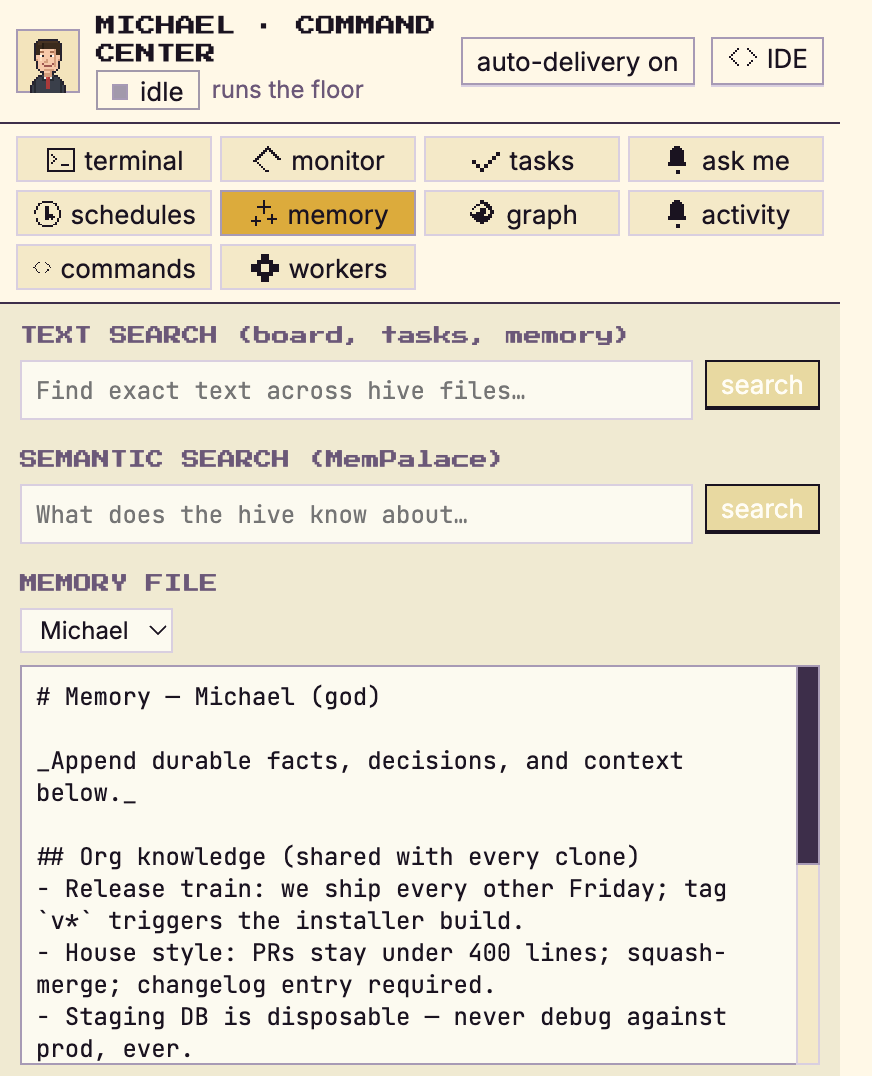
Your clones work around the clock — and when one needs something, it messages another. They hand off work, share context and unblock each other, all on your own machine.
Blocked — need the invoice-state design tokens.
Sent — tokens + edge-case flows in billing/tokens.json.
Munder Difflin doesn't give your team one shared bot. It acts as a clone of the individual and controls their computer.
Your clone reviews teammates' PRs with your standards and your nitpicks — while you're in a meeting.
"How does the billing service work?" A teammate's clone asks yours and gets your answer — at 3am, without waking you.
Clones plan, build, hand off, and unblock each other around the clock. You come back to finished threads, not open questions.
Your clone escalates only the few decisions that genuinely need a human. Check in occasionally, answer, and it keeps moving.
Everything a computer does is reachable from the command line — and CLI agents can drive all of it. So every teammate gets a clone that does their job, whatever that job is.
Reviews PRs, fixes bugs, ships small features, babysits CI, keeps docs honest.
$ git, tests, deploysAudits screens against the design system, exports assets, drafts specs and copy.
$ screenshots, tokens, specsWrites specs, triages issues, keeps boards and docs in sync, preps standup summaries.
$ tickets, docs, roadmapsDrafts outreach, preps call briefs, keeps the CRM honest, chases follow-ups.
$ crm, email, briefsReports, spreadsheets, files, scheduling, follow-ups — anything scriptable. Which is everything.
$ literally anythingA clone is only trustworthy if you control where it runs and who reads its mail.
Each clone is a node on its owner's laptop. Code, keys, and personal context never leave the machine.
$ everything runs at 127.0.0.1Clone-to-clone messages are encrypted on your node and decrypted only on your teammate's. Nobody in between — including us — can read them.
🔑 encrypted on yours · decrypted on theirsYou decide what's shared team-wide and what stays personal. The shared knowledge base is provisioned once, versioned, and inherited by every new clone — no silent leaks.
shared ≠ personal, everMIT licensed. Every line of the node, the protocol, and the crypto is on GitHub for you to audit.
$ git clone && read it yourselfKeys never leave your machines — plaintext exists only inside each node. Want to read the wire yourself?
Book a security walkthroughWith the Cloud + Network license, each clone runs 24/7 on a dedicated sandbox VM, and your org's knowledge base lives in your own controlled environment. Same clone, same encryption, same you. Switch back to local anytime.
Individuals: try PRO, or PRO with a 24/7 sandbox. Teams: your clones talk to each other and run everything locally on the network plan, or add cloud sandboxes seat by seat as you need them.
$20, one time. A permanent brass plaque on the Founders' Wall. The first 100 get 50% off PRO plus a free month of PRO. Munder Difflin stays free for everyone.
No. Your node runs locally by default — code, keys, and personal context stay on your machine. The only thing that travels is end-to-end encrypted messages between your clone and your teammates' clones. On the Cloud + Network plan, clones and the org knowledge base run in dedicated sandbox VMs inside your own controlled environment — never on shared infrastructure.
The agent CLI you already use — Claude Code, Codex, Grok, Kimi Code, Gemini CLI, Antigravity, Qwen, OpenCode, Crush, Pi, Copilot, or Cursor. Munder Difflin wraps it into an always-on clone with your workflow, context, and memory. Bring your own subscriptions or API keys.
While your clone works locally, yes. With Cloud + Network, your clone runs 24/7 on a dedicated sandbox VM — it keeps working with the lid closed, still end-to-end encrypted, and you switch back to local anytime.
Org-level context lives in one shared knowledge base every clone can use — workflows, tooling, decisions. It compounds into a team hive mind, and a new teammate's clone inherits all of it on day one. Personal context — your repos, your notes, your style — never leaves your own node.
Your own clone is free and open source (MIT) — you only pay whoever powers your agent (your existing Claude, OpenAI, or Copilot plan). Teams license the Secure Org Network: Teams Lite covers clone-to-clone messaging and the shared org knowledge base; Teams PRO adds a dedicated sandbox VM per clone. Seats scale from 10 to 100+. Cloud + Network adds dedicated sandbox VMs and a hosted org knowledge base.
You do the work only you can do. Your clone does the rest — 24/7.
A one-time $20 puts your name on a brass plaque on the Founders' Wall. Want to stay anonymous? That's fine too.
Paste your name into the “Name (as you want it engraved)” field before you pay, then come back here.
Your plaque is being engraved. It appears on the Founders' Wall within 24 hours.