ChatGPT Dots vs Claude Cowork: Plans, Price and Safety (Oct 2026)
ChatGPT Dots keeps an ongoing job moving; Claude Cowork hands back finished files. Plans, prices, where each runs and how each asks first, checked 28 Oct 2026.
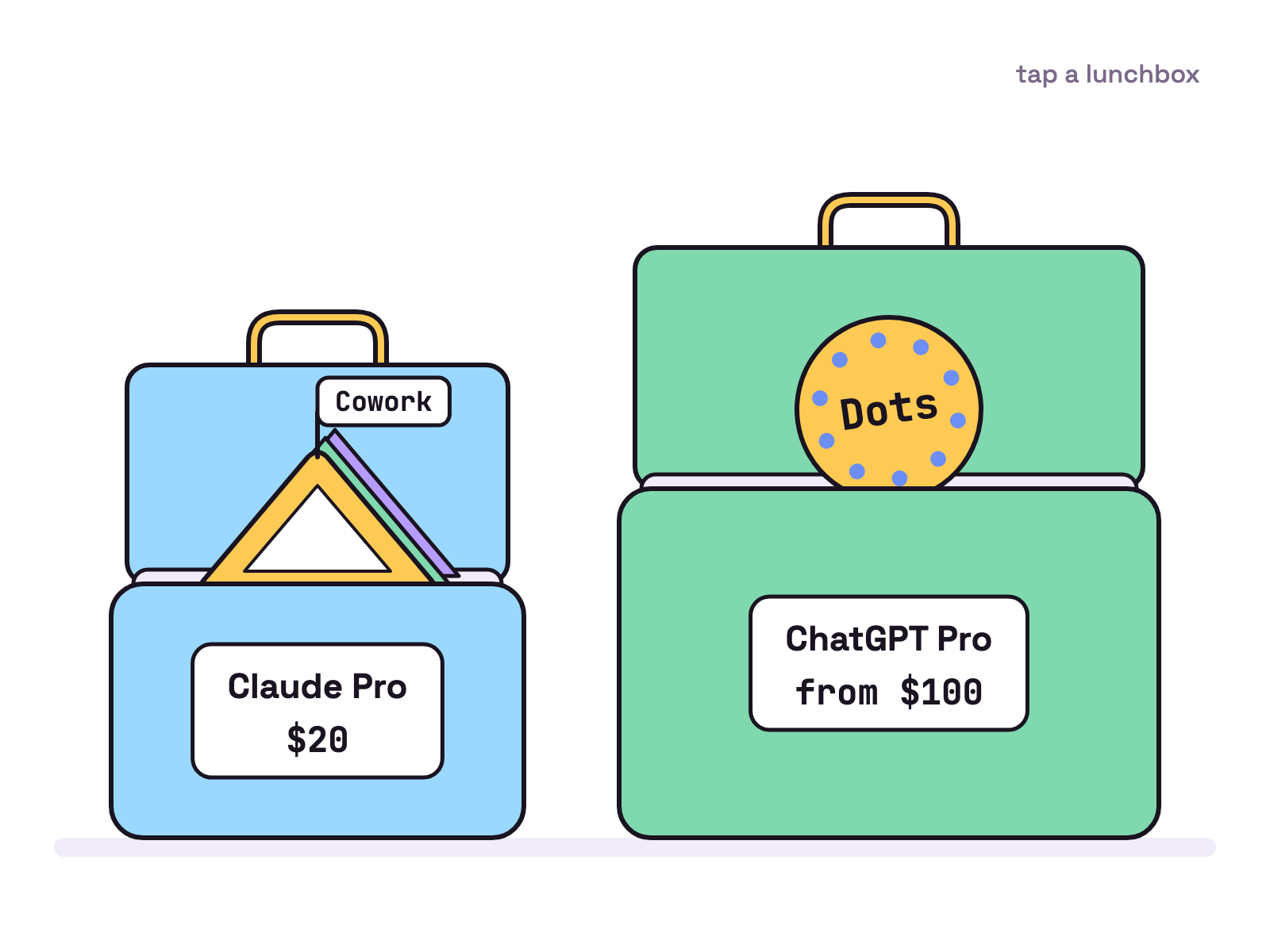
Pick ChatGPT Dots if you want one always on agent that owns an ongoing job and reaches you in Slack, Teams or a call; pick Claude Cowork if you want tasks handed back as finished files. Cowork comes with Claude Pro at $20 billed monthly, Dots with ChatGPT Pro from $100 a month, checked 28 Oct 2026.
If you want agents on your own machine as well, Munder Difflin is free and open source: a desktop app that runs a team of AI agents for all kinds of knowledge work, coding included, on your own computer. This sits in our Comparisons hub, next to what is ChatGPT Dots and what is Claude Cowork.
ChatGPT Dots vs Claude Cowork at a glance (checked 28 Oct 2026)
Both are hosted agents that keep working in the cloud; they differ in the job, the plan and the controls.
| ChatGPT Dots | Claude Cowork | |
|---|---|---|
| Unit of work | An ongoing responsibility | A task with an outcome |
| Where the work runs | Its own cloud computer and browser | Anthropic’s servers, in an isolated environment |
| Your computer | Optional, one at a time | Through the desktop app, folders you connect |
| Where you talk to it | ChatGPT apps, Slack, Teams, calls | Claude web, desktop, mobile, Chrome side panel |
| Plans | Pro 100, Pro 200, Pro 500; Business Premium and Enterprise rolling out | Pro, Max, Team, Enterprise |
| Entry price on 28 Oct 2026 | ChatGPT Pro from $100 a month | Claude Pro, $20 billed monthly |
| Approvals | Automatic review, optional custom rules | Manual, Auto or Skip mode |
What does each one do?
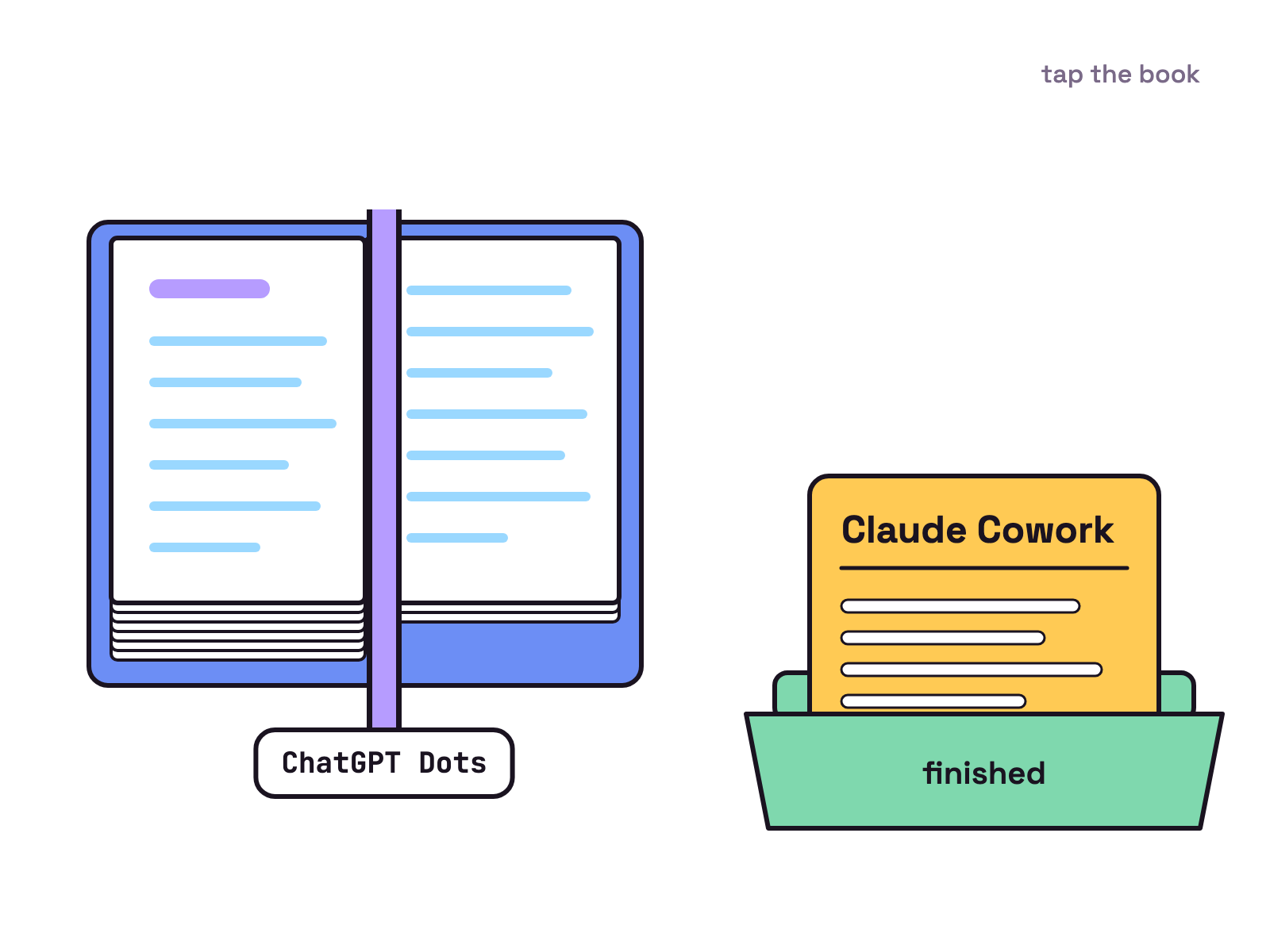
A dot keeps track of something over time, while Cowork finishes a task you describe. OpenAI’s dots page calls a dot “an always-on agent that keeps work moving across your tools and projects”, for when you want it to “keep track of an ongoing responsibility, figure out next steps as things change, and follow up between conversations”. It runs on GPT-6 Astra and can hand work to ChatGPT Work or Codex.
Anthropic’s help page says Cowork “brings Claude Code’s agentic capabilities to knowledge work beyond coding”. You “describe an outcome, step away, and come back to finished work”, such as documents, organized files and research. Cowork is also being folded into Claude itself: on 28 Oct 2026 the pricing page banner read “Claude Cowork is now just Claude”, rolling out to Pro and Max first.
Our view: a dot is a standing assignment, Cowork is a job ticket.
How much do they cost?
Claude Cowork costs less to start, because it comes with Claude Pro and dots need ChatGPT Pro, Business Premium or Enterprise. On 28 Oct 2026 Anthropic’s pricing page listed Pro at $20 if billed monthly, or $17 a month billed annually, and Max from $100 a month. The help page says Cowork “is available on paid plans (Pro, Max, Team, and Enterprise)”.
OpenAI’s pricing page listed Pro on 28 Oct 2026 as “Plans at $100, $200, or $500 USD per month”. The dots page lists Pro 100, Pro 200 and Pro 500 “for users over 18 outside the European Economic Area, United Kingdom, and Switzerland”. Business Premium and Enterprise are “rolling out worldwide”, and Enterprise admins must switch dots on. OpenAI adds that dots are rolling out gradually, so you may not see them yet even on an eligible plan.
Usage counts differently too. OpenAI says conversations with your dot “don’t count toward your ChatGPT usage limits”, while tasks it starts in Work or Codex do. Anthropic’s Cowork page warns that “Claude Cowork consumes limits faster than Chat.”
Where do they run and what can they touch?
Both run in the cloud and reach your own computer through their desktop app. A dot “lives in the cloud and has its own computer and browser” and “can keep working even when your computer is off”. You can connect one personal computer at a time, and it must be online with the ChatGPT app open. Its cloud browser “doesn’t inherit logins from your personal browser”.
Cowork’s help page says “Claude’s work runs on Anthropic’s servers, in an isolated environment”, and “work continues if you close your laptop”. Local files, browser use and computer use need the Claude Desktop app for macOS or Windows, open and connected. Claude “can only read and write files in folders you’ve connected”. Anthropic’s Cowork page says its built in browser, in the desktop app on Pro, Max and Team, is “Separate from your own browser, logins, and tabs.”
Which is safer with your files?
Both check risky actions, but Cowork fixes one rule for files. Its help page says Claude “requires your explicit permission before permanently deleting any files”. It offers three modes: Manual asks each time, Auto lets Claude review each action and block unsafe ones, and Skip means “nothing checks its actions automatically”. In the new Claude experience the message box offers Auto, the default on Pro, Max and Team, and Manual. Anthropic also states that “Cowork has unique risks due to its agentic nature and internet access.”
OpenAI’s controls page says an automatic review checks actions that could affect your accounts or share information. Custom rules offer four choices: “Take action without asking”, “Take action when you say so”, “Ask before taking action” and “Hand off to you”. The page adds that rules are instructions your dot “tries to follow, and it can make mistakes”, and that stopping work “doesn’t undo completed actions”.
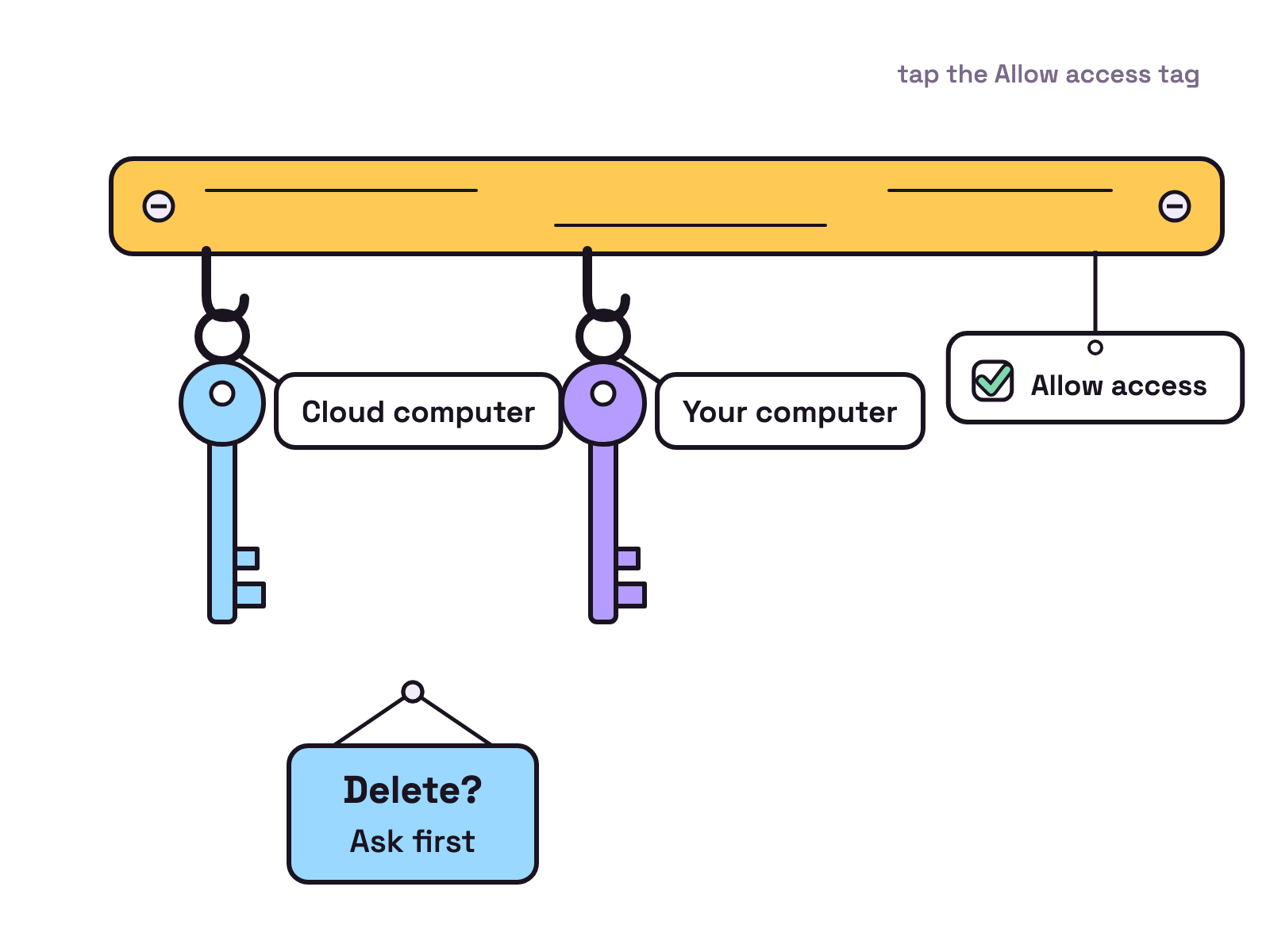
Our view: keep both on the asking setting for anything that sends messages or touches money.
Pick ChatGPT Dots if…, pick Claude Cowork if…
Pick by the shape of the work.
Pick ChatGPT Dots if:
- You pay for ChatGPT Pro outside the EEA, UK and Switzerland, or have Business Premium.
- You want one agent that watches a project and pings you when a decision is due.
- You want to reach it in Slack, Teams or by calling it.
Pick Claude Cowork if:
- You want a finished spreadsheet, deck or report.
- You want to start on a $20 plan (28 Oct 2026) rather than one from $100.
- You want file access fenced to folders you connect.
More options sit in ChatGPT Dots alternatives; Claude Cowork vs Claude Code covers Anthropic’s other agent.
Can you run both?
Yes, but they are separate subscriptions, so you pay OpenAI and Anthropic.
Munder Difflin fits alongside either when you want agents on your own machine. It runs agents on engines such as Claude Code, Codex and Gemini CLI, takes work in from Slack and webhooks, and connects tools through MCP servers, skills and plugins. The agents run on your computer, or in its Cloud Office, always on, with your computer off; a mobile app is coming soon. How to install and use Munder Difflin covers setup, and Munder Difflin vs ChatGPT Dots puts it next to Dots.
FAQ
What is the difference between ChatGPT Dots and Claude Cowork?
The shape of the work. OpenAI's docs describe a dot as an always on agent that keeps track of an ongoing responsibility and follows up between conversations. Anthropic's help page says Cowork lets you describe an outcome, step away and come back to finished work such as documents, organized files and research. Checked 28 Oct 2026.
Which is cheaper, ChatGPT Dots or Claude Cowork?
Claude Cowork. On 28 Oct 2026 Anthropic's pricing page listed Claude Pro at $20 if billed monthly, and Cowork is available on Pro. OpenAI's docs list dots for Pro 100, Pro 200 and Pro 500, and its pricing page listed Pro from $100 a month on the same date.
Can I use ChatGPT Dots in the UK or EU?
Not on a personal Pro plan. OpenAI's dots page lists Pro for users over 18 outside the European Economic Area, United Kingdom and Switzerland. Business Premium and Enterprise are rolling out worldwide, and Enterprise admins must turn dots on. Checked 28 Oct 2026.
Do ChatGPT Dots and Claude Cowork keep working when my computer is off?
Yes, for cloud work. A dot has its own cloud computer and can keep working when your computer is off. Cowork runs on Anthropic's servers, and scheduled tasks run with no device online. Work that needs your own files needs your computer on and the app open.
Can a ChatGPT dot or Claude Cowork delete my files?
Cowork asks first: its help page says Claude requires your explicit permission before permanently deleting any files. OpenAI's dots docs give you custom rules such as Hand off to you, and say rules are instructions a dot tries to follow and it can make mistakes. Checked 28 Oct 2026.