Codex Computer Use: How to Turn It On, Plans and Limits (Oct 2026)
Codex computer use lets the ChatGPT desktop app see and click apps on macOS and Windows. Setup, which plans get it, locked use and how Claude's compares.
Codex computer use lets the ChatGPT desktop app see and operate other apps on macOS and Windows, through a plugin you install once. OpenAI’s Codex pricing page lists it for Plus, Pro, Business, Enterprise and API keys in supported regions; Free and Go are not on that list. Checked 26 Oct 2026.
Codex is also one of the engines in Munder Difflin, free and open source: a desktop app that runs a team of AI agents for all kinds of knowledge work, coding included, on your own computer. The install guide covers setup. New to Codex? Start with what is Codex.
What is Codex computer use?
A way for Codex to work in apps that have no command line or plugin. OpenAI’s Computer Use docs, read on 26 Oct 2026, say ChatGPT “can see and operate graphical user interfaces on macOS or Windows”. The good fits they list:
- Testing a macOS app, Windows app or iOS simulator flow that Codex is building.
- A task that needs your web browser.
- A bug that only shows up in the interface.
- Settings you can only change by clicking through an app.
- Work that spans more than one app.
For a web app you are building locally, the docs say to try the built in browser first, and to prefer a plugin or MCP server when the app has one. Computer use is for what those cannot reach.
How do you turn on computer use in Codex?
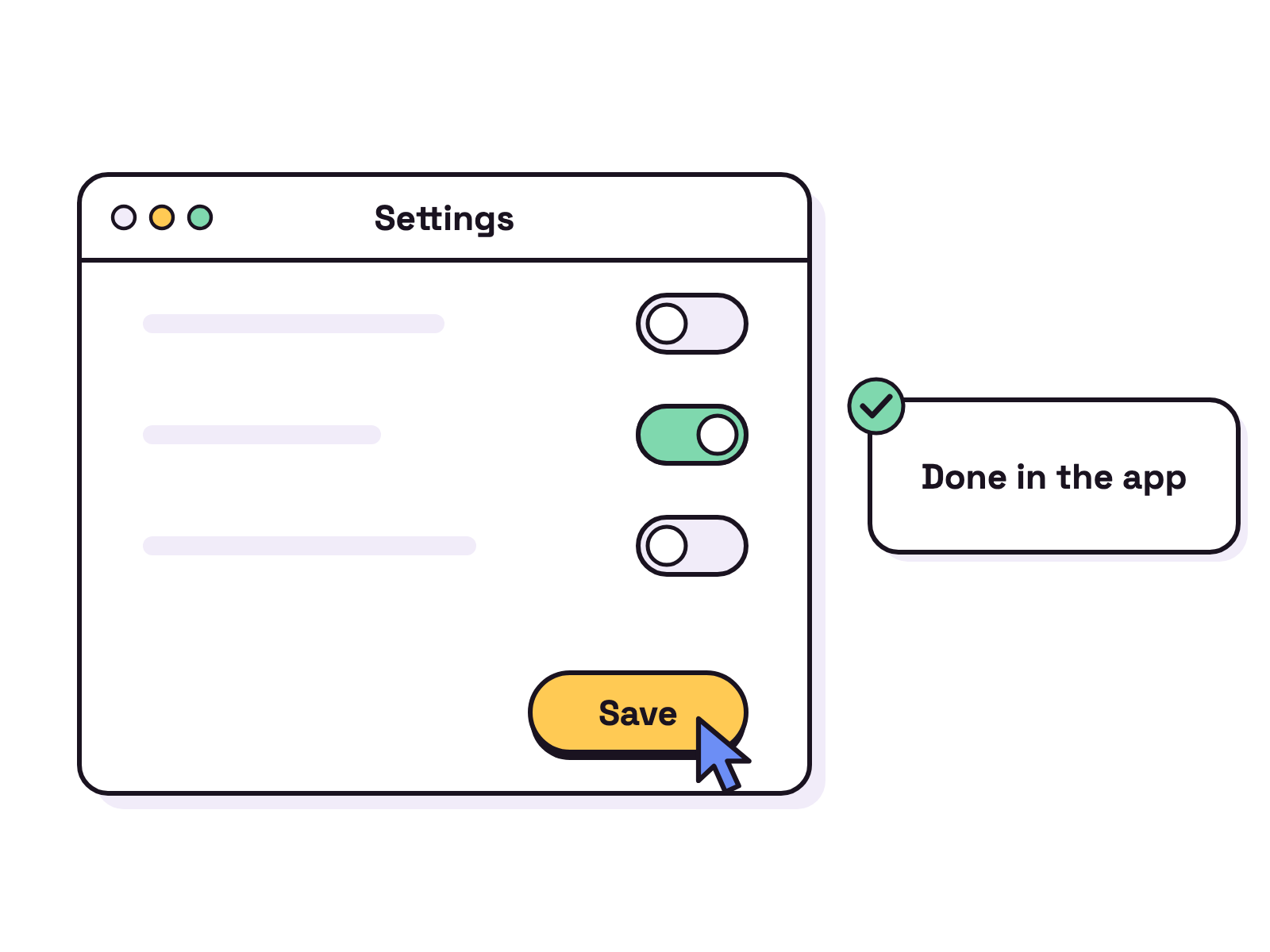
Four steps in the ChatGPT desktop app, from the docs:
- Select Codex, or select ChatGPT and switch to Work.
- Open Plugins > Computer Use and select Install plugin, or Enable if shown.
- Turn on the Computer Use server and skill toggles, then select Try now.
- On macOS, grant Screen Recording so it can see apps and Accessibility so it can click, type and navigate.
Then mention @Computer or an app, as in @Chrome, in your prompt and name the exact window or flow. The docs suggest GPT-6 Astra, where your model picker has it, for hard tasks that depend on screenshots.
Which plans include Codex computer use?
Plus, Pro, Business, Enterprise and API keys, each marked limited because the feature is “currently limited to only specific regions”, per the pricing page on 26 Oct 2026. Free and Go are not on its list.
| Plan | Price as of 26 Oct 2026 | Computer use |
|---|---|---|
| Free | $0 | Not listed |
| Go | $8 a month | Not listed |
| Plus | $20 a month | Yes, some regions |
| Pro | From $100 a month | Yes, some regions |
| Business, Enterprise, API key | Varies | Yes, some regions |
The Codex pricing guide has the full plan table.
Is Codex computer use safe?
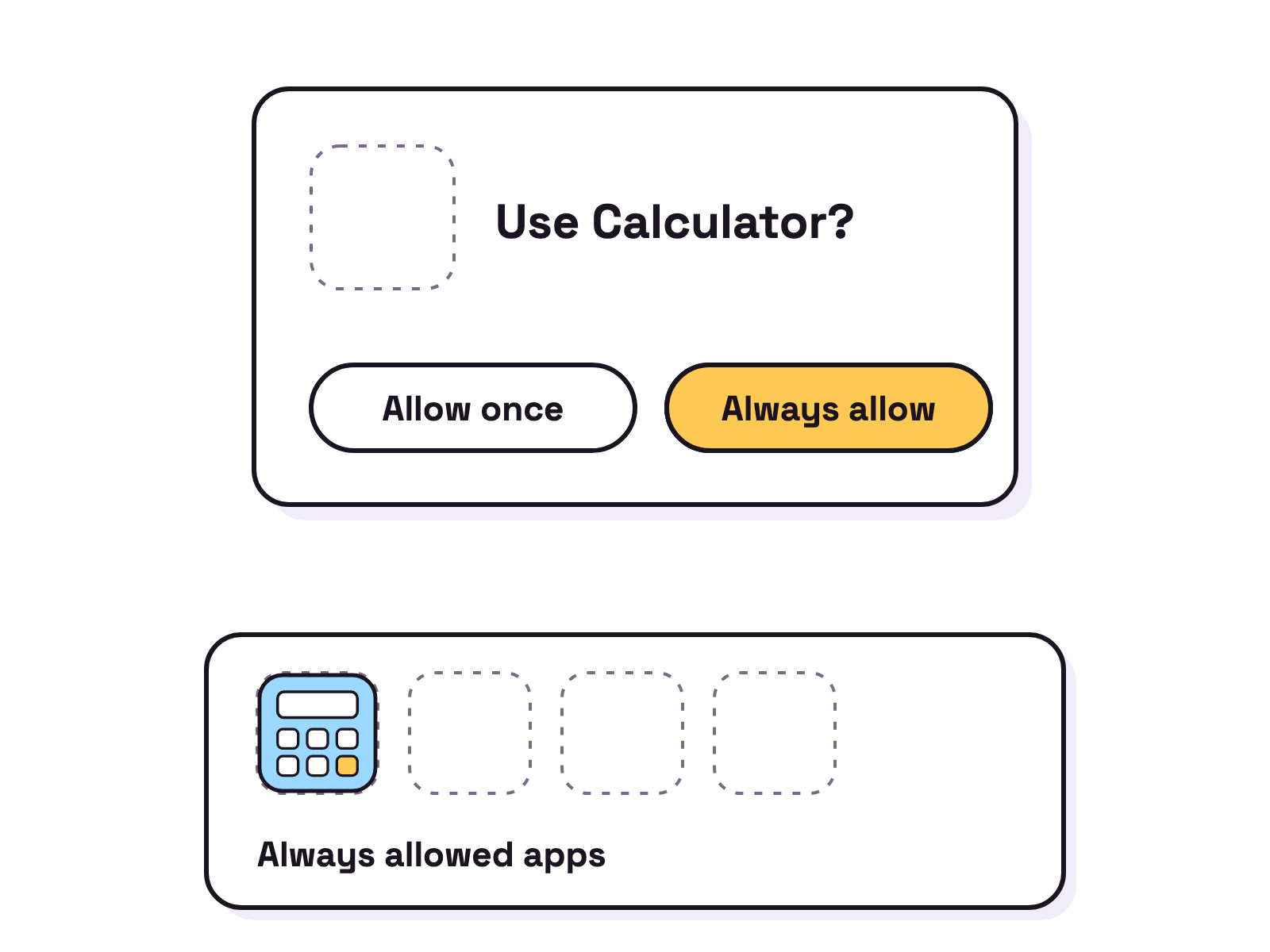
It acts only in apps you allow, and it asks first. The docs say it requests permission before it uses an app, and Always allow saves that choice; you can remove apps later in Settings > Computer Use. It may also ask before “sensitive or disruptive actions”. File edits and shell commands still follow the task’s sandbox and approval settings.
Admins can restrict which apps it reaches, block saved approvals, or switch it off with [features].computer_use = false in requirements.toml. On Windows, saved app choices live in $CODEX_HOME/config.toml.
Does it work on Windows and when the Mac is locked?
On Windows, yes, in the foreground. The docs say it “can’t operate in the background while you keep using the same Windows session”, so expect it to move the pointer and type. Keep the target app visible, or run the desktop app in a Windows virtual machine.
On macOS, it can work in the background, and locked use lets it use apps after the Mac locks, for a task you start from a connected device. You turn it on in Settings, and it installs an Apple authorization plugin. The docs say it unlocks only for an active, trusted Computer Use turn, covers every display while unlocked, and relocks if it sees local keyboard or pointer input.
Codex computer use vs Claude Code computer use
Both drive real apps; they differ on platform and plan. Checked 26 Oct 2026 against OpenAI’s docs and Anthropic’s computer use docs:
| Codex | Claude Code (CLI) | |
|---|---|---|
| Where | ChatGPT desktop app, macOS and Windows | Terminal, macOS; the Desktop app adds Windows |
| Status | Live in supported regions | Research preview |
| Plans | Plus, Pro, Business, Enterprise, API | Pro or Max, not Team or Enterprise |
| How to turn on | Install the Computer Use plugin | Enable the computer-use MCP server in /mcp |
| Background or headless | Background on macOS, locked use | No: needs an interactive session, not -p |
Anthropic’s docs add an order Claude follows: an MCP server first, then Bash, then Claude in Chrome for browser work, and computer use only when none of those fit. For a wider comparison, see Codex CLI vs Claude Code.
FAQ
Is Codex computer use free?
Not on OpenAI's list. Its Codex pricing page lists Computer Use for Plus, Pro, Business, Enterprise and API keys, limited to some regions; Free and Go are not in that table, as of 26 Oct 2026. Plus is $20 a month.
Does Codex computer use work on Windows?
Yes, in the foreground. OpenAI's docs say it runs on the active desktop on Windows and cannot work in the background while you use the same session. Run the app in a Windows virtual machine if you want your own desktop free.
Can Codex use my computer while my Mac is locked?
Only with locked use turned on in Settings, on macOS. It installs an Apple authorization plugin and unlocks the Mac only for an active, trusted Computer Use turn, covering every display and relocking if it sees local input.
How is Claude Code computer use different?
Claude Code's computer use is a research preview on macOS for Pro and Max plans, not Team or Enterprise, per Anthropic's docs on 26 Oct 2026. You turn on a built in MCP server called computer-use from /mcp, and it needs an interactive session.