Gemini Notebook: turn a long contract into an audio summary
Gemini Notebook, once NotebookLM, answers questions about your contract with quotes, maps it and makes a spoken summary. Steps, questions, limits.
Gemini Notebook, Google’s free research tool once called NotebookLM, reads a contract you upload, answers questions with quotes from it, draws a mind map and turns it into a spoken Audio Overview. Use it as a first read, then check the clauses that matter yourself. Checked 25 Nov 2026.
This guide is on the blog of Munder Difflin, which is free and open source: a desktop app that runs a team of AI agents for all kinds of knowledge work, coding included, on your own computer. You do not need it for this guide; its install guide covers setup.
What is Gemini Notebook?
It is Google’s research tool for questions about files you upload. Google’s rename post of 16 Jul 2026 calls it “the same standalone product” as NotebookLM. The plans page says: “Sign up at no charge by using your gmail account.” Free use has usage limits.
One warning: this is a first read, not a replacement for reading the parts that matter, and not legal advice. Google’s notebook page says: “Don’t rely on Gemini Notebook for medical, legal, financial, or other professional advice.”
What do you need?
You need a signed in Google account (a personal one works), the contract as a PDF or Word file, and a computer.
- One file can hold “up to 500,000 words or up to 200MB” (sources page).
- The Mind Maps page says the phone app does not support mind maps yet, so use a browser.
How do you read a contract with it, step by step?
Make a notebook, upload the file, then ask.
- Go to notebook.google.com and select “Create new notebook”. Use one per contract; Google says “Each notebook is independent.”
- In the pop up window, select “Upload a source” and pick your contract.
- Read the summary in the “Chat” panel to check the right file went in and could be read.
- Ask one plain question at a time there.
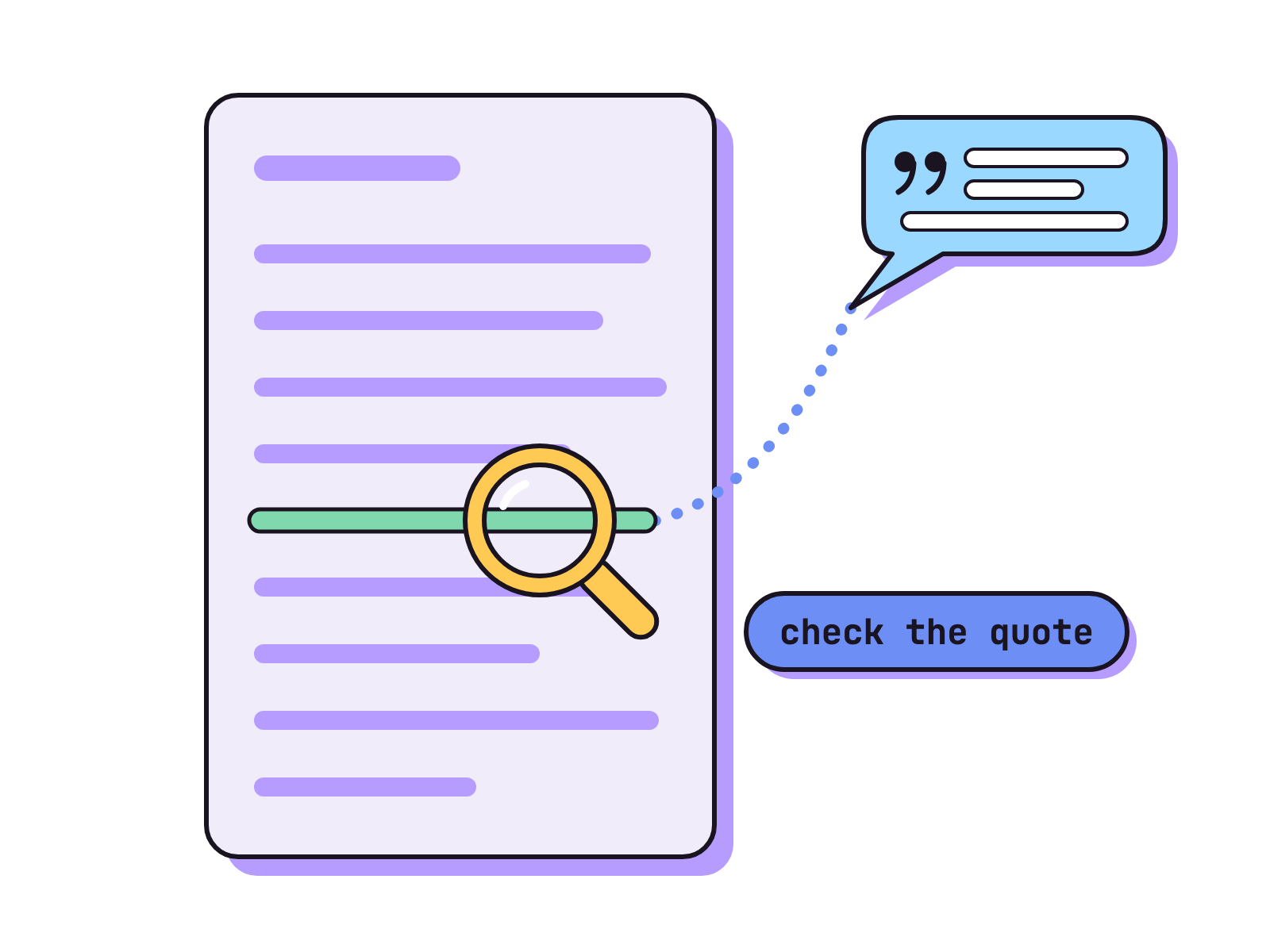
- Hover over a citation for the full quote; select it to jump there in your document.
Citations “help you check response accuracy” (chat page), so check the quote for every answer you rely on. No citation, or a quote that says something else? Trust the document, not the answer.
Which questions should you ask a contract?
Ask about money, then getting out, then who is responsible. Change the words in brackets.
-
“List every payment this document requires, with its due date.”
-
“Can the [rent, premium, interest rate] change during the term? Quote the clause.”
-
“What fees or penalties can be charged, and what triggers each one?”
-
“What can be deducted from the deposit?”
-
“How can this agreement end early, and what does that cost?”
-
“How much notice must each side give, and in what form?”
-
“Does this renew automatically? If so, when, and how is it stopped?”
-
“Who pays for repairs and maintenance, case by case?”
-
“What does this document forbid?”
-
“What is excluded or not covered?”
-
“Which clauses would a careful reader negotiate or ask about before signing? Quote each one.”
-
“Does any part of this document contradict another part?”
-
“What does this document not say that an agreement like this usually covers?” Treat this answer with extra care: what the file does not say has no quote to cite.
Last: “Explain clause [number] in plain words.” Then read the real clause through its citation.
How do you make a mind map and an Audio Overview?
Select the “Mind Map” chip in the chat for a map, or “Audio Overview” in the “Studio” panel for the spoken summary. The map shows “main topics and related ideas as a branching diagram”; select a node to ask about it.
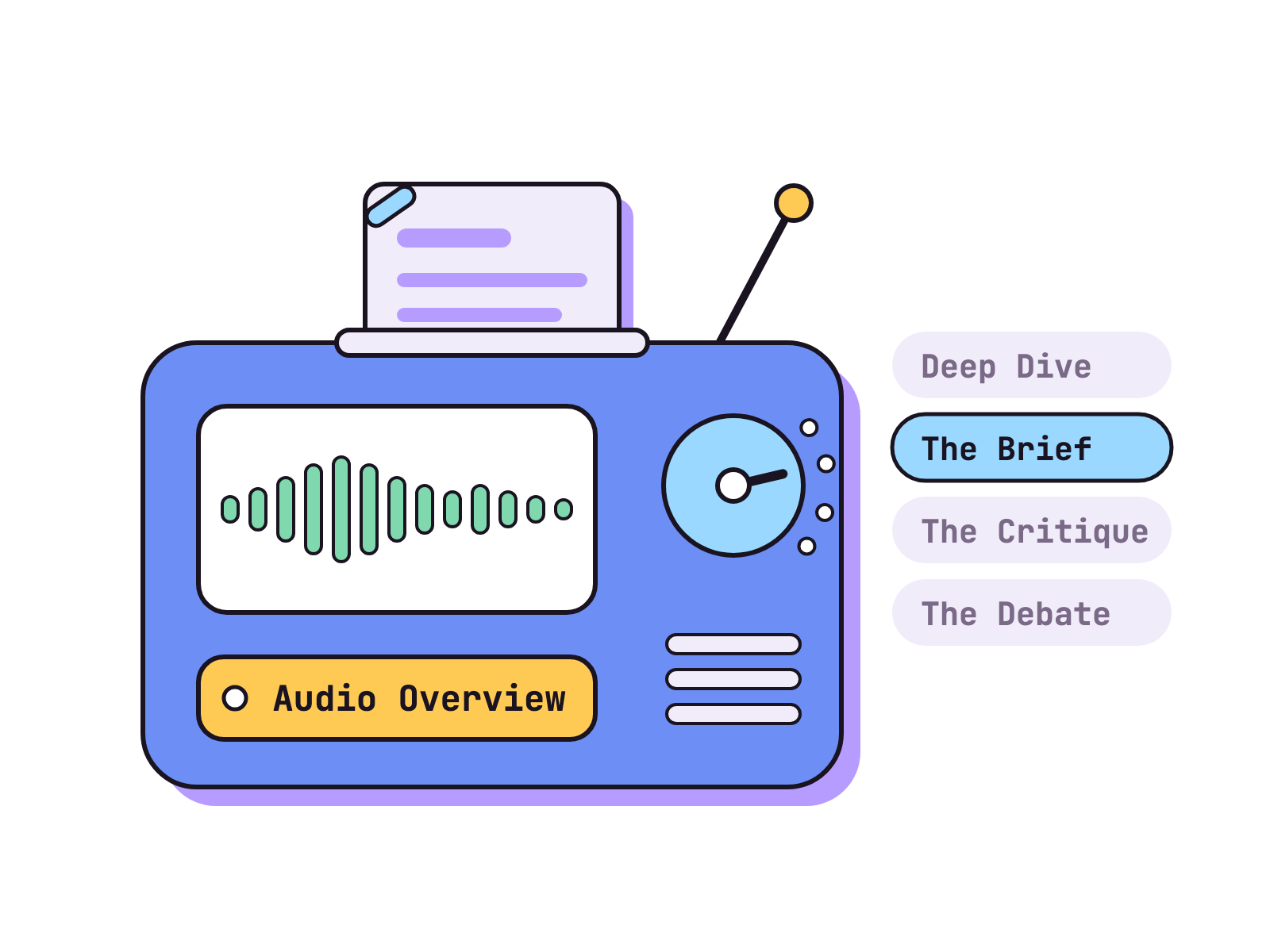
The Audio Overview page lists four formats:
- Deep Dive, the default: two hosts.
- The Brief: one speaker, “the key takeaways of a document in under two minutes”. Our view: start here.
- The Critique: two hosts give “a constructive evaluation”.
- The Debate: two hosts debate it.
You can add a prompt; one to try: “Focus on what must be paid, what is not allowed, and how to get out. Skip the definitions.” It “may take a couple of minutes” and runs in the background. Extras: 80+ languages and Download. English only: Shorter or Longer length, and “Interactive mode”, where you select “Join” to question the hosts.
What does it get wrong, and how do you check?
Google says it can be wrong: Audio Overviews “may contain inaccuracies or audio glitches”, and its Mind Maps page says “Gemini Notebook can be inaccurate; please double check its responses.”
Our view:
- Treat the audio as a tour; check what matters in the chat.
- A summary leaves things out. A skipped clause can still cost you money.
- With a scan, a thin or odd first summary may mean the text was misread, which spoils later answers.
- It does not know your local law or what is normal in your market.
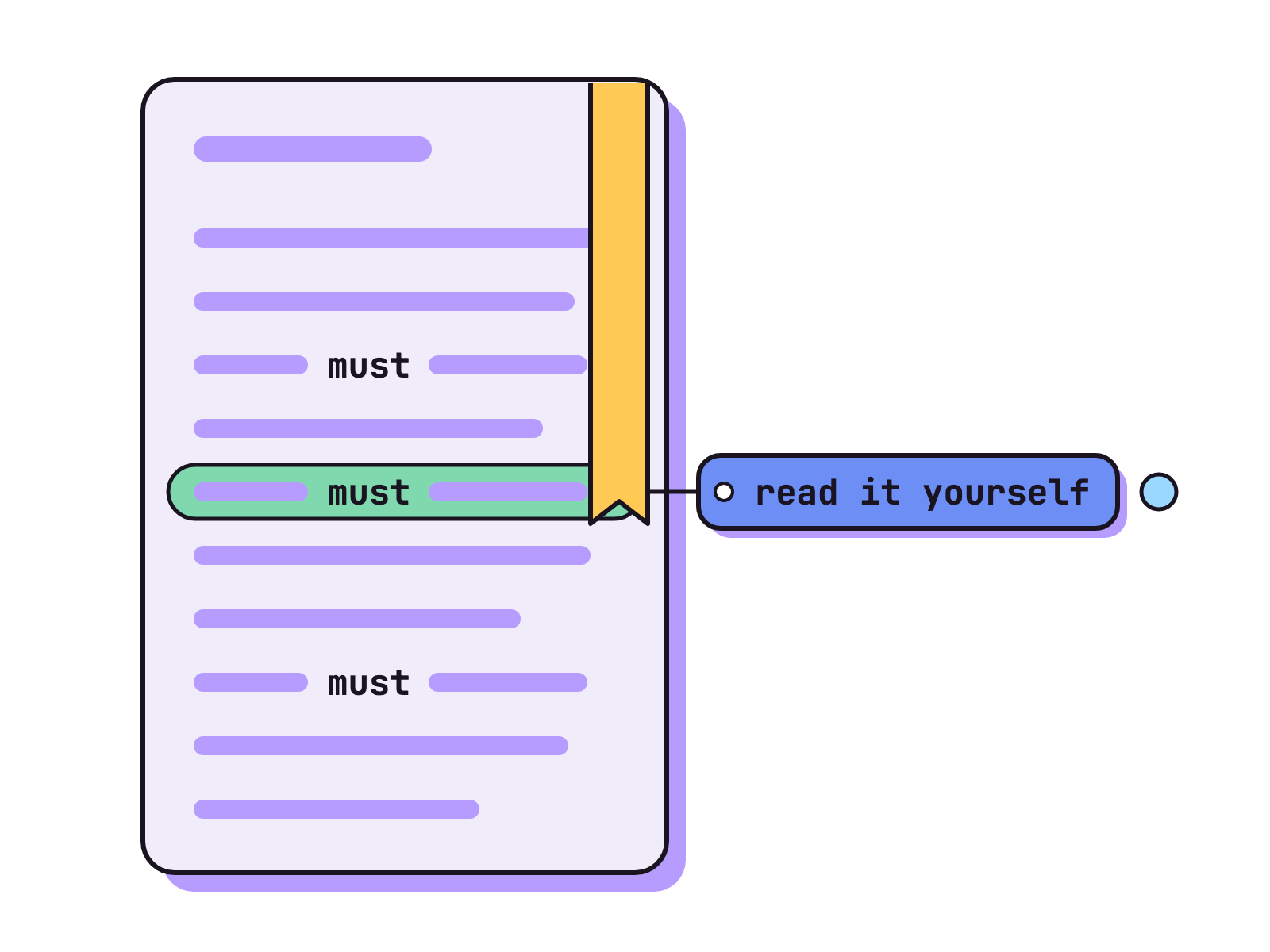
- Anything with a number, a date or the word “must”: read it yourself in the original. Take what stays unclear to a professional.
Is your contract private?
On a personal account, Google says your data “is not used to train Gemini Notebook unless you provide feedback”. When you share feedback, Google “may review the full context of that interaction, including your queries, uploads, and the model’s responses” (plans page).
- Chat history “is retained and kept private to you”. Clear it with “Delete Chat History” in the chat panel’s three dots menu.
- “Avoid uploading documents you don’t have rights to,” says Google.
- Work and school accounts follow Workspace terms and their admin.
Our view: skip thumbs up or down on private documents, consider blacking out ID numbers, bank details and signatures, and use a personal account for personal papers.
What should you try when it fails?
Usually a usage limit, an unclear question or the phone app.
- “Limit reached.” The quota “refreshes every 5 hours until you reach your weekly limit” (usage page). Check “Settings”, then “Usage”, top right. On the web, “Generate later” waits for your limit; it “may take a couple hours”.
- No answer. Google names safety flags and unclear phrasing: “Try to rephrase your question to be clearer or more specific.”
- No “Mind Map” chip. You are probably in the phone app. Use a browser.
- Not offered. It is for users “above the age of consent” in listed countries (help page).
Also on this blog: How to use Upscayl to make a small photo sharp again and Gemini Spark: what it is, what it costs and who can get it.
Sources
Checked on 25 Nov 2026:
- About
- Learn about Gemini Notebook’s plans
- Create a notebook
- Sources
- Chat
- Mind Maps
- Audio Overview
- Usage limits
- NotebookLM is now Gemini Notebook, 16 Jul 2026
This guide is independent. It is not made, checked or paid for by Google.
FAQ
Is Gemini Notebook the same as NotebookLM?
Yes. Google renamed NotebookLM to Gemini Notebook on 16 Jul 2026 and called it "the same standalone product", per its blog post.
Is Gemini Notebook free?
Yes, with limits. Google's plans page says you can sign up at no charge with a Gmail account. Its usage page says the quota refreshes every 5 hours until you reach a weekly limit. Checked 25 Nov 2026.
Can Gemini Notebook read a PDF contract?
Yes. PDF and Word files are supported, and one uploaded file can hold up to 500,000 words or 200MB. Treat it as a first read, not legal advice: Google says not to rely on it for legal advice.
What are the Audio Overview formats?
There are four: Deep Dive, the default, with two hosts; The Brief, one speaker with the key takeaways in under two minutes; The Critique; and The Debate.
Does Google train on an uploaded contract?
On a personal account, Google says your data "is not used to train Gemini Notebook unless you provide feedback". When you share feedback, Google "may review the full context of that interaction, including your queries, uploads, and the model's responses". Our view: skip the thumbs up or down in a notebook that holds a private document.