How to Use Gemini 4 Argon: Five Ways In, and Free Is Not One of Them
How to use Gemini 4 Argon on 13 Oct 2026: the Gemini app, AI Mode, AI Studio, the API with model ID gemini-4-argon, and Antigravity. What each route needs.
To use Gemini 4 Argon today, pick one of five routes: the Gemini app, AI Mode in Search, Google AI Studio, the Gemini API or Antigravity. Each one needs a subscription or the paid API tier. This is how to use Gemini 4 by each route. Checked 13 Oct 2026.
Munder Difflin is free and open source: a desktop app that runs a team of coding agents such as Claude Code, Codex and Gemini CLI on your own computer. This guide follows Google’s own pages, read on 13 Oct 2026. The install guide covers our own setup, the Guides hub has more how to pages, and our Gemini 4 Argon page covers the launch.
What do you need before you start?
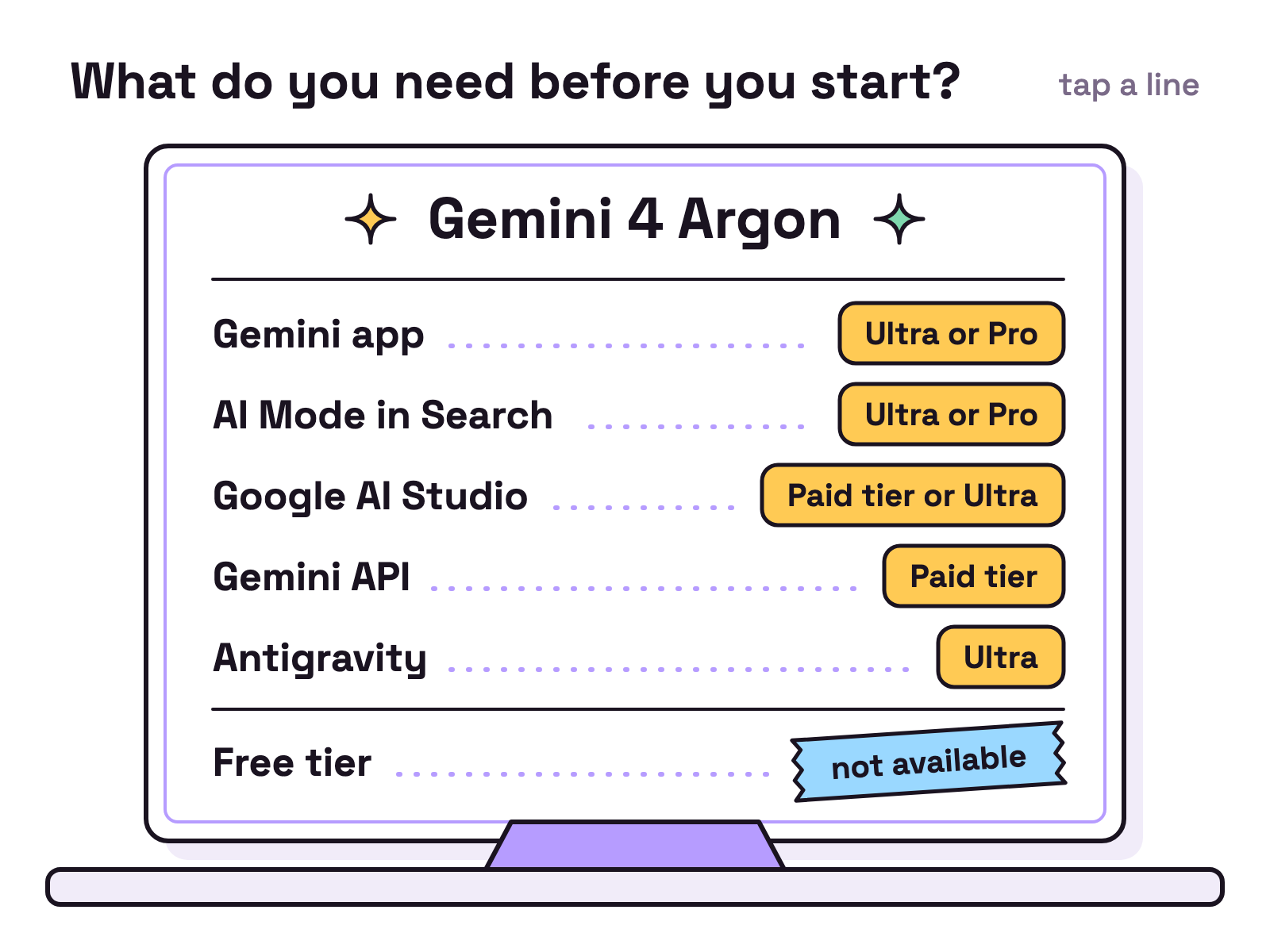
You need a paid route, because there is no free tier. Google’s API pricing page says Gemini 4 Argon “is not available on the Free tier or on the Google AI Pro plan”. The rows are our summary of Google’s launch post of 13 October 2026.
| Route | What you need |
|---|---|
| Gemini app | Google AI Ultra or Pro subscription |
| AI Mode in Search | Google AI Ultra or Pro subscription |
| Google AI Studio | Paid tier of the Gemini API, or Google AI Ultra |
| Gemini API | Paid tier |
| Antigravity | Google AI Ultra subscription |
How do you use Gemini 4 Argon in the Gemini app?
Open the Gemini app or AI Mode in Search with a Google AI Ultra or Pro subscription. Google’s launch post says everyday users can “Try it starting today in the Gemini app and AI Mode in Search if you’re a Google AI Ultra or Pro subscriber”.
Pro may take longer. Google’s plans page said on 13 Oct 2026 that the model is “rolling out to Google AI Pro subscribers in select countries”.
How do you call Gemini 4 Argon from the API?
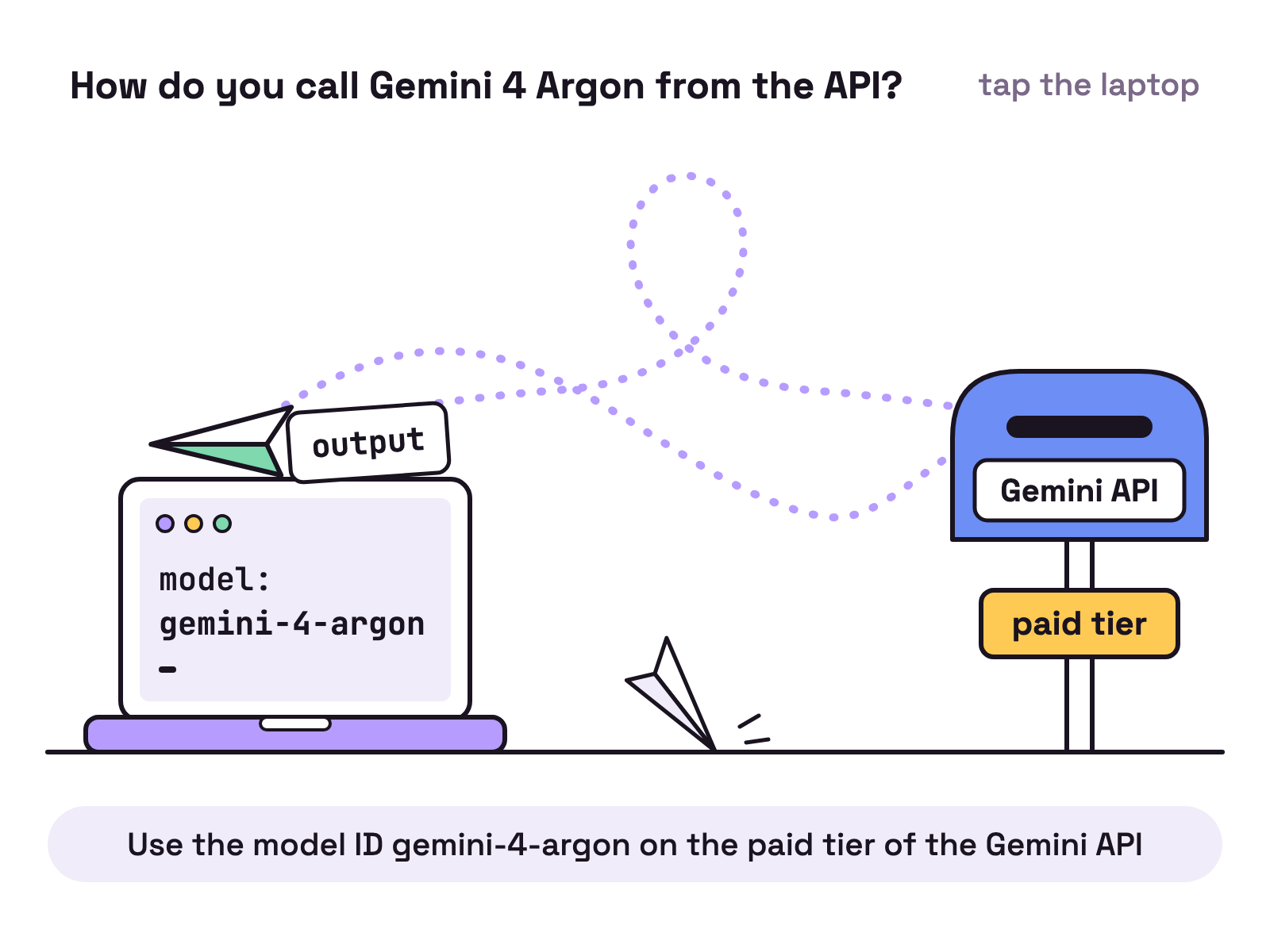
Use the model ID gemini-4-argon on the paid tier of the Gemini API. The ID is on Google’s models page, read on 13 Oct 2026.
- Create an API key in Google AI Studio and turn on billing.
- Put the key in an environment variable named
GEMINI_API_KEY. - Send a request with the model ID.
curl -X POST "https://generativelanguage.googleapis.com/v1beta/interactions" \
  -H "x-goog-api-key: $GEMINI_API_KEY" \
  -H 'Content-Type: application/json' \
  -d '{
    "model": "gemini-4-argon",
    "input": "Explain how AI works in a few words"
  }'
This is the REST call from Google’s quickstart, read on 13 Oct 2026, with the model swapped from gemini-3.8-flash to gemini-4-argon. If it fails, check that billing is on, because the free tier has no Argon to give.
For long outputs, read the docs first. Google’s launch post describes “an industry-leading 1M unified input-output token limit via the Gemini API” and points developers to “the new continuation protocol” in its documentation.
How do you use Gemini 4 Argon in Antigravity?
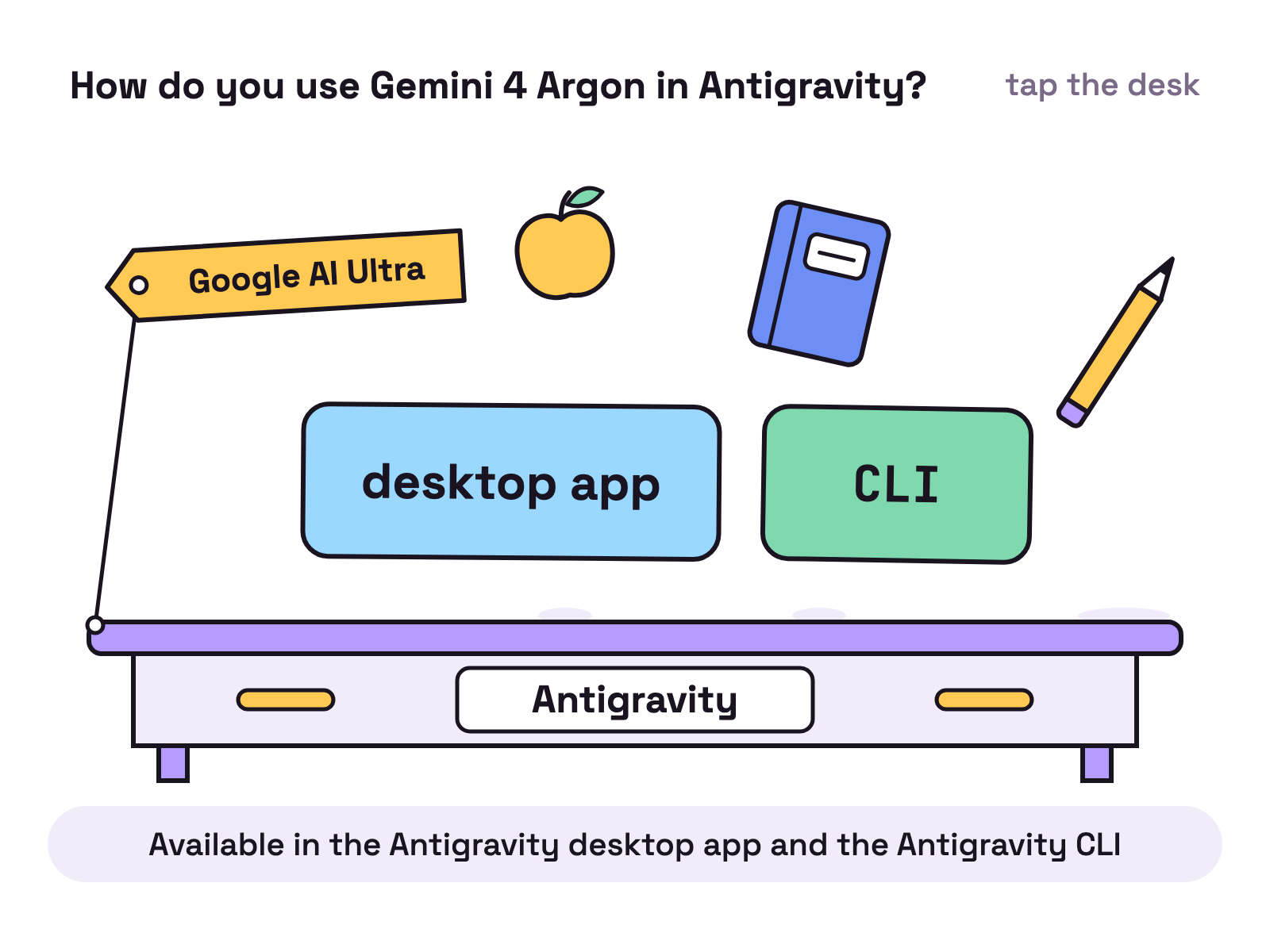
Sign in to Antigravity with a Google AI Ultra subscription and pick the model. Google’s Antigravity post of 13 Oct 2026 says it is rolling out “for Google AI Ultra subscribers”, “available in the Antigravity desktop app and the Antigravity CLI”.
Businesses get it another way. The Antigravity post lists “the API in Gemini platform” and Antigravity “on eligible Gemini Enterprise subscriptions”. Google’s launch post also mentions “slash commands like /goal” and multi agent loops with custom skills in Antigravity. Our Claude Code vs Antigravity page compares the tool itself.
Can you use it in Gemini CLI or Munder Difflin?
In Gemini CLI it was not listed on 13 Oct 2026; in Munder Difflin, yes, through Antigravity or Cursor. That day the model list file in the Gemini CLI repository had no Gemini 4 entry, and Google’s Antigravity post names the Antigravity CLI. Our Gemini CLI install guide explains how to set a model once an ID is supported.
In Munder Difflin, Gemini 4 Argon is in the model pickers for Antigravity and Cursor, added by a pull request merged on 13 Oct 2026.
Are there other ways in?
Two, both by application. Google’s launch post offers 10,000 scientists “the highest usage tier in Google Antigravity free of charge for 6 months”, “subject to eligibility, capacity, and selection”. It also invites security teams to “Apply to join the Fairwind Program”.
Which route should you pick?
Pick the route you already pay for. Chat users on Ultra or Pro should start in the Gemini app. Developers with billing on should call gemini-4-argon through the API, where the price is listed per token. Teams that want an agent to do long coding jobs should look at Antigravity on Ultra.
FAQ
How do I get access to Gemini 4 Argon?
Google's launch post of 13 October 2026 lists the paid tier of the Gemini API in AI Studio and Android Studio, Google AI Ultra subscribers in AI Studio and Antigravity, and Google AI Ultra and Pro subscribers in the Gemini app and AI Mode in Search. Google's pricing page says the model is not available on the Free tier.
What is the Gemini 4 Argon model ID?
The API model ID is gemini-4-argon, on Google's models page and pricing page as read on 13 Oct 2026.
Can I use Gemini 4 Argon in Antigravity?
Yes, if you are a Google AI Ultra subscriber. Google's Antigravity post of 13 Oct 2026 says the model is available in the Antigravity desktop app and the Antigravity CLI for Google AI Ultra subscribers, and on eligible Gemini Enterprise subscriptions for businesses.
Can I use Gemini 4 Argon in Gemini CLI?
It was not listed on 13 Oct 2026. The model list file in the Gemini CLI repository had no Gemini 4 entry that day, and Google's Antigravity post names the Antigravity CLI, not Gemini CLI.
Is Gemini 4 Argon in the Gemini app?
Yes, for subscribers. Google's launch post says everyday users can try it in the Gemini app and AI Mode in Search with a Google AI Ultra or Pro subscription. Google's plans page says it is rolling out to Google AI Pro subscribers in select countries.