How to Give Claude Code Long-Term Memory
Claude Code forgets between sessions. Here's how a markdown-first memory layer with semantic recall lets your agents remember across runs.
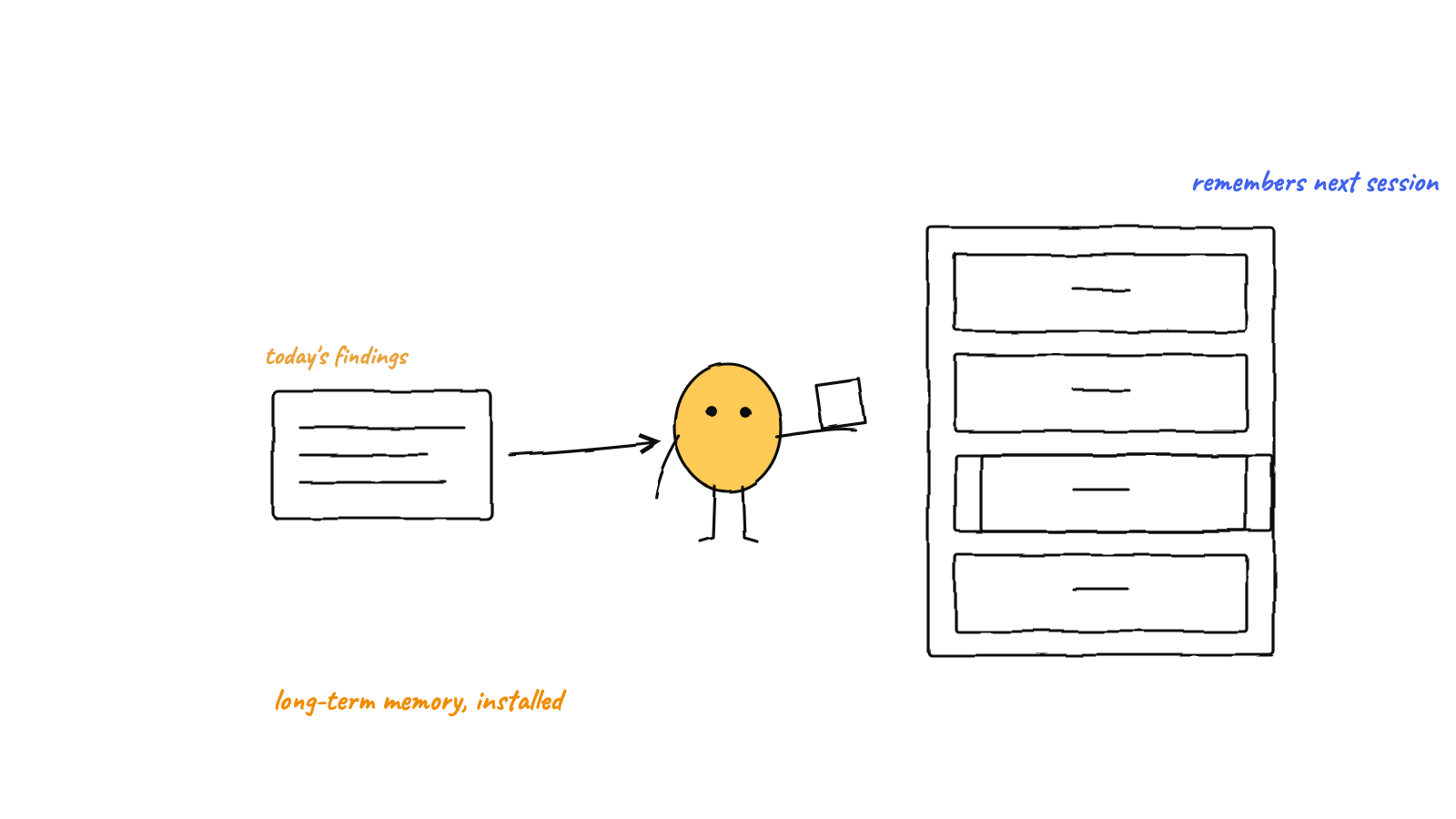
Claude Code starts every session with a blank slate. Give it long-term memory by writing durable facts to plain markdown files the agent reads on startup, then layering a semantic index on top so it can recall the relevant note instead of re-reading everything. Markdown-first keeps memory human-readable, diffable, and degradation-proof.
Claude Code is sharp within a session and amnesiac between them. Close the terminal and the next run starts cold: it re-learns your conventions, re-discovers the codebase, re-asks what it already asked. For a single throwaway task that’s fine. For a team of agents working over days, it’s the core problem. Here’s how to fix it.
Why agents forget
An agent’s “memory” is its context window — and the context window is wiped at the end of a session. Nothing it learned persists unless you write it somewhere the next session will read. That’s the whole trick: long-term memory is just durable storage plus a habit of reading it on startup. This is the foundation of agent long-term memory in general.
Step 1: Write durable facts to markdown
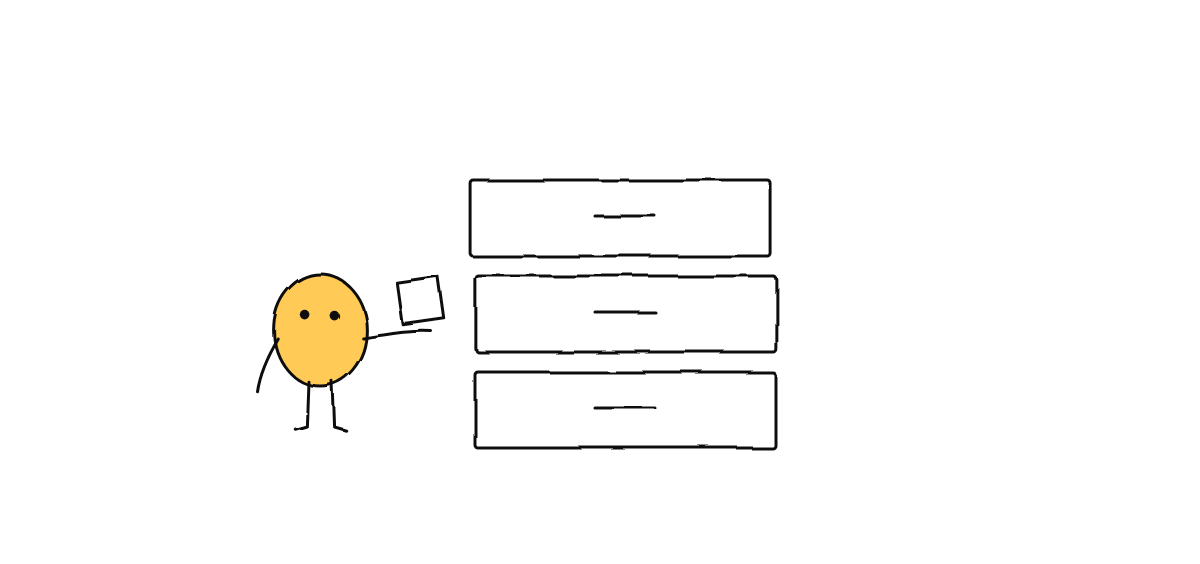
Give each agent a memory.md and a rule: when you learn something durable — a decision, a
convention, a gotcha — append it. Keep entries small and atomic:
## 2026-05-27 — build
- The web bundle is built with electron-vite, NOT plain vite. Use `npm run build`.
- node-pty needs an electron-rebuild after install (postinstall handles it).
- Never edit docs/index.html by hand during a release — it's the REL fallback source.
Why markdown first? Because memory you can’t read is memory you can’t trust:
- Human-readable — you can open it and see exactly what the agent “knows.”
- Diffable — it lives in git; you watch memory change over time.
- Degrades gracefully — if the fancy index breaks, the files still work. A database that won’t open takes the memory with it.
Step 2: Add semantic recall on top
Markdown alone doesn’t scale — at 200 notes an agent can’t read them all every startup. So index the notes and let the agent recall by meaning, not by filename:
- Embed each note (or each heading-scoped chunk) into a vector.
- On a new task, embed the task description and fetch the few most similar notes.
- Inject only those into context.
This is what semantic memory for AI agents buys you: recall stays near-instant and the context window stays small, even as the knowledge base grows. In Munder Difflin this layer is MemPalace — a shared, searchable store the whole hive reads, mined automatically from each agent’s markdown notes.
Keep writes single-owner
One trap: if several agents write the same memory file at once, you get torn writes. Give each agent its own memory file and let a shared index aggregate them read-only. Same principle that keeps multi-agent git safe — one writer per file.
Step 3: Make reading a startup ritual
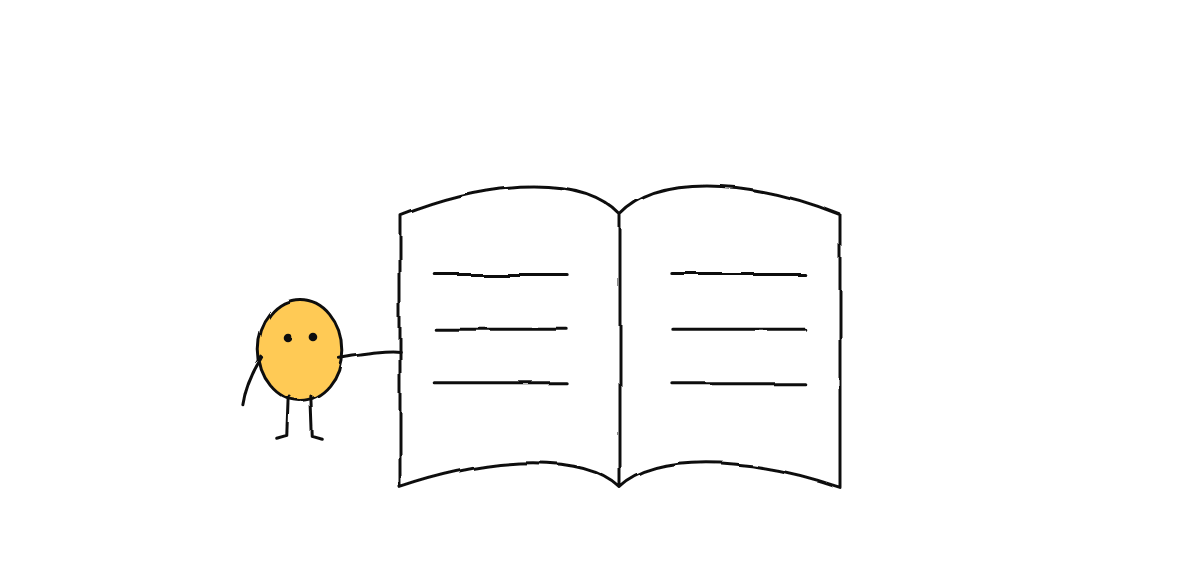
Memory only helps if it’s read. Bake it into the agent’s startup: “before starting a task, recall relevant notes; after finishing, append what you learned.” Once that loop is reliable, the briefs you write get shorter every week — the team stops needing context re-explained.
Where to go next
- New to coordinating agents? Start with how to run multiple Claude Code agents.
- Want the bigger picture? What is a multi-agent harness? explains where memory fits among messaging and orchestration.
Munder Difflin ships this memory model out of the box — markdown notes plus a shared semantic MemPalace, for a whole hive of agents. Download Munder Difflin to try it; it’s free and open source.