How to Run Multiple Claude Code Agents (Without Losing Track)
Run several Claude Code agents in parallel without the chaos: give each a role, let them coordinate, and stop alt-tabbing between terminal windows.
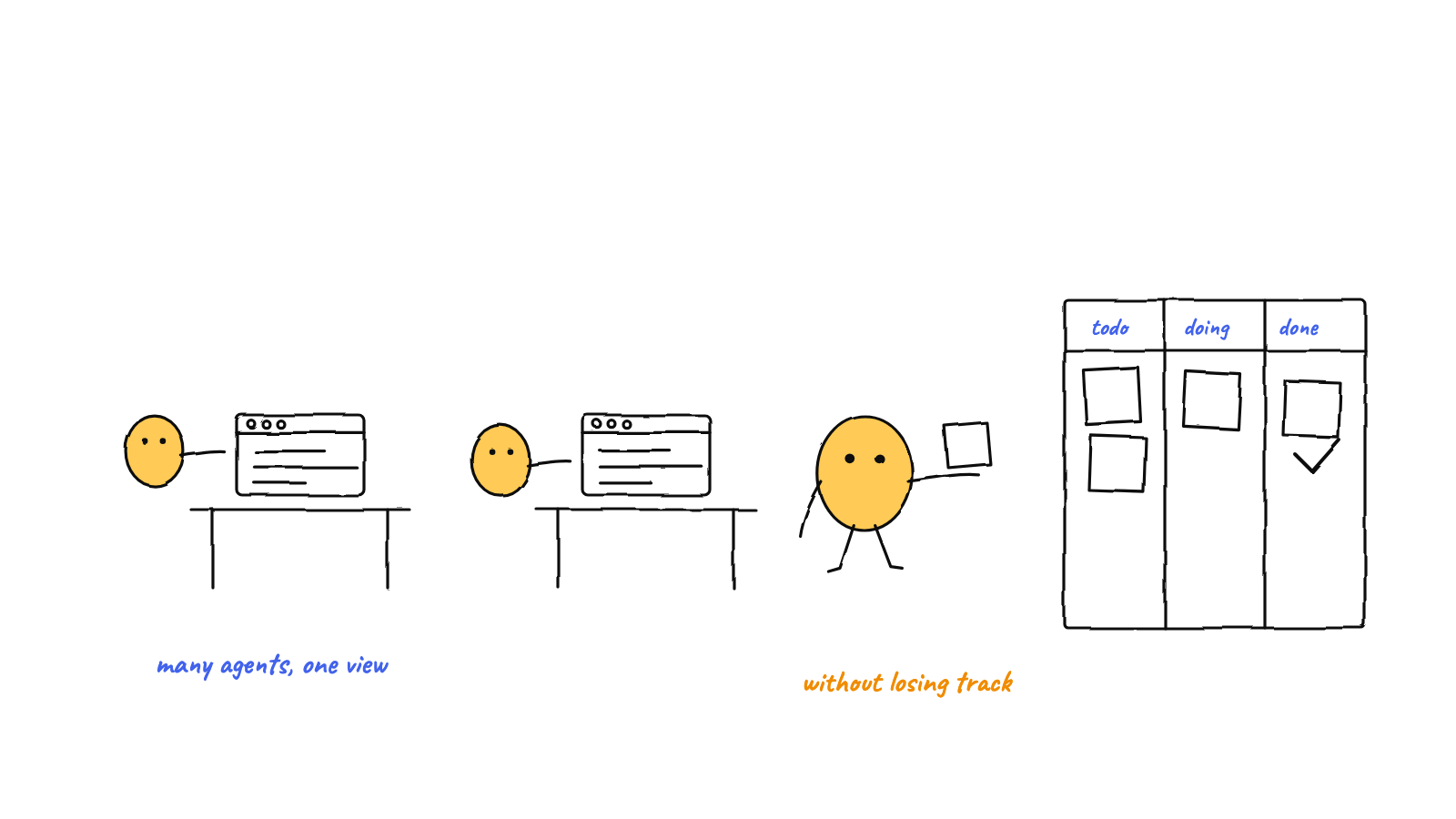
You can run multiple Claude Code agents by opening several sessions, but the wins only show up once you give each a role, let them coordinate (messaging + shared memory), and watch the work instead of alt-tabbing. This guide covers the manual way, where it breaks, and the harness that automates it.
Running one Claude Code agent is easy. Running five usefully is the hard part — and it’s where most people give up, drowning in terminal tabs. Here’s how to run multiple Claude Code agents in parallel without losing the thread.
Start with the manual approach
You don’t need any tooling to begin. Open several terminals and start a claude session in each,
one per task:
# terminal 1 — the test-writer
cd ~/project && claude

# terminal 2 — the docs-fixer
cd ~/project && claude

# terminal 3 — the refactorer
cd ~/project && claude
This works for two or three independent tasks. The moment they overlap, three problems appear.
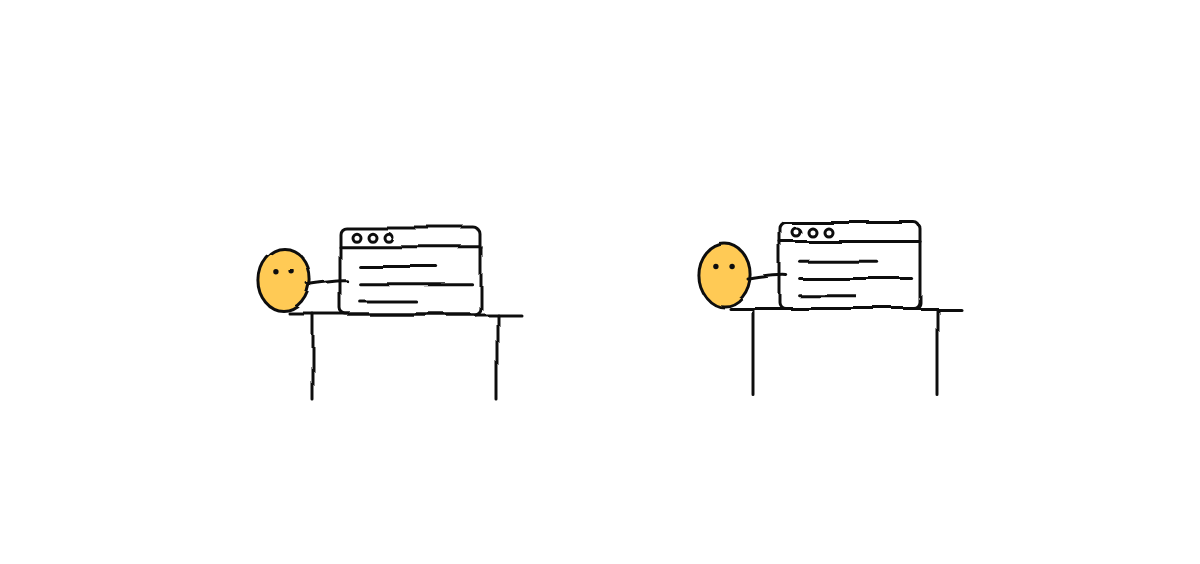
Where the manual approach breaks
1. They collide on files
Two agents editing the same file race each other; in a git repo you get index.lock errors and
half-applied changes. Parallel agents need a coordination rule, not just separate windows.
2. They don’t share what they learn
Each session has its own context. Agent 2 can’t use what agent 1 just figured out, so you become the courier — copy-pasting findings between windows. That’s the long-term memory problem, and it compounds fast.
3. You can’t see the whole board
With six tabs open, “what is everyone doing right now?” has no answer. You lose track, and lost track is where mistakes hide.
Make it work: roles, coordination, visibility
The fix isn’t more tabs — it’s three habits:
Give each agent a role
Name them and scope them: test-writer, reviewer, refactorer. A role keeps an agent from wandering into another’s work and makes “who should do this?” obvious.
Let them coordinate
Agents need to pass messages and share memory without going through you. A durable mailbox (agent A writes, agent B reads) plus a shared memory store means findings flow between agents directly. For the coordination model, see what is a multi-agent harness.
Route work through an orchestrator
Instead of hand-assigning every task, you describe intent once and a coordinator decomposes and routes it. In Munder Difflin that’s the GOD orchestrator — you talk to it in plain language and it assigns the agents.
Watch the floor
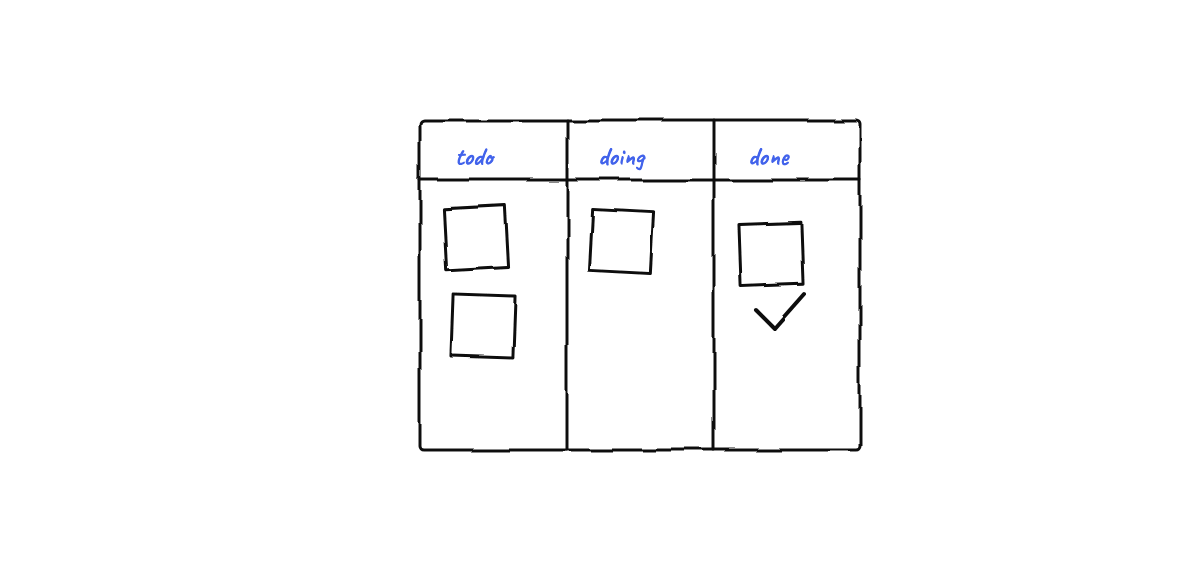
Seeing the team work — who’s busy, who’s idle, what messages are flying — turns a black box into something you can supervise. Visibility is what makes running many agents feel calm instead of chaotic.
From tabs to a team
The progression is always the same: one session → a few manual tabs → a coordinated team. Once you hit the tab-juggling stage, a harness automates exactly the three habits above so you stop being the message bus.
Next steps
- How to give Claude Code long-term memory — so the team stops forgetting.
- What is a multi-agent harness? — the concept behind the coordination.
Munder Difflin runs all of this for you: roles, mailboxes, shared memory, a GOD orchestrator, and a live office floor — locally, on your own Claude plan. Download Munder Difflin to run your first coordinated team; it’s free and open source.