The Command Center: Kanban, Fleet and Budgets in One Place
A guide to Munder Difflin's Command Center in 0.5.2: the kanban with task dependencies, the ask me tab, triggers, memory, live token use against each agent's budget, and when to watch the board instead of the floor.
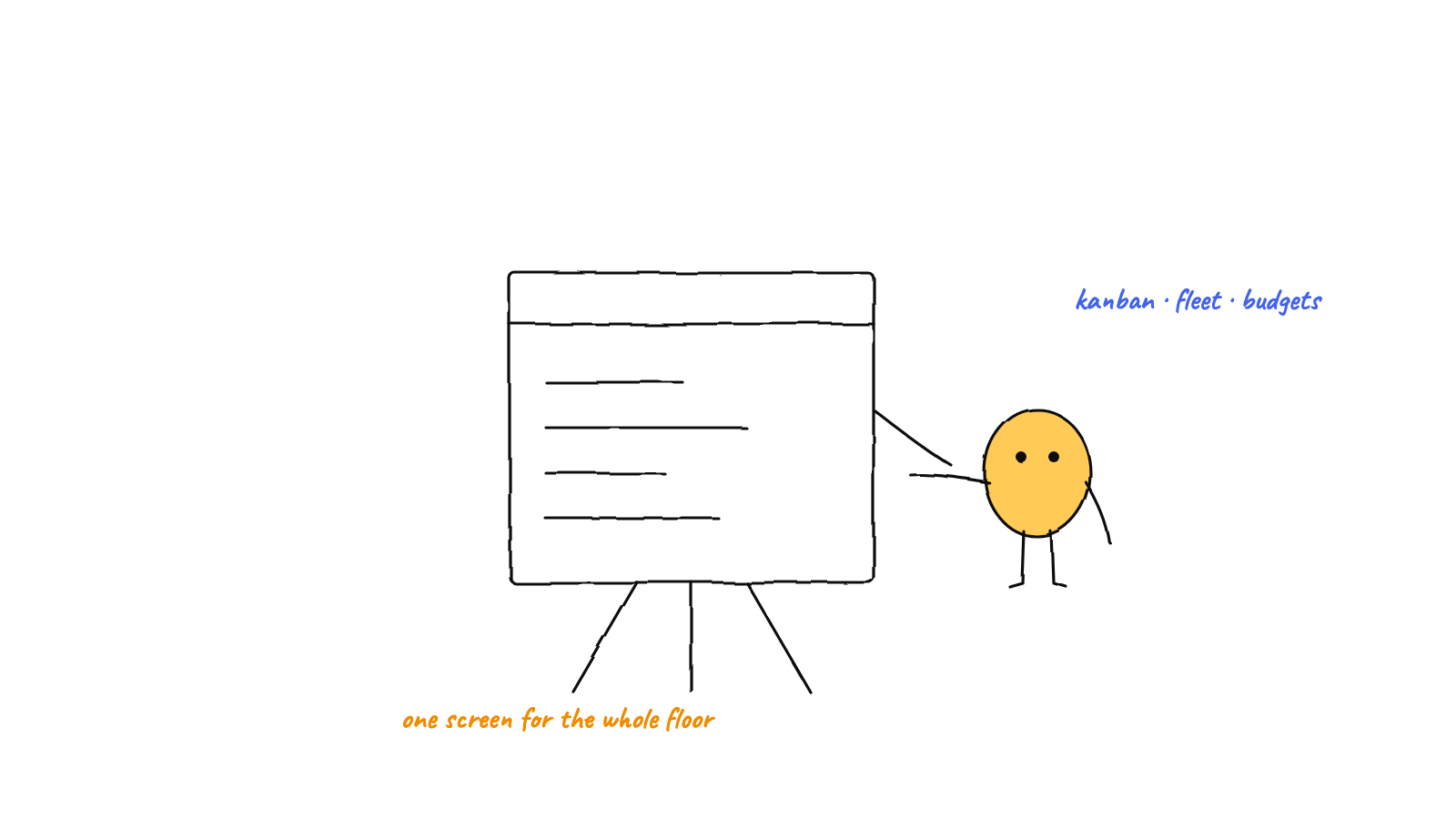
The floor is fun to watch, but you do not manage a team by staring at desks. The Command Center is the management view: a kanban with task dependencies, an ask me tab for decisions only you can make, triggers for work that starts without you, memory and its graph, activity with live token use against each agent's budget, and a skills catalog. Rule of thumb: the floor for one agent right now, the Command Center for the whole fleet over time.
Munder Difflin gives you two views of the same office. The floor is the ambient one: characters at desks and envelopes flying between them. The Command Center is the management one, where you go when the question changes from “what is Dwight doing?” to “what is everyone doing, what has it cost, and what happens next?” This guide walks through it as of 0.5.2.
What is in the Command Center?
Eleven tabs on one control surface: terminal, monitor, tasks, ask me, triggers, history, memory, graph, activity, skills and workers. The ones you will use most:
- terminal: Michael’s own terminal, where you talk to your clone.
- monitor: the roster at a glance, with a context gauge on every agent.
- tasks: the kanban board.
- ask me: everything that is waiting on your answer.
- triggers: everything that starts work without you.
- memory and graph: search the office’s shared memory, and see how it connects.
- activity: live token use and each agent’s tool calls.
- skills: a catalog of skills to install for your agents.
You could run a small office from the floor alone. Past two or three agents, the Command Center is where the real decisions happen.
How does the task kanban work?
It turns work into a board instead of a chat log. Tasks move across four columns, todo, doing, blocked and done, and every task is assigned to an agent.
The part that matters is dependencies. A task can depend on other tasks, and it waits until they are done. The refactor lands before the tests are updated. The migration runs before the endpoint. You stop being the sequencer, because the board does it.
Work reaches the board three ways: you add it, Michael creates and assigns it while he routes your requests, or it comes in from an open issue on a registered GitHub repo.
What does the ask me tab do?
It collects every decision that needs you. When the team blocks a task on your input, whether that is a question to answer or a to do only you can do, it shows up here and on the ASK ME board on the floor. Questions render as formatted text, so a list of options reads like a list. Answer it and the work carries on. Dismiss it and the history is kept.
This is what keeps a busy office from hiding its questions in five different scrollbacks.
How do budgets and cost tracking work?
This is the part that makes a floor safe to leave running.
- Per agent token budgets. Set a budget for each agent in Settings, under Autonomy & Budgets. The activity tab shows live token use from each agent’s telemetry as bars against its limit, or against the floor budget when an agent has no limit of its own.
- A circuit breaker. An agent that loops or blows through its cap is steered, then constrained, then stopped, by the app rather than by you noticing a bill.
- A tool waterfall. Activity also lays out each agent’s tool calls, so you can see exactly what it did, step by step.
- A context gauge. On the monitor, every agent shows how much of its context window it has used, so you see a slowdown coming before it arrives.
What starts work without you?
The triggers tab. Schedules run a prompt on an interval or on chosen weekdays at a set time, and the prompt is sent word for word on every run. Context rules decide what happens as an agent’s memory fills up. Webhooks let outside systems post work in, and organisation lets a teammate’s office send work to yours. Together with the board, triggers turn the office from something you drive into something you supervise. The full pattern is in scheduling autonomous agent missions.
Should you watch the floor or the Command Center?
Both show the same office, so this is about attention, not data:
- Watch the floor for one agent right now: you just sent work, you want to type into a session, or you want ambient awareness while you do something else. It is also, admittedly, charming.
- Watch the Command Center for the whole fleet over time: what is queued, what is blocked on what, who is close to budget, and what runs tonight.
In practice, keep the floor open while you work and check the Command Center when you check in. A morning check in takes two minutes: the done column, the ask me tab, spend per agent, and what is scheduled next. When something needs a human decision, it is already waiting for you on the ask me tab rather than buried in a scrollback.
Try it
The Command Center is part of the free classic office. Download Munder Difflin, and if the board earns a place in your morning routine, a star on GitHub helps other people find it.
FAQ
What is the Command Center in Munder Difflin?
It is the management view of your office, next to the floor. Its tabs are terminal, monitor, tasks, ask me, triggers, history, memory, graph, activity, skills and workers. The floor shows you who is busy. The Command Center shows what is queued, what is blocked, what it costs and what runs next.
How does the task kanban work?
Tasks move across todo, doing, blocked and done, and each one is assigned to an agent. A task can depend on other tasks, so downstream work waits for its prerequisites and you stop being the one who sequences handoffs.
How do budgets and cost tracking work?
Each agent can have a token budget, and a circuit breaker steers, then constrains, then stops an agent that loops or runs past its cap. The activity tab shows live token use from each agent's telemetry against its own limit, or against the floor budget when an agent has none.
Where do questions for me show up?
On the ask me tab. When the team blocks a task on your input, whether a question to answer or a to do only you can do, it lands there and on the ASK ME board on the floor. Answer it and the work carries on, or dismiss it and the history is kept.
When should I watch the floor instead of the Command Center?
Watch the floor for one agent right now: you just sent work, you want to type into a session, or you want ambient awareness. Watch the Command Center for the whole fleet over time: what is queued or blocked, who is near budget, and what runs tonight.
Can the Command Center take work from GitHub?
Yes. Open issues from a registered GitHub repo can come onto the board as tasks and be assigned to agents.