How to Hire From the Agent Gallery
A practical guide to Munder Difflin's Agent Gallery: pick one of 80 ready made roles, download its manifest, import it with Add agent, review every field, customise identity, workspace, engine and briefing, then spawn it yourself.
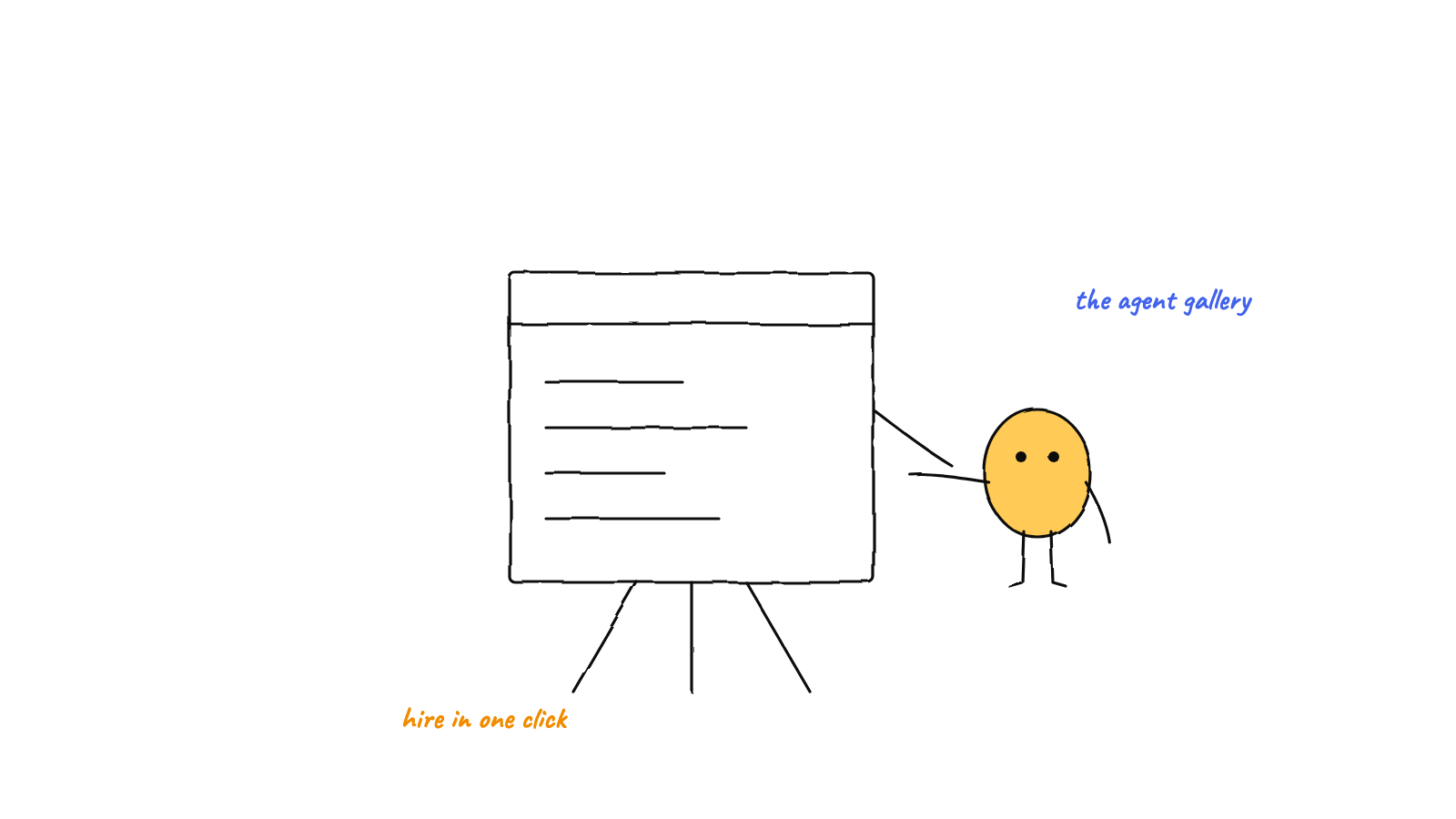
The Agent Gallery at
munderdiffl.in/hires holds 80 ready made roles for Munder Difflin.
Download a role's .json, click Add agent, then import hire, and the form fills in
for you. Nothing runs on import. You review every field, customise the identity, workspace, engine and
briefing, and you click spawn. About five minutes from browsing to a working agent on your floor.
The slowest part of running an office of agents is not the agents. It is the blank Add agent form: which engine, which model, which flags, and the question that really stalls people, what is this agent’s job? The gallery exists so you never start from a blank form. You start from a role somebody already got right, and you edit it.
This is the walkthrough as of Munder Difflin 0.5.2: browse, import, review, customise, spawn. Not installed yet? Do that first, because the gallery assumes you have a floor to hire onto.
Where is the Agent Gallery, and what is in it?
At munderdiffl.in/hires, a static page with no login. It lists 80 roles, and they are not all engineers. Next to a PR reviewer, a QA enforcer and a security auditor you will find roles for research, data analysis, docs, design, customer support, sales outreach and marketing. Each card shows what the role is for, and you can search the page.
Do not overthink the choice. You are picking a starting point, not signing a contract, and every field is editable after import.
How do you import a hire?
Three steps:
- On the role’s card, click download to save its
.json. - In Munder Difflin, click Add agent, then import hire.
- Pick the file you just downloaded.
The Add agent form opens with every field filled in from the manifest. Because a hire is just a file, a teammate can also send you one directly, and you import it the same way.
The one thing to be precise about: importing never spawns anything. It only fills in the form. The agent starts when you click spawn, and not a moment before.
Why read the manifest before you spawn?
Because the goal text is somebody else’s prompt. The import treats every manifest as untrusted input: a manifest cannot name a program to run or carry shell syntax, so the program always comes from your own installed engine. What validation cannot vouch for is the goal, which is free text. So take thirty seconds:
- Goal. The prompt this agent will work from. If anything in it looks off, rewrite it.
- Model and flags. What the agent costs to run and how it behaves.
- Token budget. The ceiling the author suggested. Set the one you are comfortable with, because the app enforces it.
- Skills. The skills this hire activates. Keep only what the job needs.
The full threat model is its own post: treating a hire manifest as untrusted input.
What should you customise before spawning?
Four edits turn a generic role into your hire.
Identity. Rename it and pick the avatar you want to see walking the floor. When six agents are working at once, you triage by face and name, so this matters more than it sounds.
Workspace. Point it at the project it should work in and turn on git isolation, so it gets its own worktree. Agents that share one checkout collide on branches, and agents with worktrees do not. (Why worktrees.)
Engine. The manifest suggests an engine, but the picker is yours. Run the role on any of the twelve supported CLIs you have installed. If the job is routine, OpenCode, Crush and Pi offer open model quick picks, so it can run on a local or cheap model.
Briefing. Rewrite the goal until it names your project, your conventions and what done looks like. “Review pull requests” becomes “review PRs on this repo, enforce the lint config, and never approve without a green typecheck”. This is the most valuable minute of the whole flow.
What happens after you spawn?
The agent takes a desk on the floor, gets its own mailbox and long term memory, and is ready for work straight away. Assign it tasks on the kanban, or tell Michael what you need and let him route the work.
Can you add your own hire?
Yes. A hire is one JSON file that follows the hire manifest spec. Start from any card’s JSON, check your version with the validator on the gallery page, then import it with Add agent and import hire. Manifests are plain files, so you can share them anywhere.
Grab the latest build from munderdiffl.in, and if the gallery saves you an afternoon of blank forms, a GitHub star is appreciated.
FAQ
What is the Agent Gallery?
A free gallery of ready made agent roles for Munder Difflin at munderdiffl.in/hires. Each role, called a hire, is one JSON file describing a configured agent: its name and avatar, engine and model, flags, goal, skills and token budget. As of September 2026 it lists 80 roles.
How do I import a hire?
Download the role's .json from its card, open Munder Difflin, click Add agent, then import hire, and pick the file. The form fills in with every field from the manifest.
Does importing a hire start an agent?
No. Importing only fills in the Add agent form for you to review. Nothing spawns until you click spawn yourself.
Is it safe to import a manifest someone sent me?
The import treats every manifest as untrusted. A manifest cannot name a program to run or carry shell syntax, and you review the final command before anything starts. Still read the goal text with the care you would give any file from the internet, because it is someone else's prompt.
Can I change the engine or model a hire uses?
Yes. The manifest is a starting point. In Add agent you can switch the role onto any of the twelve supported CLIs you have installed, pick a different model, and on OpenCode, Crush or Pi choose one of the open model quick picks.
What does hiring from the gallery cost?
The gallery and the classic app are free. You pay only for the model usage of the CLI or key the agent runs on, and every agent's token budget is enforced by the app with a circuit breaker behind it.