Approving AI Agents: Human-in-the-Loop Without a Queue
How to approve what AI agents do without a parallel approval queue: native permission prompts, routing 'to: human' to the orchestrator, remote approval.
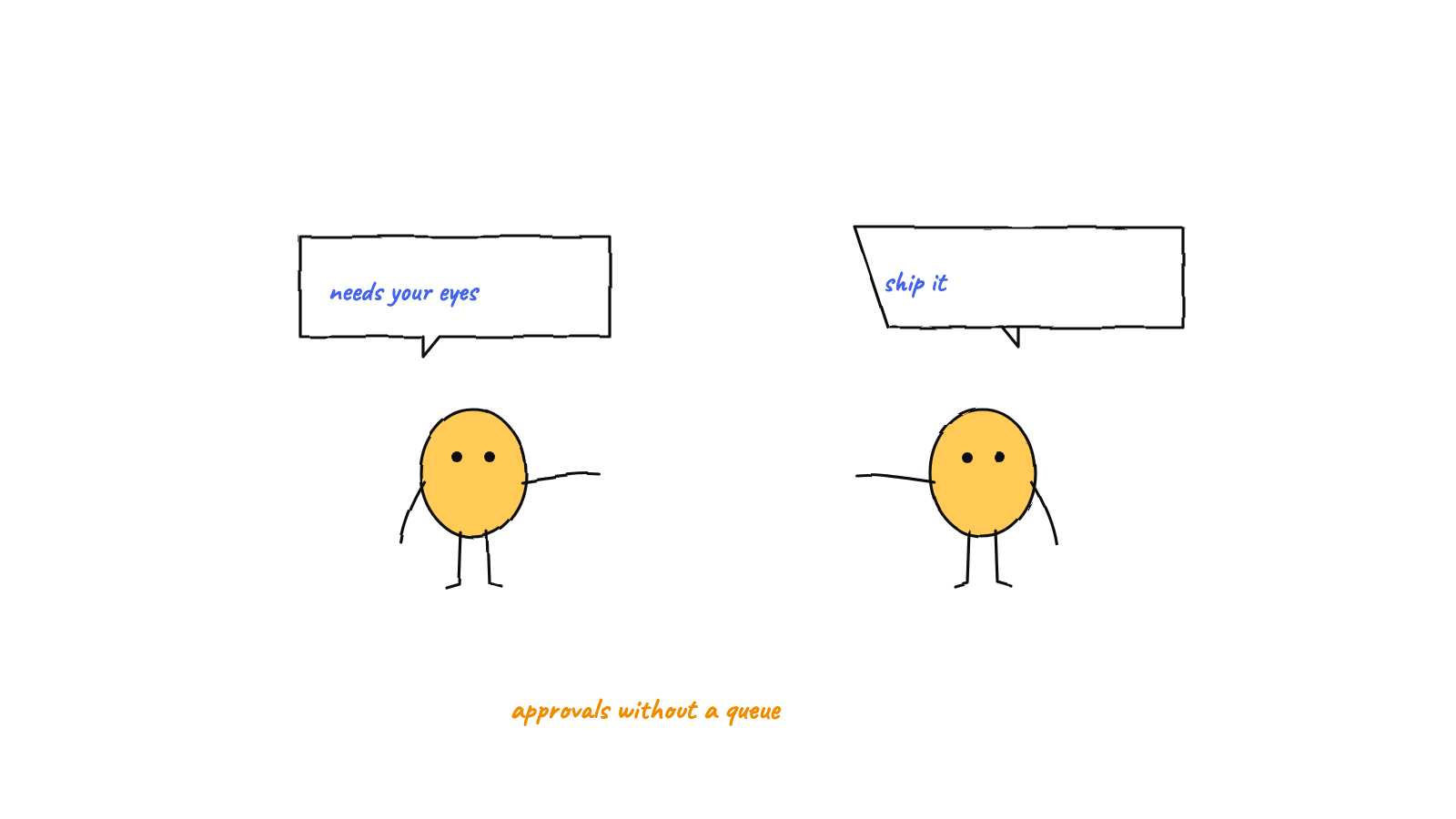
The right way to put a human in the loop on
agent actions isn't a custom approval queue bolted onto your system — it's to
approve where the work already happens. Munder Difflin removed its in-app
approval queue in v0.1.7 in favor of native Claude Code permission prompts: the agent
pauses in its own terminal, you approve (even from your phone via /remote-control), and any
explicit "I need a human" message routes to the orchestrator — the human's proxy on the
floor. No second source of truth, no queue to drift, one less bug.
Once you let AI agents act — run commands, edit files, touch infrastructure — you need a way to keep a human in the loop on the decisions that matter. The obvious design is a queue: agents drop “please approve” items into a panel, a human clicks yes or no. It’s also, in our experience, the wrong abstraction. This post is about a better one, grounded in how a real multi-agent harness does it.
The approval problem
An autonomous agent is valuable precisely because it doesn’t stop to ask you about every line. But some actions deserve a human: deleting data, spending real money, changing scope, force-pushing, anything irreversible. So you want a narrow gate — most actions flow, a few pause for a person — without turning the human into a bottleneck who rubber-stamps a hundred prompts a day.
The question is where that gate lives. And the tempting answer — a bespoke approval queue — quietly creates more problems than it solves.
The trap: a parallel approval queue
A custom approval queue is a second copy of state. The agent has a real, live situation in its session; the queue has a representation of that situation in a panel. Now you own the hard part of distributed systems: keeping two sources of truth in sync. They drift. The queue shows an item the agent already moved past; an approval lands but the agent’s context has changed; the panel and the session disagree about what “yes” even means.
It also adds its own failure modes. Munder Difflin shipped exactly this at first — a floating approvals panel — and learned the lesson the hard way: approving an item could re-queue it, because resolving an approval re-routed the message back into the queue. The v0.1.7 release notes it plainly: “Moving to native HITL removes the panel and the bug.” Deleting the abstraction deleted the class of bug with it.

The native approach: approve where the work happens
Here’s the shift. Coding agents already have a human-in-the-loop mechanism — the permission prompt. Claude Code pauses before a sensitive tool call and asks, right there in the agent’s own terminal. That prompt is the real gate: it blocks the actual action, in the actual session, with the actual context. There’s nothing to keep in sync because there’s only one place the decision lives.
So the better design is to lean on the native prompt instead of reinventing it. As the harness’s hive module puts it in its own header comment:
Human-in-the-loop is native to each agent’s Claude Code session: permission prompts surface in the agent’s own terminal … The hive keeps no separate approval queue.
That’s the whole philosophy in two sentences. The agent stops itself at the dangerous step; a human answers in the place the agent stopped. No panel, no mirror of state, no re-queue bug.
Routing a “to: human” decision
There’s a second kind of human-in-the-loop, though: not “approve this tool call” but “I’m an agent and I genuinely need a person to decide something” — an ambiguity, a conflict, a scope call. Where does that go when there’s no human queue?
To the orchestrator. In a hive, the god/orchestrator (we call him Michael) is the human’s
proxy on the floor — so a message addressed to "human" is simply routed there. (Triage, delegation,
and escalation are the orchestrator’s whole job —
how the god orchestrator works.) The router does it with one
line:
// src/main/hive.ts — resolve the recipient
const resolveTo = (to) => (to === 'human' || to === 'god' ? godId : to);
Both "god" and "human" collapse to the orchestrator’s id. The orchestrator triages it, answers what
it can, and escalates to the actual person — natively, in his own session — only for the genuinely
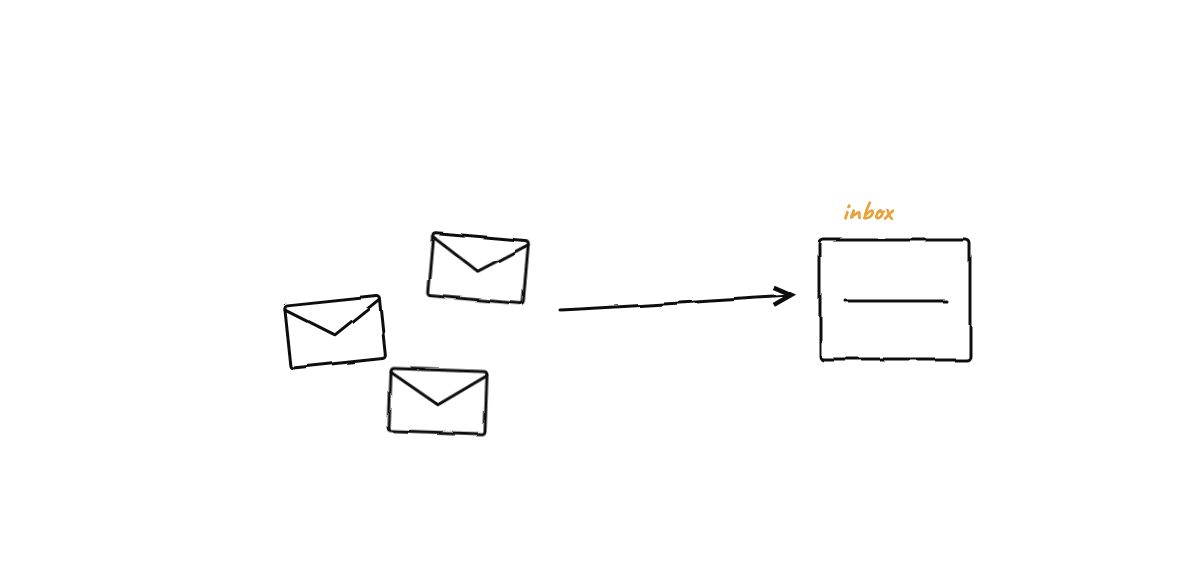
critical calls. A needsHuman flag still rides along, but it’s cosmetic: it tints the message
envelope on the office-floor visualization. As the code comments note, it’s “Cosmetic only — no queue
behind it.” The system even guards against a god → "human" message looping back to itself. One
recipient, one source of truth, no parallel inbox to babysit.
Approve from anywhere
A nice property falls out of doing it this way: because approval rides on the native session prompt,
you can approve from wherever you can reach the session. Munder Difflin’s /remote-control lets the
human approve a blocking action from their phone — the agent waits, you tap yes on the train, it
continues. A queue would have forced you to build remote approval as yet another feature; native HITL
gets it almost for free, because you’re just answering the prompt the agent is already blocked on.
When to actually ask a human
The mechanism only helps if the policy is right. The aim is a team that stays unblocked, with the human reserved for decisions that truly need them:
- Destructive or irreversible actions — dropping data, deleting branches, force-pushing.
- Spending real money — provisioning paid resources, large API spend.
- Scope changes — anything that redefines what “done” means.
- Unresolvable conflicts — two agents at an impasse the orchestrator can’t settle.
Everything else should flow. Over-gating trains the human to click “approve” without reading, which is worse than no gate at all. Pair a tight policy with an append-only audit log and every approval has a precise, timestamped answer to “who said yes to that?” — without a queue in sight. (For the broader case for keeping people in the loop, see human-in-the-loop AI agents.)
The takeaway
Human-in-the-loop is a placement problem more than a UI problem. Put the gate where the action already blocks — the native permission prompt — and route genuine “I need a person” decisions to a single proxy, the orchestrator. You get approvals that can’t drift, that work remotely, and that don’t carry their own bugs. The best approval queue is the one you didn’t build.
Want to see native, no-queue approvals — and a hive that routes its own escalations to an orchestrator you talk to? You can download Munder Difflin free; it’s open source.
FAQ
How do you put a human in the loop on AI agent actions?
Approve where the work already happens. Modern coding agents (Claude Code among them) already pause and ask permission before risky actions, right in their own session. The reliable pattern is to lean on that native prompt rather than building a separate approval queue — and to route any explicit 'I need a human' decision to a single person or their proxy, so there's one place an answer comes from.
Why not build a dedicated approval queue for agents?
Because it duplicates state. A custom queue becomes a second source of truth that can drift from the agent's actual state and adds its own failure modes — Munder Difflin's old in-app queue could even re-queue an item when you approved it. Removing the queue in favor of native permission prompts deleted the bug along with the abstraction.
Can you approve an AI agent's action remotely?
Yes. Because approval rides on the native permission prompt in the agent's session, it can be approved wherever you can reach that session — including from your phone via /remote-control. A blocking action waits for your yes; you don't have to be at your desk to give it.