Human-in-the-Loop AI Agents: Approvals That Don't Slow You Down
Design human-in-the-loop AI agents that stay autonomous: an approvals queue that escalates only spend, destructive ops, and scope changes.
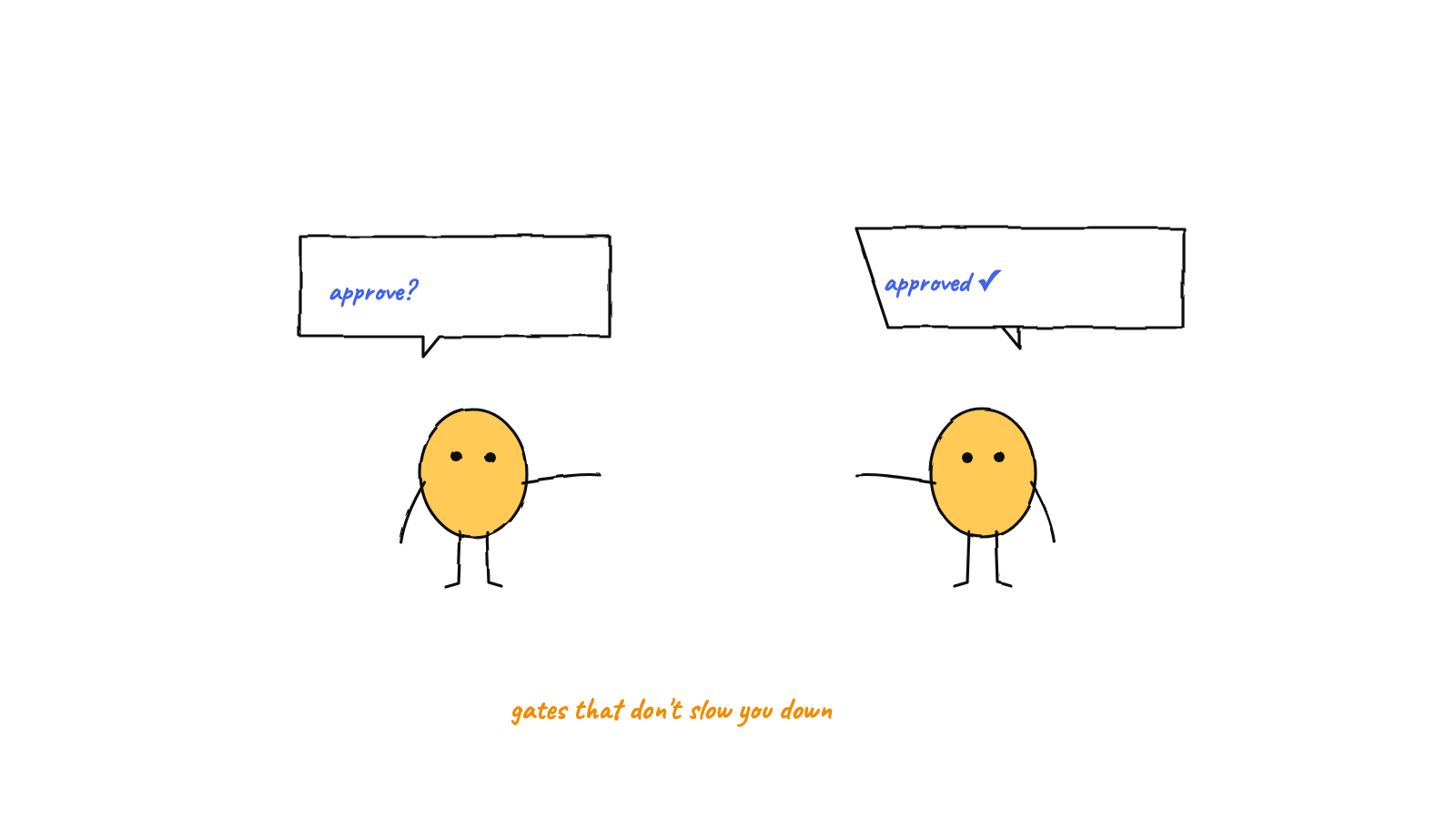
Good human-in-the-loop AI agents don't ask permission for everything — they escalate only the critical few (spending money, destructive operations, scope changes, unresolvable conflicts) to an approvals queue, and resolve the rest themselves. Your answer, with an optional note, is relayed back to the agent that asked. The result: autonomy by default, human judgment exactly where it matters.
“Human-in-the-loop” gets misread as “human approves every step.” That version is miserable — it turns a team of agents into a clicking exercise and throws away the whole point of autonomy. The version that works is the opposite: agents run on their own, and a human is pulled in only for the decisions that genuinely require a person. This post is about designing that line well.
The trap: approval fatigue
If every file write, every command, every message needs your sign-off, two things happen. First, you become the bottleneck — the agents are only as fast as your reaction time. Second, you stop reading the approvals; after the hundredth “can I edit this file?”, you click yes on autopilot, which means the one approval that mattered slips through. Asking for everything is functionally the same as asking for nothing.
So the goal isn’t “more approvals.” It’s fewer, better approvals — a queue that stays empty except when something real needs you.
Draw the line explicitly
The core design decision is a written list of what counts as critical. Everything on the list escalates to a human; everything else the agents handle. A solid default:
- Destructive operations — deleting data, force-pushing, anything hard to undo.
- Spending real money — actions with a dollar cost.
- Scope changes — work drifting from what you actually asked for.
- Unresolvable conflicts — two agents at an impasse that can’t be settled internally.
The power of making this explicit is that it becomes a control surface you can tune. Too many interruptions? Tighten the list. Agents doing things that scare you? Loosen what they’re allowed to decide alone. In a hive, this policy lives in the orchestrator’s instructions — so you adjust behavior by editing a prompt, not by shipping code.

How escalation actually works
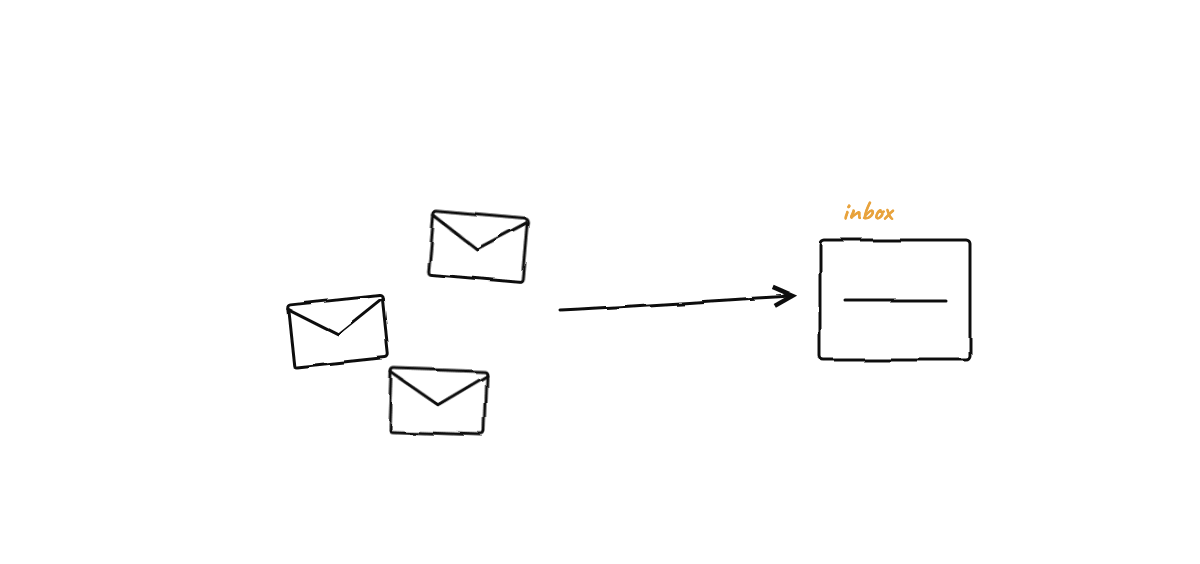
When an agent (or the orchestrator on its behalf) hits something critical, it doesn’t act. It addresses a message to the human — or flags the item as needing human attention — and the coordinating process diverts it into an approvals queue instead of delivering it normally. Mechanically it’s the same messaging fabric agents use for each other (atomic file mailboxes), with one rule: anything marked for the human lands in the queue, not in another agent’s inbox.
The queue surfaces in the UI as a short list of “I need your call on these.” Each item carries enough context to decide: who’s asking, what they want to do, and why it’s critical.
The answer round-trips
Approval isn’t a dead end — it’s a conversation. When you resolve an item, two things can travel back:
- The decision. Approve, and the held action proceeds. Reject, and it doesn’t.
- A note. You can attach guidance — “yes, but cap it at $5,” “no, use the staging DB instead” — and that note is relayed back to the agent that asked, as a message from the human.
That round-trip is what makes human-in-the-loop feel like delegation rather than gatekeeping. The agent asked a real question; you answered it; it continues with your answer in hand. You’re not blocking the work, you’re steering it at the one fork that needed a person.
Guardrails that keep the queue honest
A couple of structural safeguards keep escalation from being gamed or from livelocking:
- A hop cap. If two agents bounce a question back and forth past a limit, the system stops the ping-pong and escalates to the human instead of letting it loop forever. The cap is a fuse: when agents can’t resolve something between themselves, a person breaks the tie.
- Fail toward asking. When the system is unsure whether something is critical — an edge case, an addressing ambiguity — the safe default is to route it to the human rather than to act. “Ask” is a better failure mode than “guess.”
These mean the queue catches the things that should reach you even when the agents don’t explicitly flag them.
Why this beats “approve everything” and “approve nothing”
- vs. approve everything: you keep autonomy and your attention. The agents do the 95% that’s routine without you, and the queue stays short enough that you actually read it.
- vs. approve nothing (full autonomy): you keep control of the dangerous 5%. Money, destructive ops, and scope drift don’t happen behind your back — they wait for you.
The selective-escalation model is what lets a hive run unattended for long stretches and still be safe, which is the foundation of letting agents build while you sleep: you wake up to progress plus a short approvals list, not a pile of irreversible actions. It’s also the core of coordinating AI coding agents — the orchestrator adjudicates the routine traffic and escalates only what it should.
Designing your own escalation policy
If you’re building this, a few principles:
- Start stricter, then loosen. Begin with a broader critical list and relax it as you learn what the agents handle well. Earning trust beats assuming it.
- Make every escalation legible. An approval you can’t understand at a glance is one you’ll rubber-stamp. Include the why, not just the what.
- Log every decision. Approvals and rejections belong in the event log so “who approved this?” always has an answer.
- Keep the human’s note actionable. The point of the round-trip is steering; make it easy to send guidance, not just a yes/no.
FAQ
What if I’m away when something escalates? It waits. The held item sits in the queue until you resolve it — the agent that asked is blocked on that one decision but the rest of the team keeps working. Nothing critical happens without you.
Can the agents escalate too much? They can, early on — which is exactly why the critical list is tunable. If the queue is noisy, tighten the policy so more decisions are handled autonomously.
Munder Difflin ships human-in-the-loop the right way: a GOD orchestrator that resolves routine traffic itself and an approvals queue that escalates only the critical few — with your notes relayed straight back. Download Munder Difflin to run agents that stay autonomous and ask only when they should; it’s free and open source.
FAQ
What does human-in-the-loop mean for AI agents?
It means a human stays in control of the decisions that matter, while the agents handle everything routine on their own. The skill is in drawing the line: escalate the few critical calls (spend, destructive ops, scope changes) and let the rest run autonomously.
Doesn't requiring approvals make agents slow?
Only if you approve everything. A good design escalates a small, explicit set of critical actions and resolves the rest automatically, so you're tapped on the shoulder a few times a day, not a few times a minute.
How does the human's answer get back to the agent?
The escalated item waits in an approvals queue. When you approve or reject — optionally with a note like 'yes, but cap it at $5' — that decision is relayed back to the agent that asked, as a message from the human, and it continues with your guidance.