The Best Way to Coordinate AI Coding Agents
The best way to coordinate AI coding agents: single-writer files, a message router, a one-scribe plan, and an orchestrator — cooperate, not clobber.
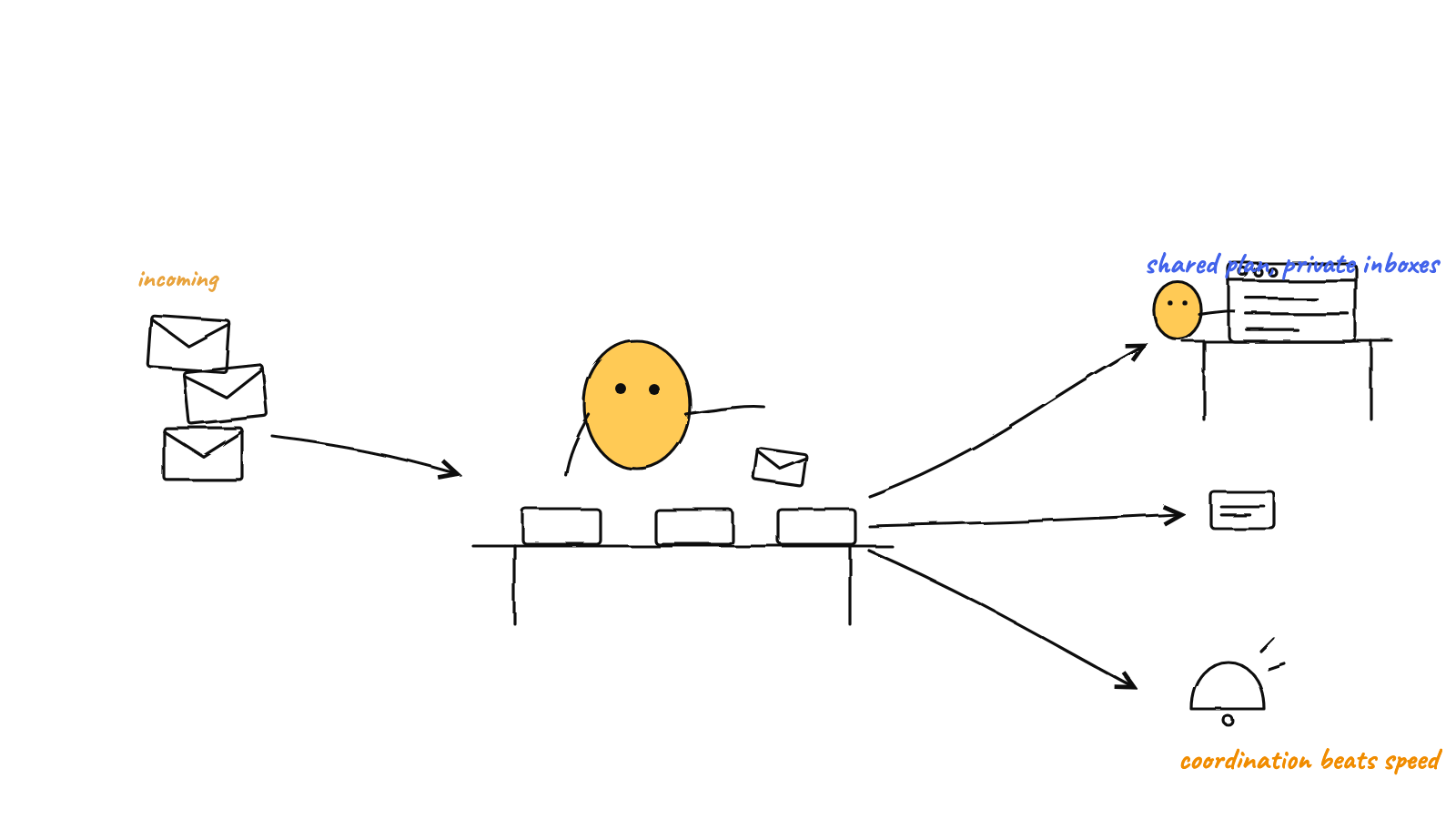
The best way to coordinate AI coding agents is to make collisions structurally impossible: one writer per file, message-passing through a router instead of shared edits, a single committer for git, a shared plan with one scribe, and an orchestrator that routes work and breaks ties. Get those five right and agents cooperate instead of clobbering each other.
Coordinating AI coding agents sounds like a prompting problem — “just tell them to be careful.” It isn’t. The moment two agents share a filesystem and a git repo, “be careful” is a race condition waiting to happen. The reliable approach is to design the coordination so the bad outcomes can’t occur, not to hope the agents avoid them. Here are the five rules that do that.
Rule 1 — One writer per file
The root cause of almost every multi-agent coding mess is two processes writing the same thing at once. So the first rule is the strictest: every file has exactly one writer.
In practice that means each agent gets its own private workspace — its own memory file, its own inbox, its own outbox — and never reaches into another agent’s directory. If agent A needs agent B to do something, A does not edit B’s files; A sends a message. No file is ever touched by two processes, so there’s nothing to race over.
This sounds restrictive until you realize it’s what makes everything else safe. Single-writer is the foundation the other four rules sit on.
Rule 2 — Pass messages through a router, not through shared edits
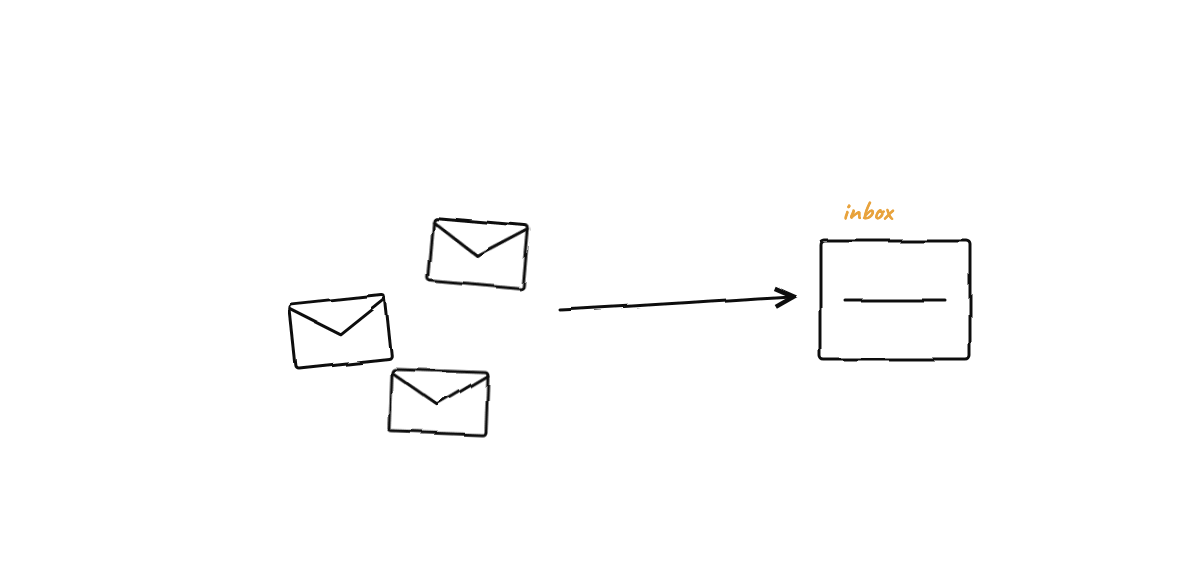
If agents can’t write into each other’s space, they need another channel. The clean one is a mailbox with a router in the middle:
- Each agent has an
outbox/it writes to and aninbox/it reads from. - A router (a single coordinating process) drains every outbox and delivers each message into the recipient’s inbox.
- Messages are written as individual files via an atomic rename — write to a temp name, then rename into place — so a reader never sees a half-written message.
One file per message, delivered atomically, is dramatically more robust than a shared “chat log” file that every agent appends to (that file is just a multi-writer conflict by another name). The full design — speech acts, hop caps to prevent ping-pong, idempotent delivery — is in atomic file mailboxes for agents.
Rule 3 — One committer for git
Here’s the rule people learn the hard way. Git is not safe to drive from many processes at once. The
moment two agents run git add/git commit concurrently, they race on .git/index.lock and you get
errors and half-staged commits.
The fix is the same shape as Rule 1: one committer. Agents never call git at all — they only write plain files. A single process owns every commit, serializes them, and recovers from a stale lock if a previous run died mid-write. That turns git from a liability into the team’s audit log: every coordination step is a commit you can read back. The mechanics, including the retry-and-backoff that makes it bulletproof, are in the single-committer pattern.
Rule 4 — A shared plan with a single scribe
Teams need a shared picture of the plan — what’s being built, in what order, by whom. But a shared plan document is the one file you most want everyone to edit and the one that will conflict the most if they do.
Resolve the tension by separating reading from writing: everyone can read the plan; only one agent writes it. Other agents propose changes; the scribe — typically the orchestrator — incorporates them. The plan stays coherent because it has one author, and it stays current because everyone can suggest edits. Same single-writer principle, applied to the one genuinely co-owned artifact.
Rule 5 — An orchestrator to route and break ties
The first four rules make collisions impossible. The fifth makes the team productive: someone has to decide who does what and settle disputes.
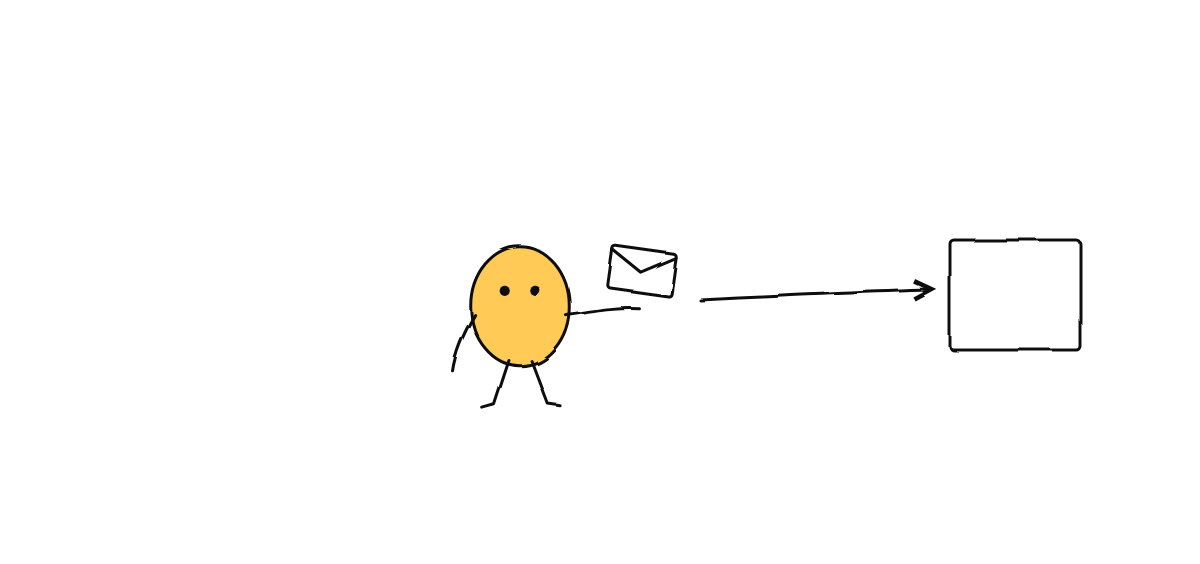
That’s the orchestrator. It reads your goal, decomposes it, routes each piece to the right agent, and adjudicates the routine questions agents raise for each other — escalating only the genuinely critical calls to you. Without it, you’re back to hand-assigning work and relaying messages, which is the chore coordination was supposed to remove. For the full picture of routing and escalation, see orchestrating Claude Code agents and inside the GOD orchestrator.
Why “just prompt them to cooperate” fails
It’s worth being concrete about why the prompt-only approach breaks, because it’s tempting:
- Prompts are advisory; races are physical. You can ask two agents not to commit simultaneously, but if both finish a task at the same second, both will try. Only serialization in the mechanism prevents it.
- Context windows forget. An agent that “agreed” to own a file in one turn doesn’t remember that agreement in the next session. Ownership has to live in structure, not in a conversation.
- Politeness loops. Two agents instructed to “coordinate” will message back and forth — “thanks!” “no, thank you!” — until something caps it. You need hop limits and a rule that only certain message types obligate a reply.
The pattern across all three: put the guarantee in the mechanism, and let the agents be smart on top of a floor that’s already safe.
Putting it together
A well-coordinated team of coding agents looks like this in motion:
- You state a goal to the orchestrator.
- It decomposes and routes work to agents in their private workspaces.
- Agents do the work, messaging each other through the router when they need to — never editing each other’s files.
- One process commits the coordination state to git, serialized and auditable.
- The shared plan stays coherent because the orchestrator is its only scribe.
- You’re consulted only for the critical few decisions.
No collisions, no lock errors, no human message bus. That’s the difference between running multiple Claude Code agents and merely running multiple agents.
Munder Difflin implements all five rules so you don’t have to: single-writer workspaces, an atomic message router, a single-committer git layer, a single-scribe shared board, and a GOD orchestrator — all local and open source. Download Munder Difflin to coordinate your own team of Claude Code agents.
FAQ
What's the most common way multi-agent coding setups fail?
Two agents writing the same thing at the same time — the same file, or the same git index — which produces half-applied changes and lock errors. Almost every coordination design is really an answer to 'who is allowed to write what.'
Do AI coding agents need a message bus to coordinate?
They need a way to pass information without going through you, and a rule that stops them from looping forever. That can be as simple as files plus a router: each agent writes to its own outbox, and one process delivers messages to recipients' inboxes.
Should every agent be able to edit the shared plan?
No. A plan that everyone edits is the one file guaranteed to conflict. Route changes through a single scribe — usually the orchestrator — so the shared plan has exactly one writer.