OpenCode 2.3: background subagents, quieter transcripts and upgrade notes
OpenCode 2.3 runs every subagent in the background, folds tool calls into one activity row and adds Jump to message. Upgrade notes, checked 13 Nov 2026.
OpenCode 2.3 makes every subagent run in the background and folds tool calls into one quiet activity row, so the parent session keeps working while the transcript shows less. Anomaly published v2.3.0 on GitHub on 13 Nov 2026 at 08:55 UTC. Checked 13 Nov 2026.
New to the tool? What is OpenCode covers the basics, the Concepts hub explains the terms, and OpenCode 2.0 covers the rewrite this release builds on. If you run Claude Code subagents too, our Max plan guide covers that side.
What is new in OpenCode 2.3?
Three highlights: background subagents by default, quieter transcripts by default, and Jump to message in the desktop app. The table is our selection from the v2.3.0 notes and, for the last row, the v2.2.6 notes, both read on 13 Nov 2026.
| Change | What it does | Default or flag | Release |
|---|---|---|---|
| Background subagents | Subagents return their session ID at once and report to the parent when idle | Always on | v2.3.0, 13 Nov |
| Quieter transcripts | Each run of tool calls and thoughts becomes one collapsible activity row | Verbosity low by default |
v2.3.0, 13 Nov |
| Jump to message | Desktop app search across the current session’s prompts | Cmd+Alt+G or Ctrl+Alt+G |
v2.3.0, 13 Nov |
| MCP events | Experimental support for MCP events | mcp_events flag |
v2.3.0, 13 Nov |
| Shell timeout to background | Experimental: moves a shell command to the background when its timeout expires | shell_timeout_background flag |
v2.3.0, 13 Nov |
opencode run waits |
Waits for the background subagents and shell commands its prompt started | On, no time limit | v2.2.6, 6 Nov |
What do background subagents change for the parent session?
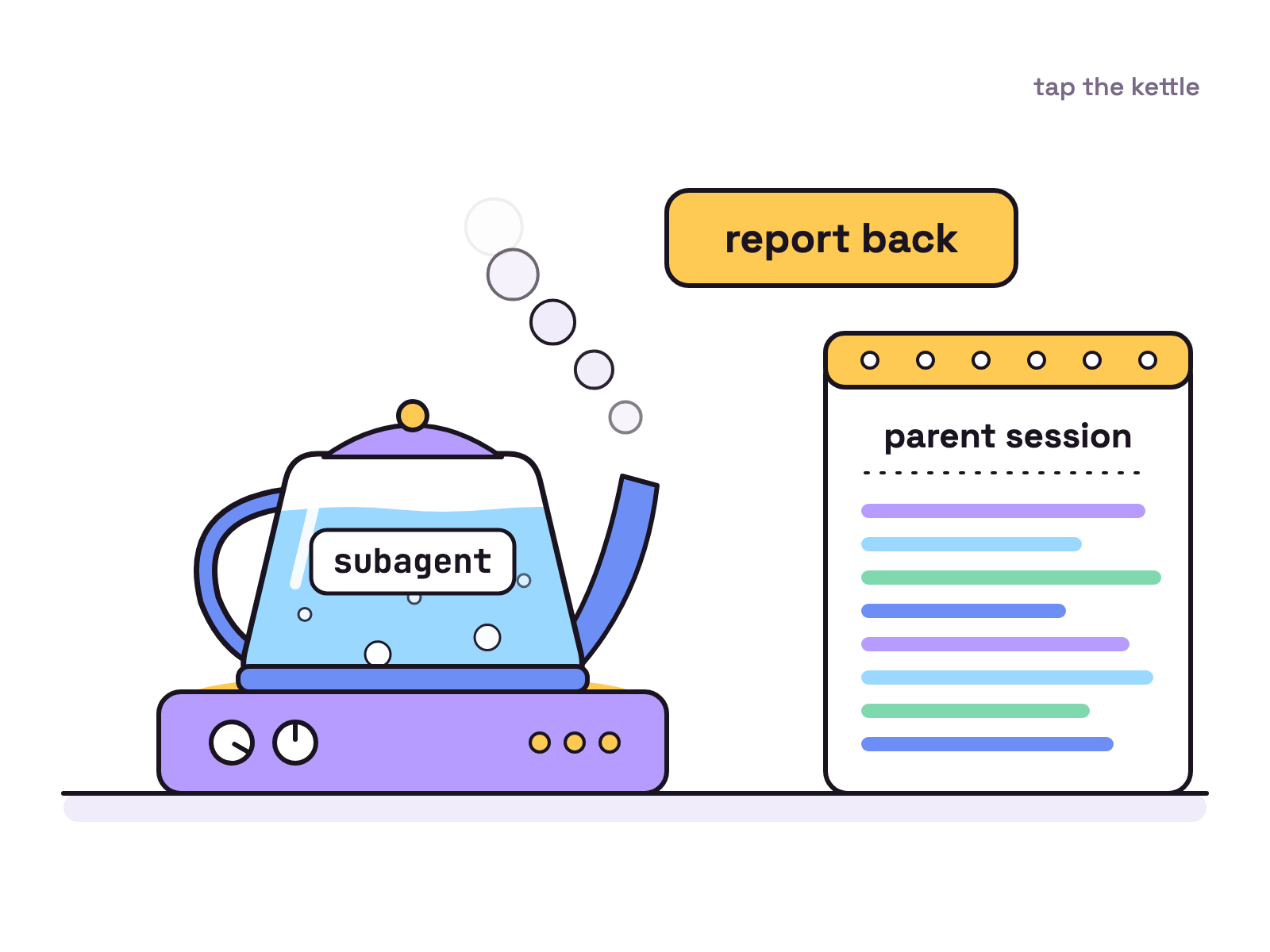
The parent no longer waits: a subagent hands back its session ID straight away and reports in when it goes idle. The v2.3.0 notes put it this way: “Subagents now return immediately, continue in the background, and report back whenever they become idle. You can keep working in the parent session while multiple subagents run concurrently.”
OpenCode’s agents docs, read on 13 Nov 2026, add: “the parent receives a report when a child goes idle, and again after each later round of work.”
When a subagent goes idle while its own background work is still running, the notes say its report “now says it is still running, so the parent waits for the final report instead of treating the partial answer as done.” Subagents now admit they are still busy instead of handing in half the homework.
How do you see every step in the transcript again?
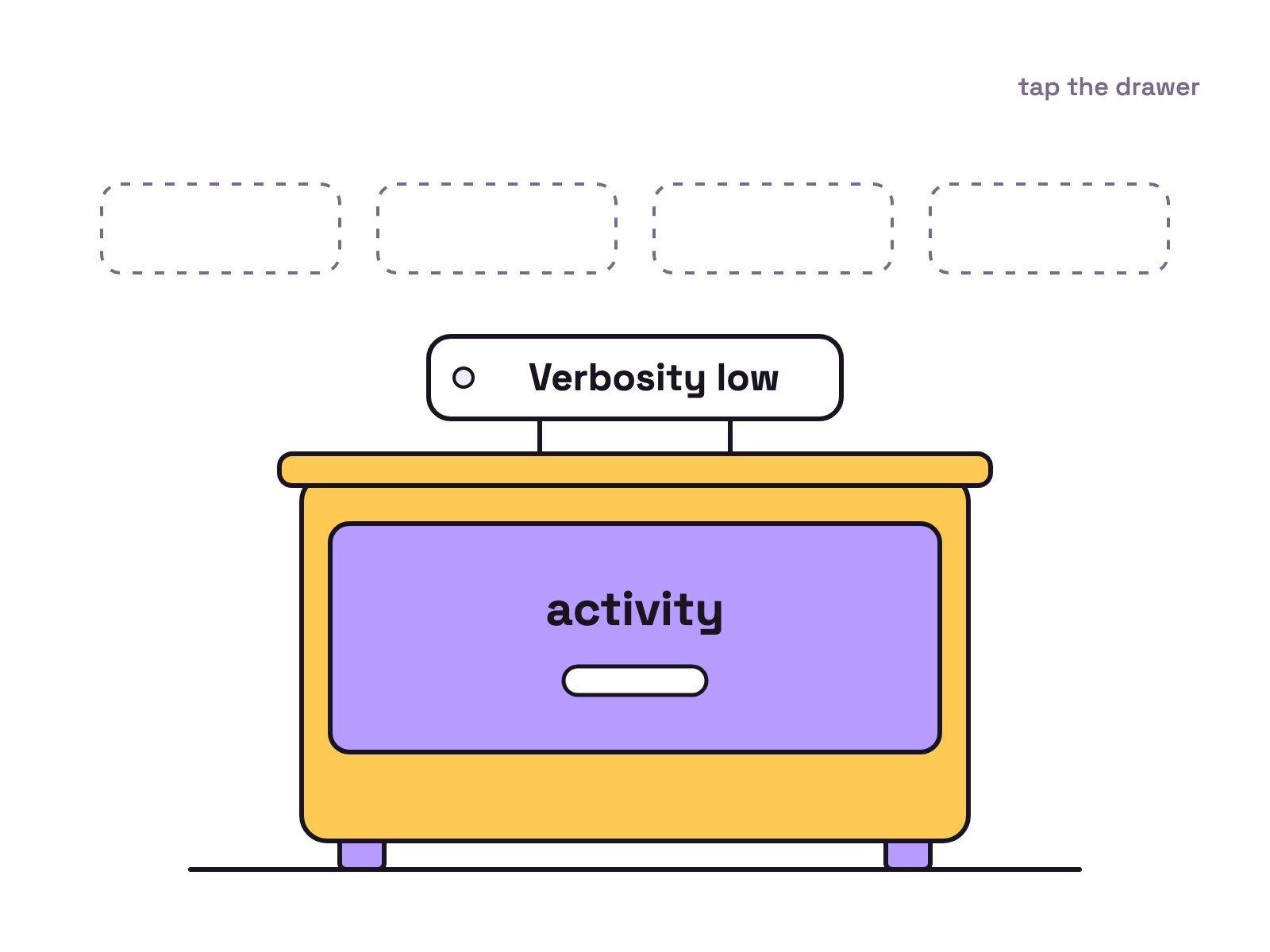
Set Verbosity to medium or high in settings, or set session.verbosity in your TUI config, per the v2.3.0 notes. The new default is low, which “summarizes each run of tools and thoughts into one activity row”, and the notes add: “A session.verbosity you already set is kept.”
OpenCode’s settings docs say terminal settings live in one global file, ~/.config/opencode/cli.json, and that you can press Ctrl+P, then select Open settings, from the TUI. Following the session block on that page, the key looks like this:
{
  "session": {
    "verbosity": "high"
  }
}
That settings page did not list session.verbosity yet on 13 Nov 2026.
What is Jump to message?
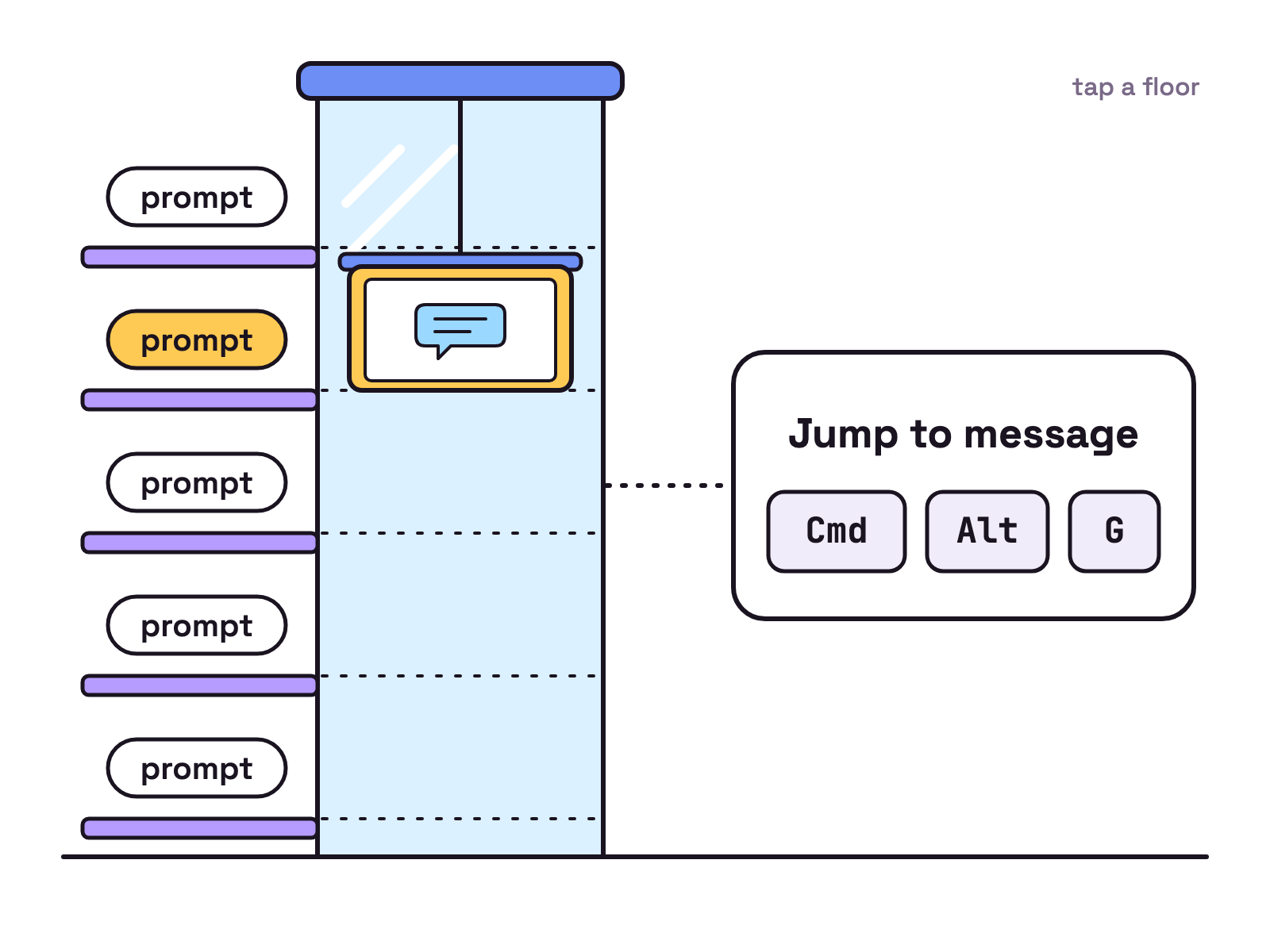
It is a desktop app command that searches the prompts in your current session and jumps straight to one. The v2.3.0 notes say to open Jump to message from the command palette or press Cmd+Alt+G (Ctrl+Alt+G on Windows and Linux). The notes add that it finds “prompts not yet loaded in the timeline”.
What else changed in 2.3?
Mostly experiments and fixes. Our picks from the v2.3.0 notes:
- Experimental MCP events, “behind the
mcp_eventsflag”. The notes do not say how to turn it on. - “Shell commands now survive server handoffs and keep their output when interrupted.”
- Providers can present a client certificate for mutual TLS through
settings.tls. - Local model discovery for Ollama, LM Studio and vLLM “waits up to 15 seconds per request instead of 1”.
- An experimental Recent sessions sidebar in the desktop app, limited to “the last seven days and 30 rows”.
How do you upgrade to OpenCode 2.3?
Use one of the install commands in OpenCode’s README. On 13 Nov 2026 the npm registry gave 2.3.0 as the latest tag for @opencode/cli. The README lists these, and calls the Homebrew tap “recommended, always up to date”:
npm i -g @opencode/cli@latest
curl -fsSL https://opencode.ai/v2/install | bash
brew install anomalyco/tap/opencode-v2
For the desktop app, the README points to opencode.ai/download.
Still on 1.x? Anomaly’s 2.0 post says: “make sure you’re on the latest 1.x release, then run opencode upgrade --major”.
One catch: on 13 Nov 2026 GitHub’s latest release link still opened v1.19.5, so a script that follows it gets 1.x.
What should you watch for when upgrading?
Two defaults changed: subagents always run in the background, and transcripts default to low. Details from the notes:
- Subagents “now always run in the background”. The notes name no setting to switch that off.
- Transcript verbosity “now defaults to
low”. Asession.verbosityyou set before is kept. - Since v2.2.6,
opencode runwaits for the subagents and shell commands its prompt started. Those notes say “There is no time limit” and to “set a timeout on CI jobs”. - Code Mode results changed: “
writeandeditreturn their confirmation as a string,patchreturns an empty result, andskillreturns the skill’s directory and content.” - “Session lists now open at the top rather than at the current session.”
Our view: if you script OpenCode, item 3 matters most, because every subagent is now a background job.
How does 2.3 relate to OpenCode 2.0?
It finishes an idea 2.0 started: background subagents went from one option to the only mode. Anomaly’s 2.0 post, dated 12 Oct 2026, introduced them and said “This happens automatically but you can also trigger it manually”. In 2.3 the agents docs say subagents “always run in the background”.
Our OpenCode 2.0 guide covers the service, Code Mode and the plugin break that came first. On the GitHub releases page, v2.2.0 (27 Oct 2026) through v2.2.7 (10 Nov 2026) sit between them. Unlike v2.2.0, the v2.3.0 notes have no breaking changes section, so we think 2.3 is a defaults release, not a migration.
Munder Difflin and OpenCode
Munder Difflin is free and open source: a desktop app that runs a team of AI agents for all kinds of knowledge work, coding included, on your own computer. Its README, read on 13 Nov 2026, names OpenCode among the agent CLIs it “Wraps”. For other options, see OpenCode alternatives and OpenCode vs Claude Code.
FAQ
What is new in OpenCode 2.3?
The v2.3.0 release notes, published on GitHub on 13 Nov 2026, list three highlights: background subagents by default, quieter transcripts by default, and Jump to message in the desktop app. The notes also add experimental MCP events behind the mcp_events flag, client certificates for providers, and a long list of fixes.
Can I stop OpenCode 2.3 subagents from running in the background?
The v2.3.0 notes name no setting for that. They say subagents now always run in the background, return their session ID immediately and report to their parent whenever they become idle. OpenCode's agents docs, read on 13 Nov 2026, also say subagents always run in the background.
How do I see every tool call again in the OpenCode TUI?
Set Verbosity to medium or high in settings, or set session.verbosity in your TUI config, per the v2.3.0 notes. The new default is low, which folds each run of tool calls and thoughts into one activity row. A session.verbosity you already set is kept.
What is the Jump to message shortcut in OpenCode?
The v2.3.0 notes give Cmd+Alt+G, or Ctrl+Alt+G on Windows and Linux. It opens Jump to message in the desktop app, which searches prompts across the current session, including prompts not yet loaded in the timeline. You can also open it from the command palette.
How do I upgrade OpenCode to 2.3?
OpenCode's README lists npm i -g @opencode/cli@latest, a curl install script and the anomalyco/tap/opencode-v2 Homebrew tap. On 13 Nov 2026 the npm registry gave 2.3.0 as the latest tag for @opencode/cli. From 1.x, Anomaly's 2.0 post says to get onto the latest 1.x release and run opencode upgrade --major.