OpenCode 2.0: what changed and how to upgrade
OpenCode 2.0 from Anomaly: the background service, Code Mode, background subagents, the new plugin API and SDK, and how to upgrade. Checked 15 Oct 2026.
OpenCode 2.0 is what Anomaly calls “a major overhaul”, and it has three breaking changes: plugins, the server API and the terminal config file. Anomaly’s 2.0 post lists the new parts, and the Migrate from V1 guide says other supported 1.x behaviour is “intended to remain compatible”. Checked 15 Oct 2026.
For the basics, read what is OpenCode, and the Concepts hub explains the terms. Munder Difflin is free and open source: a desktop app that runs a team of coding agents such as Claude Code, Codex and Gemini CLI on your own computer. The install guide covers setup.
What is new in OpenCode 2.0?
A shared background service, a rebuilt API, Code Mode, background work, a new plugin API and an SDK. Anomaly’s 2.0 post (12 Oct 2026, per its page metadata) calls these “some of the more impactful user-facing changes”. On 15 Oct 2026 the Hacker News thread had more than 380 points.
The table is our selection, built from Anomaly’s 2.0 post and the Migrate from V1 guide, both read on 15 Oct 2026.
| Area | 1.x | 2.0 |
|---|---|---|
| Server | Client and server model, “mostly used by power users” | One background process shared by the TUI, web and desktop app |
| Server API | The old API, which Anomaly’s post calls “bad” | Rebuilt from scratch, with the new @opencode/client package |
| Plugins | A plugin system that “never got the attention it needed” | A new plugin API; 1.x plugins do not run |
| TUI plugins | Experimental | Stable |
| Terminal config | Layered tui.json(c) files |
One global ~/.config/opencode/cli.json, auto migrated |
| MCP config | Servers under mcp, with enabled |
Servers under mcp.servers, with disabled |
| Instruction files | AGENTS.md, with a CLAUDE.md fallback |
AGENTS.md only, currently |
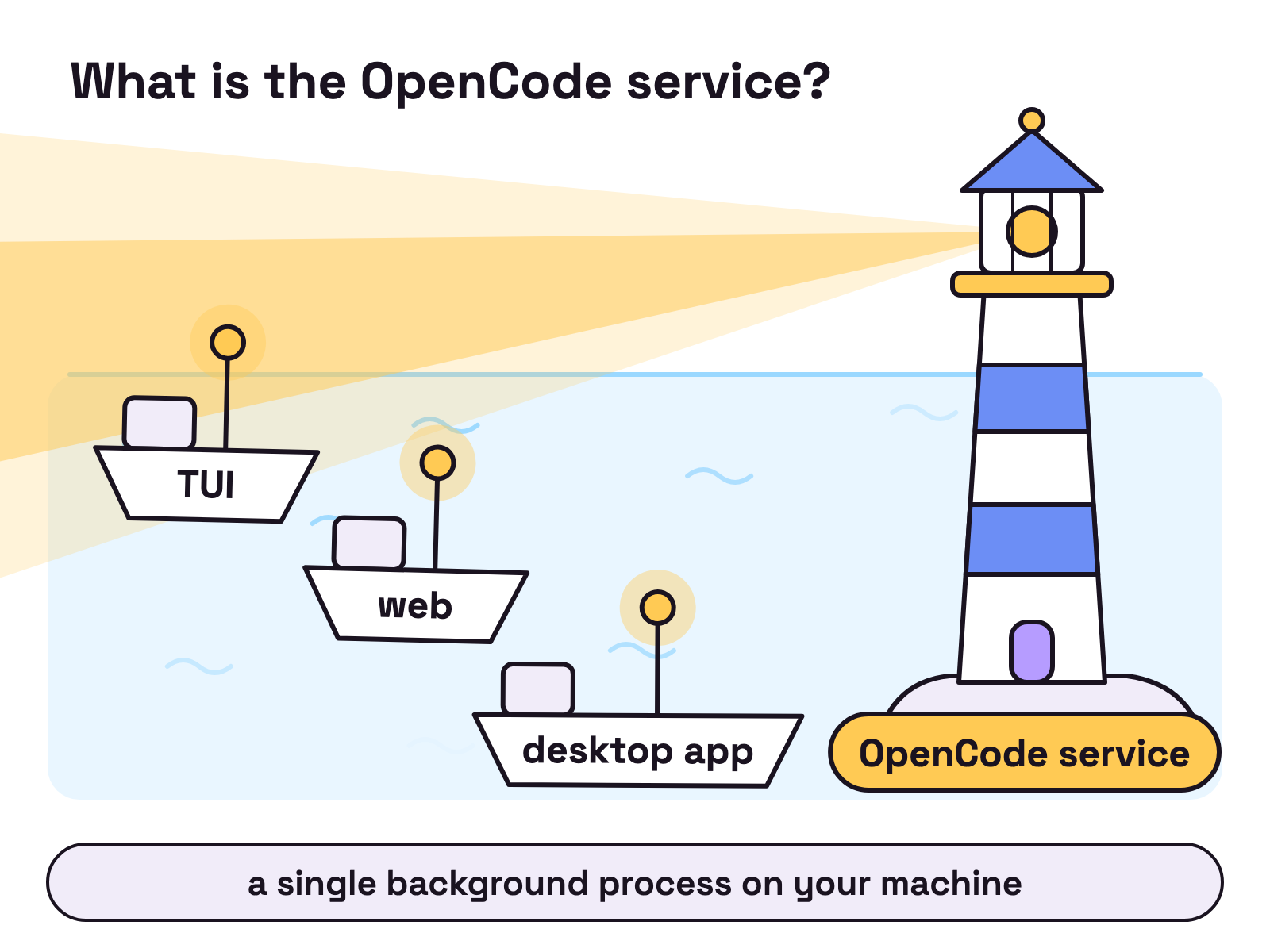
What is the OpenCode service?
It is a single OpenCode process in the background that the TUI, the web interface and the desktop app all talk to. Anomaly’s 2.0 post says the server “now automatically runs as a single background process on your machine”.
Scripts built on @opencode/client find the local service on their own, which Anomaly’s post says is “particularly useful for scheduled tasks”. Anomaly’s post adds that you can call it with opencode api commands, or expose it to other hosts and connect with opencode pair.
Anomaly’s post says the API was rebuilt from scratch, and sums up the old one in three words: “It was bad.” Anomaly’s post also says OpenCode now calls its own API, for example to move the current session into a git worktree when you start new work.
What is Code Mode?
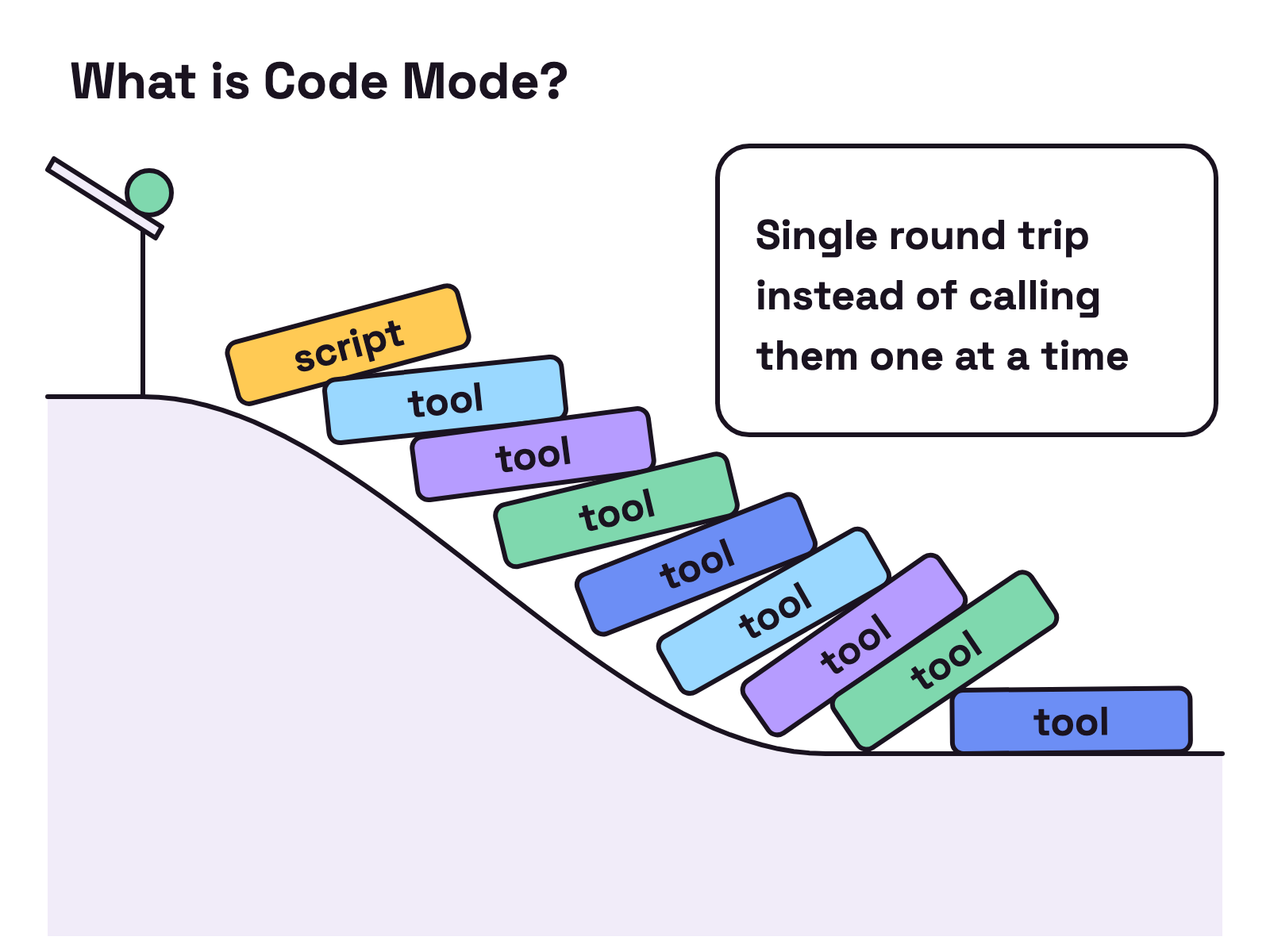
Code Mode lets the model write a script that calls your MCP tools, instead of calling them one by one. Anomaly’s 2.0 post says the @opencode/codemode package holds “a minimal JavaScript interpreter” that turns MCP servers or OpenAPI endpoints into functions the agent can call in a script. A script can call a tool, map over the results and call another tool, which Anomaly’s post calls a “Single round trip instead of calling them one at a time”.
Anomaly’s post says all MCP servers in 2.0 are “opted into codemode by default”, so “you can add a thousand of them with minimal context bloat”. Our MCP server guide covers the Claude Code side.
What are background subagents and shell commands?
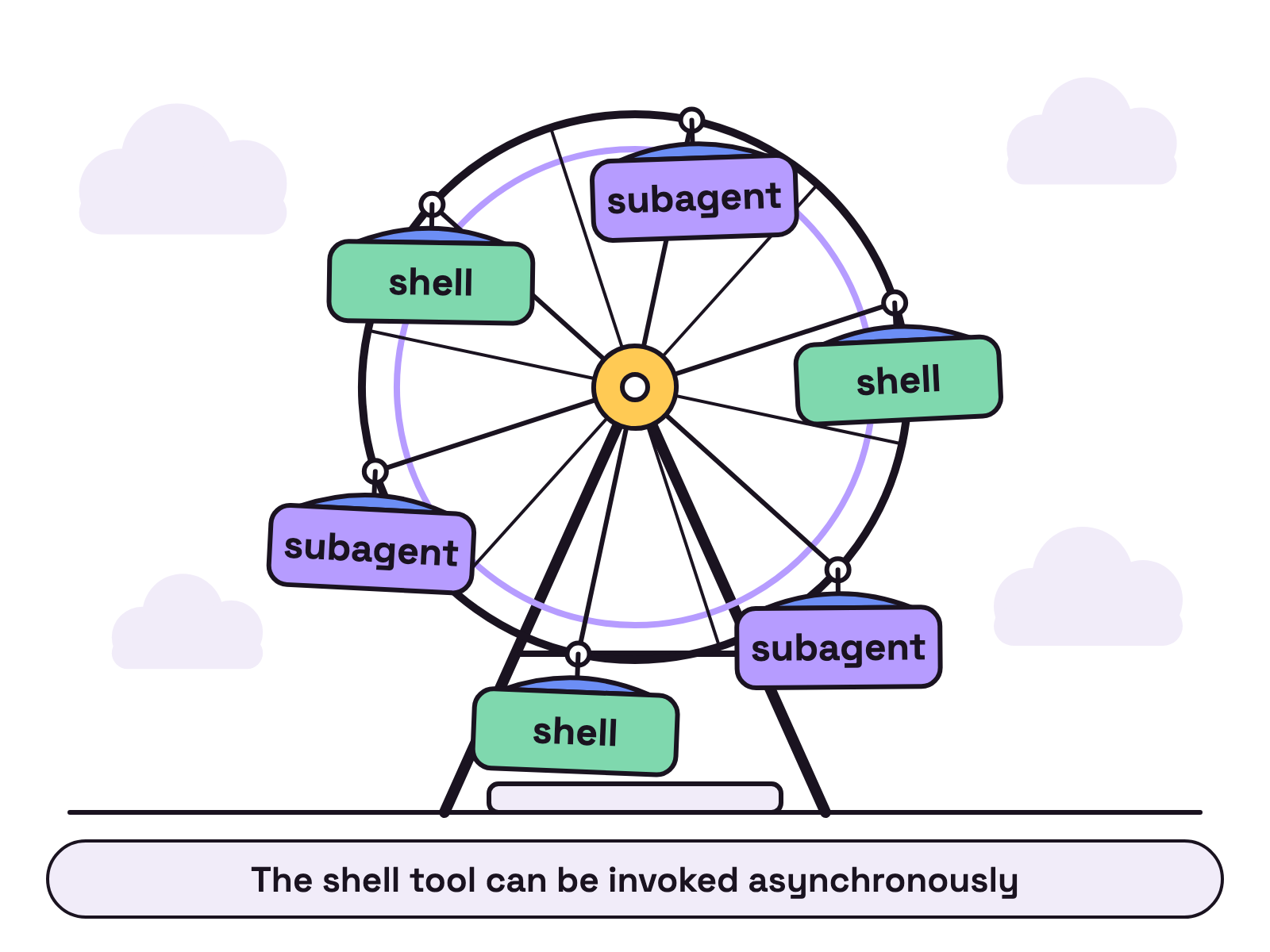
They let OpenCode run work in the background while you keep prompting. Anomaly’s 2.0 post says the primary agent can now hand work to a background subagent and continue. Anomaly’s post says this “happens automatically”, and that you can also trigger it by hand, “even with a different model”.
Background shell commands do the same for long jobs. Anomaly’s post says the shell tool “can be invoked asynchronously” and the agent is notified when the work is complete. Anomaly’s post also says a hotkey moves a foreground command or subagent to the background when it takes longer than you expect. The Migrate from V1 guide adds that custom commands set to run as a subagent “now run automatically in the background and report their results to the parent session”.
What changed for plugins and the SDK?
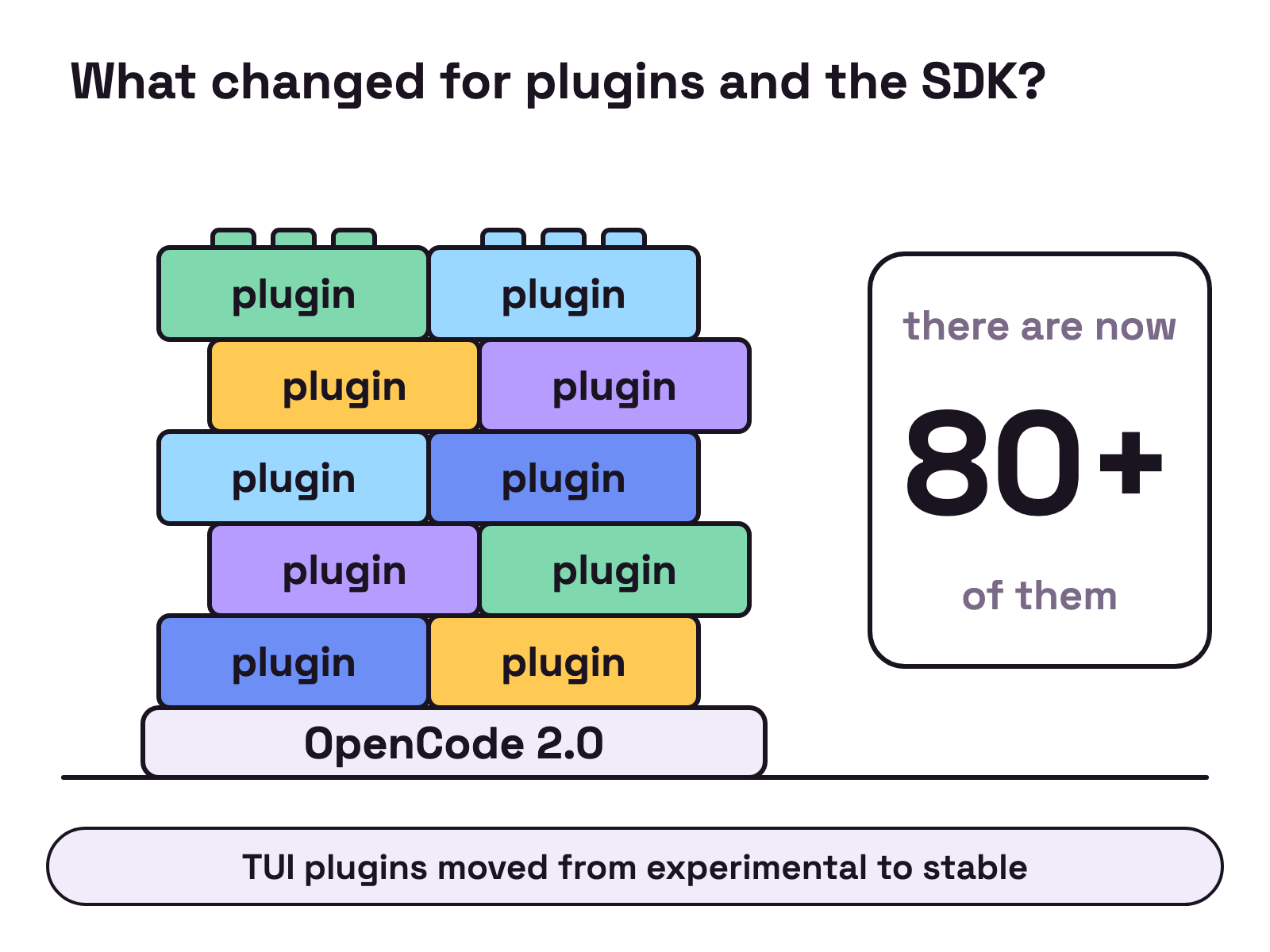
Plugins have a new API, and OpenCode can now run as a library. Anomaly’s 2.0 post says the 1.0 plugin system “never got the attention it needed”, so Anomaly built nearly every 2.0 feature as an internal plugin, and “there are now 80+ of them”. Anomaly’s post says TUI plugins moved from experimental to stable, and that everything in 2.0 can be hot reloaded, so OpenCode can write a plugin for itself mid session and use it right away.
OpenCode’s plugins docs define a plugin with Plugin.define from @opencode/plugin, and say plugins under .opencode/plugins/ “are loaded automatically”.
Anomaly’s post calls the new @opencode/sdk package “the exact same code that powers our CLI”, for running your own OpenCode on a server or in Durable Objects. OpenCode’s SDK docs say it “opens no HTTP listener”. The SDK section of Anomaly’s post ends: “This one is still in development as things are shifting but you can already use it.”
How do you upgrade to OpenCode 2.0?
Get onto the latest 1.x release, then run this, per Anomaly’s 2.0 post:
opencode upgrade --major
For the desktop app, Anomaly’s post says to download the latest from opencode.ai/download.
On 15 Oct 2026 the GitHub releases page showed v1.19.0, published 11 Oct 2026, as the latest release. The npm registry gave 1.19.0 as the latest tag for opencode-ai, and listed no 2.x version.
The Migrate from V1 guide lists three breaking changes:
- Plugins use a new plugin API. V1 plugin implementations do not run in V2, so port them.
- The server API and clients have new contracts. Move integrations to
@opencode/client. - Terminal settings move from
tui.json(c)files to one global~/.config/opencode/cli.json, with supported settings migrated on the first V2 terminal start.
The Migrate from V1 guide also says both versions use the opencode command and “are no longer installed side by side by default”, so remove a package-managed 1.x install first. The guide says V2 reads your existing config “without rewriting the source file”, and converting it to the V2 shape is optional.
Two more catches in the Migrate from V1 guide: V2 “does not run language servers”, and it “currently only discovers AGENTS.md”, so move any CLAUDE.md guidance there. The guide says to keep your 1.x setup until V2 does what you need.
OpenCode in Munder Difflin
Munder Difflin runs OpenCode as one of its engines, starting the opencode CLI you have installed. For comparisons, see OpenCode vs Claude Code and Claude Code alternatives.
FAQ
What is OpenCode 2.0?
OpenCode 2.0 is the new major release of Anomaly's open source coding agent. Anomaly's 2.0 post calls it a major overhaul and lists a shared background service, a rebuilt API, Code Mode for MCP tools, background subagents and shell commands, a new plugin API and an SDK.
How do I upgrade OpenCode to 2.0?
Anomaly's 2.0 post says to get onto the latest 1.x release, then run opencode upgrade --major. OpenCode's Migrate from V1 guide says 1.x and 2.0 both use the opencode command and are no longer installed side by side by default, so remove a package-managed 1.x install first. On 15 Oct 2026 GitHub's releases page and the npm registry both showed 1.19.0 as the latest version.
Do OpenCode 1.x plugins work in 2.0?
No. Anomaly's 2.0 post says 1.0 plugins will not work in 2.0, and OpenCode's Migrate from V1 guide says V1 plugin implementations do not run in V2. The guide says moving a file or renaming its config entry is not enough, and points to a separate plugin migration guide.
What is Code Mode in OpenCode?
Code Mode lets the agent write a script that calls MCP tools, so several calls happen in a single round trip. Anomaly's 2.0 post says the @opencode/codemode package turns MCP servers or OpenAPI endpoints into functions, and that all MCP servers in 2.0 are opted into codemode by default.
Does OpenCode 2.0 still read my 1.x config?
Yes, for supported fields. OpenCode's Migrate from V1 guide says V2 reads the same config locations as V1 and normalizes supported V1 fields in memory without rewriting the file. Supported global tui.json settings move to one global cli.json on the first V2 terminal start.