Claude Code Best Practices: 9 Habits From Anthropic's Docs
Nine Claude Code best practices from Anthropic's docs, checked 15 Oct 2026: give Claude a check, plan first, keep memory short, clear context, run in parallel.
The core Claude Code best practices, from Anthropic’s own docs, are to give Claude a check it can run, plan before coding, keep CLAUDE.md short and clear context between unrelated tasks. Checked 15 Oct 2026.
To run several sessions at once, you can also use Munder Difflin, free and open source: a desktop app that runs a team of coding agents such as Claude Code, Codex and Gemini CLI on your own computer. Our install guide covers it. New to the tool itself? Read how to use Claude Code first, or browse the Guides hub.
Every tip below comes from Anthropic’s best practices page unless it names another Anthropic page or says “Our view”.
Why does the context window shape every tip?
Because Claude gets worse as its context fills. Anthropic’s best practices page says “Claude’s context window fills up fast, and performance degrades as it fills”, and calls the context window “the most important resource to manage”. Most of the habits below either save context or replace your attention with a check.
1. Give Claude a way to verify its work
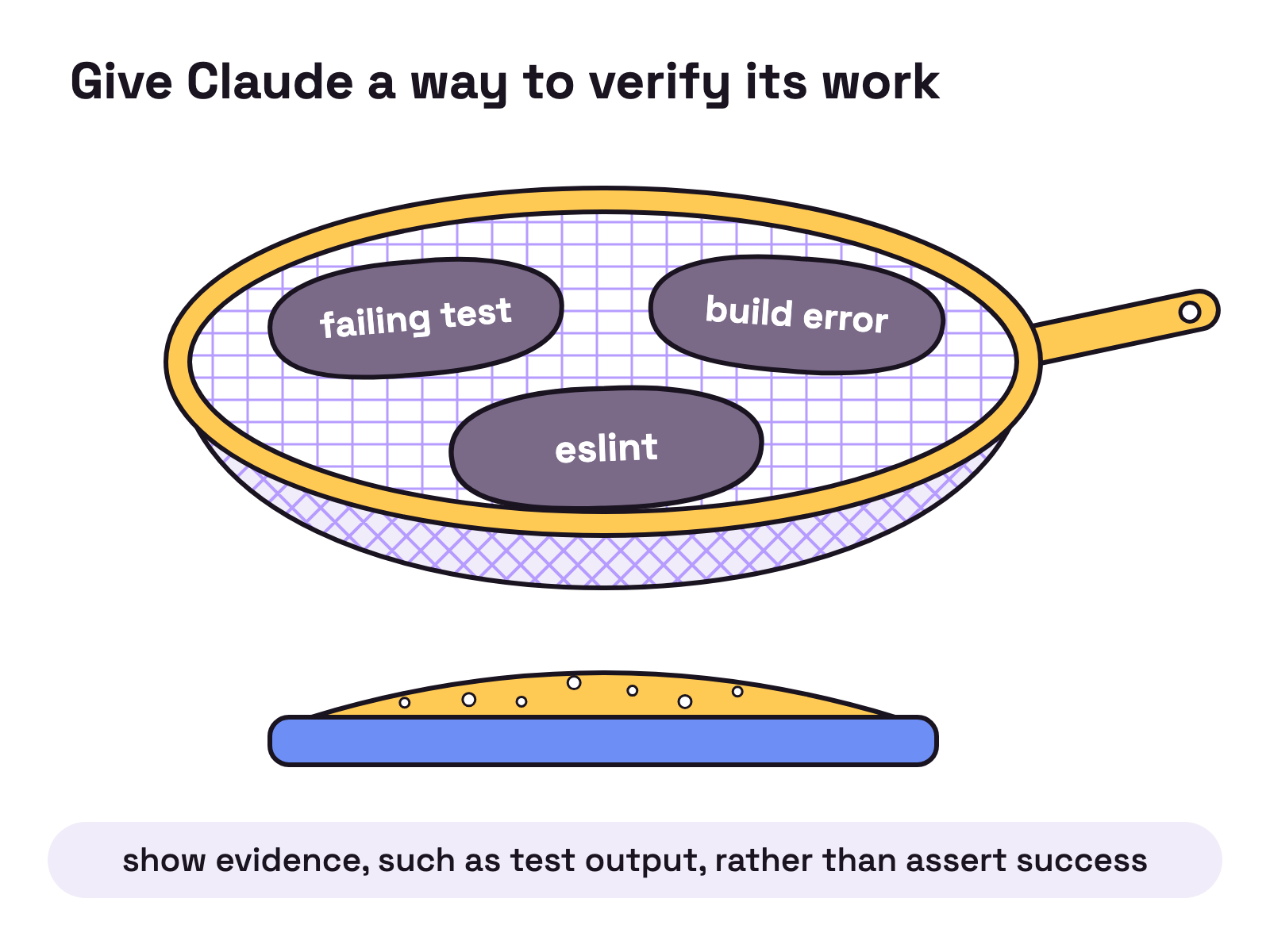
Give Claude a check it can run: tests, a build, or a screenshot to compare. Anthropic’s best practices page puts it as “the difference between a session you watch and one you walk away from.” Put the check in the prompt, as in the page’s example:
write a validateEmail function. example test cases: user@example.com is true, invalid is false, user@.com is false. run the tests after implementingFor harder gates, the same page lists a /goal condition, a Stop hook that blocks the turn until the check passes, and a verification subagent. It also says to have Claude show evidence, such as test output, rather than assert success.
2. Explore first, then plan, then code
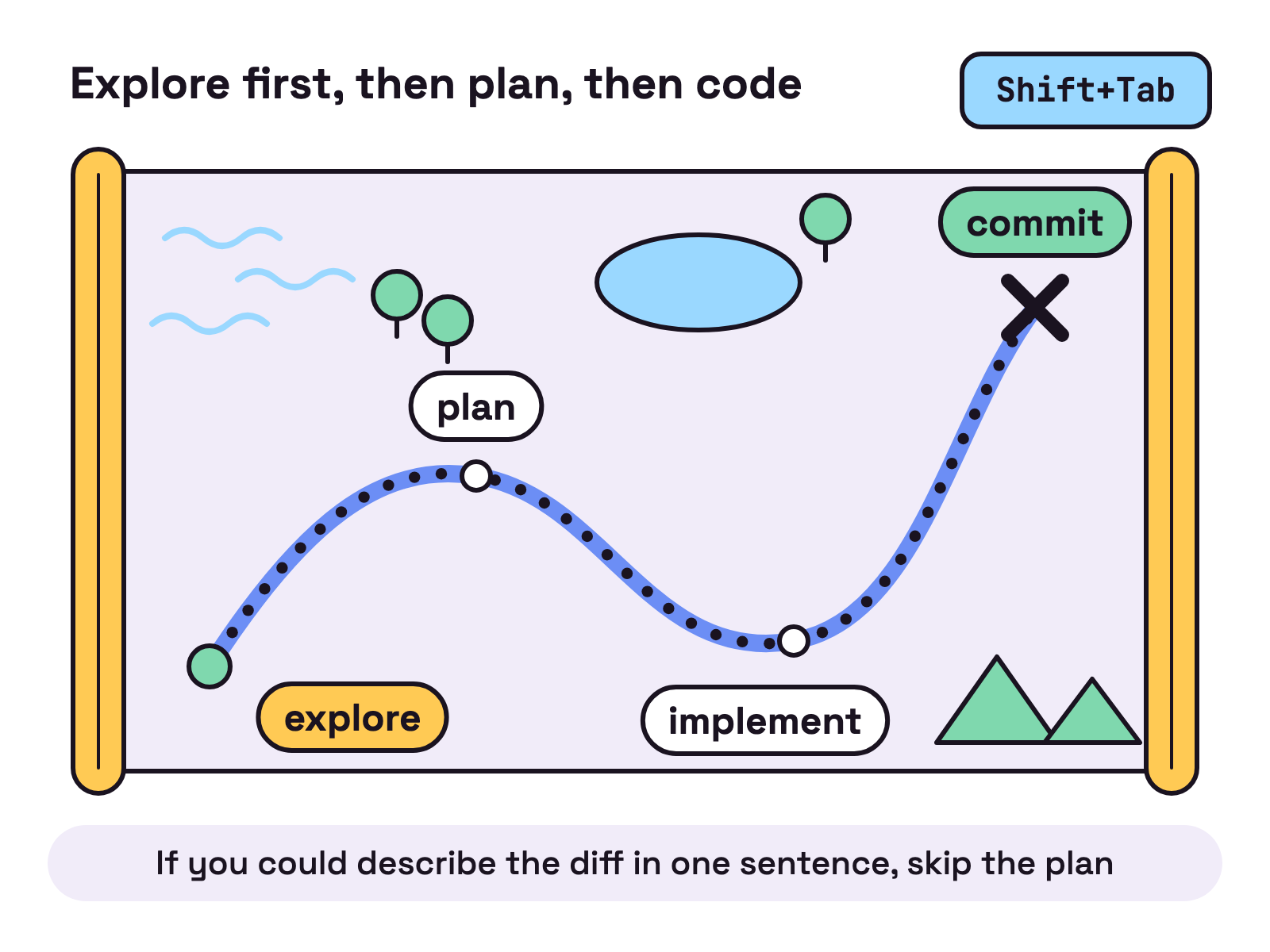
Separate research and planning from implementation, so Claude does not solve the wrong problem. Anthropic’s best practices page gives four phases: explore, plan, implement, commit. Enter plan mode by pressing Shift+Tab until the status bar shows plan mode on, or start with:
claude --permission-mode planPress Ctrl+G to edit the plan in your text editor before Claude proceeds. The page also says “If you could describe the diff in one sentence, skip the plan.” More in our plan mode guide.
3. Be specific in your prompts
Reference specific files, mention constraints and point to example patterns. Anthropic’s best practices page contrasts “fix the login bug” with a prompt that names the symptom, the likely location in src/auth/ and a failing test to write first. Use @ to reference files, paste screenshots, or pipe data in:
cat error.log | claude -p "explain this error"4. What should go in CLAUDE.md?
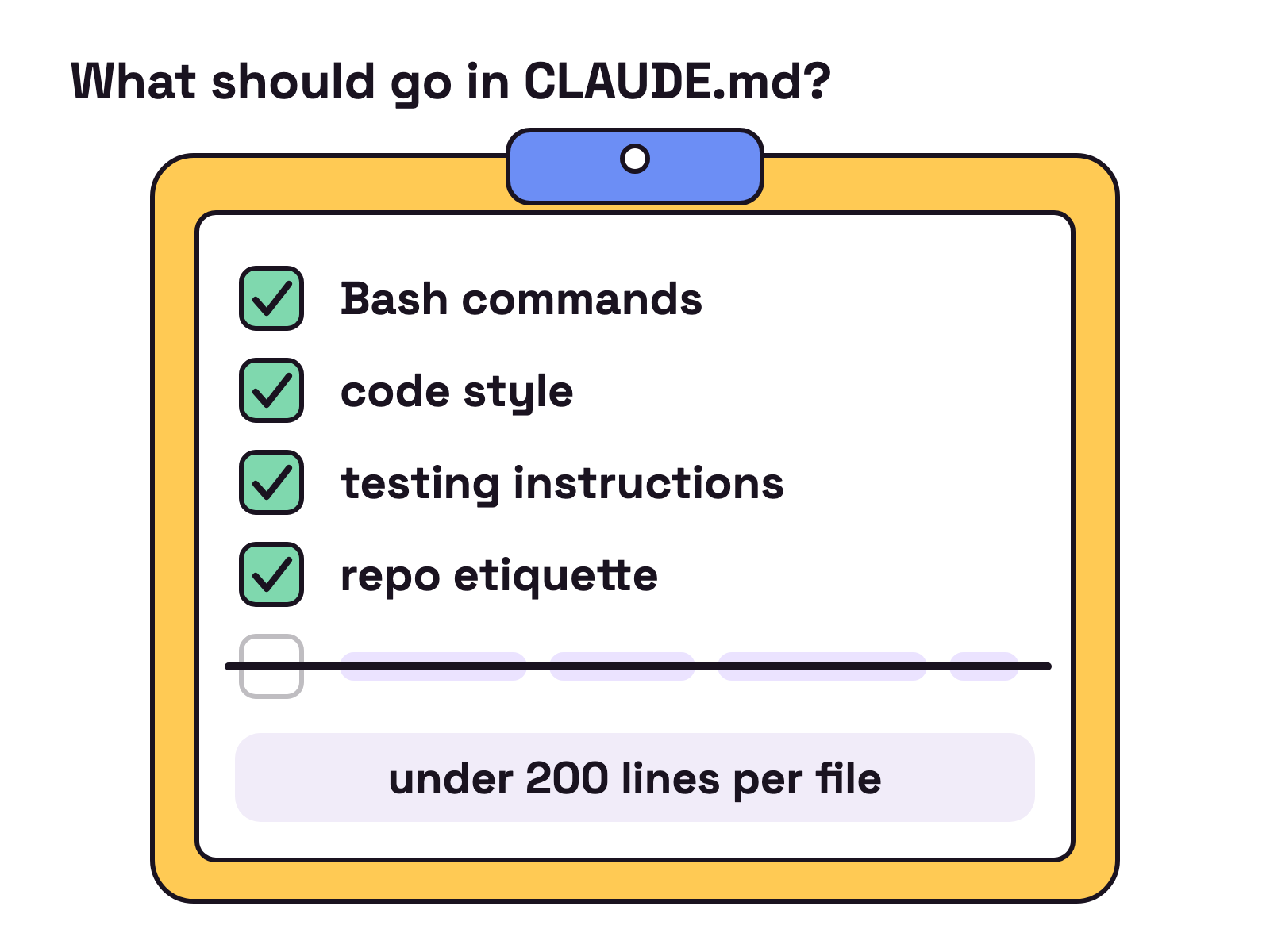
Only what Claude can’t infer from code and needs in every session: Bash commands, code style that differs from defaults, testing instructions, repo etiquette. Run /init for a starter file and /context to confirm Claude loaded it. For each line, Anthropic’s best practices page asks “Would removing this cause Claude to make mistakes?” If not, cut it. Anthropic’s memory docs say to target under 200 lines per file. Our view: a CLAUDE.md that reads like a policy manual gets read like one. See give Claude Code long term memory.
5. Set permissions once, not per prompt
Pre-approve the tools you trust with /permissions and let sandboxed commands run without asking with /sandbox. Anthropic’s best practices page notes that with Claude Code v2.1.283 or later, auto mode is the built-in starting permission mode for interactive terminal and VS Code sessions, where a classifier model blocks only what looks risky. On earlier versions that applies only on Pro, Max and Team plans. See why Claude Code keeps asking for permission.
6. Use hooks for rules with zero exceptions
Use hooks for anything that must happen every time. Anthropic’s best practices page says “Unlike CLAUDE.md instructions which are advisory, hooks are deterministic and guarantee the action happens.” Ask Claude to “Write a hook that runs eslint after every file edit”, edit .claude/settings.json by hand, and run /hooks to see what is set. Our hooks explainer goes further.
7. Send research to subagents
Delegate investigation to subagents so the reading happens outside your main context. Anthropic’s best practices page says subagents “run in separate context windows and report back summaries”, and suggests prompts like “use subagents to investigate X”. Custom subagents live in .claude/agents/. The same page suggests a subagent review of the diff in a fresh context before you call a task done.
8. Clear context between tasks
Run /clear between unrelated tasks. Anthropic’s best practices page says that if you have corrected Claude more than twice on the same issue in one session, the context is cluttered with failed approaches, so clear it and write a better prompt. For finer control:
/compact Focus on the API changesEsc stops Claude mid action, and Esc + Esc or /rewind restores earlier code or conversation. Anthropic’s best practices page warns that checkpoints are not “a replacement for git”.
9. Run several sessions side by side
Run several sessions in parallel. Anthropic’s best practices page lists worktrees, the desktop app, cloud sessions, agent view (research preview) and agent teams (experimental and disabled by default). It also suggests a Writer and Reviewer pair, because “a fresh context improves code review”. Our multiple sessions guide covers the setups.
Claude Code best practices at a glance, from Anthropic’s docs, checked 15 Oct 2026
| Practice | What to do | Where in the docs |
|---|---|---|
| Verify | Give a test, build or screenshot check | Give Claude a way to verify its work |
| Plan | Shift+Tab to plan mode, then implement |
Explore first, then plan, then code |
| Be specific | Name files, constraints, patterns; use @ |
Provide specific context in your prompts |
CLAUDE.md |
/init, then prune; under 200 lines |
Write an effective CLAUDE.md; memory docs |
| Permissions | /permissions and /sandbox |
Configure permissions |
| Hooks | Script what must always happen | Set up hooks |
| Subagents | “use subagents to investigate X” | Use subagents for investigation |
| Context | /clear, /compact, /rewind |
Manage your session |
| Parallel | Worktrees, desktop app, agent view | Run multiple Claude sessions |
What mistakes does Anthropic warn about?
Anthropic’s best practices page names five failure patterns:
- The kitchen sink session: unrelated tasks in one context. Fix:
/clear. - Correcting over and over: after two failed corrections, clear and rewrite the prompt.
- The over-specified
CLAUDE.md: prune it, or turn a rule into a hook. - The trust-then-verify gap: “If you can’t verify it, don’t ship it.”
- The infinite exploration: scope investigations narrowly or use subagents.
FAQ
What are the most important Claude Code best practices?
Anthropic's best practices page opens with giving Claude a way to verify its work, then exploring and planning before coding. It says most best practices are based on one constraint: the context window fills up fast and performance degrades as it fills. So keep `CLAUDE.md` short and run /clear between unrelated tasks.
How long should `CLAUDE.md` be?
Short. Anthropic's memory docs say to target under 200 lines per `CLAUDE.md` file, because longer files consume more context and reduce adherence. The best practices page suggests asking of each line whether removing it would cause Claude to make mistakes, and cutting it if not.
When should I use plan mode in Claude Code?
Anthropic's best practices page says planning is most useful when you are uncertain about the approach, when the change touches multiple files, or when you are unfamiliar with the code. For small, clear fixes it says to ask Claude directly. Its rule of thumb: if you could describe the diff in one sentence, skip the plan.
How do I get fewer permission prompts in Claude Code?
Anthropic's best practices page says to pre-approve the tools you trust with /permissions and let sandboxed commands run without asking with /sandbox. With Claude Code v2.1.283 or later, auto mode is the built-in starting permission mode for interactive terminal and VS Code sessions, per the permission modes docs.
Can I run more than one Claude Code session at once?
Yes. Anthropic's best practices page lists worktrees, the desktop app, cloud sessions, agent view (a research preview) and agent teams (experimental and disabled by default). Munder Difflin is free and open source: a desktop app that runs a team of coding agents such as Claude Code, Codex and Gemini CLI on your own computer.