Why Does Claude Code Keep Asking for Permission?
Claude Code keeps asking because Manual mode gates edits, shell commands and web requests. The fixes, safest first: modes, allow rules, sandboxing, then bypass.
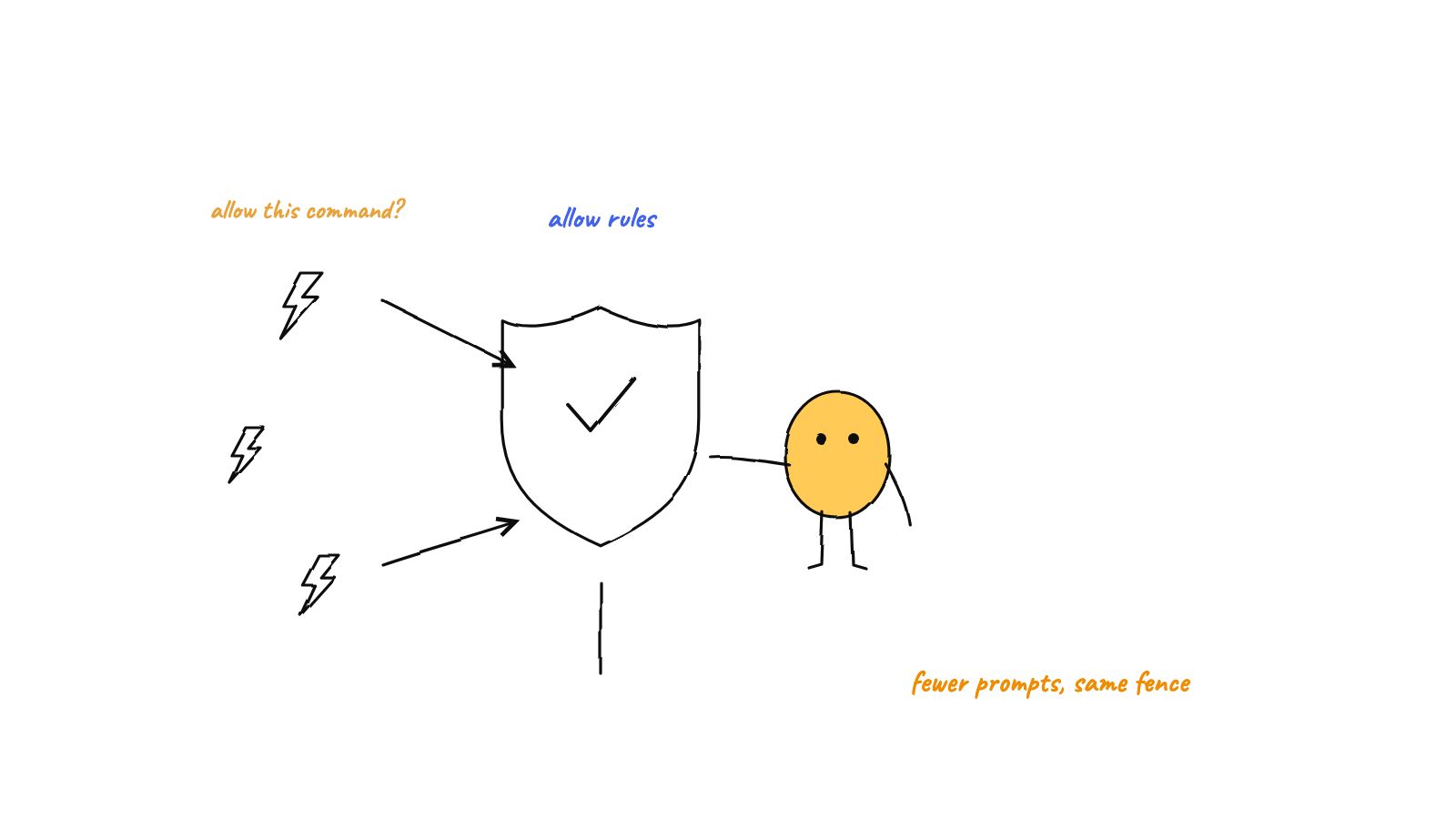
Claude Code asks because the session is in Manual mode, or because a saved rule doesn't match the exact command. Fix it in order of safety: check the mode with Shift+Tab, add narrow allow rules, turn on the Bash sandbox with /sandbox, and save --dangerously-skip-permissions for a container.
Claude Code keeps asking for permission because the session is in Manual mode, which stops before file edits, most shell commands and web requests, or because your saved rule doesn’t match the command Claude actually wrote. Stop it by switching modes with Shift+Tab, adding narrow allow rules, turning on the Bash sandbox, and bypassing checks only inside a container.
Run four sessions and you have four queues of approvals, and by the fortieth npm test the prompt is mostly guarding your Enter key. If several terminals are already the problem, managing multiple Claude Code sessions covers the rest of it. The Claude Code facts below come from its docs, checked on 14 Sep 2026 against 2.1.270.
You can tune these rules by hand, or use Munder Difflin, a free and open source desktop app that runs several Claude Code agents, each in its own terminal. As of 0.5.2, its Auto Mode is on by default and starts every Claude Code agent with --permission-mode bypassPermissions, so agents stop asking. That is the bypass mode Claude Code’s docs keep for containers and VMs, not its classifier based auto mode. It also turns on Claude Code’s Bash sandbox per agent (macOS, and Linux with bubblewrap and socat), but that covers shell commands only, a blocked command can be retried outside it, and file edits and MCP tools run outside it without a prompt. Deny rules in your ~/.claude/settings.json still block. On your main machine, switch Autonomy to ask-first under Settings, Autonomy & Budgets; agents you add after that ask in their own terminal. The install guide covers setup.
What does Claude Code ask about by default?
In Manual mode it asks before file edits, shell commands outside a short read-only list, web fetches and web searches. Reads inside your working directory run freely, and so do commands like ls, cat, grep and read-only git (Configure permissions). One reason prompts repeat: “Yes, and don’t ask again” on a Bash command saves a rule to .claude/settings.local.json at the repository root, but a file edit approval lasts only until the session ends. Start a new session and the edit prompts come back.
Which permission mode are you in, and how do you switch?
Check the status bar, then press Shift+Tab to cycle. Manual (config value default) prompts for edits and commands; acceptEdits approves file edits and common file commands such as mkdir, mv, cp, rm and sed in your working directory; plan reads and proposes without editing (plan mode in practice); auto hands approvals to a classifier model; dontAsk denies anything that would prompt; bypassPermissions skips the checks. On Pro, Max and Team plans, a terminal or VS Code session starts in auto on Claude Code 2.1.228 or later, but claude -p, Enterprise plans, Console API keys, Bedrock and often your first session after an install or upgrade start in Manual (Choose a permission mode). Pass --permission-mode for one session, or set permissions.defaultMode in a settings file. A project’s .claude/settings.json can’t set auto or bypassPermissions.
How do you stop Claude Code asking for the same command?
Add a narrow allow rule, from /permissions or in a settings file. Rules live in ~/.claude/settings.json (you, every project), .claude/settings.json (committed, the whole team), .claude/settings.local.json (you, this project) or managed settings from your organization. This example from the docs runs lint and tests without asking and blocks reads of .env files (Settings files and precedence, checked 14 Sep 2026):
{
  "$schema": "https://json.schemastore.org/claude-code-settings.json",
  "permissions": {
    "allow": [
      "Bash(npm run lint)",
      "Bash(npm run test *)"
    ],
    "deny": [
      "Read(./.env)",
      "Read(./.env.*)"
    ]
  }
}
Rules are checked deny first, then ask, then allow, so a matching deny always wins. Bash(npm run test *) covers npm run test with or without arguments, and Bash(npm run test:*) is an equivalent spelling, while Bash(npm run lint) matches only that exact command. Claude Code reloads permission edits in a running session, so you don’t need a restart. One catch: allow rules in a committed .claude/settings.json apply only after you accept that folder’s workspace trust dialog.

Why doesn’t my allow rule match?
Because Bash rules match the command text Claude writes, one subcommand at a time. Bash(npm test *) doesn’t approve npm test && rm -rf dist, since each part joined by &&, ||, ; or | has to match on its own. Claude Code strips wrappers like timeout, nice and nohup before matching, but not npx, docker exec or devbox run, and watch or find -exec prompts in Manual mode unless you allow that exact command. Allow rules never pre-approve writes to protected paths such as .git, .claude and .vscode. And entering auto mode switches off broad rules like Bash(*), Bash(python*) and package manager run rules until you leave it.
Can sandboxing cut the prompts?
Yes, for shell commands. Run /sandbox and choose auto-allow, and Bash commands that can run inside the sandbox go ahead without a prompt, because the operating system limits what they can write and which hosts they can reach (Seatbelt on macOS, bubblewrap on Linux and WSL2; native Windows isn’t supported). Anthropic said sandboxing cut permission prompts by 84% in its internal usage, in Beyond permission prompts on 20 Oct 2025, and named the problem it targets “approval fatigue”. Deny rules still apply, and an ask rule like Bash(git push *) still prompts. A command that fails in the sandbox can be retried outside it through the normal permission flow; set allowUnsandboxedCommands to false under sandbox to close that door (Configure the sandboxed Bash tool).
Can a hook approve tool calls for you?
Yes. A PreToolUse hook runs before the prompt and can return allow to skip it, deny to block the call, or ask to force a prompt, which suits checks a pattern can’t express. Deny and ask rules still apply whatever the hook returns (Extend permissions with hooks).
Is --dangerously-skip-permissions safe?
Only inside a container or VM you can throw away. The flag is equivalent to --permission-mode bypassPermissions, and claude --help recommends it only for sandboxes with no internet access:
$ claude --help
  --dangerously-skip-permissions        Bypass all permission checks.
                                        Recommended only for sandboxes with no
                                        internet access.
Bypass mode skips prompts for edits, shell commands and writes to protected paths like .git. Deny rules still block, explicit ask rules and rm on critical paths such as your home directory still prompt, and on Linux and macOS it refuses to start as root. The docs warn it “offers no protection against prompt injection or unintended actions” (Choose a permission mode). If you want fewer prompts on your own laptop, auto mode or the sandbox is the better trade; if you do run bypass unattended, contain it first.
FAQ
Why does Claude Code keep asking for permission in VS Code?
The VS Code extension chooses its starting mode from its own list: the claudeCode.initialPermissionMode setting first, then the mode you last picked from the mode indicator, then your user or managed settings and your plan's default. It never reads a project's .claude/settings.json for the starting mode, so a defaultMode set there does nothing in the extension. Click the mode indicator at the bottom of the prompt box to switch.
How do I make Claude Code allow all commands?
Start it with --dangerously-skip-permissions, which is the same as --permission-mode bypassPermissions. Claude Code's docs say to use it only in isolated containers or VMs, because it skips prompts for edits, shell commands and writes to protected paths such as .git. On your own machine, auto mode or the Bash sandbox cuts prompts with a safety layer still in place.
Where do Claude Code permission rules go in settings.json?
Under a permissions key, as allow, ask and deny lists. Personal rules for every project go in ~/.claude/settings.json, team rules in the project's .claude/settings.json, and your own rules for one project in .claude/settings.local.json. Run /permissions to see every rule and the file it came from.
Does auto mode still ask for permission?
Sometimes. Explicit ask rules still force a prompt, and if the classifier blocks actions 3 times in a row or 20 times in a session, auto mode pauses and Claude Code prompts again until you approve an action. Auto mode also needs a supported model, and an administrator can turn it off.
Does Munder Difflin stop Claude Code agents asking for permission?
Yes, by default. As of Munder Difflin 0.5.2, Auto Mode is on and starts each Claude Code agent with --permission-mode bypassPermissions, which is Claude Code's bypass mode, not its classifier based auto mode. Switch Autonomy to ask-first under Settings, Autonomy & Budgets, and agents you add after that ask in their own terminal.