Running AI Agents Safely: Permission Modes and Sandboxing
How to run autonomous AI agents safely: permission modes and the bypassPermissions foot-gun, workspace isolation, and what to gate vs. allow.
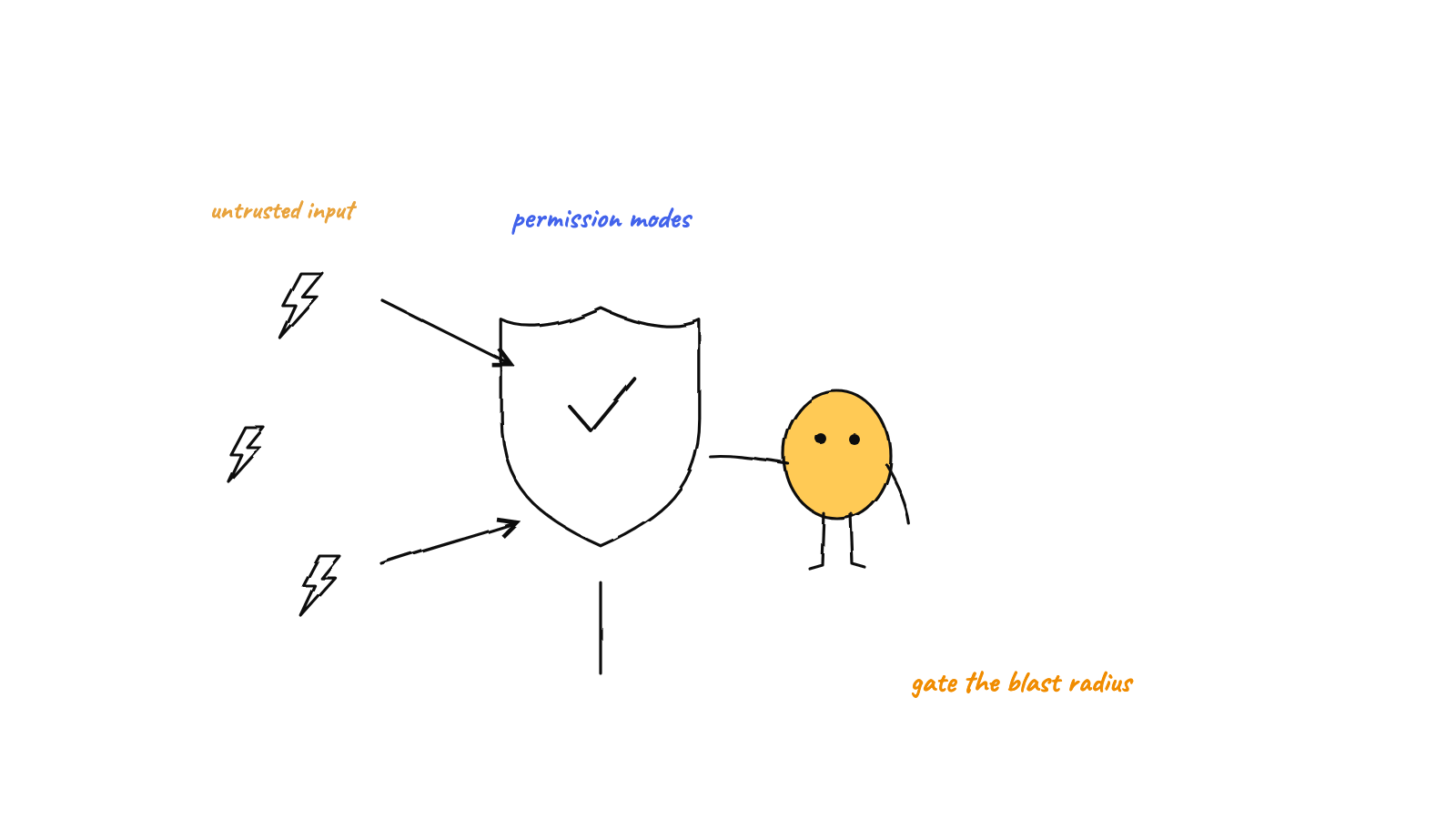
Security for autonomous agents isn't one
switch — it's defense in depth. The per-action permission prompt is one
gate, but the moment you turn it off for unattended speed (bypassPermissions, a.k.a. "auto
mode"), you've removed the last interactive check — so safety has to become structural:
isolate the workspace, scope the filesystem and credentials, keep destructive ops out of reach, observe
every action, and audit. Gate the few genuinely dangerous things; let the rest flow.
An AI agent that can edit files and run shell commands is, by design, holding a loaded tool. The whole point of an agent is that it acts without asking you about every step — which is also exactly what makes security a real design question, not an afterthought. This post is a practical map of the layers that keep autonomous agents safe, grounded in how a multi-agent harness actually wires them.
The core tension: autonomy vs. a gate
Coding agents ship with a built-in gate: the permission prompt. By default Claude Code pauses before a sensitive action and asks. That’s great when a human is watching — and useless when the entire premise is “run a hive of agents unattended overnight.” You can’t approve a prompt you’re asleep for. If the prompts are wearing you down in the daytime too, see why Claude Code keeps asking for permission.
So autonomous setups reach for the other end of the dial. In Munder Difflin that’s auto mode, which
spawns each agent with --permission-mode bypassPermissions. The onboarding flow says it plainly:
Agents in the harness run unattended. By default, every agent is spawned with
--permission-mode bypassPermissions— meaning claude won’t pause to ask you before file edits or shell commands. This is the right default for the “control room” experience; it’s also a loaded foot-gun on production repos.
That honesty is the right framing. Bypass mode isn’t reckless — it’s the correct default for an unattended control room. But it removes the last interactive gate, so the safety has to live somewhere else. The rest of this post is “somewhere else.” One side effect worth knowing: a bypass session also skips plan mode’s edit block, as how to use Claude Code plan mode explains.
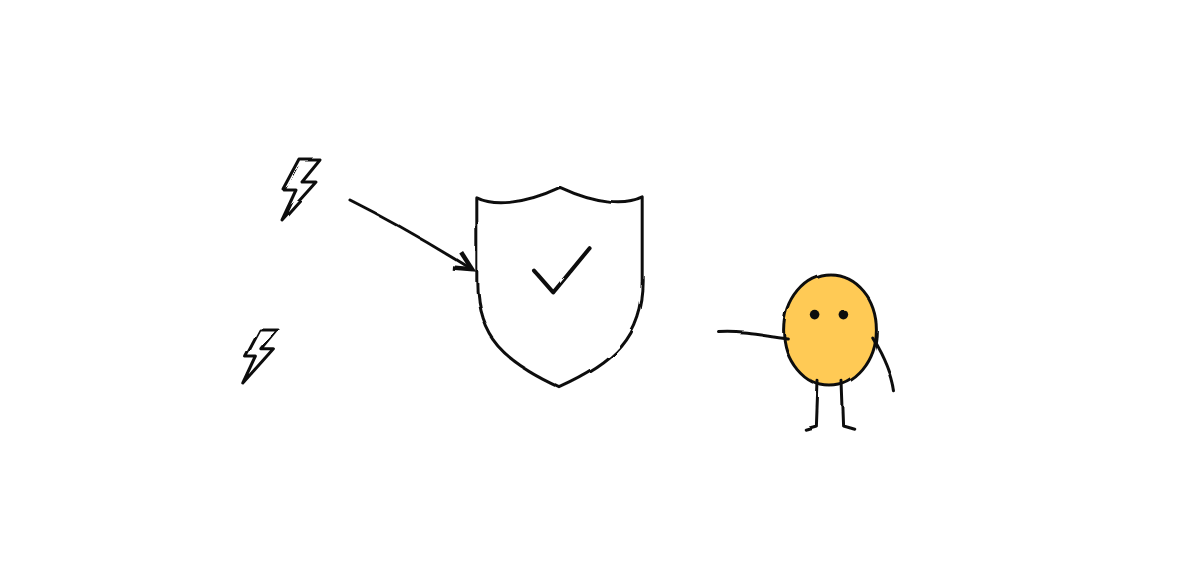
When the prompt is off, structure is your safety
If you can’t rely on a human clicking “approve,” you make the dangerous things structurally hard to reach. Five layers do most of the work.
1. Isolate the workspace. Run each agent in its own git worktree, so its changes are a throwaway branch in a separate directory — never your main checkout. An agent that goes off the rails overnight has made a mess you can delete, not a mess you have to untangle. Isolation turns “the agent broke something” into “the agent’s branch is wrong,” which is a much smaller problem.
2. Shrink the blast radius. In a hive, agents never call git — only the coordinating main process commits, the single-committer pattern. That alone removes a whole class of damage: an agent can’t force-push, rewrite history, or stomp another agent’s branch, because it doesn’t hold the git hammer at all. The same instinct applies to everything sharp: keep production credentials out of the agent’s environment, and scope its filesystem access. (Munder Difflin’s own file IPC is sandboxed to a root path — operations take a root plus a relative path, so a request can’t wander outside it.)
3. Keep a programmable gate. Turning off the prompt doesn’t mean turning off policy. Claude
Code’s PreToolUse hook fires before every tool call — Munder Difflin already wires one on every tool
(it uses it to animate the live office floor), and that exact hook point is where you can inspect a tool
call and allow, ask, or deny it. A few lines of policy at PreToolUse — “never let rm -rf outside
the worktree,” “block writes to .env” — is a gate that works even when no human is watching. (More on
the lifecycle in Claude Code hooks, explained.)
4. Don’t trust input from outside. The moment an agent acts on input from beyond its own session —
a webhook, a Slack message, an issue body — that input is untrusted. The harness’s Slack integration is
the model to copy: every inbound request is HMAC-verified against a signing secret, replay-guarded to a
five-minute window, and size-capped before a single byte is parsed. Anything that fails gets a 403.
Validate at the boundary, then let the agent act.
5. Observe and audit. You can’t secure what you can’t see. An append-only event log records every action in order, so “what did the agent do at 2 a.m.?” has a precise, timestamped answer — and the genuinely critical calls can still pause for a human through native approvals. Bypass mode and a human gate aren’t mutually exclusive: most actions flow, the few that matter still wait.
What to gate vs. what to allow
Security theater is gating everything until the human rubber-stamps a hundred prompts and stops reading. The goal is a narrow gate. A reasonable default policy:
Gate (require a human, or simply disallow):
- Destructive or irreversible actions — dropping data, deleting branches,
rm -rf, force-push. - Spending real money — provisioning paid infra, large API spend, anything with a bill.
- Touching secrets or production — reading credentials, writing to a prod database, deploying.
- Network calls to systems of record outside the sandbox.
Allow (let it flow):
- Reads — inspecting code, running searches, reading docs.
- Edits inside an isolated worktree, where the worst case is a bad branch.
- Running the test suite and build — in fact, make tests the agent’s bar for “done.”
The dividing line is reversibility. If a mistake is a git checkout away from undone, let the agent
move; if it isn’t, gate it.
A safe-by-default setup checklist
Before you let agents run unattended:
- Each agent in its own worktree (or at least its own branch), never shared main.
- No production credentials in the agent’s environment — dev/sandbox only.
- A PreToolUse policy for the handful of actions you never want to happen.
- An audit log you can read in the morning.
- Bypass mode only where the worst case is acceptable — keep prompts on for any repo where it isn’t.
- The genuinely critical still routed to a human gate.
Get those in place and unattended agents are a force multiplier, not a liability. The pattern is always the same: autonomy where mistakes are cheap, gates where they’re not, and isolation so “cheap” stays cheap. A good harness orchestrator bakes most of this in — isolated worktrees, single-committer git, lifecycle hooks, and an audit trail — so safe-by-default is the path of least resistance.
Want to see unattended agents that are isolated, observable, and auditable by default? You can download Munder Difflin free — it’s open source.
FAQ
What is the safest way to run autonomous AI coding agents?
Defense in depth, not a single switch. The per-action permission prompt is one gate; once you turn it off for unattended speed (bypassPermissions / 'auto mode'), safety has to come from structure: run each agent in an isolated workspace, scope its filesystem and credentials, keep destructive operations out of reach, observe every action, and audit. Gate the few genuinely dangerous things; let the rest flow.
Is it safe to run Claude Code with --permission-mode bypassPermissions?
It's the right default for unattended, control-room workflows — but it's a foot-gun on production repos, because the agent won't pause before file edits or shell commands. Make it safe by containing it: a throwaway git worktree, no production credentials in the environment, and an audit log. Reserve un-sandboxed bypass mode for repos where the worst case is acceptable.
How do you sandbox an AI agent?
Layer constraints: isolate its workspace (a per-agent git worktree so changes are a throwaway branch), limit what it can reach (scoped filesystem, no prod secrets), keep a single committer so agents can't rewrite history, use a PreToolUse hook as a programmable policy gate, and validate any untrusted input at the boundary before the agent acts on it.