How to Manage Multiple Claude Code Sessions Like a Pro
Tactics to manage multiple Claude Code sessions without losing track: naming, roles, context isolation, and when a harness beats juggling terminal tabs.
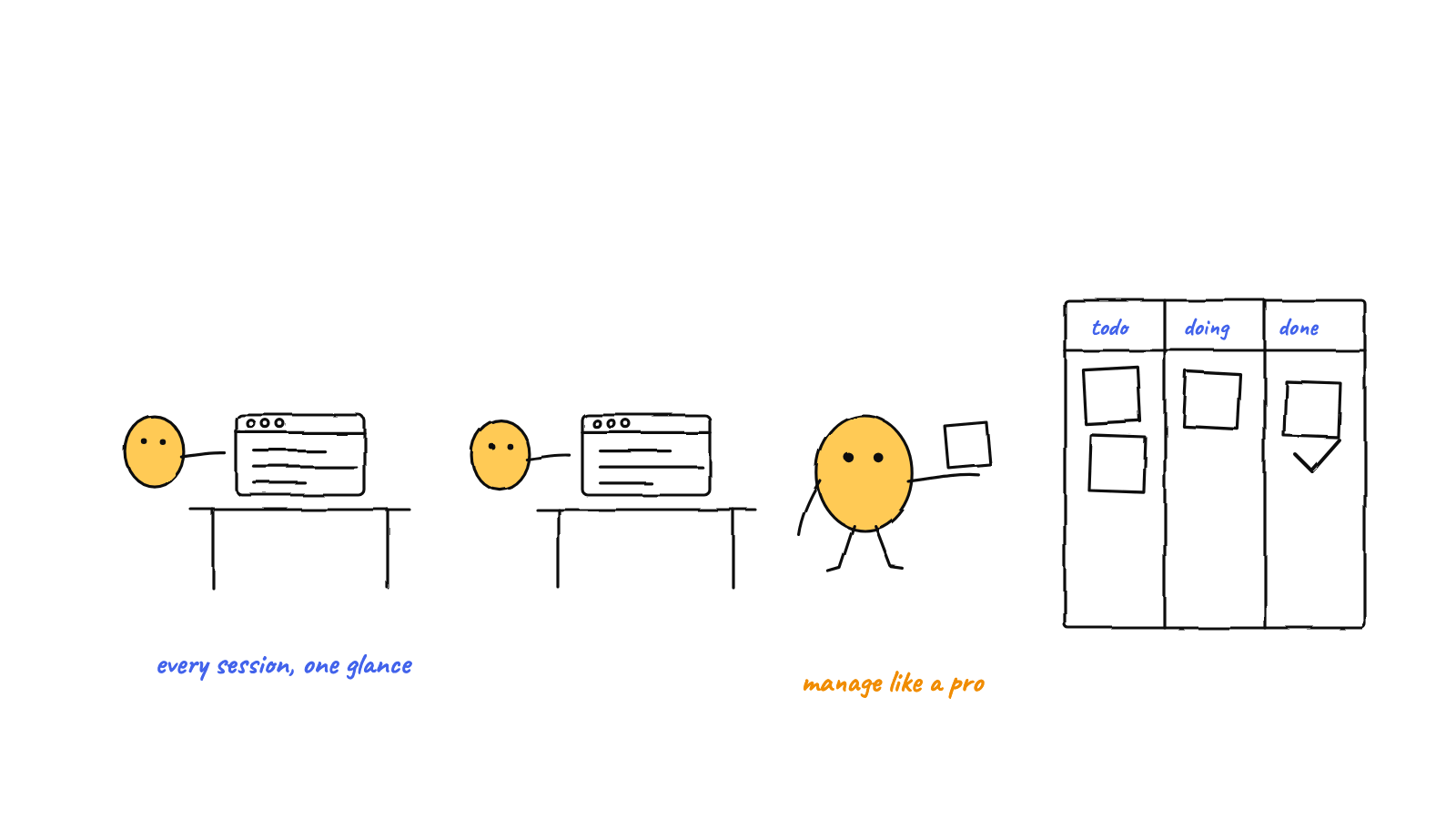
To manage multiple Claude Code sessions without losing track, give each a name and a role, keep their contexts isolated so they don't step on each other, and write down what each learns somewhere the others can read. Manual tabs work to about three or four sessions; past that, a harness that adds messaging, shared memory, and a single committer is what keeps it calm.
Running one Claude Code session is easy. The trouble starts around session three, when “what is each of these doing right now?” stops having an obvious answer. Here’s how to keep multiple sessions legible — first by hand, then with tooling once the hand-management stops scaling. Claude Code also has experimental agent teams.
The three failure modes
Almost every multi-session mess is one of these:
- Lost track. Six tabs, and you can’t say what’s in flight without reading each one.
- Collisions. Two sessions edit the same file or commit at the same moment, and you get
half-applied changes or a
git index.lockerror. - Re-explaining. Each session forgets what the others figured out, so you become the courier, pasting context between windows.
Good management is just the set of habits that prevent these three. Take them in order.
Habit 1 — Name and scope every session
An unnamed session is an anonymous liability. Give each one a name that is its job:
test-writer, migration, reviewer, docs. The name does two things — it tells you what the tab
is for at a glance, and it constrains the session so it doesn’t wander into another’s work.
Scope follows naming. A session called reviewer reviews; it doesn’t start refactoring. The tighter
the scope, the less the sessions overlap, which directly defuses failure mode #2.
Habit 2 — Isolate context on purpose
Each claude session has its own context window, and that’s a feature: it keeps one task’s noise out
of another’s reasoning. The mistake is fighting it — trying to keep one giant session that “knows
everything.” Instead, lean into isolation:
- One session per independent unit of work.
- Don’t paste the whole codebase into every session; let each pull only what its task needs.
- When two tasks genuinely depend on each other, that’s a coordination problem, not a reason to merge sessions (more on that below).
Isolation is why parallel sessions are fast. It’s also why they forget — which is the next habit.
Habit 3 — Externalize what each session learns
Context windows are wiped at the end of a session. Anything a session learned — a convention, a gotcha, a decision — is gone unless it’s written somewhere durable. The fix is a small ritual: each session writes durable facts to a file, and reads the relevant ones at the start of its next task.
## build
- The web bundle is built with electron-vite, NOT plain vite. Use `npm run build`.
- node-pty needs an electron-rebuild after install (the postinstall handles it).
Plain markdown is enough to start. Once the notes pile up, you add a semantic index so a session can recall the few relevant notes by meaning instead of re-reading everything — the full version of this is long-term memory for Claude Code.
Habit 4 — Give shared work a single coordination rule
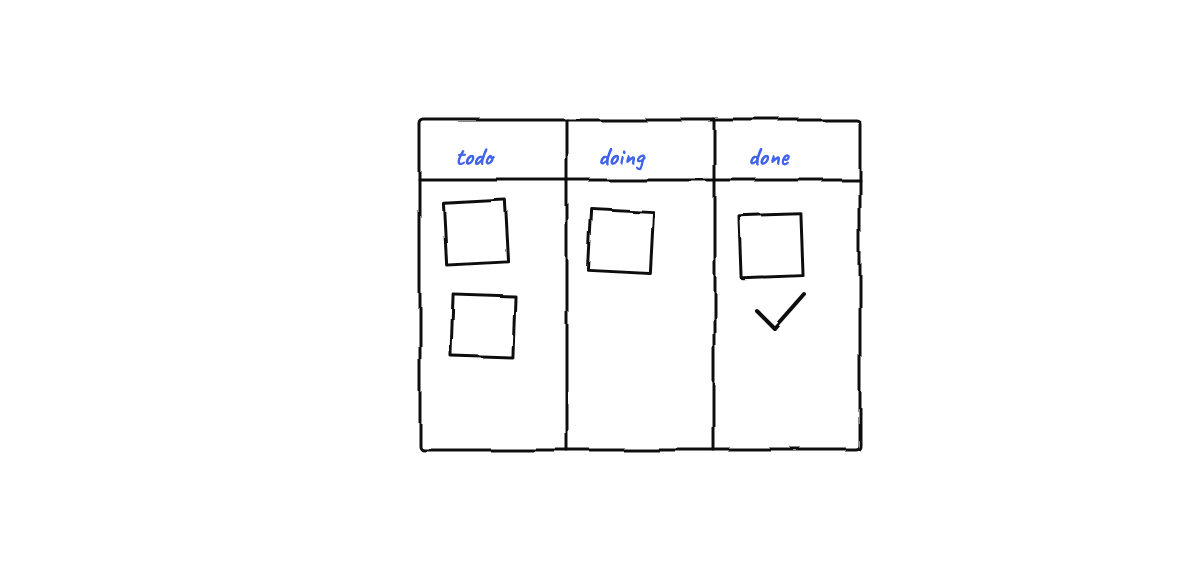
Failure mode #2 — collisions — is the one pure discipline can’t fully solve, because two well-behaved sessions can still both decide to commit at the same instant. The rule that fixes it: one writer per thing. One session owns a file; shared state has one committer. When you do this by hand it means agreeing, out loud, who touches what. It’s tedious, and it’s exactly the part that breaks down as you add sessions.
When manual management stops scaling
Two to four sessions are manageable with the habits above. Past that, the overhead curve bends the wrong way — you spend more time being the message bus and the traffic cop than you save running the sessions in parallel. That’s the signal to move from “managing sessions” to running a team.
A harness automates all four habits at once:
- Naming and roles become first-class — each agent gets an identity injected into its system prompt, so it knows who it is across tasks.
- Context isolation stays (every agent is still its own
claudeprocess) but coordination no longer requires merging them. - Externalized memory becomes shared and searchable — each agent’s notes are mined into a store the whole team can recall from.
- The single-committer rule is enforced in code: agents write plain files and never call git;
one process commits, with retry and stale-lock recovery, so
index.lockraces simply can’t corrupt the repo.
That’s the leap from a multi-agent setup you babysit to one that runs itself. If you’re not sure you need it yet, you probably don’t — the honest rule is to add tooling only when the tabs start costing you more than they return. The next read up is how to run multiple Claude Code agents, which walks the same progression with the orchestration layer in view.
A quick management checklist
- [ ] Every session has a name that states its job.
- [ ] Roles are scoped tightly enough that files rarely overlap.
- [ ] Each session writes durable facts to memory and reads them on startup.
- [ ] Shared state has exactly one writer.
- [ ] When you can’t say what every session is doing, you have too many — consolidate or coordinate.
When the checklist starts feeling like a second job, that’s what a multi-agent harness like Munder Difflin automates: roles, isolated agents, shared memory, and a single committer, all on your own machine. Download Munder Difflin — it’s free and open source.
FAQ
How many Claude Code sessions should I run at once?
As many as you can still account for. Most people stay legible at two to four manual sessions; past that, the tracking overhead grows faster than the throughput, which is the point where a coordinating harness pays off.
How do I stop two Claude Code sessions from editing the same file?
Give each session a clearly scoped role so their files rarely overlap, and run shared work through a single coordination rule. In a harness this is automatic: a single-committer git design and per-agent workspaces keep writes from colliding.
What's the difference between a session and an agent?
A session is one running `claude` process. An agent is a session with a durable identity — a role, its own memory, and a mailbox — so it persists as a teammate across tasks instead of being a throwaway window.