Set Up a Claude Code Multi-Agent Workflow in 10 Minutes
A from-zero Claude Code multi-agent setup: install Munder Difflin, onboard, spawn a few agents, and watch the GOD orchestrator route your first task.
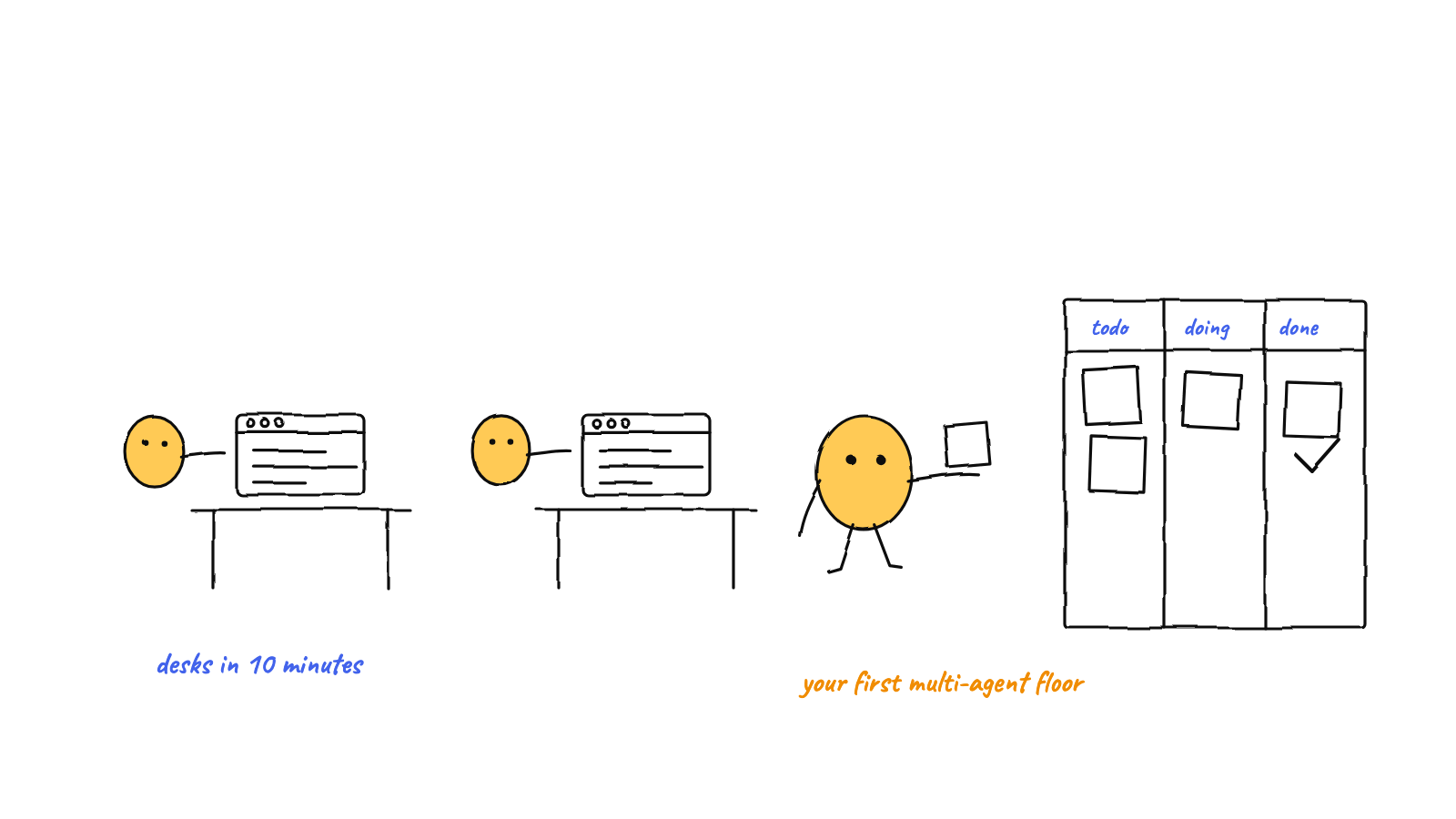
A working Claude Code multi-agent setup takes about ten minutes: install Munder Difflin, point onboarding at a repo, let it auto-spawn a GOD orchestrator, add a couple of worker agents, and describe one task in plain language. The harness handles identity, messaging, memory, and git so the agents act like a team instead of a pile of terminal tabs.
You can run several Claude Code sessions by hand, but the coordination — who does what, who knows what, who’s allowed to commit — is the part that eats your afternoon. This guide gets you from zero to a coordinated team in about ten minutes, using Munder Difflin as the harness that does the wiring.
Before you start (2 minutes)
You need two things:
- Claude Code, installed and runnable as
claudein your terminal. Munder Difflin resolves the binary against your interactive shell’sPATH(and common install spots like~/.claude/local/), so ifclaudeworks in a normal terminal, the harness will find it. - The Munder Difflin app — download it for macOS, Windows, or Linux. It’s free and open source.
That’s the whole prerequisite list. You don’t install a framework, a database, or a server. Every
agent the harness spawns is a real claude process, so your existing Claude plan and rate limits
are exactly what you already have.
Step 1 — Finish onboarding (2 minutes)
On first launch the app runs a short onboarding wizard. Two choices matter:
- Pick a folder. This is the working directory your agents operate in — usually a code repo. The harness checks that it exists before spawning anything, so point it at a real project.
- Auto mode. When auto mode is on, new agents are launched with
--permission-mode bypassPermissionsso they don’t stop to ask you to approve every file write. It’s the right default for a watch-it-work demo; turn it off if you want to confirm each action. (You can read the exact spawn command the wizard will use right in the dialog.)
Onboarding also sets a harness home — a folder where the harness keeps its own state: the hive git repo, each agent’s memory, and the shared semantic memory palace. You never edit it by hand; it’s just where coordination lives.
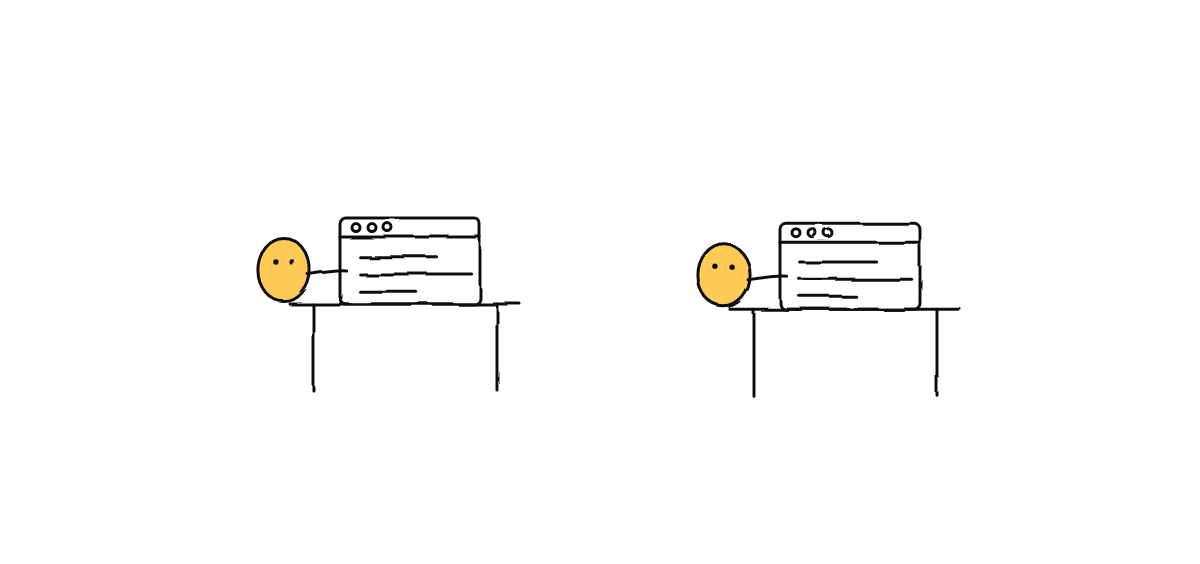
Step 2 — Meet the GOD orchestrator (1 minute)
When the hive comes up, one agent is already there: the GOD orchestrator, seated in the corner
office. It’s an ordinary claude process with one extra job — it runs the floor. You talk to it in
plain language, and it routes work to the other agents, answers their clarifying questions, and only
interrupts you for genuinely critical calls (spending real money, destructive operations, scope
changes).
If you want the full mental model of what the orchestrator does under the hood, see inside the GOD orchestrator. For now, just know: it’s the one agent you address, and it manages the rest.
Step 3 — Spawn a couple of worker agents (2 minutes)
Add two or three agents and give each a role — a name and a short description of its job:
test-writer— writes and runs testsrefactorer— cleans up code without changing behaviordocs— keeps the README and comments in sync
Roles aren’t cosmetic. When the harness spawns each agent, it injects an identity and the hive
protocol into the session’s system prompt, plus environment variables (AGENT_ID, AGENT_NAME,
HIVE_ROOT, AGENT_DIR). The agent reads its own memory.md and inbox at the start of every task
and writes durable facts back as it learns. A clear role keeps each agent in its lane and makes “who
should handle this?” obvious to the orchestrator.
Start small. Two or three agents is enough to see coordination happening without losing the thread. For the habits that keep a bigger team legible, read how to manage multiple Claude Code sessions.
Step 4 — Describe one task and watch it route (3 minutes)
Now the payoff. Don’t hand-assign work — describe intent once to the orchestrator, for example:
“Add input validation to the signup form, write tests for it, and update the docs.”
Here’s what happens, and what you’ll see on the floor:
- The orchestrator decomposes the request and routes sub-tasks to the right agents — validation
to one, tests to
test-writer, docs todocs. - Each agent works in its own session. When one needs something from another, it sends a message (the harness delivers it; agents never write into each other’s folders).
- Avatars move around the office as the work happens — a real-time view driven by the agents’ actual tool calls, not a simulation. Envelopes fly desk-to-desk when messages route.
- The harness commits the coordination state to its own git repo as it goes, so there’s an audit trail of who said what.
You’ve gone from a blank app to a coordinated team acting on one sentence. That’s the setup.
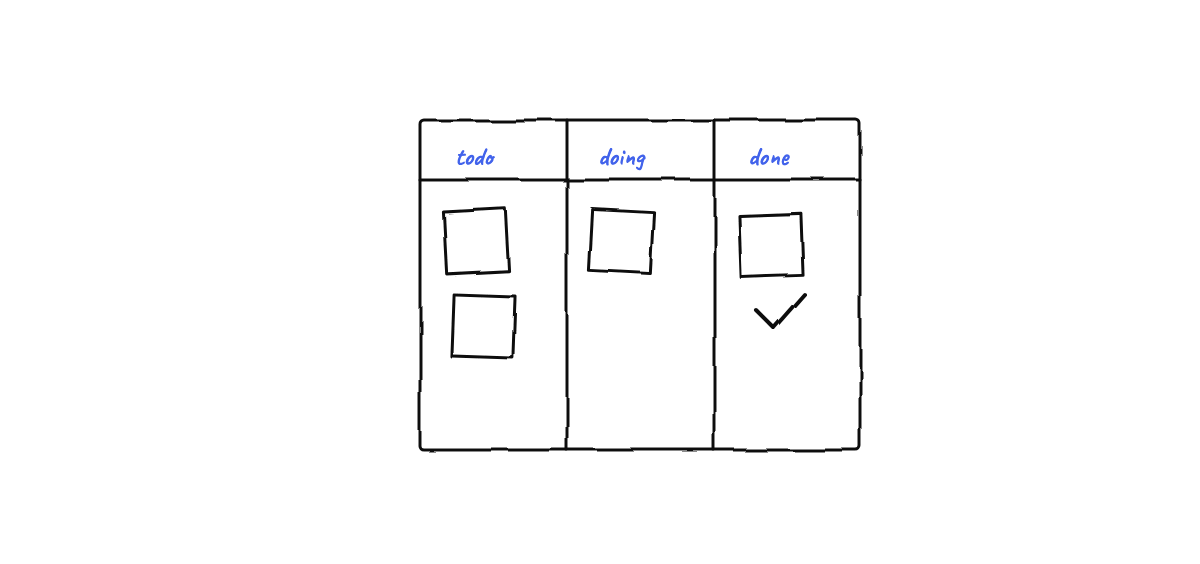
What you just avoided
Doing this by hand means you become the message bus: copy-pasting findings between windows, manually
deciding who edits which file, and resolving index.lock errors when two agents commit at once. The
harness removes all three — roles, messaging, and a single-committer git design — which is the
difference between “several Claude Code sessions” and a
multi-agent workflow that actually saves you time.
FAQ
Do I need to configure MCP servers or skills separately for each agent? No. Because each agent is
a real claude session in your project directory, it inherits the MCP servers and skills you already
use. The harness adds coordination on top without touching that config.
What if mempalace (semantic memory) isn’t installed? Everything still works. Memory degrades
gracefully to plain markdown files; the semantic recall layer is an optional upgrade.
Next steps
- How to run multiple Claude Code agents — the habits behind a healthy multi-agent workflow.
- How to manage multiple Claude Code sessions — naming, roles, and context isolation as you scale up.
Ready to try it? Download Munder Difflin and run your first coordinated team of Claude Code agents — it’s free, local, and open source.
FAQ
Do I need anything besides Claude Code to set up a multi-agent workflow?
You need Claude Code installed and on your PATH, plus the Munder Difflin app. The harness spawns real `claude` sessions for you, so your existing Claude plan, MCP servers, and skills come along automatically.
How many Claude Code agents can I run at once?
Start with two or three so you can follow the work, then add more. Each agent is a real terminal process, so the practical limit is your machine's RAM and your Claude rate limits — not the harness.
Is the multi-agent setup local or cloud?
Local. The harness, the agents, and their shared memory all run on your own machine — nothing is sent to a coordination server in the cloud.