OpenCode Browse vs agent-browser: Your Browser or a CLI (Nov 2026)
OpenCode Browse lets agents drive your signed in browser over MCP; agent-browser is a Rust CLI with its own Chrome. Setup, licence and picks, 11 Nov 2026.
Our view: pick OpenCode Browse when your agent must work inside the browser you are already signed in to, and pick agent-browser when you want a scriptable CLI with its own Chrome that any shell agent can call. Both are open source on GitHub. Checked 11 Nov 2026.
Both tools moved in the past week. Browse shipped four releases on 7 Nov and two on 8 Nov, the last v0.0.16 (UTC), and our 9 Nov brief listed it first. agent-browser shipped v0.42.0 on 10 Nov. This page sits in our Comparisons hub; for tools that run several agents side by side, see Herdr alternatives.
OpenCode Browse vs agent-browser at a glance (checked 11 Nov 2026)
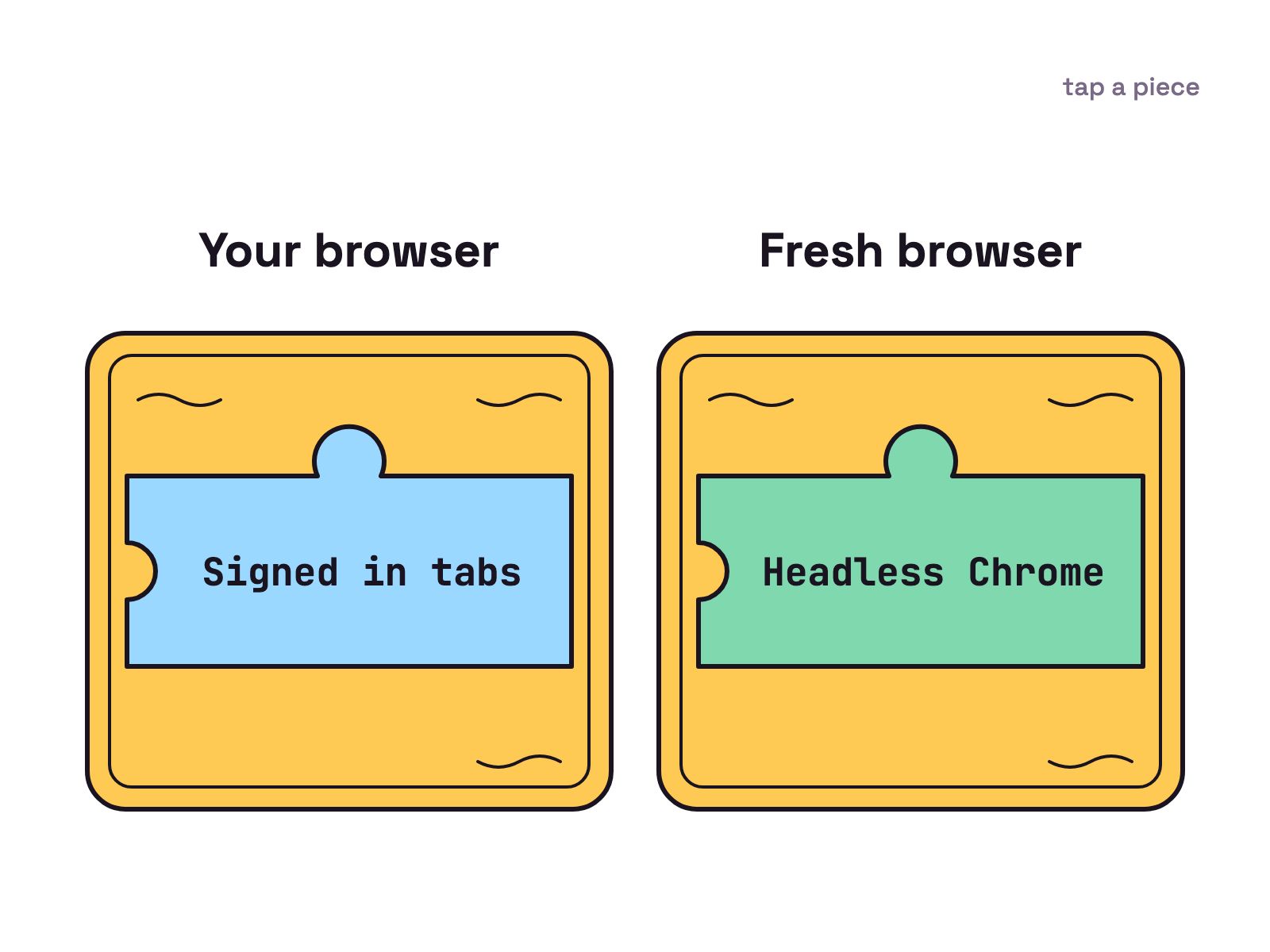
Browse lends your agent the browser you already use, while agent-browser gives it a browser of its own. Every row below comes from each project’s README or product page on 11 Nov 2026.
| OpenCode Browse | agent-browser | |
|---|---|---|
| What it is | An MCP server and a Chromium extension | A native Rust CLI with a background daemon |
| How an agent calls it | MCP tools, such as execute for Playwright code |
Shell commands such as agent-browser snapshot, or agent-browser mcp |
| Which browser it drives | Your own Chrome, Edge, Brave, Arc, Helium, Vivaldi, Opera or Chromium | Chrome for Testing by default, headless unless --headed; can attach to a running Chrome |
| Agents named | OpenCode, Claude Code, Cursor, Codex, Zed “and many more” | Claude Code, Cursor, GitHub Copilot, OpenAI Codex, Google Gemini, opencode |
| Licence | MIT | Apache 2.0 |
| Latest release | v0.0.16, 8 Nov 2026 | v0.42.0, 10 Nov 2026 |
| Price on 11 Nov 2026 | None listed on its product page | None listed on its site |
GitHub shows the Browse repo was created on 27 Oct 2026 and had 469 stars on 11 Nov 2026; the agent-browser repo dates from 11 Jan 2026 and had more than 49,000. Stars are not a measure of use.
What is OpenCode Browse?
OpenCode Browse is a way for agents to use the browser you already have open. Its product page calls it “An MCP server and a Chromium extension that let your agents use your real browser, with your tabs, your logins and your extensions.” Agents “open and drive tabs with Playwright, take screenshots and record the screen, in background tabs grouped out of your way.”
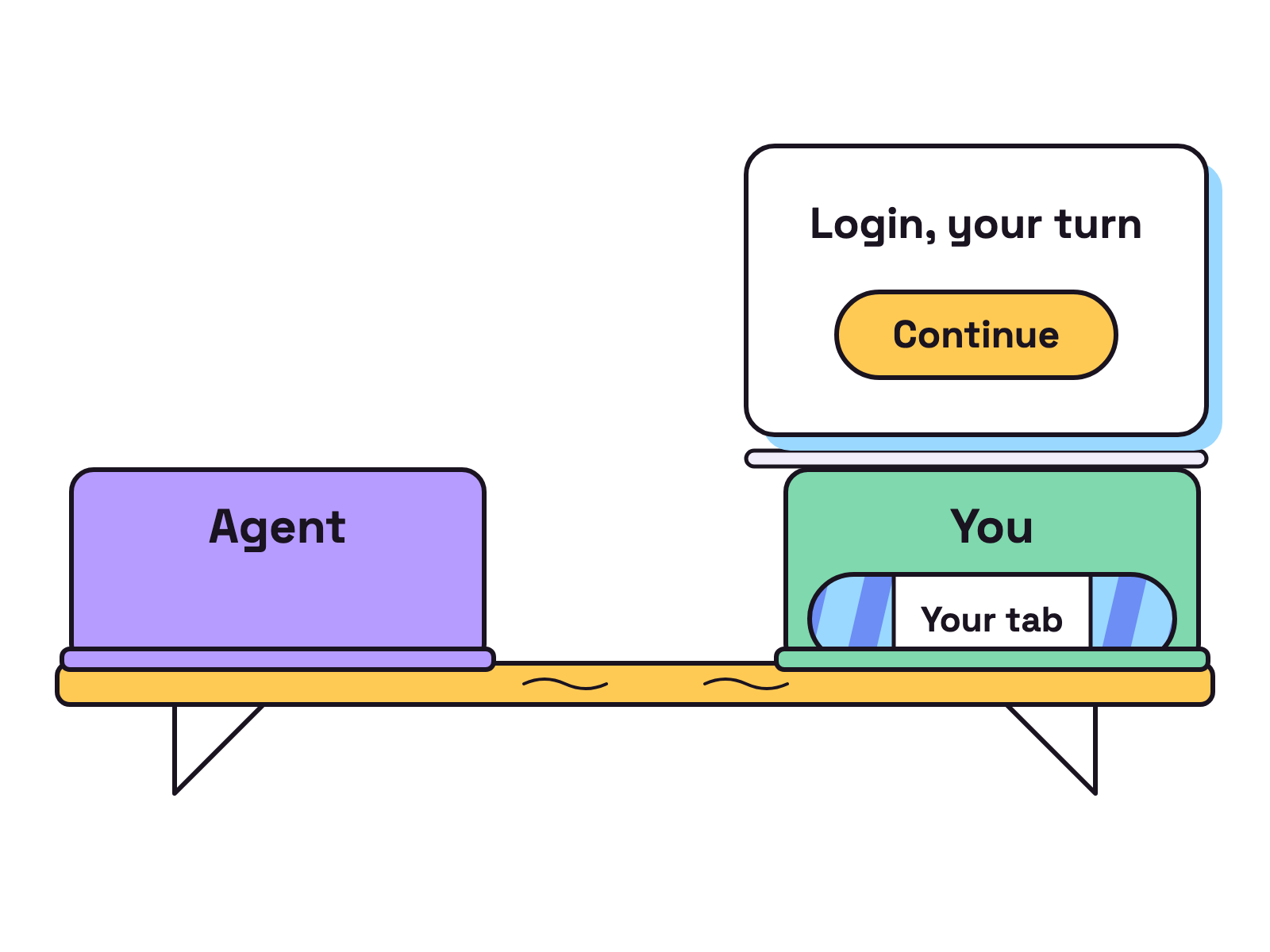
We think the handoff is the part that matters most. “When it’s your turn, for a login, a 2FA prompt or a payment, they hand the tab back to you and continue once you click Continue.” You can also lend an agent a tab by clicking the toolbar button, and limit a session’s tabs to “the sites you name”.
Install starts with the Chrome extension, which the page says “walks you through the rest of the steps.” The README also gives a one line installer, curl -fsSL https://opencode.ai/browse/install | bash. Then browse install adds the browse MCP server to the agents you pick and pairs the extension. Any other stdio MCP client gets the entry "command": "browse", "args": ["mcp"].
The README is frank about risk: “browse drives the browser you’re signed in to, so it assumes that what an agent reads (a web page, an email) may try to steer it”. Clearing cookies and changing site permissions are refused, and of agent code it says: “treat code an agent runs as code running as you.”
What is agent-browser?
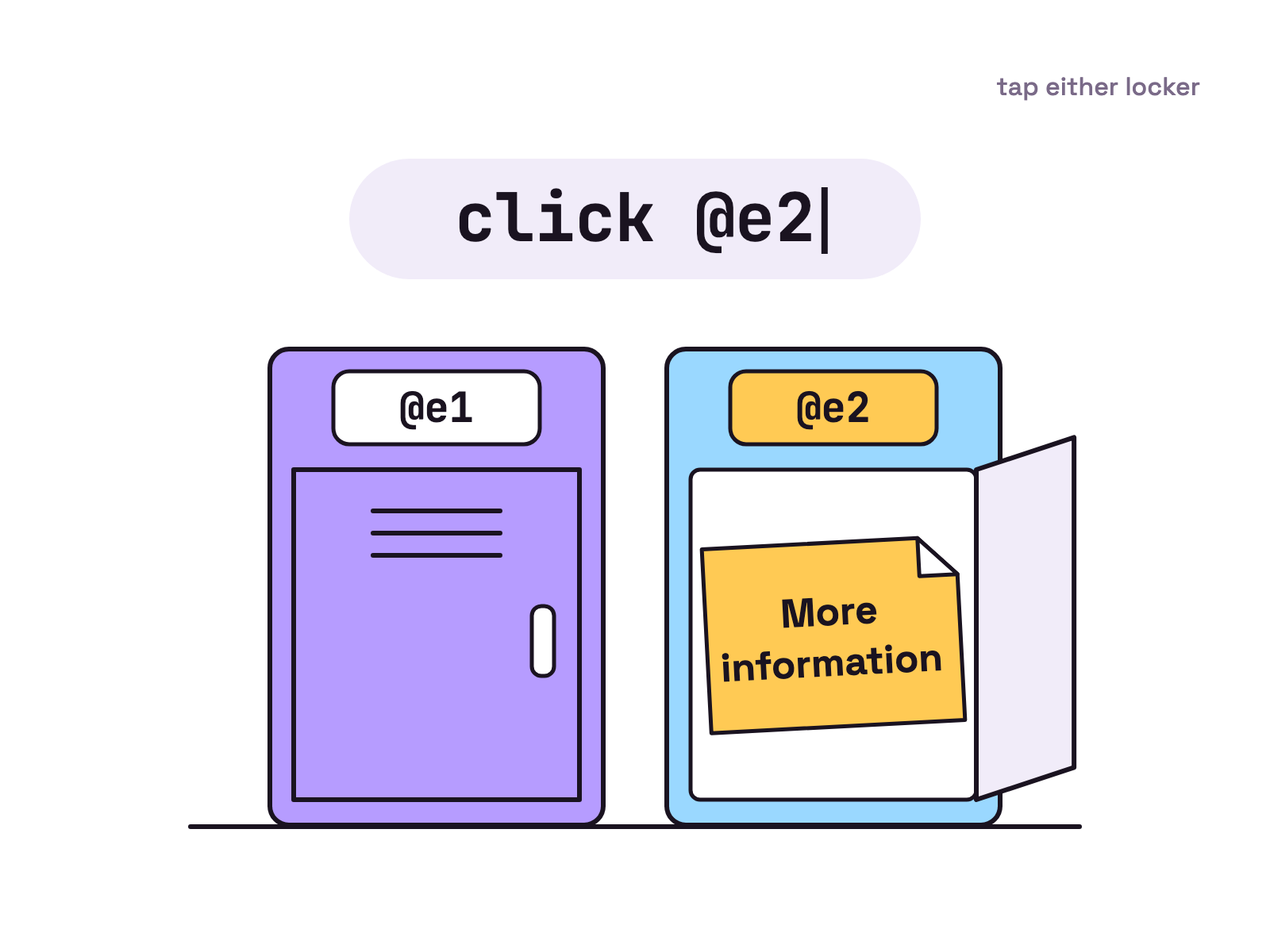
agent-browser is a browser CLI for agents from Vercel Labs. Its README calls it “a native Rust CLI that gives an AI agent a browser it can drive one command at a time.” snapshot returns the page “as compact text with a ref such as @e1 for each element. The agent acts on a ref, reads the page again to check the result, and repeats.”
The site shows the loop: agent-browser open example.com, then agent-browser snapshot -i, then agent-browser click @e2 on the link it found. For a snapshot, it claims “Text output uses ~200-400 tokens vs ~3000-5000 for full DOM”.
Install is npm install -g agent-browser, then agent-browser install to download Chrome for Testing. A background daemon drives the browser over the Chrome DevTools Protocol, and by default closes a headless browser after one hour without commands, which is more discipline than most of us show with tabs. --headed shows the window, and CDP mode attaches to a Chrome you started with remote debugging, or finds one with --auto-connect.
Agents call it as plain shell commands. The site lists “Claude Code, Cursor, GitHub Copilot, OpenAI Codex, Google Gemini, opencode, and any agent that can run shell commands.” The README says “The CLI ships skills that match its version” (npx skills add vercel-labs/agent-browser installs one), and agent-browser mcp “starts an MCP server over stdio”.
Which should you pick?
Pick by which browser the job needs, not by star count. Our view, as plain rules:
Pick OpenCode Browse if:
- The task needs a site you are already signed in to, and you would rather not hand the agent a password.
- You want to do the login or 2FA step yourself, then click Continue.
- You want the agent in your own Chrome, Edge, Brave or Arc, with your extensions.
- You want to hand an agent a tab you already have open, with the toolbar button.
Pick agent-browser if:
- You want each session in its own browser, away from your tabs.
- You want headless runs, including on Linux, where
agent-browser install --with-depsadds the browser’s system libraries. - Your agent only runs shell commands, or you want short text snapshots with refs.
- You want a cloud browser from a provider such as Browserbase or Browserless.
Can a team of agents share one of these tools?
Yes, and both plan for several agents through named sessions. agent-browser’s README says “Each --session gets its own daemon and browser.” Browse gives each agent its own current session only when the client names the agent, as OpenCode does; otherwise its README says “each should session_new its own and pass session on every call.” The v0.0.16 notes add that agents and subagents sharing one OpenCode process “each keep their own browse session”.
If you want to run that team on your desktop, Munder Difflin is free and open source: a desktop app that runs a team of AI agents for all kinds of knowledge work, coding included, on your own computer. Its agents can use MCP servers, skills and plugins. This guide covers MCP servers and skills in a hive, and the install guide covers setup.
FAQ
What is the difference between OpenCode Browse and agent-browser?
Which browser they drive and how the agent calls them. OpenCode's Browse page calls it an MCP server and a Chromium extension that let agents use your real browser, with your tabs, logins and extensions. agent-browser's README calls it a native Rust CLI that drives a browser one command at a time, Chrome for Testing by default. Checked 11 Nov 2026.
Does OpenCode Browse work with Claude Code?
Yes. Its product page lists OpenCode, Claude Code, Cursor, Codex, Zed and many more under Any MCP client. The README's install table includes Claude Code with the `claude` flag. Checked 11 Nov 2026.
Does agent-browser need MCP?
No. Its site says it works with any agent that can run shell commands, and it ships skills that tell the agent how to use it. For MCP clients, `agent-browser mcp` starts an MCP server over stdio. Checked 11 Nov 2026.
Can agent-browser use my own Chrome?
Yes, through CDP mode. Its docs show `agent-browser connect 9222` for a Chrome started with remote debugging, and `--auto-connect` to find a running one. Without that it downloads and drives Chrome for Testing. Checked 11 Nov 2026.
Are OpenCode Browse and agent-browser free?
Neither product page lists a price on 11 Nov 2026. Browse is MIT licensed and agent-browser is Apache 2.0, and both are on GitHub.