Bringing Your MCP Servers and Skills Into a Hive of Agents
How agents in a hive inherit your existing Claude Code MCP servers, skills, and tools — and how to scope which agent gets which capability.
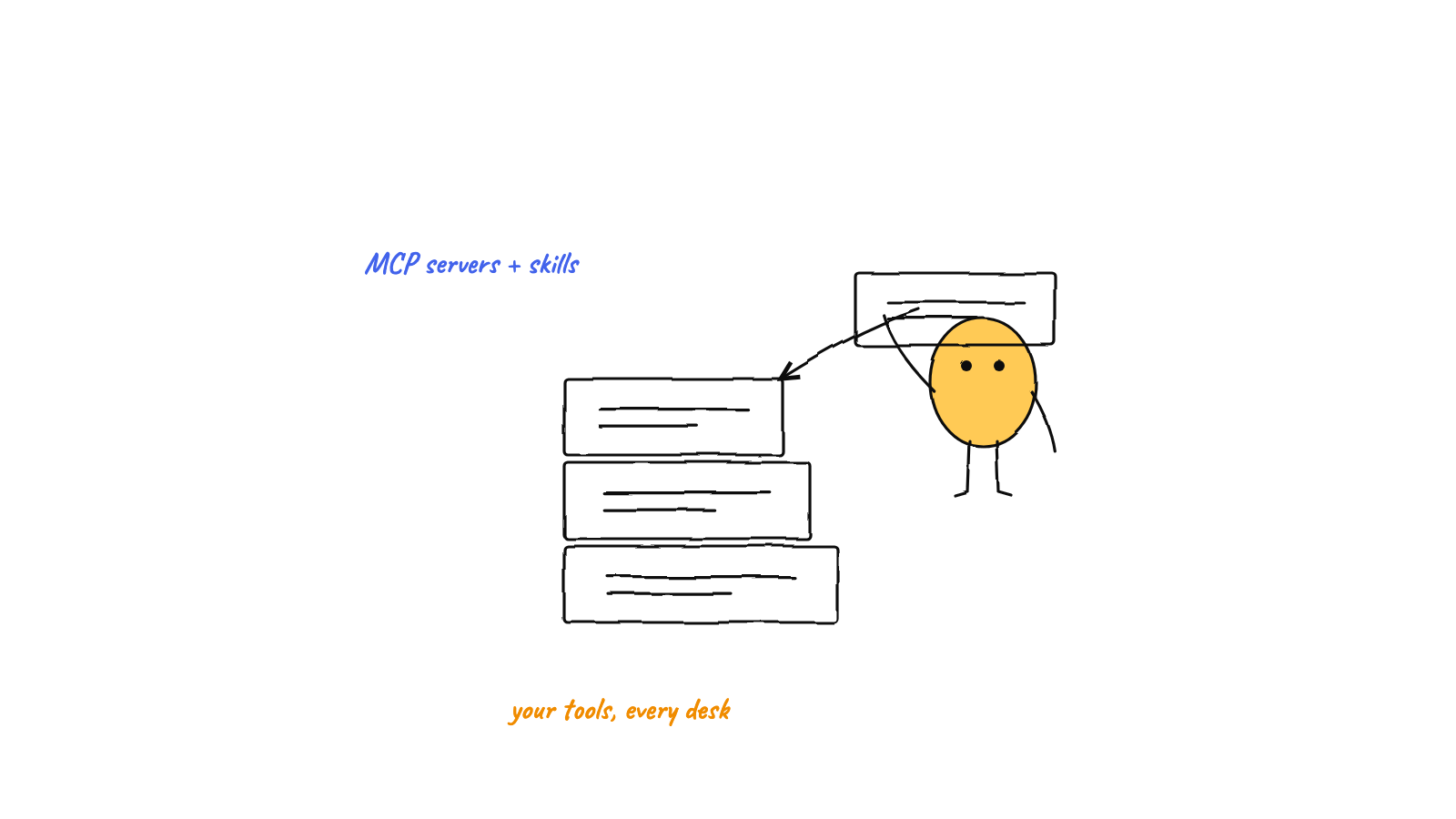
In a
Claude Code MCP multi-agent hive, your existing MCP servers and skills come
along for free — because each agent is a real claude session in your project, it
inherits exactly what a normal session would. The harness only adds coordination (identity,
hooks, environment); it never strips your tools. To scope tools per agent, lean on
per-directory project config and each agent's role.
If you’ve invested in Claude Code — wired up MCP servers, written skills, tuned your tools — the last thing you want is a harness that makes you redo all of it per agent. The good news: you don’t. The design principle that makes a hive practical is that every agent is a genuine Claude Code session, so your existing setup is inherited, not replaced. This post explains exactly how that works and how to scope tools when you want different agents to have different capabilities.
Why inheritance is automatic
Start from what a hive agent actually is. When the harness spawns an agent, it doesn’t reimplement
Claude or run some stripped-down clone. It launches the real claude CLI in your project directory,
and adds a few things via launch flags and environment variables:
- an injected role and protocol (via
--append-system-prompt) so the agent knows who it is and how to coordinate, - lifecycle hooks (via
--settings, pointing at a file outside your repo) so the harness can drive the visualization and the autonomous loop, - and environment variables (
AGENT_ID,AGENT_NAME, and so on) for hive identity.
Notice what’s not in that list: anything that disables MCP or skills. The agent is a normal session with extras bolted on, so it resolves MCP servers and skills the same way every Claude Code session does. Your tools are present because nothing took them away.
This is the whole reason a harness is lighter than a framework. A framework asks you to rebuild your agent inside it. A harness wraps the agent you already run — which is the core idea behind a multi-agent harness, and why your investment carries straight over.
MCP servers
MCP (Model Context Protocol) servers extend an agent with external tools and data — your database, your
issue tracker, your internal APIs. Claude Code resolves MCP servers from configuration: user-scoped
servers you’ve set up globally, and project-scoped servers defined in the project you’re working in. If you haven’t set one up yet, our guide to adding an MCP server to Claude Code walks through the claude mcp add command and its scope flags.
Because a hive agent runs as a real session in that project, it picks up both. Every agent in the hive
can call the same MCP tools you’d have in a solo session — no per-agent re-registration.
Skills
Skills work the same way. They resolve from your skill directories — the ones a normal session reads — so an agent in the hive can invoke any skill you’ve installed. The harness adds its own lifecycle hooks via a separate settings file, which is additive; it doesn’t shadow or remove the skills your session would otherwise have.
Hooks attach without touching your repo
A natural worry: “if the harness uses --settings to attach hooks, does that clobber my settings or
my MCP config?” It doesn’t. The hooks live in a settings file the harness writes outside your
project, and --settings is additive — it layers the harness’s hooks alongside your existing
configuration rather than replacing it. Your repo isn’t modified to make an agent hive-aware; there’s
no stray settings diff to commit or gitignore. (The hook mechanics are covered in
Claude Code hooks, explained.)

A note on the harness’s own memory
Here’s a deliberate design choice worth calling out: the hive’s semantic memory doesn’t consume an MCP slot. Rather than run memory as an MCP server, the harness drives it through a CLI and points each agent’s environment at a shared store. The benefit is that the coordination layer stays out of your tool budget — your MCP servers are yours, and the harness’s memory is a companion process beside them, not a competitor for the same plumbing. The agent recalls knowledge with plain commands, and your MCP configuration is untouched. (The memory layer itself is covered in semantic memory for AI agents.)
Scoping tools per agent
Inheritance gives every agent the same tools by default. Often you want differentiation — a
db-migrator with database access, a docs agent without it. You scope without fighting the harness,
using mechanisms Claude Code already provides.
Scope by directory
MCP servers and skills can be project-scoped — defined in a particular working directory. Since
each agent is spawned with a cwd, an agent pointed at one project inherits that project’s tools, and
an agent pointed at another inherits a different set. Directory is your coarse-grained tool boundary:
put the database MCP server in the project the db-migrator works in, and agents elsewhere simply don’t
see it.
Scope by role
The finer control is the role the harness injects into each agent’s system prompt. An agent told it
is the reviewer reaches for read and analysis tools; one told it’s the migration agent reaches for
the database tools. The role doesn’t physically remove a capability, but it steers behavior — a
well-scoped role keeps an agent in its lane, which is usually what “give this agent different tools”
really means in practice. Roles are the same routing signal the
orchestrator uses to assign work, so they do double duty.
Lean on Claude Code’s native controls
Because agents are real sessions, Claude Code’s own configuration applies — per-project settings and permission controls govern what a session in that directory can do. You’re not learning a parallel, harness-specific permission system; you’re using the one you already know, per directory, per agent.

A practical setup
Putting it together, a tooled-up hive might look like this:
- Keep your MCP servers and skills where they are. User-scoped tools are available to every agent; project-scoped tools follow the project each agent works in.
- Spawn agents with roles that match their tools.
db-migrator,reviewer,docs— the role steers each toward the right subset. - Point sensitive tools at specific projects so only the agents in those directories inherit them.
- Let the orchestrator route by role, so the agent with the right tools gets the matching work.
You end up with a team where each agent has exactly the capabilities its job needs — built entirely from configuration you already had, plus roles. That’s the fast path from your existing Claude Code setup to a coordinated team, which is the same ten-minute on-ramp as the multi-agent setup tutorial.
FAQ
Will running many agents multiply my MCP server processes? It depends on the server and how it’s launched, just as it would if you opened several Claude Code sessions yourself — the hive doesn’t change that math. Stateless servers handle it fine; for heavy ones, scope them to the agents that actually need them.
Can an agent use a skill that spawns subagents or runs tools? Yes — the agent has full Claude Code capabilities, including skills and subagents. The harness coordinates between agents; it doesn’t constrain what each agent can do within its own session.
Munder Difflin runs your real Claude Code — your MCP servers, your skills, your tools — just orchestrated into a hive. Download Munder Difflin to bring your existing setup into a coordinated team of agents; it’s free and open source.
FAQ
Do I have to reconfigure MCP servers for each agent in a hive?
No. Because each agent is a real Claude Code session running in your project, it inherits the MCP servers you've already configured — project-scoped and user-scoped alike. The harness adds coordination on top without touching that configuration.
Do my Claude Code skills work inside a hive?
Yes. Skills resolve the same way they do in a normal session — from your user and project skill directories — so every agent in the hive can use them. The harness doesn't strip or replace your skills.
How do I give different agents different tools?
Scope by directory and role. Project-scoped MCP servers and skills differ per working directory, so an agent pointed at one project gets that project's tools; and each agent's injected role steers which tools it actually reaches for.