Real Terminals in Electron with node-pty
How to run byte-for-byte authentic shells inside Electron with node-pty: the native-rebuild gotcha, the macOS PATH trap, and streaming PTY output over IPC.
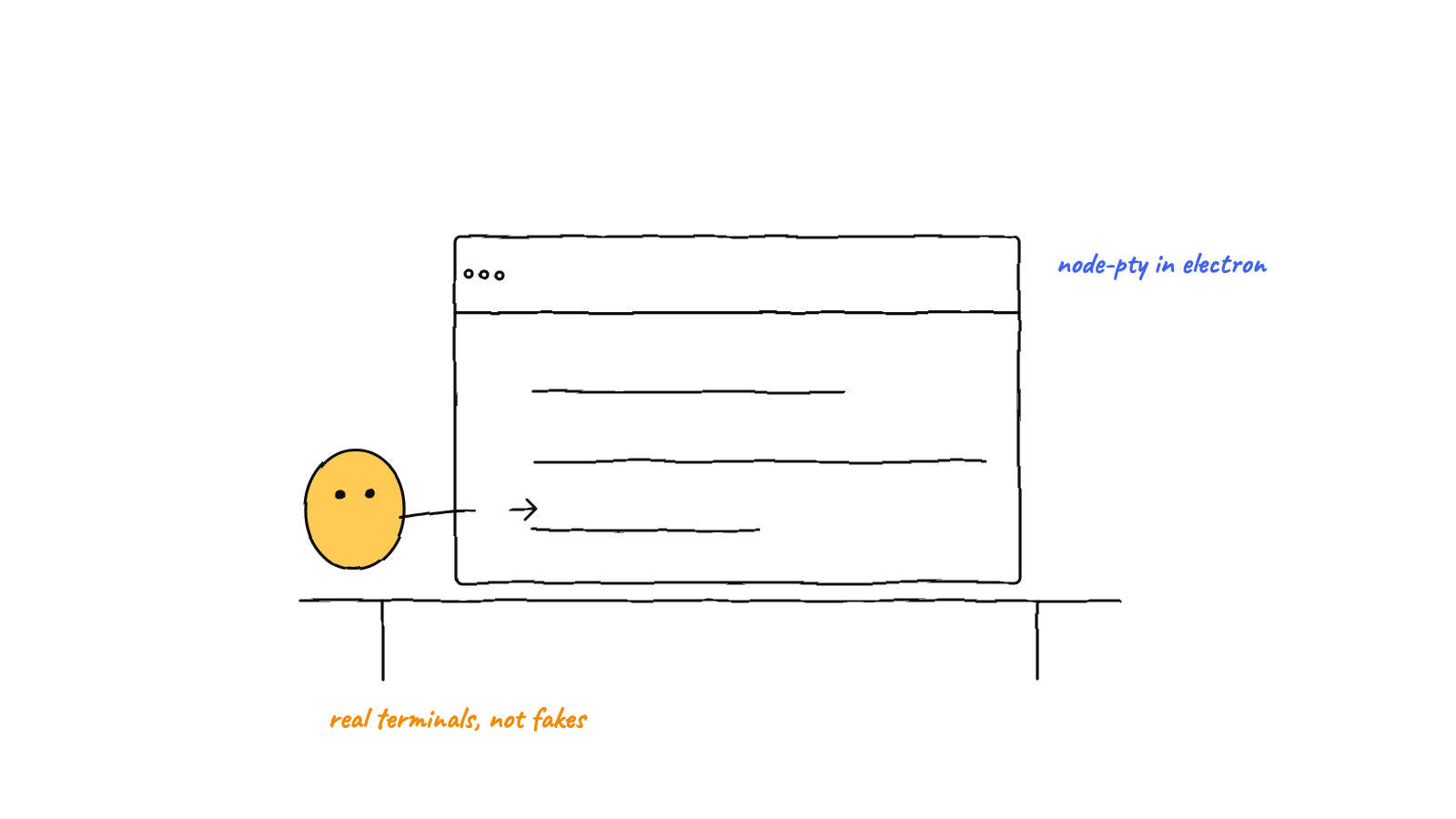
To run real shells inside Electron, use node-pty — it allocates a genuine pseudo-terminal so programs behave byte-for-byte like they do in a normal terminal. The three things that bite everyone: rebuild the native addon against Electron's ABI (electron-rebuild), resolve commands against an interactive shell PATH (GUI apps don't inherit it on macOS), and stream output over IPC safely, guarding sends during window teardown.
If you want to embed a working terminal in a desktop app — a dev tool, an IDE, an agent harness that
runs claude sessions — node-pty is the foundation. But “embed a terminal” hides three sharp edges
that every Electron + node-pty project hits. This post is the field guide: what a PTY is, why you need
one, and the gotchas that turn a one-line spawn into a day of debugging.
Why a pseudo-terminal, not a pipe
The instinct is to reach for Node’s child_process.spawn and pipe stdout into a <div>. It seems to
work — until you run anything interactive. Here’s why it breaks.
Programs check whether their output is attached to a TTY (a terminal). When they detect a plain pipe instead, they assume “I’m being scripted” and change behavior:
- colors and styling switch off,
- interactive prompts vanish or hang,
- full-screen TUIs (editors,
top, anything using the alternate screen buffer) don’t render at all, - line editing, arrow keys, and signals like Ctrl-C don’t behave.
A pseudo-terminal (PTY) is the fix. It’s a kernel feature that presents a real terminal interface
to the child process while handing the bytes to your code on the other end. The program thinks it’s
talking to an honest terminal — because it is — so it behaves exactly as it would in your shell.
node-pty is the Node binding that allocates one and gives you write, resize, onData, and
onExit.
import * as pty from 'node-pty';

const proc = pty.spawn('claude', [], {
  name: 'xterm-256color',
  cols: 100,
  rows: 30,
  cwd: '/path/to/project',
  env: { ...process.env, TERM: 'xterm-256color', COLORTERM: 'truecolor' }
});

proc.onData((data) => sendToRenderer(data));   // bytes from the shell
proc.onExit(({ exitCode, signal }) => cleanup(exitCode, signal));
Note name: 'xterm-256color' and the TERM/COLORTERM env — they tell the child what terminal it’s
talking to, which is what unlocks 24-bit color. Set them, or you’ll spend an hour wondering why output
is monochrome.
Gotcha 1 — The native-rebuild trap
This is the one that stops people cold on first install. node-pty is a native addon: it’s
compiled C++ that links against a specific Node ABI. You npm install node-pty, it builds against your
system Node, and everything looks fine — until you load it inside Electron and get:
Error: The module was compiled against a different Node.js ABI version
Electron bundles its own Node, with a different ABI than the one npm built against. The binary that
works in a plain node REPL won’t load in Electron. The fix is to rebuild the addon against Electron’s
ABI, which is what electron-rebuild does. Wire it into a postinstall script so it happens
automatically:
{
  "scripts": {
    "postinstall": "electron-rebuild -f -w node-pty"
  }
}
The -w node-pty scopes the rebuild to just that module (faster than rebuilding everything), and -f
forces it. After this runs, the addon loads cleanly inside Electron. Forget it, and the app crashes on
launch with an ABI error that looks scarier than it is.
Gotcha 2 — The macOS PATH trap
You ship the app, double-click it, and your terminal can’t find claude — or node, or git, or
whatever you installed with nvm, asdf, or Homebrew. Run the same command in a real terminal and it
works fine. What gives?
On macOS, an app launched from the GUI (Finder, Dock) doesn’t inherit your interactive shell’s
environment. Your PATH additions live in .zshrc/.zprofile, which a login shell reads — but the
GUI process never started a login shell, so it gets a bare system PATH that’s missing every
user-installed tool.
There are two halves to fixing this:
Resolve the command’s full path. Don’t trust a bare command name to be found. Ask an interactive login shell where it lives, then fall back to common install locations:
function resolveCommand(command: string): string {
  if (command.includes('/')) return command;            // already absolute
  // Ask the user's login shell — picks up nvm/asdf/brew.
  const res = spawnSync(process.env.SHELL ?? '/bin/zsh', ['-ilc', `which ${command}`], {
    encoding: 'utf8', timeout: 3000
  });
  const found = res.stdout.trim().split('\n').pop();
  if (found && existsSync(found)) return found;
  // Fall back to known locations.
  for (const c of [
    `/opt/homebrew/bin/${command}`,
    `/usr/local/bin/${command}`,
    `${process.env.HOME}/.local/bin/${command}`
  ]) if (existsSync(c)) return c;
  return command;                                        // last resort — let it ENOENT
}
The -ilc flags matter: -i interactive, -l login, -c run a command — that combination loads the
same startup files your terminal does, so which finds what you’d expect.
Give the child a real PATH too. Even with the binary resolved, the spawned shell needs a full
PATH so its subprocesses resolve (the claude session that shells out to git, say). Compute the
login shell’s PATH once and pass it into the PTY’s env:
const userPath = spawnSync(process.env.SHELL ?? '/bin/zsh', ['-ilc', 'echo -n "$PATH"'],
  { encoding: 'utf8', timeout: 3000 }).stdout.trim() || process.env.PATH;
Skip this and your terminal will run, but anything it tries to launch will mysteriously not be found.
Gotcha 3 — Streaming over IPC without crashing on quit
In Electron, the PTY lives in the main process and the UI lives in the renderer. So PTY output
has to cross the process boundary over IPC. The pattern is straightforward — forward each onData
chunk on a per-session channel:
proc.onData((data) => webContents.send(`pty:data:${id}`, data));
proc.onExit(({ exitCode, signal }) => webContents.send(`pty:exit:${id}`, { exitCode, signal }));
But there’s a teardown hazard that produces an ugly crash dialog. During app quit, killing a PTY fires
onExit asynchronously. By the time that callback runs, the window may already be destroyed — and
calling .send() on a destroyed webContents throws "Object has been destroyed", which surfaces as
a main-process crash. The guard is simple but essential: check the target is alive before every send.
function safeSend(channel: string, payload: unknown) {
  const wc = this.webContents;
  if (!wc || wc.isDestroyed()) return;     // window torn down — drop it
  try { wc.send(channel, payload); } catch { /* raced during teardown */ }
}
Route every PTY-to-renderer message through that, and quitting the app is clean instead of a crash report.
Managing many sessions
A real app runs more than one terminal, so wrap all of this in a manager keyed by session id —
spawn, write, resize, kill, list, killAll. Two details pay off at scale:
- Resize is a real operation. When the UI panel changes size, recompute cols/rows and call
proc.resize(cols, rows), or full-screen TUIs will wrap wrong. The renderer side of this — measuring the grid and writing keystrokes back — is its own craft, covered in building a terminal UI with xterm.js and node-pty. - Clean up on exit. Remove a session from your map in
onExit, and on app quit kill everything so you don’t leak child processes.
Why this matters for an agent harness
Everything above is in service of a simple idea: if your “agents” are real claude CLI sessions, they
deserve real terminals. A PTY makes each agent byte-for-byte authentic — same colors, same prompts,
same behavior as if you’d typed claude yourself. That authenticity is the whole premise of a
multi-agent harness: you’re not reimplementing the agent, you’re
running the genuine article and coordinating many of them. And because every session is a real process,
the same single-writer discipline that keeps their shared state safe — see
the single-committer git pattern — applies cleanly on top.
FAQ
Does node-pty work on Windows? Yes — it uses the ConPTY API on modern Windows (and winpty as a fallback on older versions). The PATH gotcha is macOS-specific; the native-rebuild gotcha applies everywhere.
Can I avoid the native addon entirely? Not if you want a true TTY. Pure-JS “terminals” that pipe
child_process hit exactly the non-TTY problems described up top. node-pty exists because a real
pseudo-terminal needs a kernel-level allocation.
Munder Difflin runs every Claude Code agent in a real node-pty terminal — authentic shells, streamed to a live UI, coordinated as a hive. Download Munder Difflin to see real terminals driving real agents; it’s free and open source.
FAQ
Why use node-pty instead of child_process for a terminal app?
child_process gives you pipes, not a terminal. Interactive programs detect that they're not attached to a TTY and change behavior — no colors, no prompts, broken full-screen UIs. node-pty allocates a real pseudo-terminal so programs behave exactly as they would in a normal shell.
What's the native-rebuild gotcha with node-pty in Electron?
node-pty is a native addon compiled against a specific Node ABI. Electron ships its own Node, so the npm-installed binary won't load. You have to rebuild node-pty against Electron's ABI — typically with electron-rebuild in a postinstall step.
Why can't my Electron app find `claude` or other commands?
On macOS, a GUI-launched Electron app doesn't inherit your interactive shell's PATH, so commands installed by nvm, asdf, or Homebrew aren't found. Resolve the command against an interactive login shell, or fall back to known install locations.