Building a Terminal UI with xterm.js and node-pty
Wire xterm.js to a node-pty backend: stream output, write keystrokes back, handle resize, and keep many live terminals fast with a terminal pool.
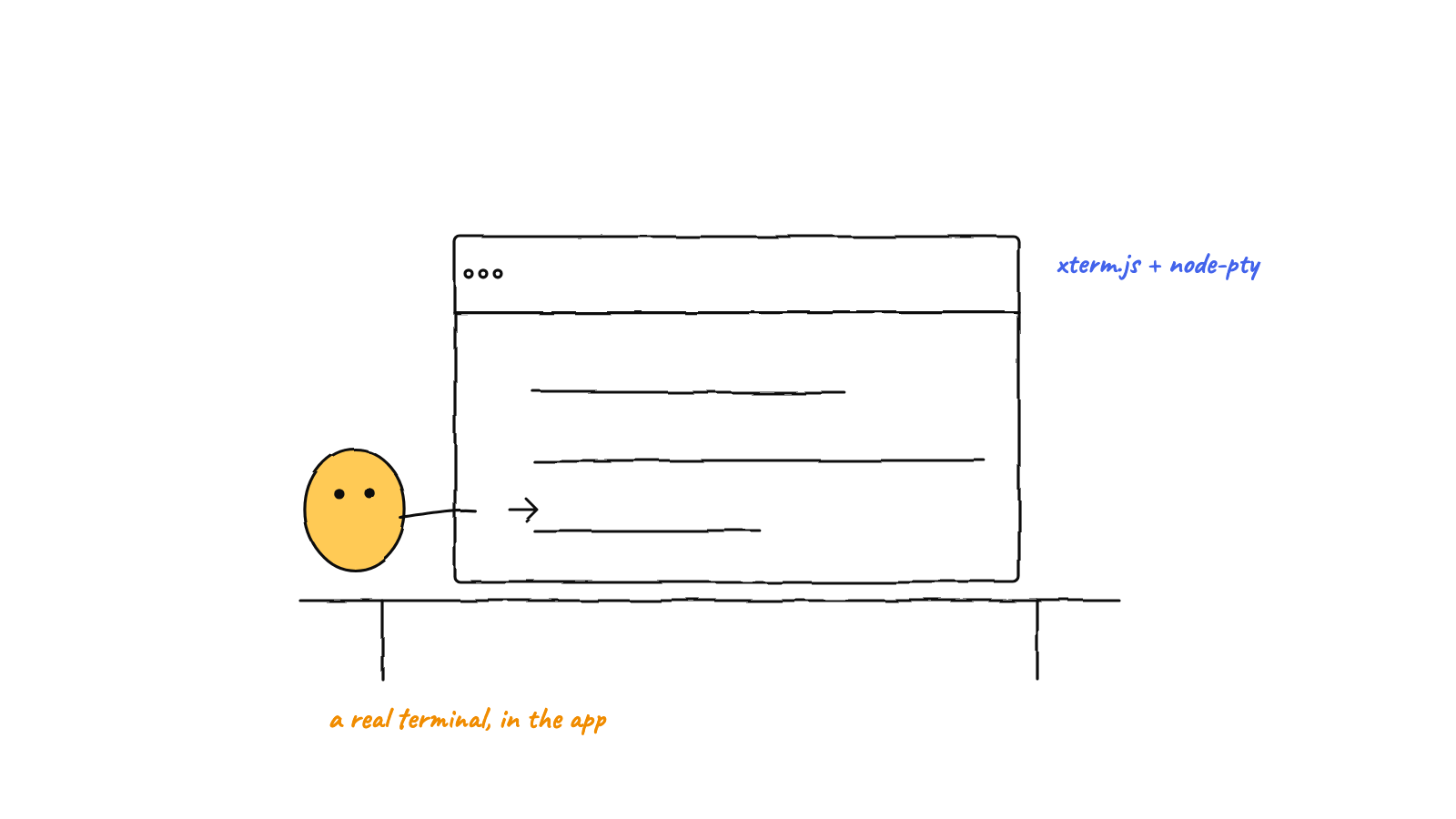
A real terminal UI is two halves wired
together: node-pty runs the shell, xterm.js renders it. Forward PTY
output into term.write(), send term.onData() keystrokes back to the PTY, and
sync size with the FitAddon plus a resize call. The non-obvious win for
many terminals: keep one persistent xterm per session and re-parent its DOM element
instead of recreating it — because node-pty has no scrollback, recreating means a blank screen.
node-pty gives you a real shell; xterm.js gives you a place to see and drive it. Connecting them is straightforward in the happy path and full of small, important details once you have many live terminals — which is exactly the situation an agent harness is in. This post builds the wiring up from one terminal to dozens.
The two halves
Keep the model clear and everything else follows:
- node-pty (backend) runs the actual process in a pseudo-terminal. It emits bytes (
onData) and accepts bytes (write) and size changes (resize). - xterm.js (frontend) is a terminal emulator: it renders the grid, interprets ANSI escape
sequences into colors and cursor moves, and reports keystrokes back via its own
onData.
Your job is to connect them across whatever boundary sits between — in Electron, that’s IPC between the main process (PTY) and the renderer (xterm).
node-pty.onData ──▶ IPC ──▶ xterm.write()        (output: shell → screen)
xterm.onData    ──▶ IPC ──▶ node-pty.write()     (input: keys → shell)
resize observer ──▶ IPC ──▶ node-pty.resize()    (geometry: panel → shell)
Step 1 — Create the terminal
Instantiate an xterm Terminal, load the FitAddon (it sizes the grid to its container), and open it
into a host element:
import { Terminal } from '@xterm/xterm';
import { FitAddon } from '@xterm/addon-fit';
import '@xterm/xterm/css/xterm.css';

const term = new Terminal({
  fontFamily: 'monospace',
  fontSize: 14,
  lineHeight: 1.0,
  cursorBlink: true,
  scrollback: 10000,
  allowProposedApi: true
});
const fit = new FitAddon();
term.loadAddon(fit);
term.open(hostElement);   // ← must be in the document to measure correctly
setTimeout(() => fit.fit(), 0);
One subtlety that bites early: xterm needs its host attached to the document before it can measure
character size. open() an element that isn’t in the DOM yet and the geometry comes out wrong.
That’s why the fit() is deferred a tick — and why, in the pooled design below, we delay open() until
the first real attach.
Step 2 — Stream output in
Subscribe to the PTY’s output and write each chunk to the terminal:
window.cth.onPtyData(ptyId, (chunk) => term.write(chunk));
window.cth.onPtyExit(ptyId, ({ exitCode, signal }) =>
  term.writeln(`\r\n\x1b[2m─ process exited (code ${exitCode}) ─\x1b[0m`));
term.write() takes the raw bytes including escape sequences — you do not strip ANSI; that’s
xterm’s whole job. Writing a dim “process exited” line on onExit is a nice touch so a dead terminal
doesn’t just freeze silently.
Step 3 — Send keystrokes back
term.onData fires for every keystroke (already encoded as the bytes a terminal would send — arrow
keys as escape sequences, Enter as \r, and so on). Forward them straight to the PTY:
term.onData((data) => window.cth.writePty(ptyId, data));That’s the entire input path. You don’t interpret keys yourself; xterm hands you terminal-ready bytes
and node-pty feeds them to the shell. (If you want a “last command” signal for, say, a UI bubble, you
can keep a tiny line buffer on the side — accumulate printable chars, flush on \r, and skip escape
sequences — without touching the forwarding.)
Step 4 — Handle resize properly
This is where lazy implementations look broken. A terminal has a character grid (cols × rows), and both halves must agree on it. When the panel changes size:
- Re-fit xterm to its container so it recomputes cols/rows.
- Tell the PTY the new geometry so the shell reflows.
const ro = new ResizeObserver(() => {
  fit.fit();
  window.cth.resizePty(ptyId, term.cols, term.rows);
  term.refresh(0, Math.max(0, term.rows - 1));   // force a repaint
});
ro.observe(containerElement);
window.addEventListener('resize', () => { fit.fit(); window.cth.resizePty(ptyId, term.cols, term.rows); });
A ResizeObserver on the container catches layout changes a window-resize listener misses (a
splitter drag, a panel collapse). Skip the resizePty call and full-screen TUIs wrap at the old width
— the classic “why is htop drawing garbage” bug.
Step 5 — The hard part: many terminals at once
Everything above works for one terminal. The interesting problems start when you have a sidebar of agents and the user switches between them, or pops one fullscreen. The naive approach — create an xterm when a view mounts, dispose it on unmount — produces a notorious bug: the terminal is blank until something repaints it.
The cause is fundamental: node-pty keeps no scrollback. The scrollback buffer lives in xterm, not the PTY. So if you dispose the xterm and make a fresh one, the new instance has an empty buffer and stays blank until the running program happens to redraw — which for an idle shell might be never (or “until I drag the splitter,” as the bug reports always say).
The fix is a persistent terminal pool: one xterm instance per PTY session, created once and kept alive for the app’s lifetime, decoupled from any particular view.
// One Terminal per ptyId, alive for the whole app. Views borrow its element.
const pool = new Map<string, TerminalEntry>();

function acquireTerminal(ptyId: string): TerminalEntry {
  const existing = pool.get(ptyId);
  if (existing) return existing;

  const host = document.createElement('div');     // detached host
  const term = new Terminal({ scrollback: 10000, /* … */ });
  const fit = new FitAddon();
  term.loadAddon(fit);
  // Subscribe to the PTY stream ONCE — the buffer keeps filling even while
  // this terminal isn't shown in any view.
  window.cth.onPtyData(ptyId, (chunk) => term.write(chunk));
  term.onData((data) => window.cth.writePty(ptyId, data));

  const entry = { term, fit, host, opened: false };
  pool.set(ptyId, entry);
  return entry;            // note: not open()ed yet
}
The two ideas that make this work:
- Subscribe to the stream once, for the terminal’s whole life. Output flows into the buffer whether or not the terminal is currently mounted in a view. When you re-show it, the content is already there.
- Re-parent the host element instead of recreating the terminal. A view simply moves the existing
host<div>into itself on mount and lets it go on unmount. The rendered content moves with the element — instant, no repaint required.
function attachTerminal(entry: TerminalEntry, container: HTMLElement) {
  container.appendChild(entry.host);
  if (!entry.opened) {            // open lazily, on first real attach
    entry.term.open(entry.host);  // now the host is in the document → measures correctly
    entry.opened = true;
  }
}
Switching agents becomes a DOM move, not a teardown. The terminal is always populated and always visible immediately — which is what you need when a user is flicking between a dozen live sessions.
Performance notes for dozens of terminals
A pool keeps correctness; a few habits keep it fast:
- Don’t render what’s off-screen. Only the visible terminal needs to be in the DOM and laid out. The pool’s buffers keep filling in the background, but you’re only painting one (or a few) at a time.
- Pick a sane scrollback. xterm holds scrollback in memory per terminal. 10,000 lines is generous; multiply by many terminals and it adds up — tune it to your needs.
- Dispose for real when a session is gone. When an agent is truly finished, tear its entry down:
unsubscribe from the stream,
term.dispose(), and drop it from the pool. The pool is for live sessions, not a leak.
The deeper performance story — rendering backends, batching writes, and keeping CPU flat with many streaming PTYs — gets its own deep dive in rendering many live terminals without melting the CPU, but the pool is the structural decision everything else builds on.
Why a harness needs all of this
An agent harness shows you many live terminals — one per agent — and lets you switch, zoom, and watch them stream simultaneously. Every detail above is load-bearing for that: real shells from node-pty, a persistent pool so switching agents is instant, and correct resize so each agent’s TUI renders right. It’s the visible half of a multi-agent harness — the part that makes “a hive of agents” something you can actually watch instead of a black box. And keeping those agents’ shared state safe under all that concurrency is the job of the single-committer git pattern.
FAQ
Should I use the canvas or WebGL renderer? xterm’s DOM renderer is fine for a few terminals; for many high-throughput ones, an accelerated renderer addon reduces CPU. Measure with your real workload before reaching for it.
Do I need to handle ANSI parsing myself? No — that’s exactly what xterm.js does. You feed it raw bytes from the PTY and it handles colors, cursor movement, and the alternate screen buffer.
Munder Difflin renders a whole floor of live Claude Code terminals with xterm.js — one persistent, pooled terminal per agent, switchable instantly. Download Munder Difflin to watch many real terminals at once; it’s free and open source.
FAQ
What is xterm.js?
xterm.js is a terminal emulator for the browser. It renders a terminal grid in the DOM (or on a canvas/WebGL), parses ANSI escape sequences, and exposes write() for output and onData() for keystrokes — so you can pair it with a backend like node-pty to build a real, interactive terminal in a web UI.
How do xterm.js and node-pty fit together?
node-pty runs the real shell and produces bytes; xterm.js displays them and captures input. You forward node-pty's output into xterm's write(), and send xterm's onData() keystrokes back to node-pty. The two halves are connected by your IPC layer.
Why does my xterm.js terminal go blank when I switch tabs?
Because node-pty keeps no scrollback — if you destroy and recreate the xterm instance, the new one starts empty until the program repaints. Keep one persistent terminal per session and re-parent its element instead of recreating it.