Building an AI "Office Floor": Avatars, Pathfinding, Envelopes
The game-dev techniques behind a dev tool's office floor: Tiled maps, BFS pathfinding, sprite recoloring, and flying message envelopes in Pixi.js.
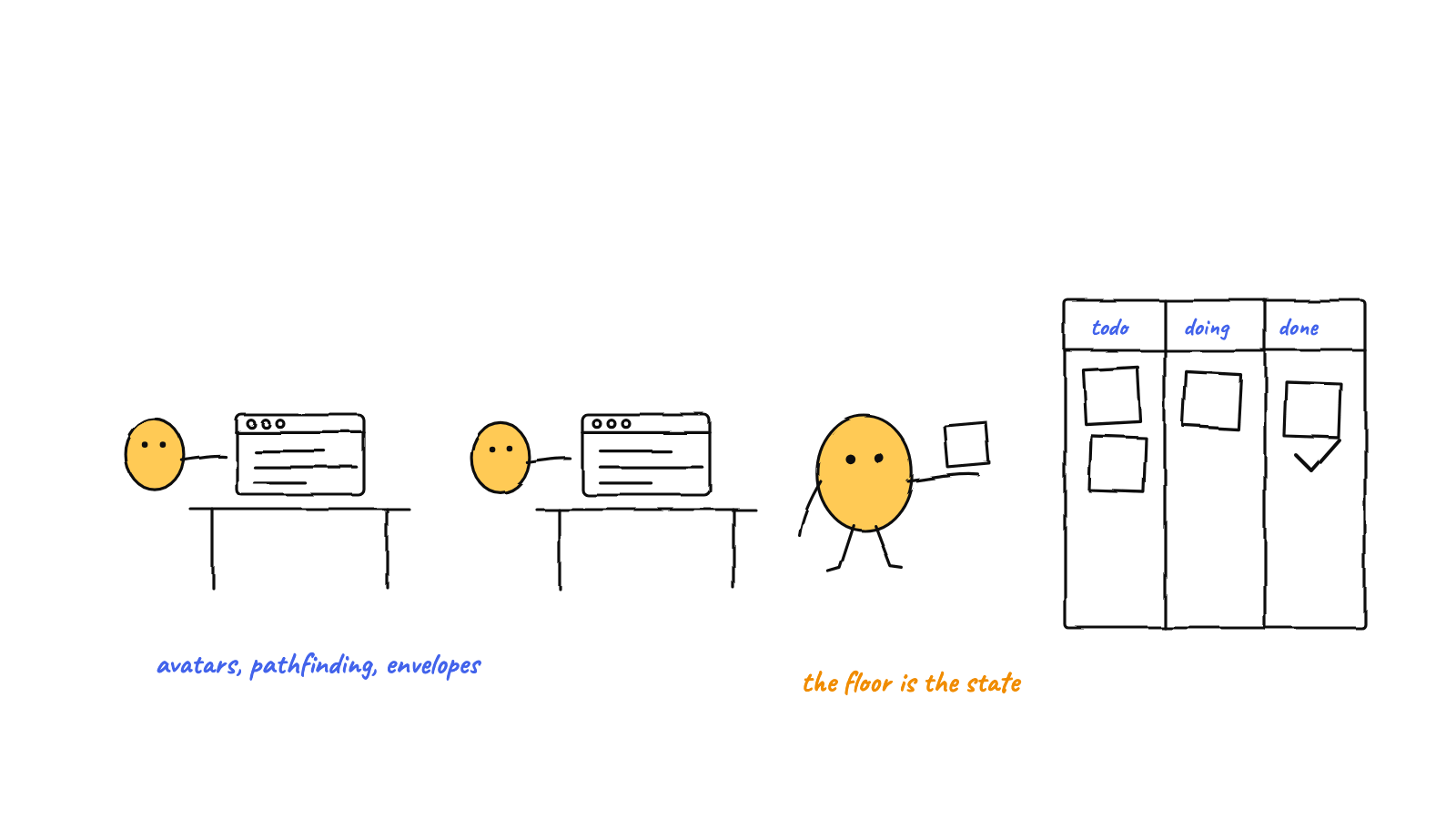
An AI agent visualization that looks like a tiny office game uses ordinary game-dev tech: a Tiled tile map for the floor, a small BFS pathfinder for movement, sprite-sheet slicing + recoloring for distinct avatars, a seat pool for desk assignment, and tweened envelopes for messages — all in Pixi.js. None of it is heavy; it's game craft applied to a developer tool.
The office floor in Munder Difflin looks like a little workplace sim, and that’s on purpose — a spatial, game-like view makes a hive of agents legible. Under the hood it’s a handful of classic game-development techniques, kept deliberately lightweight so they fit inside a dev tool. This post is the techniques tour. (For why a visualization matters and the Pixi.js plumbing, start with visualizing AI agents with Pixi.js.)
A note up front: several of these pieces are ported from an open-source 2D office game (shahar061/the-office), with character art from LimeZu’s sprite packs. Standing on game-dev shoulders is exactly the point — these are solved problems.
The floor is a Tiled map
The office isn’t drawn in code; it’s authored in Tiled, the standard 2D map editor, and exported as
a .tmj (JSON) file. The renderer reads its layers:
- Tile layers — floor, walls, furniture — drawn from tileset textures. Each tile references a
global id, resolved back to the right tileset by its
firstgidoffset. - A collision layer — which tiles are solid (walls, desks) versus walkable floor.
- A spawn-points object layer — named anchors for desks and seats.
Because the level is data, changing the office is a design task: open the map in Tiled, move a desk, re-export. No code changes to rearrange the furniture. One subtlety worth stealing: desk/seat tiles are marked solid for collision but force-flagged walkable for pathing, so an avatar can walk onto its chair instead of treating it as a wall.
Movement is grid pathfinding
Avatars walk from their desk to a station and back. The pathfinder is a breadth-first search on the map’s walkability grid — four-directional, no diagonals:
// BFS over walkable tiles → shortest tile path from start to goal
function findPath(map, start, goal) {
  if (!map.isWalkable(goal.x, goal.y)) return null;
  const queue = [start], visited = new Set([key(start)]), parent = new Map();
  while (queue.length) {
    const cur = queue.shift();
    for (const d of [{x:0,y:-1},{x:0,y:1},{x:-1,y:0},{x:1,y:0}]) {
      const next = { x: cur.x + d.x, y: cur.y + d.y };
      if (visited.has(key(next)) || !map.isWalkable(next.x, next.y)) continue;
      visited.add(key(next)); parent.set(key(next), cur);
      if (next.x === goal.x && next.y === goal.y) return reconstruct(parent, start, goal);
      queue.push(next);
    }
  }
  return null;
}
On an unweighted grid, BFS returns the shortest path for free — no heuristic, no priority queue, no A* needed at office scale. It’s a dozen lines and it’s correct, which is the right trade for a map this size.
Avatars: one sheet, many people
Drawing fifteen unique characters by hand would be a slog. Instead, avatars start from a shared character walk sheet and are made distinct by recoloring:
- A sprite adapter slices the sheet into frames — walk cycles for each facing direction. The sheet packs directions in a known order (right, up, left, down); the adapter maps them into the three-row grid the renderer wants, and left is just right drawn flipped, so you store fewer frames.
- The character sprite plays walk / type / read / idle animations and applies a small leg-crop mask when an agent sits, so it tucks under the desk instead of standing on it.
- Each character gets a palette recipe — skin, hair, shirt — so the cast is visually distinct from one base sheet. (If the cast looks suspiciously like a certain paper company’s staff, that’s not an accident.)
The payoff: a recognizable, individuated team without an artist hand-drawing every avatar.
Seats: a reservation pool
When an agent joins, it needs a desk. A tiny seat pool holds the ordered list of spawn points from the map and hands out the first free one, releasing it when the agent leaves:
reserveNext() {                      // first unclaimed seat, in map order
  for (const seat of this.seats)
    if (!this.claimed.has(seat)) { this.claimed.add(seat); return seat; }
  return null;                       // office is full
}
First-come, first-served, one desk each — so a growing team fills the office in order rather than stacking onto one chair. Thirty-three lines of bookkeeping that make dynamic agents Just Work.
Envelopes: messages you can see fly
When the hive routes a message between agents, the floor spawns a little pixel envelope that arcs from the sender’s desk to the recipient’s. The animation is a quadratic arc — lerp the endpoints, lift the midpoint with a sine — eased in and out, with a small burst ring on arrival. The envelope is tinted by the message’s speech act: asks are cool-colored, agreements and confirmations warm, refusals red, and an escalation to the human a distinct color. So you don’t just see that a message moved — you see who asked whom, and what kind of ask it was, at a glance.
That envelope is pure presentation riding on real data: it only flies because the message router actually delivered something.
Keeping it lightweight
The whole point is that this is game tech in a dev tool, not a game. So the implementation stays lean: pixel-art settings (no antialias, nearest-neighbor scaling, integer positions), a single shared animation ticker, and a camera that transforms one world container rather than every sprite. That discipline is what lets the floor run alongside a fleet of live terminals without contention — the same performance mindset as rendering many live terminals.
Why borrow from games at all
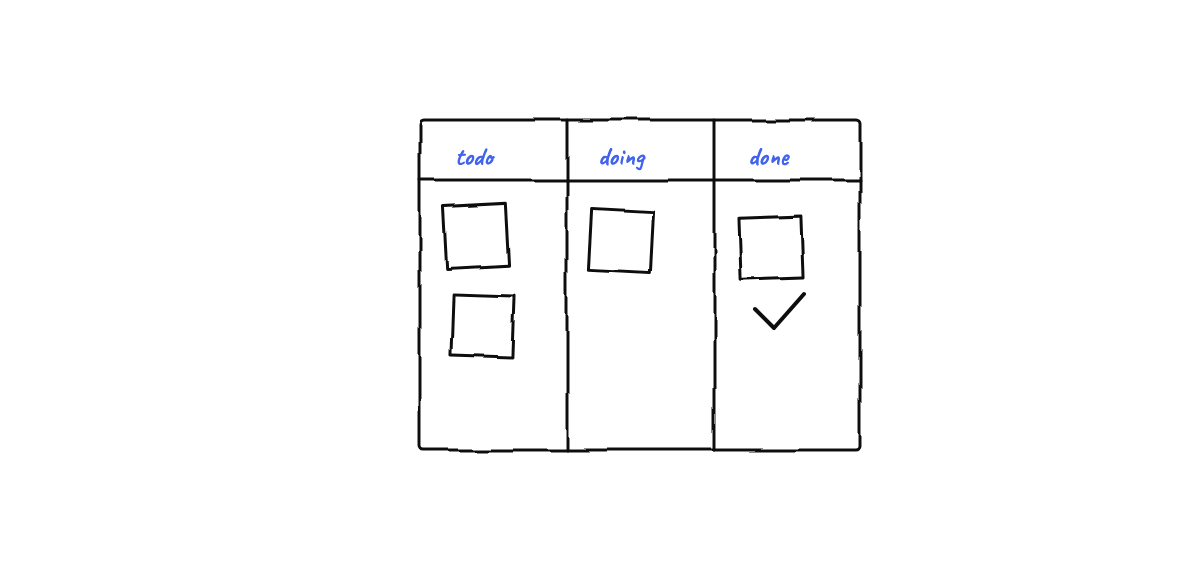
Developer tools usually present work as text. A spatial, animated floor borrows what games are great at — making state immediately readable through position and motion — and applies it to “what is my team of agents doing?” The techniques are old and solved; the novelty is pointing them at observability instead of entertainment. An avatar at the terminal, an envelope in flight, a teammate waving for your input: that’s a status dashboard you read with your eyes instead of your patience.
FAQ
Is the office floor just eye candy? No — it’s observability. Every position and motion maps to a real event (a tool call, a routed message), so the floor is a live, glanceable read of the hive’s state, not decoration.
Do I need to know game dev to build something like this? Not deeply. A 2D renderer, the Tiled editor, a BFS, and sprite sheets get you most of the way. These are approachable, well-documented techniques — the hard part is wiring them to real agent events, not the rendering.
Munder Difflin’s office floor turns a hive of Claude Code agents into a little workplace you can watch — Tiled maps, pathing avatars, and flying envelopes, all driven by real activity. Download Munder Difflin to see it run; it’s free and open source.
FAQ
What game-dev techniques does an AI office floor use?
Tiled tile maps for the level, a grid pathfinder for movement, sprite-sheet slicing and recoloring for distinct avatars, a seat-reservation pool for desk assignment, and tween-based animation for flying message envelopes — all rendered with a 2D engine like Pixi.js.
Do you need a game engine to build an office floor?
No — a 2D renderer like Pixi.js plus a few classic techniques is enough. The map comes from the Tiled editor, pathfinding is a small BFS, and avatars are sprite sheets. It's game tech, but lightweight enough to live inside a developer tool.
How are the avatars made distinct?
They start from a shared character walk sheet and are recolored per character with palette recipes (skin, hair, shirt), so each agent reads as a different person on the floor without drawing every sprite by hand.