Visualizing AI Agents with Pixi.js: An Office You Can Watch
How we render AI agents as avatars on a Pixi.js office floor — driven by real hook and message events, with seat assignment, pathing, and flying envelopes.
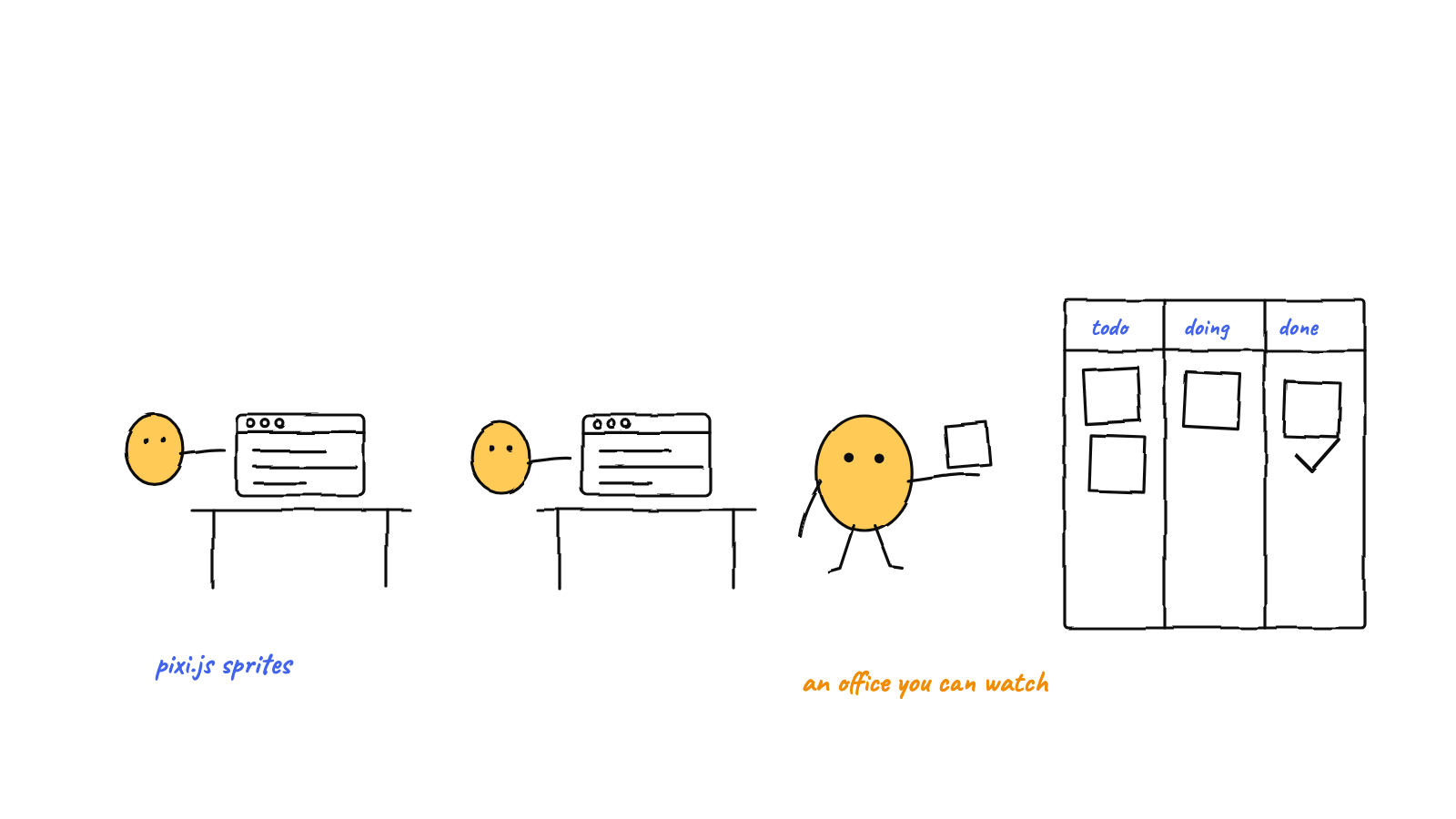
An AI agent visualization turns "what is the team doing?" into something you can see. Munder Difflin renders agents as avatars on a Pixi.js office floor, driven by real events: Claude Code hooks move an avatar to the station matching its current tool, and routed hive messages fly as envelopes desk-to-desk. It's not a simulation — every motion reflects something an agent actually did.
A multi-agent system is, by default, a wall of text: many terminals, many logs, no spatial sense of who’s doing what. The office floor exists to fix that — to make a hive legible at a glance. This post is how it’s built with Pixi.js, and the one principle that keeps it honest: it’s driven by real activity, not animation.
Why a floor at all
The value of a visualization is answering “what is everyone doing right now?” instantly. On the floor:
- an avatar at the terminal station = an agent running a command,
- an avatar at the file shelf = an agent reading or writing,
- an avatar waving at the mailbox = an agent blocked, needing you,
- an avatar at its desk = idle, awaiting work,
- an envelope flying between desks = a message being routed.
You get the team’s state in one look. That’s not a gimmick — it’s an office you can actually see, the visible counterpart to reading the event log.
The Pixi.js setup
The renderer is a Pixi Application, tuned for crisp pixel art rather than smooth gradients:
const app = new Application();
await app.init({
  antialias: false,    // hard pixel edges, no blur
  roundPixels: true,   // snap sprites to integer positions
  resolution: 1
});
// nearest-neighbour scaling keeps the pixel art sharp when zoomed
texture.source.scaleMode = 'nearest';
On top of the stage sits a single world container that everything else lives in — the tile map, the
character layer, the envelopes. Putting it all under one container means the camera can pan and
zoom the entire scene by transforming just that one node, with map-edge clamping and a smooth lerp so
following a selected agent feels natural rather than jumpy.
One more structural choice: a single shared ticker drives all animation. Every frame, the ticker
hands out a delta-time and each live thing (avatars, envelopes, camera) advances by dt. One loop,
not dozens of timers — which keeps motion synchronized and the frame budget predictable.
The floor is a Tiled map
The office isn’t hand-coded geometry; it’s a Tiled map (.tmj) — the same format 2D game
designers use. The renderer parses its layers:
- Tile layers (floor, walls, furniture) are drawn from tileset textures, resolved by each tile’s global id.
- A collision layer marks which tiles are walls vs. walkable floor.
- A spawn-points object layer names the desks and seats.
Editing the office is therefore a design task, not a code change — open the map in Tiled, move a desk, re-export. The renderer just reads it.
Seats: giving each agent a desk
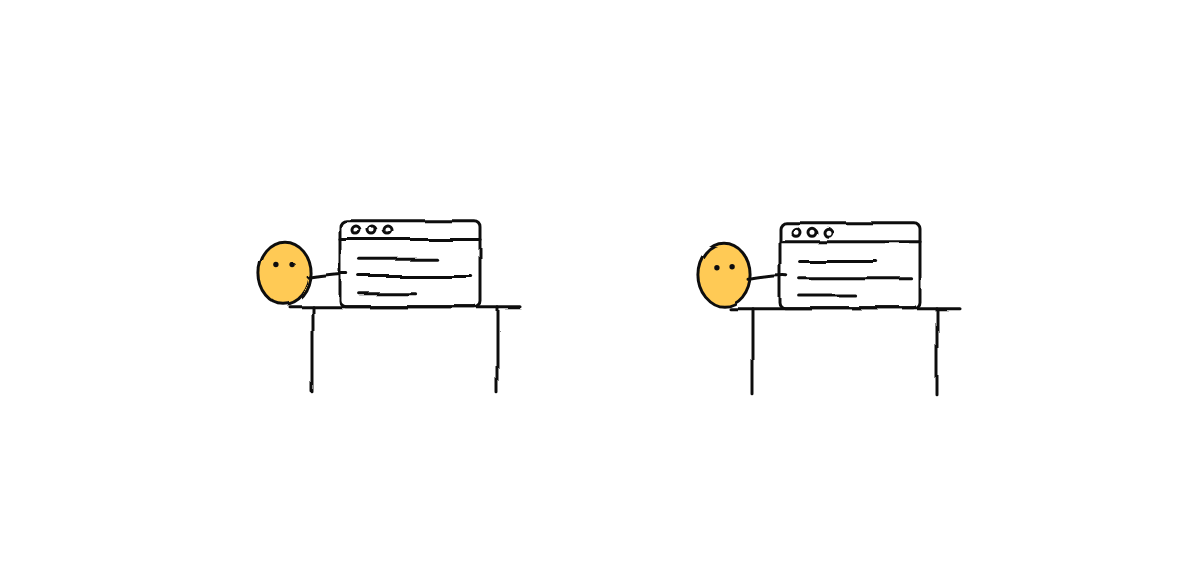
When an agent joins the hive, it needs a home. A small seat pool reserves the next free desk from the map’s spawn points and hands it to that agent; release it when the agent is gone. First-come, first-served, one desk each — so a dynamically growing team fills the office in order instead of piling onto one desk.
Avatars: sprites driven by state
Each avatar is a sprite sliced from a character walk sheet. The frames are mapped into walk / type / read / idle animations for three facing directions (left is just the right-facing row flipped), and a small leg-crop mask tucks a seated agent under its desk so it reads as sitting rather than standing on the furniture. The cast is recolored per character, so the team is visually distinguishable at a glance.
But the sprites are just the body. What makes them meaningful is what drives them.
The honest part: real events, not a script
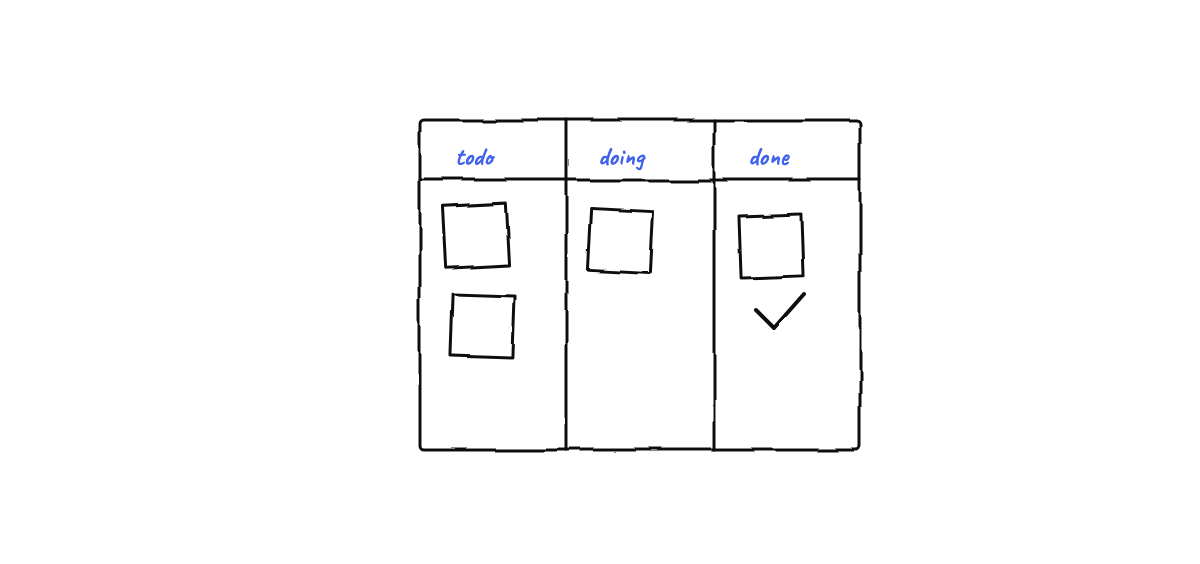
This is the design principle that matters most. The avatars are not playing a canned animation — they move in response to real signals from two sources:
Claude Code hooks. Each agent runs lifecycle hooks that report its activity. A PreToolUse event
(“about to run a tool”) sends the avatar walking toward the station that matches the tool — the
terminal station for a shell command, the file shelf for an edit. PostToolUse walks it back.
Stop drops it to idle at its desk; a notification sends it to the mailbox to wave for you. Because
these come straight from Claude, the floor reflects real tool use, with no fragile log-scraping. (The
hook lifecycle is covered in Claude Code hooks, explained.)
Hive messages. When the router delivers a message between agents, it emits an event the floor turns into a flying envelope — a little pixel letter that arcs from the sender’s desk to the recipient’s, tinted by the message’s speech act (asks are cool-colored, agreements warm, refusals red, escalations to a human a distinct color), with a small burst on arrival. You don’t just know a message was sent; you see who asked whom, and what kind of ask it was.
Getting from a station to a desk uses a tiny breadth-first pathfinder on the map’s walkability grid — short, predictable shortest paths around the furniture. Nothing fancier is needed at office scale, and BFS on an unweighted grid gives the shortest route for free.
Why this scales
A floor of avatars, a tile map, and animated envelopes is a lot of sprites — which is exactly what Pixi.js is good at. The single-ticker design keeps the per-frame work bounded, the camera transforms one container instead of every node, and the pixel-art settings (no antialias, nearest scaling) are cheap to render. The same performance discipline shows up next door in rendering many live terminals — keep the hot loop tight and let the renderer do what it’s fast at.
For the deeper game-dev mechanics — Tiled maps, pathfinding, sprite recoloring — see building an AI office floor.
FAQ
Does the visualization slow the agents down? No — the agents run as normal Claude Code processes; the floor is a read-only consumer of events they already emit. Rendering happens in the UI, separate from the agents’ work.
Can I still see the raw terminals? Yes. The floor is one view; the actual xterm.js terminals are another. The avatars tell you what at a glance; the terminals show you the byte-for-byte detail when you want it.
Munder Difflin renders your hive of Claude Code agents as a live Pixi.js office floor — real avatars, driven by real events, that you can actually watch. Download Munder Difflin to see your agents at work; it’s free and open source.
FAQ
Why visualize AI agents instead of just reading logs?
A spatial view answers 'what is everyone doing right now?' at a glance — who's working, who's idle, who's blocked, and who's messaging whom. Logs answer that too, but slowly; a floor you can watch turns a multi-agent system from a wall of text into something you can supervise.
Is the office floor a simulation or real activity?
Real. Avatars move in response to actual Claude Code hook events (PreToolUse, PostToolUse, Stop) and real routed messages — not a scripted animation. When an avatar walks to the terminal station, an agent really did run a command.
Why Pixi.js for an agent visualization?
Pixi.js is a fast 2D WebGL renderer that handles many sprites smoothly, which suits a floor of avatars, tile maps, and animated envelopes. It gives game-quality rendering inside an Electron app without a heavy engine.