OpusClip Alternatives: 6 Picks for AI Clips, Free and Open Source
OpusClip's free plan gives 60 credits a month with a watermark. Six alternatives, from open source AutoClip to Klap and Descript, checked 28 Nov 2026.
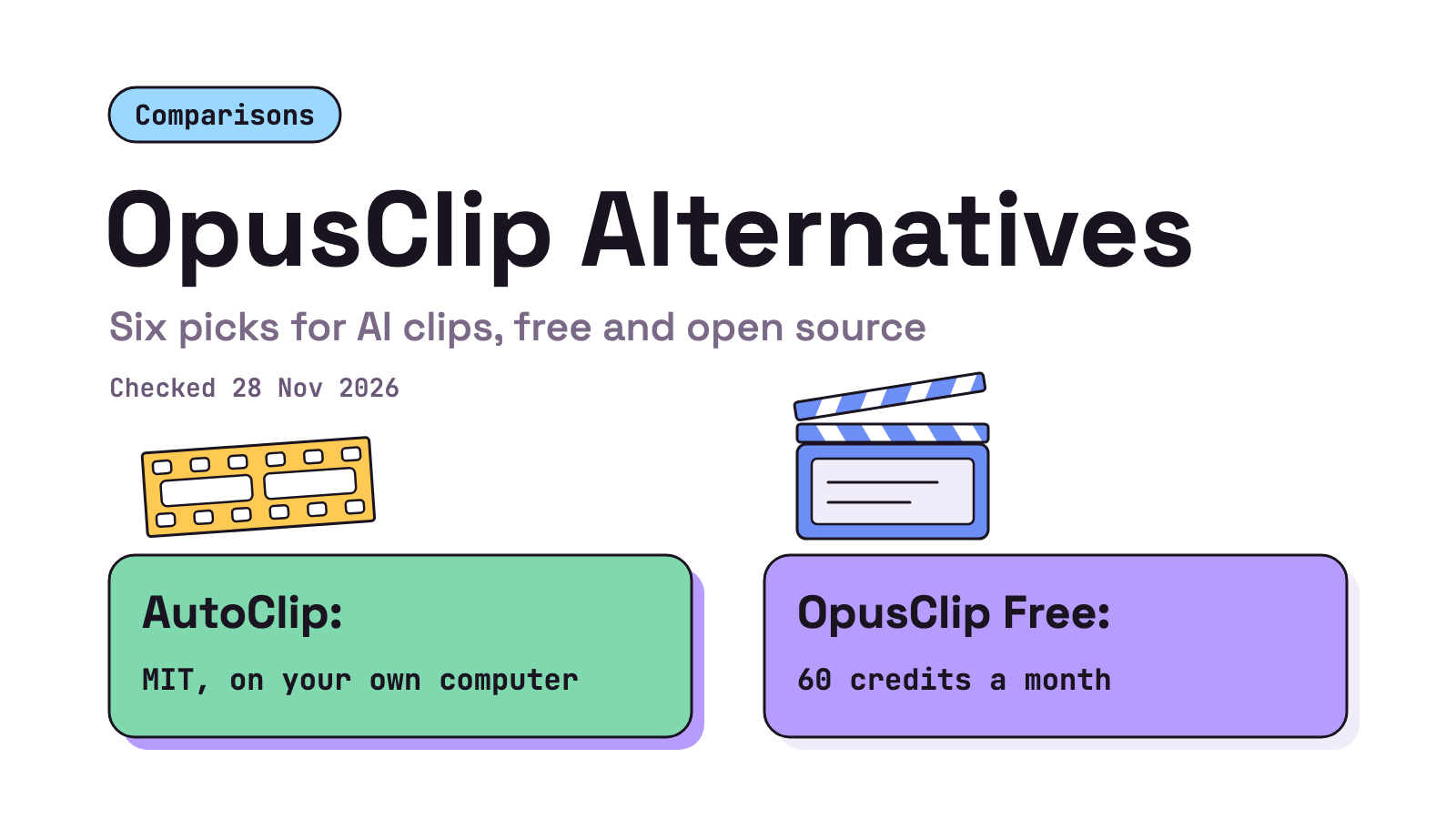
Our view: AutoClip is the best OpusClip alternative if you want free, open source clipping on your own computer. Second is our own Munder Difflin, free and open source: a desktop app that runs a team of AI agents for all kinds of knowledge work, coding included, on your own computer. Checked 28 Nov 2026.
It does not cut video itself; its agents work around your clipping tool. After it come OpenShorts, open source with a hosted plan; Klap, which says it clips in one click; and Descript or Riverside if you also edit or record.
What does OpusClip do?
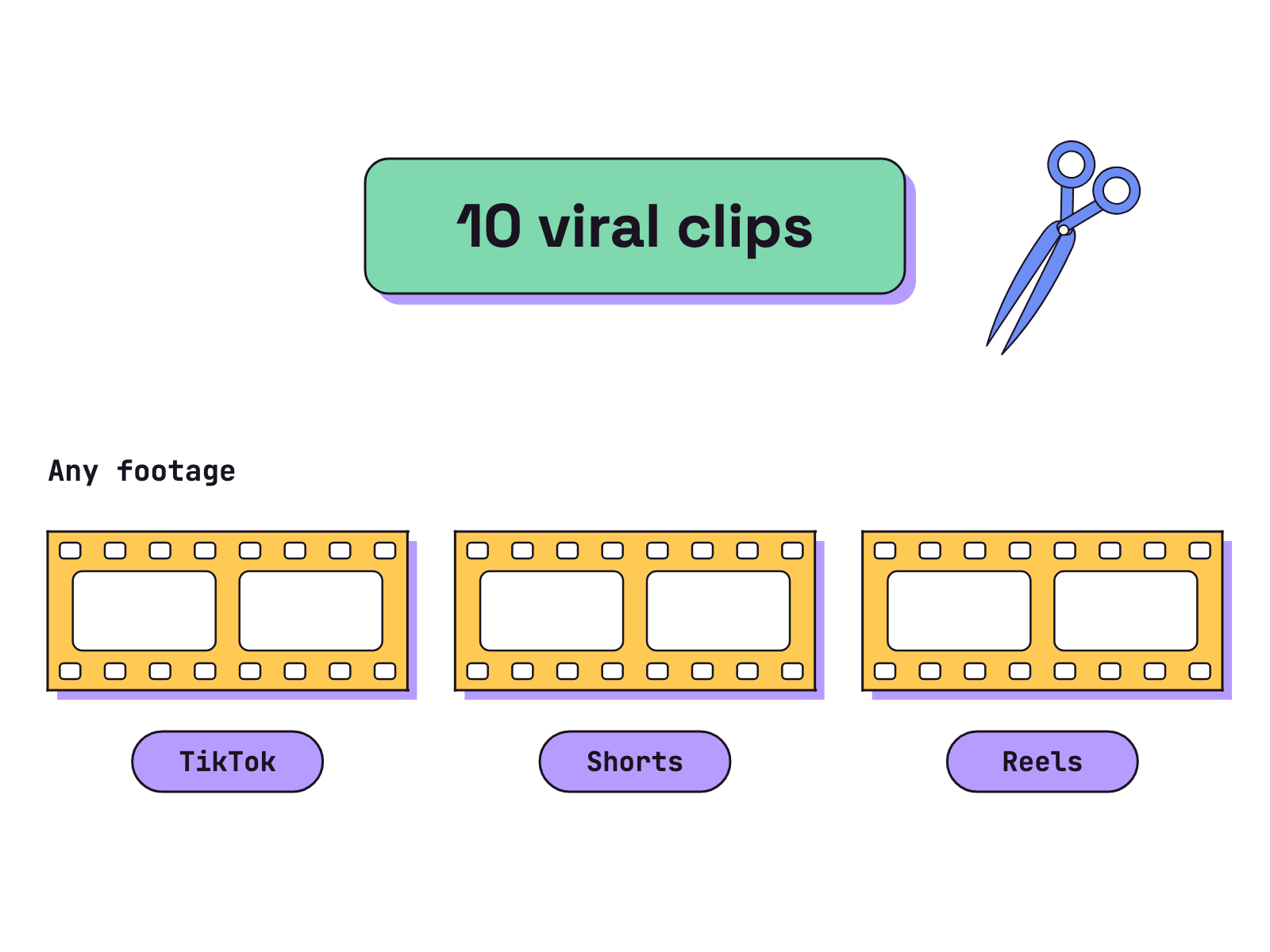
OpusClip turns long videos into short clips for social apps. Its home page, read 28 Nov 2026, says “Paste a link or drop a raw take, and OpusClip clips, edits, sizes and publishes them to all social platforms in one click.” The vendor says it can “Turn any footage into 10 viral clips”. It is a hosted web app.
How much does OpusClip cost?
OpusClip starts free, with limits. Its pricing page, checked 28 Nov 2026, lists Free at $0 with 60 credits a month and says “1 credit per minute of video processing. AI features vary.” Free clips carry a watermark, there is “No editing”, and “After 3 days, the clips will no longer be exportable.” In US prices on 28 Nov 2026, Starter was $15 a month, billed monthly only, for 150 credits a month, and Pro was $29 a month billed monthly, or $14.50 a month billed yearly ($174 a year). The page’s code sets lower prices in some countries. Business is a custom price.
Why look for an OpusClip alternative?
The plainest reasons are on OpusClip’s own pricing page: a watermark, no editing and a 3 day export window on the free plan, and credits that meter minutes of video. Our view: if you clip long streams often, a tool that cuts on your own computer removes the meter.
What are the best OpusClip alternatives?
Six picks, checked 28 Nov 2026, with OpusClip last for reference.
| Tool | Best for | Open source | Free plan | Paid from, US prices (28 Nov 2026) |
|---|---|---|---|---|
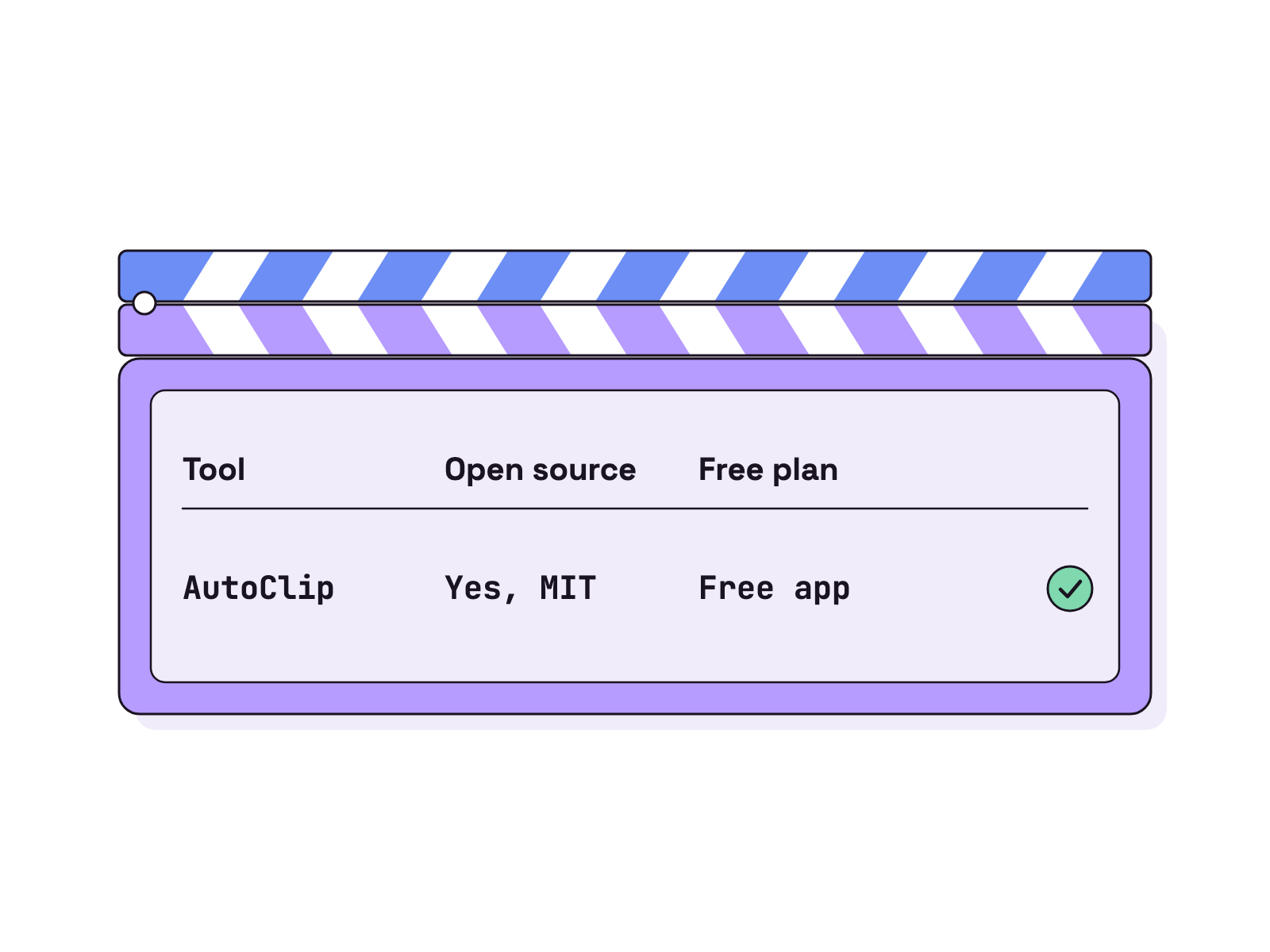
| AutoClip | Clipping on your own computer | Yes, MIT | Free app | No paid plan. |
| Munder Difflin | Agents around your clipping tool | Free and open source | Free app | Desktop app free and open source. |
| OpenShorts | Open source with a hosted plan | Yes, MIT | Self hosted free | Starter, $10 a month billed yearly. |
| Klap | Clips in one click | No | 1 video to preview | Basic, $14.50 a month billed yearly. |
| Descript | Editing video as text | No | 1 hour of media a month | Hobbyist, $16 a month billed yearly. |
| Riverside | Recording, then Magic Clips | No | Magic Clips, 720p, watermark | Pro, $24 a month billed yearly. |
| OpusClip | Reference | No | 60 credits a month | Pro, $14.50 a month billed yearly. |
1. AutoClip: open source clipping on your own computer
AutoClip is the pick if you want OpusClip’s job done free on your own machine. Its repo, by zhouxiaoka, calls it “The open-source OpusClip alternative”, and its README, read 28 Nov 2026, says “cutting and rendering run directly on your computer with no upload queues and no monthly fee.” It takes a link, a file or a stream replay and exports captioned clips for TikTok, Shorts, Reels and more. It is MIT and free; cloud models use your own API keys, or it runs offline with Ollama and Whisper. It comes as a desktop app, a Docker setup and an MCP server, uvx autoclip-mcp. The repo had 17,667 stars on 28 Nov 2026.
2. Munder Difflin: a team of agents around your clipping tool
Munder Difflin does not cut video; its agents run the work around the clipping tool you pick. They can find moments worth clipping, write titles and captions, and keep a posting list. Agents can use MCP servers, skills and plugins, and its README, read 28 Nov 2026, says “Add tools to an agent from the catalog or by hand.” An MCP server such as the one AutoClip’s README describes is the kind of tool they can use. The Cloud Office runs your agents in the cloud, always on, so work goes on with your computer off. Worked examples: our GTA 6 clipping farm and the GTA 6 content creator kit. Setup: how to install and use Munder Difflin.
3. OpenShorts: open source, or hosted
OpenShorts suits people who want open source code with a hosted version beside it. Its README, read 28 Nov 2026, says “Self-host free (MIT) or use the hosted cloud.” Self hosting needs Docker and “8GB+ RAM”, with no watermark or cap. On 28 Nov 2026 its pricing page listed a free Cloud plan, “first video up to 60 minutes, then 20 minutes a month”, watermarked, and Starter at $12 a month for 100 minutes, or $10 a month billed yearly ($120 a year). The repo had 9,993 stars that day.
4. Klap: clips in one click
Klap is a hosted tool that turns long videos into shorts and posts them. Its home page, read 28 Nov 2026, says “Create TikToks, Reels, Shorts from your long videos in just one click.” You can try it free on 1 video, but “Downloading and posting clips needs a paid plan.” On 28 Nov 2026 its pricing page listed Basic at $14.50 a month billed yearly, or $29 billed monthly, for 100 clips a month. Klap counts clips, not minutes.
5. Descript: edit the video by editing text
Descript is a full editor that also makes clips. Its pricing page, read 28 Nov 2026, says Underlord “picks your most viral-worthy moments & makes clips that pop”. Free was $0 with 1 hour of media a month on 28 Nov 2026. In US prices, Hobbyist was $16 per person a month billed yearly, or $24 billed monthly, on 28 Nov 2026. We think it suits people who edit full episodes too.
6. Riverside Magic Clips: if you record there anyway
Riverside is a recording studio with a clip maker built in. Its Magic Clips page, read 28 Nov 2026, calls it “an AI clip generator that spots the moments that matter” and says “Magic Clips is free”. On 28 Nov 2026 its pricing page listed Free at $0 with Magic Clips, up to 720p and a watermark, and Pro at $24 a month billed $288 annually, or $29 billed monthly.
How to choose
Pick by what you need besides the clips. Our view:
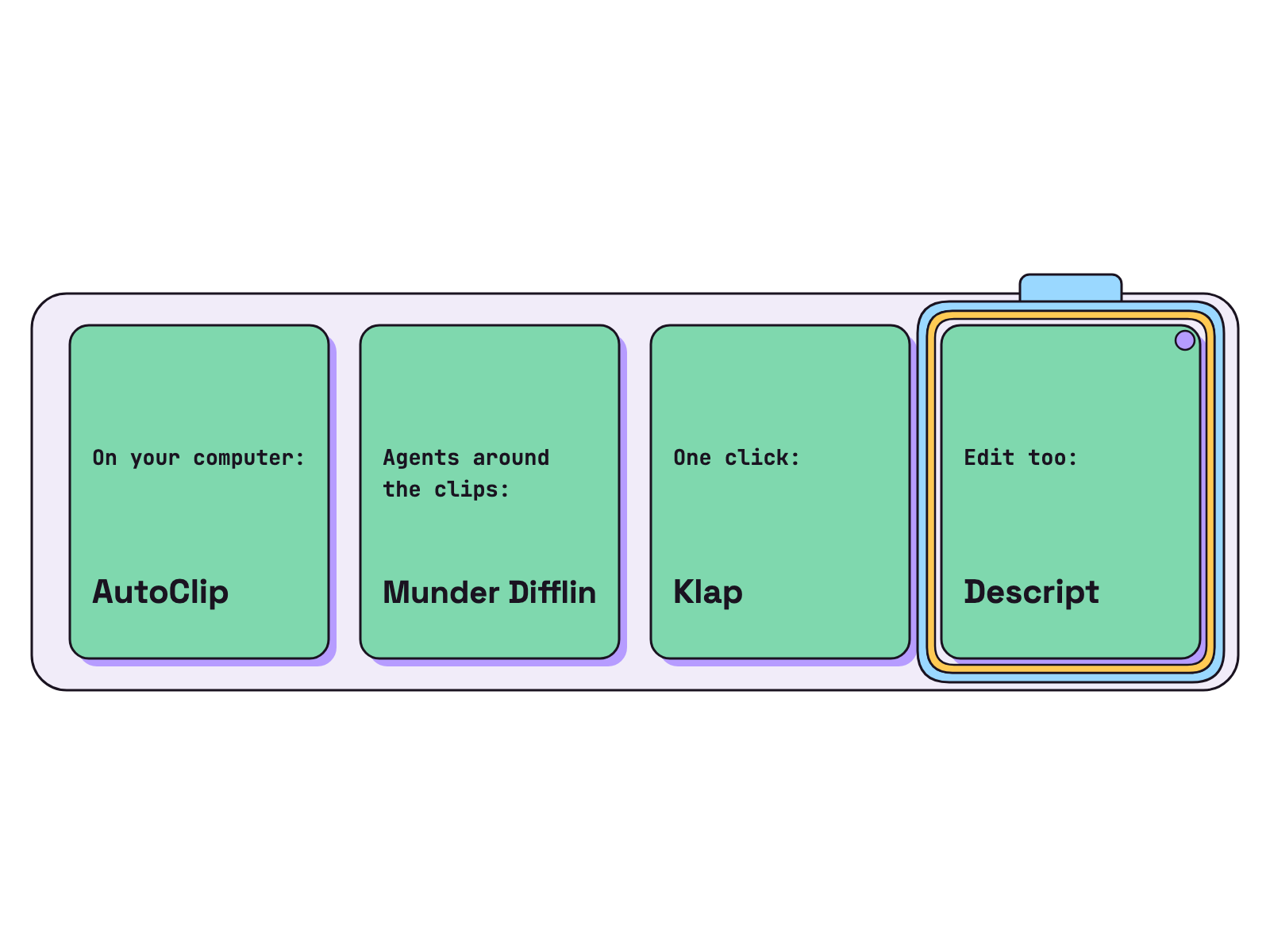
- On your computer: AutoClip, or OpenShorts if you also want a hosted plan.
- Agents around the clips: Munder Difflin, for a team that finds moments, writes titles and captions and keeps a posting list.
- One click: Klap, if you would rather count clips than minutes.
- Edit too: Descript, or Riverside if you record there.
- Stay on OpusClip if 60 credits a month, a watermark and a 3 day export window are enough.
FAQ
What is the best free OpusClip alternative?
Our view: AutoClip. Its README, read 28 Nov 2026, says it is free and under the MIT licence, and that cutting and rendering run on your own computer. Cloud analysis and transcription use your own API keys at provider rates, or it runs offline. OpenShorts is also MIT and free to self host.
Is there an open source OpusClip alternative?
Yes. AutoClip and OpenShorts are both MIT on GitHub, and each calls itself "The open-source OpusClip alternative". AutoClip runs as a desktop app, with Docker or as an MCP server. OpenShorts self hosts with Docker or runs as a hosted Cloud.
How much does OpusClip cost?
On 28 Nov 2026 its pricing page listed Free at $0 with 60 credits a month, a watermark and a 3 day export window. In US prices, Starter was $15 a month billed monthly, Pro $29 billed monthly or $14.50 a month billed yearly, and Business custom. The page says "1 credit per minute of video processing. AI features vary."
Does Munder Difflin cut video?
No. Munder Difflin is free and open source: a desktop app that runs a team of AI agents for all kinds of knowledge work, coding included, on your own computer. Its agents can run the work around the clipping tool you choose, such as finding moments worth clipping, writing titles and captions and keeping a posting list.
Which OpusClip alternative counts clips instead of minutes?
Klap. Its pricing page, read 28 Nov 2026, says the length of your source video does not use up your plan. Basic was $14.50 a month billed yearly, or $29 billed monthly, for 100 clips a month.