Orca vs Munder Difflin: Agent IDE or Agent Office?
Orca is a YC-backed Agent IDE for driving coding agents side by side in isolated worktrees. Munder Difflin is an agent office that runs itself. An honest comparison of the two — and when each one is the right pick.
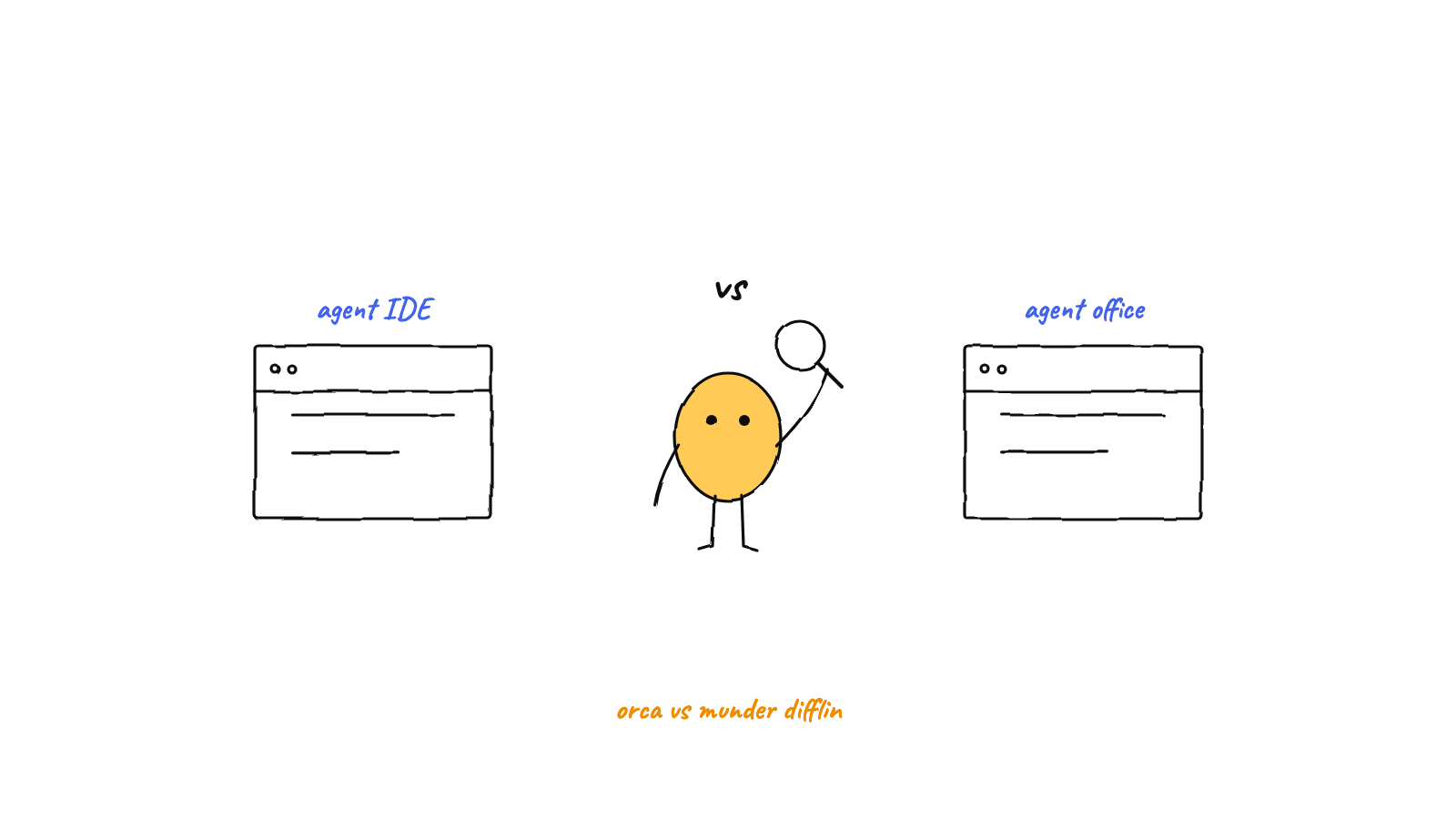
Orca is an Agent IDE; Munder Difflin is an agent office. Orca (from YC-backed Stably AI) is the polished cockpit for driving coding agents interactively — parallel worktrees, great terminals, a VS Code editor, diff annotation, and a genuinely useful mobile companion. Munder Difflin is the layer above the cockpit: a GOD orchestrator that routes work, shared long-term memory, triggers from Slack, webhooks, schedules, and voice, and guardrails (approvals, budgets, circuit breaker) that make days-long autonomy safe. Both are free, MIT-licensed, local-first, BYO-subscription. Pick Orca to sit and steer; pick Munder Difflin to delegate and walk away. They coexist fine.
If you’re evaluating tools for running multiple coding agents, Orca and Munder Difflin will both show up in your search — and on paper they rhyme. Both are free, MIT-licensed desktop apps. Both run on macOS, Windows, and Linux. Both wrap the agent CLIs you already pay for — Claude Code, Codex, OpenCode, and more — instead of reselling model access. Both isolate agents in git worktrees so parallel work doesn’t collide.
But they are not the same product, and pretending otherwise would help nobody. One is an IDE. The other is an office. Here’s the honest version of that boundary.
What Orca actually is
Orca calls itself an Agent Development Environment (ADE) — an IDE rebuilt from the ground up around agents rather than retrofitted for them. It comes from Stably AI, a Y Combinator-backed team, and it shows: the product is fast, focused, and clearly built by people who drive agents all day.
The core idea is parallel agents in isolated worktrees. Spin up a task and Orca creates a worktree for it; run Claude Code, Codex, OpenCode, Grok, Gemini, Copilot — it lists 25+ preconfigured agents and accepts any CLI — side by side, even firing one prompt at several agents at once and comparing what comes back. Around that core it builds a serious cockpit:
- A Ghostty-inspired terminal with WebGL rendering, infinite splits, and scrollback search.
- VS Code’s editor with autosave and quick-open.
- An embedded Chromium browser per worktree, plus a Design Mode where you click any UI element to send its HTML, CSS, and a cropped screenshot straight into the agent’s context.
- Diff annotation — drop markdown comments on any diff line and send them back to the agent.
- Native GitHub and Linear integration, SSH worktrees for remote machines, and iOS/Android companion apps to monitor and steer agents from your phone.
That mobile companion and the editor-centric review flow are genuinely ahead of what Munder Difflin offers today. If your workflow is “I’m at my desk, I want to run three agents on a feature and pick the best diff,” Orca is excellent at exactly that.
Notice, though, what the workflow assumes: you. You send the prompts. You compare the results. You annotate the diffs. You steer. Orca’s own docs describe an interactive loop, and there’s no orchestrator, scheduler, or external trigger in it. That’s not a flaw — it’s the product. An IDE is a place you sit.
What Munder Difflin actually is
Munder Difflin starts from the opposite question: what if you don’t sit there?
It’s a local-first Electron app that turns the same agent CLIs — Claude Code, Codex, Antigravity, OpenCode, Crush, pi.dev, and GitHub Copilot CLI — into a coordinated office. Each agent is a real CLI process in its own pseudo-terminal and isolated worktree (same isolation idea as Orca — we’ve written about how worktrees and the hive fit together), visualized as an affectionate parody of The Office cast on a pixel-art floor. The differences stack up above that:
- A GOD orchestrator (“Michael”) is the one agent you talk to. It routes tasks between workers, adjudicates their messages, resolves routine questions itself, and escalates only critical items to you. (How the GOD orchestrator works.)
- Agents share long-term memory — markdown-first, with a semantic recall index — so what one agent learns, the office remembers across sessions.
- Work arrives without you: Slack messages (which can spawn ephemeral workers that reply in-thread), webhooks, scheduled missions with a heartbeat that re-engages a quiet floor, GitHub issue ingestion, and voice — Talk mode connects you to Michael over the OpenAI Realtime API.
- Autonomy is bounded by guardrails: human approval gates on spend, scope, and destructive operations; per-agent token budgets; a cost/runaway circuit breaker; and OpenTelemetry observability with real per-agent cost attribution.
v0.3.3 did add a built-in Monaco IDE — file tree, tabs, side-by-side diffs vs HEAD — but let’s be honest about what it’s for: it’s a review surface for what your agents changed, not a place you live. Orca’s editing experience is deeper. Munder Difflin’s bet is that you’ll spend less time in an editor at all, because the office handles the routing, memory, and follow-through that would otherwise pull you back to the keyboard.
The boundary, drawn plainly
| Orca | Munder Difflin | |
|---|---|---|
| Category | Agent IDE / ADE | Autonomous agent office |
| You are the… | Driver | Manager |
| Coordination | You, interactively | GOD orchestrator routes work |
| Memory | Per-session | Shared long-term + semantic recall |
| Triggers | You send prompts | Typing, Slack, webhooks, schedules, voice |
| Away-from-desk | Mobile app (monitor + steer) | Runs autonomously with approval gates |
| Editor flow | VS Code editor, Design Mode, diff annotation — stronger | Monaco review surface — lighter |
| Guardrails | Your judgment | Approvals, budgets, circuit breaker, OTel |
| License / cost | MIT, free, BYO subscription | MIT, free, BYO subscription |
When to pick which
Pick Orca if your bottleneck is interactive throughput: you’re at the keyboard, you want several agents on one problem, and you want first-class tools for comparing, annotating, and shipping their diffs — plus a phone app to check in from the couch.
Pick Munder Difflin if your bottleneck is you being required at all: you want work triggered from Slack or a schedule, routed by an orchestrator, informed by shared memory, and bounded by budgets and approval gates while it runs overnight.
And genuinely: you can run both. Same CLIs, same subscriptions, same machine, no conflict. Orca for the sessions you drive; Munder Difflin for the office that keeps working when you stop. (For the broader decision framework, see how to choose a multi-agent tool.)
If the office side sounds like your bottleneck, grab the latest release — and if it earns it, a GitHub star helps more people find it.
FAQ
What is Orca (onorca.dev)?
Orca is a free, MIT-licensed Agent Development Environment (ADE) from the YC-backed team at Stably AI. It's a cross-platform desktop IDE built for running coding agent CLIs — Claude Code, Codex, OpenCode, Gemini, Copilot, and dozens more — side by side, each in its own isolated git worktree, with Ghostty-inspired terminals, a VS Code-based editor, an embedded browser with Design Mode, GitHub and Linear integration, and iOS/Android companion apps.
How is Munder Difflin different from Orca?
They sit at different altitudes. Orca is an IDE you sit in: you send prompts, compare agents, annotate diffs, and steer. Munder Difflin is an office that runs itself: a GOD orchestrator routes work between agents, agents share long-term memory and mailboxes, and work arrives via Slack, webhooks, schedules, or voice — with approval gates, budgets, and a circuit breaker so it can run for days without you watching.
Is Orca better than Munder Difflin?
For interactive, editor-centric work, honestly, often yes. Orca's editing, diff-annotation, per-worktree browser preview, and mobile companion are more polished for hands-on driving. Munder Difflin wins when you want autonomy: orchestration, shared memory, external triggers, scheduling, and guardrails that let a team of agents work while you're away. They solve different problems.
Can I use Orca and Munder Difflin together?
Yes, and it's a sensible split. Both are free, MIT-licensed, local-first desktop apps that drive the same agent CLIs on your own subscriptions, so nothing conflicts. Use Orca when you're at the keyboard iterating on a feature; use Munder Difflin as the always-on layer that handles routed, scheduled, and Slack-triggered work in the background.
Do both tools use git worktrees for agent isolation?
Yes. Orca is built around worktree isolation — every agent task gets its own worktree so parallel agents never collide. Munder Difflin has the same per-agent worktree isolation as a toggle, but layers a coordination system on top: a hive of mailboxes, a shared blackboard, single-committer git, and an orchestrator that routes messages between the isolated agents.
Are Orca and Munder Difflin both free and open source?
Yes. Both are MIT-licensed, free, local-first desktop apps for macOS, Windows, and Linux, and both are bring-your-own-subscription — they wrap the agent CLIs and accounts you already have rather than reselling model access.