Trigger Your AI Agent Hive from Slack
Trigger an AI agent hive from Slack: a local webhook verifies each message and drops it into your orchestrator's queue as a task — no server to host.
On Munder Difflin 0.5.2 or later, Slack connects without a public URL, and the fields have moved. Follow How to Connect Slack to Munder Difflin 0.5.2 for the current setup.
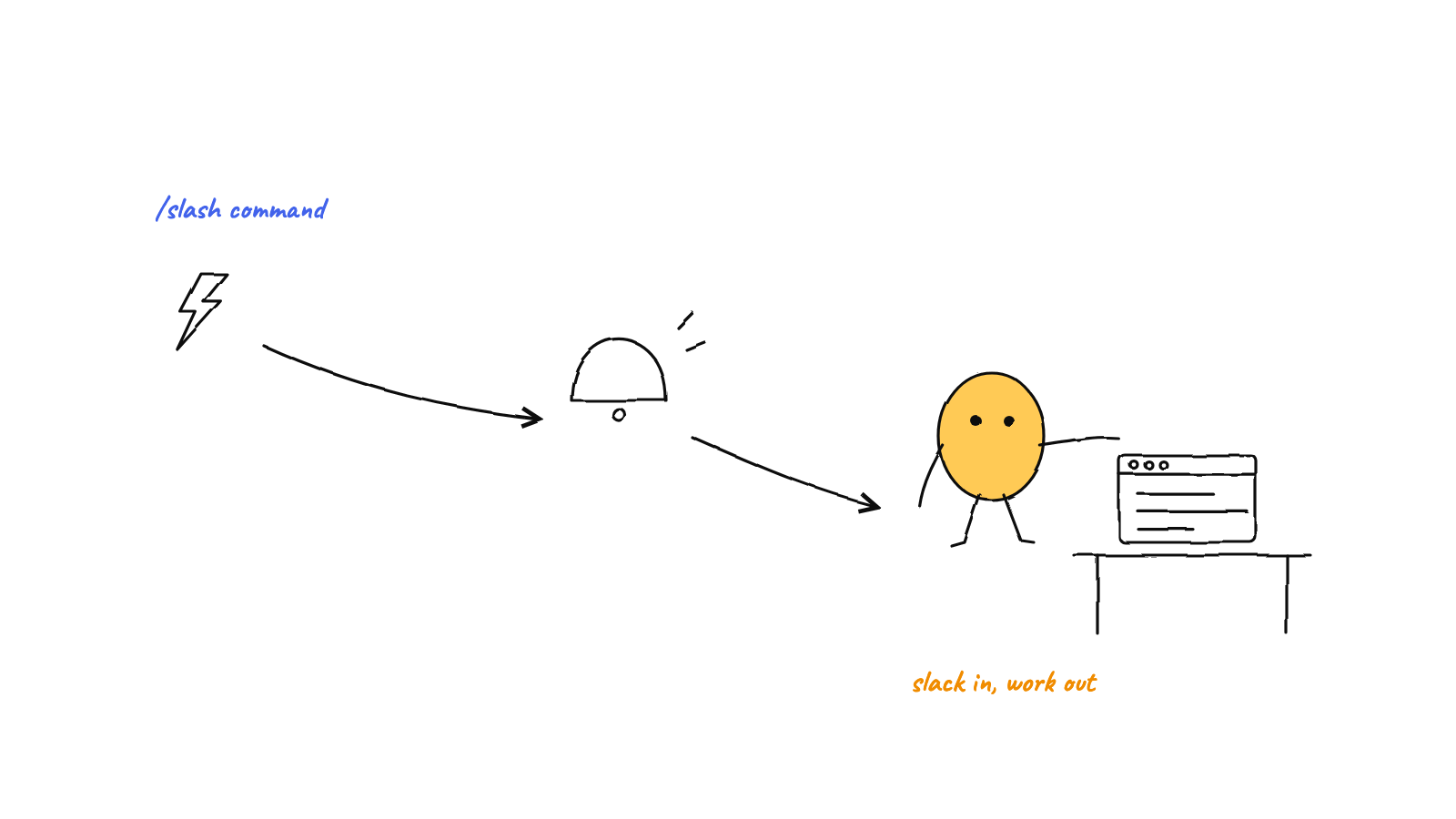
Munder Difflin v0.1.7 can trigger your agent hive from Slack: a tiny local webhook listens to a channel, verifies every request with your Slack signing secret (HMAC + replay guard, 403 on anything suspicious), and drops the message into the orchestrator's queue as a task. The server runs on your machine; a best-effort tunnel just gives Slack a doorbell to ring. You get a remote trigger for a local-first hive — start work from your phone, no servers to host.
Most of the time you drive your agents from the app. But sometimes the work starts somewhere else — a teammate drops a request in a channel, or you’re away from your desk and want to kick off a long run from your phone. Munder Difflin’s Slack integration (shipped in v0.1.7) closes that gap: a message in a watched Slack channel becomes a task in your hive’s queue. Here’s how it works, and why it stays true to a local-first design.
What “trigger from Slack” actually does
The flow is one sentence: a message in a Slack channel you’ve connected becomes an item in the orchestrator’s queue, exactly like a task you’d type yourself. The orchestrator then triages and routes it to the right agent like any other piece of work.
It’s worth naming the direction. This is inbound — the outside world asking your hive to do something. It’s the mirror image of human-in-the-loop approvals, where an agent reaches out to a person for a decision. One is how you start work remotely; the other is how agents check with you mid-run. Together they let a hive run while you’re not at the keyboard.
The architecture: a tiny local webhook
The integration is deliberately small. There’s no @slack/bolt, no framework — just a bare
node:http server running inside the app’s main process that implements only the slice of Slack’s
Events API it needs. It does three things: answer Slack’s one-time url_verification handshake, verify
incoming events, and hand the accepted message text to the app.
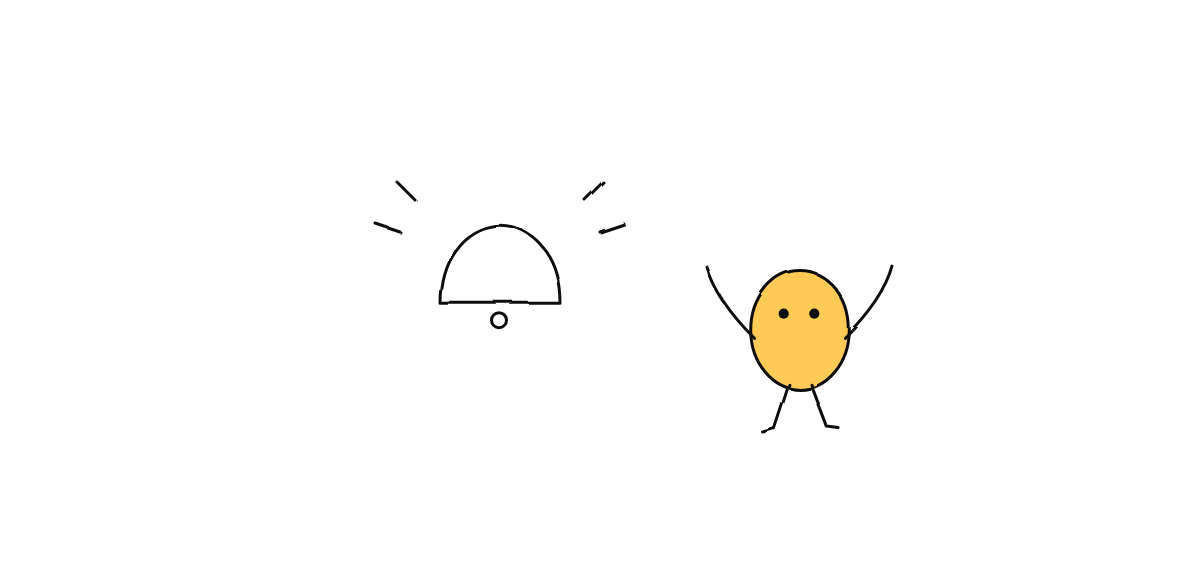
Because the server lives on your machine, Slack needs a way to reach it. The integration opens a best-effort local tunnel and hands you a public URL to paste into your Slack app’s Event Subscriptions → Request URL. That tunnel is just a doorbell: it forwards Slack’s POSTs to your local port. If it can’t be established, the local handler stays up anyway — the tunnel is a convenience, not the security boundary.
Security: verify everything before you trust it
A webhook that can enqueue work for autonomous agents is exactly the kind of endpoint you don’t want strangers poking. So the handler treats every request as hostile until proven otherwise:
- Signature check. Each request is verified with an HMAC over the raw body, keyed by your Slack signing secret, and compared in constant time (so a wrong guess leaks no timing information). No valid signature, no entry.
- Replay guard. Slack stamps each request with a timestamp; anything more than five minutes off is rejected, so a captured request can’t be replayed later.
- Size cap first. The body is capped (1 MB) before the signature is computed, so an unauthenticated peer can’t force unbounded memory use just by sending a huge payload.
- Fail closed. Any failure — bad signature, stale timestamp, oversized body — returns a flat 403. There’s no partial trust.
The secret itself stays local and is never logged. The principle is the one every trust boundary should follow: authenticate at the edge, fail closed, and keep the verification cheap and constant-time.
From Slack message to agent task
Once a message event passes verification, the handler does something refreshingly boring: it strips a
leading bot mention from the text and hands the clean string to the app, which drops it into
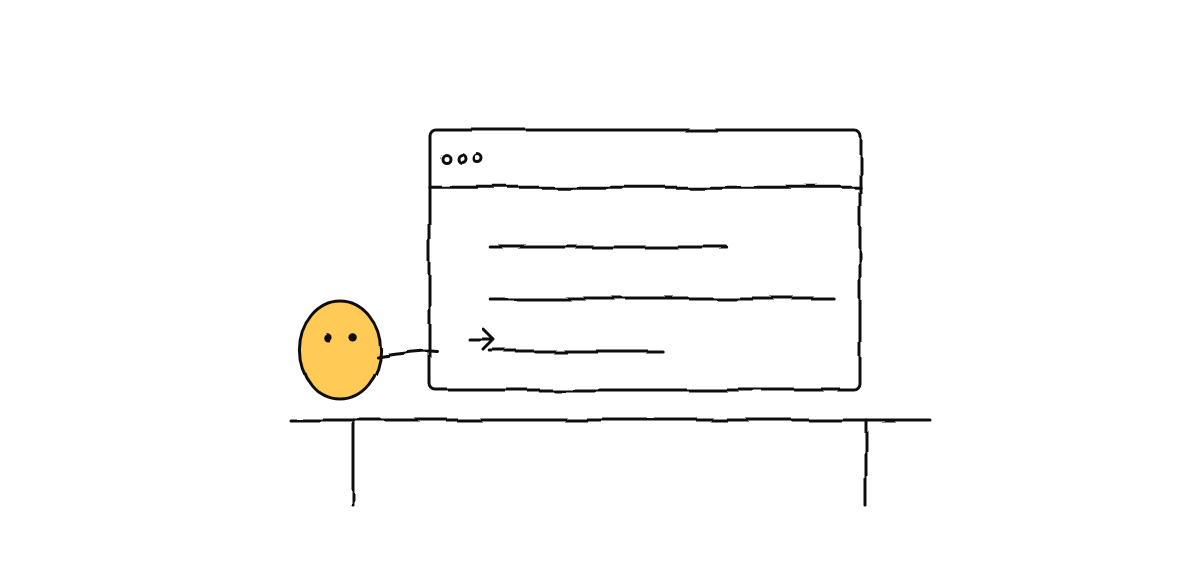
Michael’s queue — the orchestrator’s inbox. From there it’s just another task: the orchestrator
reads it, decides who should handle it, and dispatches, the same way it handles work that arrives
through the hive’s normal message routing.
You can scope what counts, too. An optional channel filter means only messages from one specific channel are accepted; events from anywhere else are dropped before they ever reach the queue. That keeps a noisy workspace from turning into a noisy hive.
Setting it up
The moving parts are minimal. In the app you enable Slack and paste your signing secret (from your Slack app’s Basic Information). Optionally set a channel id to listen to just one channel, and a port if 3847 (the default) is taken. Start it, copy the tunnel URL into Slack’s Event Subscriptions → Request URL, and Slack’s verification handshake confirms the connection. After that, messages in the channel flow straight into your queue.
Why this fits a local-first hive
It would have been easier to host this in a cloud function. Doing it as a local webhook is the point. Your agents, their memory, and their git history never leave your machine — Slack is only a trigger, a thin remote surface for starting and watching work. There’s nothing to deploy, nothing to pay for, and no third party sitting in the path between a message and your code. It’s the same philosophy behind local-first orchestration: keep the control plane on your box, and let the outside world knock politely at the door.
Pair it with scheduled missions and the picture rounds out: timers put recurring work into the queue, Slack puts ad-hoc work into the queue, and the orchestrator runs both — whether or not you’re watching.
FAQ
Can you trigger AI agents from Slack? Yes — a local webhook listens to a channel and turns each message into a task in the orchestrator’s queue, so an agent picks up the work without you opening the app.
Is the Slack webhook secure? Every request is HMAC-verified against your signing secret in constant time, with a five-minute replay guard and a body-size cap checked first; anything suspicious gets a 403, and the secret is never logged.
Do I need a public server? No. The webhook runs locally and a best-effort tunnel gives Slack a URL to reach it — nothing to host, and the local handler runs even if the tunnel doesn’t.
Munder Difflin turns a Slack channel into a remote control for a hive that still lives entirely on your machine — orchestrated by GOD, verified at the edge, queued like any other task. Download Munder Difflin to drive your agents from chat; it’s free and open source.
FAQ
Can you trigger AI agents from Slack?
Yes. Munder Difflin can run a small local webhook that listens to a Slack channel and turns each message into a task in the orchestrator's queue. You type in Slack, and an agent picks the work up — without opening the app or sitting at your machine.
Is a Slack-to-agent webhook secure?
It's built to be. Every request is verified with an HMAC over the raw body using your Slack signing secret, compared in constant time, with a five-minute replay-timestamp guard and a body-size cap checked before anything else. Anything that fails gets a 403. The local handler is the security boundary, not the public tunnel.
Do I need to host a public server to trigger agents from Slack?
No. The webhook runs on your own machine. A best-effort local tunnel gives Slack a public URL to reach that local port, so there's nothing to deploy or keep online — and if the tunnel can't start, your local handler still runs.