Local-First AI Agent Orchestration: How a Hive Runs Without a Cloud
How local-first AI agent orchestration works under the hood — the loop, mailboxes, scheduler, and audit log that coordinate a hive on one machine.
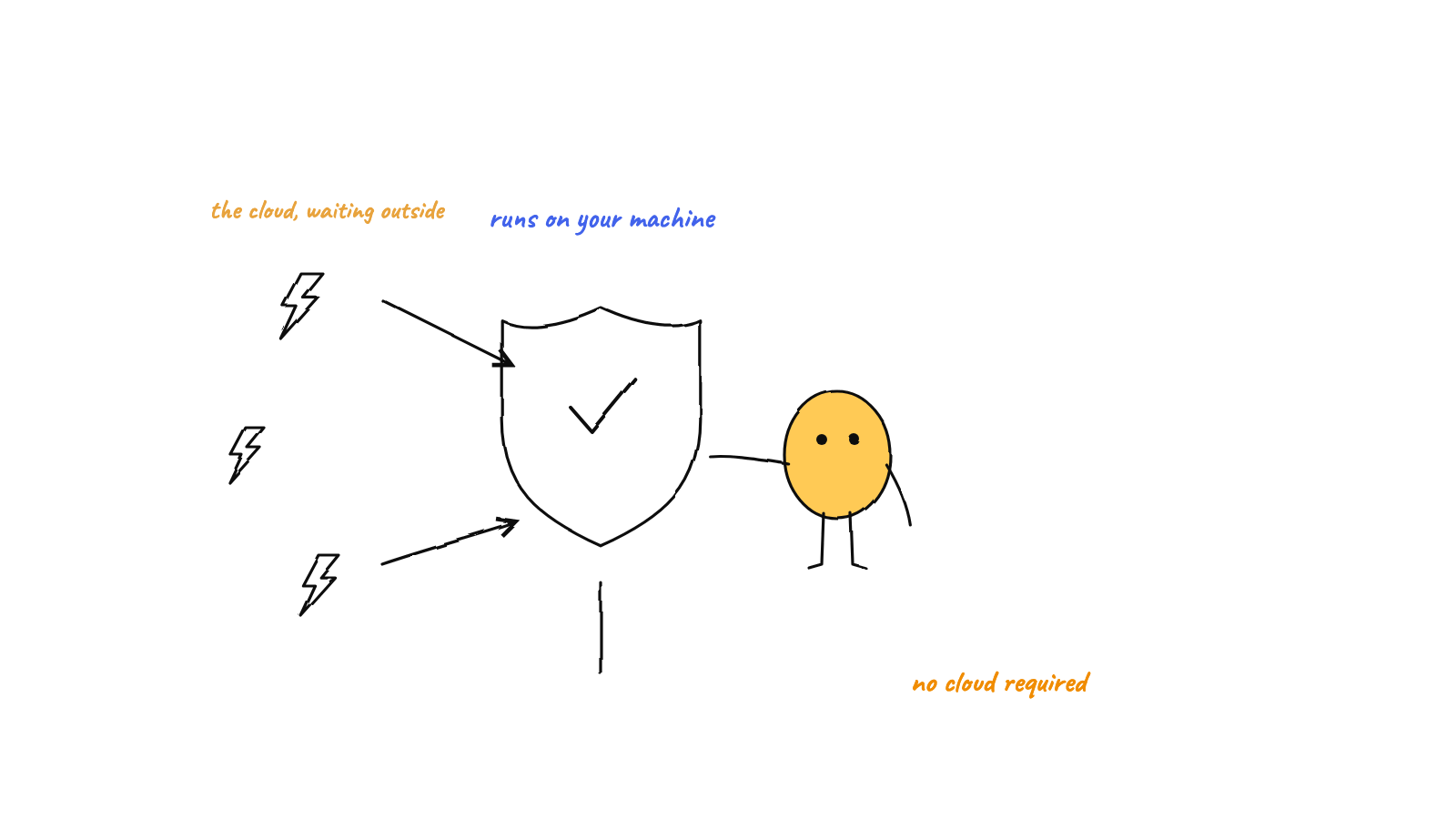
Local-first orchestration means the whole control plane for a team of agents — the loop that keeps them working, the message router, the scheduler, and the audit log — runs as processes on your machine and coordinates through local files, not a cloud service. Agents are local child processes; they talk through inbox/outbox folders drained by an in-process router; tasks fire on local timers; git is the audit trail. No broker, no queue service, no control-plane server. This is the how; for the why, see why local-first matters.
It’s one thing to argue that keeping your agents on your own machine is better for control, privacy, and cost. It’s another to explain how a team of agents actually coordinates without a cloud control plane in the middle. If there’s no orchestration server, what routes the work? This post is the mechanics — grounded in how Munder Difflin’s hive is built — of running real multi-agent orchestration with nothing but local processes and files.
Where the orchestration loop actually runs
Start with the obvious question: what is “the orchestrator”? In a cloud platform it’s a service you never see. Locally, it’s just a process on your machine — in Munder Difflin’s case, the desktop app’s main process. It boots the message router, arms the scheduler, and manages the agents. There’s no remote brain; the coordination logic is code running next to your editor.
The agents themselves are equally concrete. Each one is a local child process — the harness spawns
the claude CLI through node-pty, the same way a terminal
would, and talks to it over a pseudo-terminal. An “agent” isn’t an abstraction in someone’s datacenter;
it’s a real OS process you could see in your activity monitor. The model call goes out to the API; the
agent that makes it lives on your box.
Coordination without a broker
The interesting part is how those local processes talk to each other. The instinct from distributed systems is to reach for a message broker — Redis, RabbitMQ, a cloud queue. A local-first hive does something far simpler: files.
Every agent gets a workspace with an inbox/ and an outbox/ folder. To send a message, an agent
writes one JSON file into its own outbox. A small router, running on a timer inside the main
process, scans every outbox on each tick and delivers what it finds — moving the message into the
recipient’s inbox with an atomic write. (In the code, that’s a routerTimer driving a deliver()
step that writes each message into the target’s inbox folder; a broadcast simply fans the same
message out to every agent’s inbox.)
That one design decision buys a lot, and we unpack it fully in atomic file mailboxes for agents:
- No infrastructure. The “message bus” is a directory and the rename syscall. Nothing to install, nothing to keep alive.
- Conflict-free concurrency. Each file has exactly one writer and delivery is an atomic rename, so busy agents never corrupt each other’s mail — no locks required.
- Durable and replayable. Messages are files. A crash loses nothing already written, and you can read the whole exchange back later.
It’s the backbone of how a hive coordinates its agents, and it never leaves your disk.
Scheduling on your own clock
Recurring work doesn’t need a cloud cron either. The scheduler arms ordinary in-process timers — a
setTimeout into a steady setInterval — and when one fires it just drops a request message into an
agent’s inbox, exactly like any other message. Each mission remembers when it last fired, so restarts
resume the cadence instead of resetting it. The full mechanism is in scheduling autonomous agent
missions. The point for orchestration: your hive’s sense
of time is a timer in a process on your laptop, not a job in someone’s scheduler.
State that never leaves the box
Coordination also needs memory, and here too everything is local:
- Config lives in a plain JSON file on disk — which agents exist, which missions are armed, your preferences.
- Per-agent memory is a markdown file each agent reads at the start of a task and appends to as it learns.
- The audit log is git. A single committer — the orchestrator process — records the message and file changes, so “who did what, in what order” is answerable from your own repo history, not a vendor’s dashboard.
- Semantic memory runs locally too: a searchable knowledge store the whole team can query, indexed on your machine.
Nothing in that list is a network call. The team’s shared brain is a folder you own.

The loop is local, too
What keeps an agent going without you clicking “continue”? A local hook. When an agent finishes a turn, a Stop hook checks its inbox; if fresh messages are waiting, it tells the agent to keep working, and when the queue is empty it lets the agent rest. That’s the autonomous loop — and it’s wired through the same local files, run by the orchestrator on your machine, with no remote scheduler deciding when your agents wake up.
What it costs — and what you keep
Local-first orchestration isn’t free of trade-offs, and it’s worth being honest about them:
- It runs while your machine does. The router and the timers are in a local process, so closing the app pauses delivery and the schedule. Overdue missions catch up on the next launch, but there’s no always-on cloud firing at 3 a.m. with the lid shut.
- Concurrency is bounded by your hardware. You scale with your own CPU and RAM, not an elastic fleet. For a team of agents working one codebase, that’s usually plenty — but it’s a ceiling, not a dial you pay to raise.
In return you get the things a control-plane server quietly takes away: zero infrastructure to run or secure, a complete audit trail in your own git history, and full ownership of your code, messages, and memory. For agents that touch your whole project, that trade is the whole point — and it’s the practical side of why local-first matters.
FAQ
What is local-first AI agent orchestration? Coordinating multiple agents — routing work, scheduling tasks, storing memory — entirely on your own machine. The agents call the model API, but the control plane (loop, router, scheduler, audit log) is local code reading and writing local files.
Do I need a server or broker to coordinate agents? No. Agents coordinate through inbox/outbox folders that a small router drains on a timer, delivering messages with atomic file renames. No Redis, no queue service, no daemon.
What are the limits? Orchestration only runs while your machine is on, and concurrency is bounded by your hardware. In exchange you get no infrastructure, a full local audit trail, and complete data ownership.
Munder Difflin is local-first orchestration you can watch: a hive of Claude Code agents coordinating through file mailboxes, local timers, and a git audit log — all run by a GOD orchestrator on your own machine. Download Munder Difflin to run a coordinated team of agents with no cloud in the loop; it’s free and open source.
FAQ
What is local-first AI agent orchestration?
It's coordinating multiple AI agents — routing work between them, scheduling tasks, storing memory — entirely on your own machine instead of a vendor's cloud. The agents still call the model API, but the control plane (the loop, the message router, the scheduler, the audit log) runs as local processes and reads and writes local files.
Do you need a server or message broker to coordinate AI agents?
No. A hive can coordinate through plain files: each agent has an inbox and outbox folder, and a small router process drains outboxes into the right inboxes on a timer. There's no Redis, no queue service, no daemon to keep alive — delivery is an atomic file rename, so it's safe under concurrency without locks.
What are the limits of orchestrating agents on one machine?
Two real ones. The orchestration only runs while your machine is on — timers and the router live in a local process, so closing the app pauses the schedule. And concurrency is bounded by your CPU and RAM rather than an elastic cloud. In exchange you get zero infrastructure, a full local audit trail, and complete ownership of your data.