Claude Code Projects: what they are and who can use them
Claude Code Projects, checked 11 Oct 2026: a public beta on Pro and Max where Claude runs your tasks as parallel threads. Access, limits and plan use.
Projects in Claude Code are one ongoing conversation where Claude runs your tasks as parallel threads, usually in the cloud. They are in public beta on Pro and Max plans and rolling out gradually. Our view: join the waitlist if your code is on github.com, and expect to use your plan faster. Checked 11 Oct 2026.
We read Anthropic’s Projects docs, launch post and changelog page on 11 Oct 2026. We have not tried Projects. The concepts hub explains the terms.
Munder Difflin is free and open source: a desktop app that runs a team of coding agents such as Claude Code, Codex and Gemini CLI on your own computer. It is not part of Projects. The install guide covers it.
What are Projects in Claude Code?
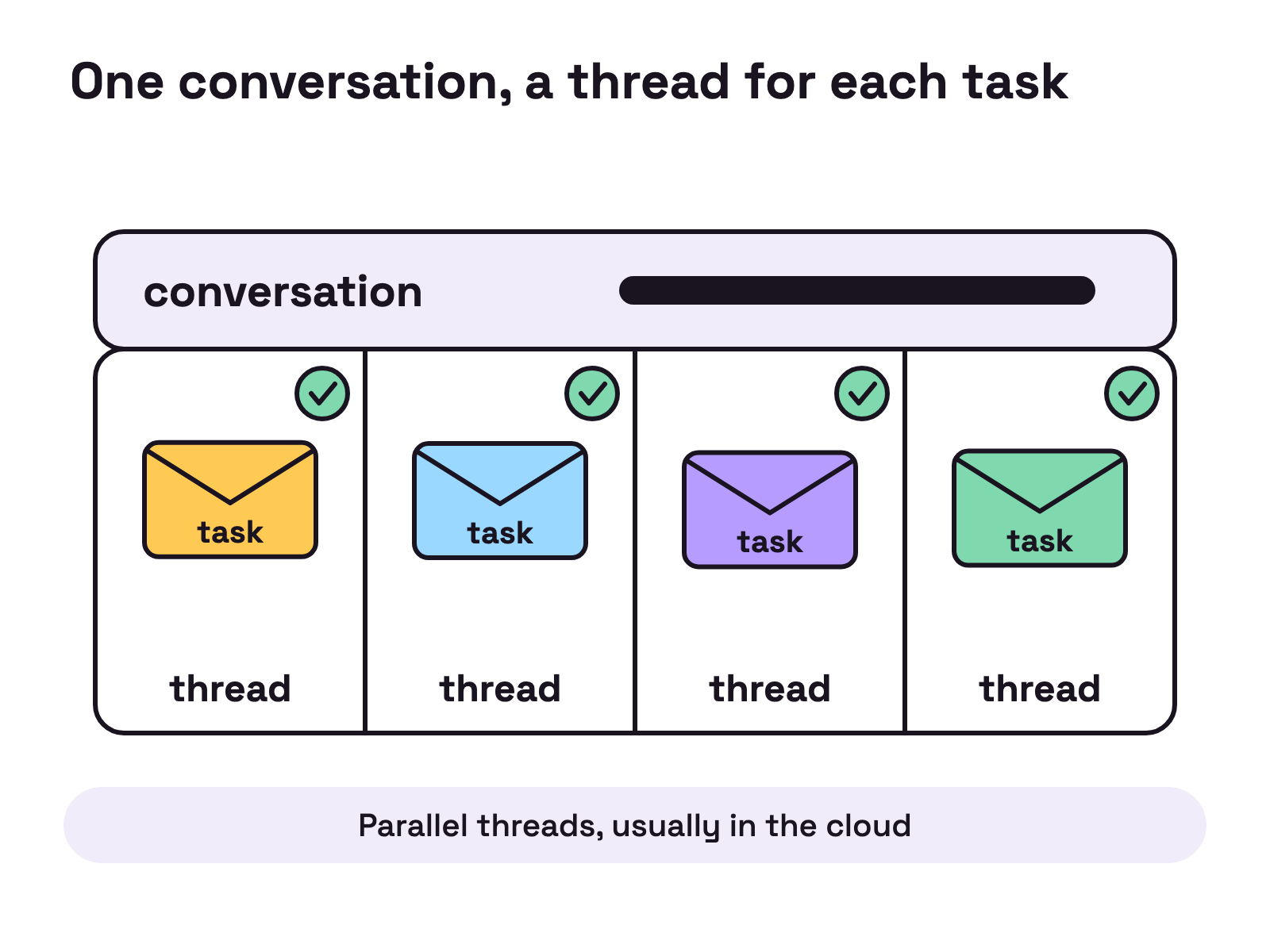
A project is one ongoing conversation where Claude coordinates a stream of related work and starts a thread for each task. The Projects docs say each thread is usually a cloud session, “Claude Code running in the cloud rather than on your machine”, that threads run in parallel, and that cloud threads keep going after you close your laptop.
Anthropic’s launch post is dated September 17, 2026 and calls the feature “a new experience for Claude projects, now available in beta in Claude Code”.
Who can use Projects today?
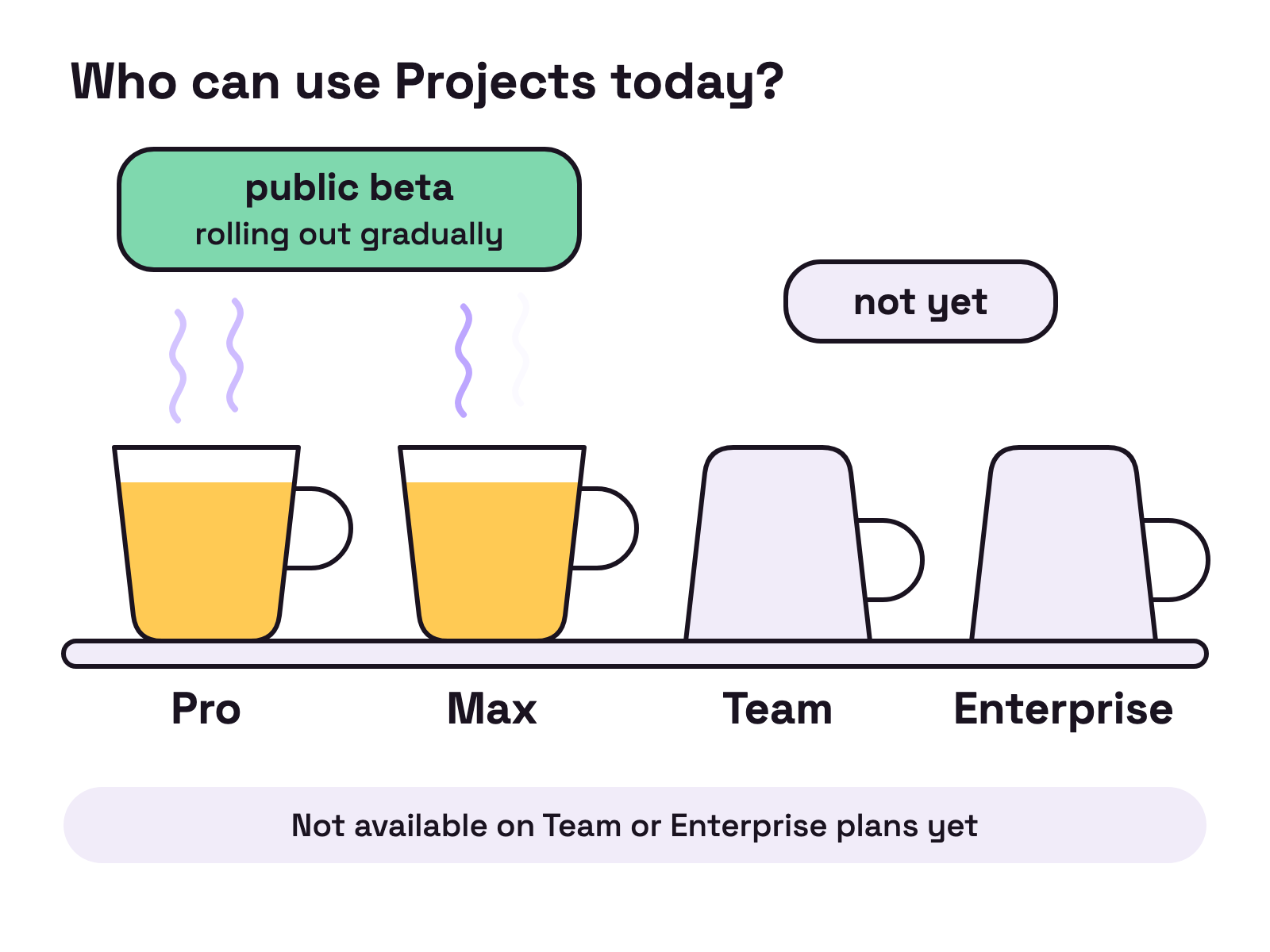
Pro and Max subscribers whose accounts the rollout has reached. On 11 Oct 2026 the note at the top of the Projects docs said Projects are “in public beta on Pro and Max plans and rolling out gradually, starting with accounts that have used cloud sessions and don’t have existing projects in claude.ai chat or Cowork”. The Projects docs add that they “aren’t available on Team or Enterprise plans yet”.
If Projects doesn’t appear in the sidebar at claude.ai/code or in the Code tab of the desktop app, the Projects docs say the rollout hasn’t reached your account, and that you can join the waitlist.
The Projects docs say Projects are not in the terminal CLI, the VS Code extension or the JetBrains plugin.
How is a project organized?
A project is one coordinating conversation with Claude plus the threads it starts. The four rows are our selection from the Projects docs, read on 11 Oct 2026.
| Part | What the Projects docs say |
|---|---|
| Project conversation | One long-running session where Claude acts as coordinator. It sees what threads report back, not every step they take. |
| Threads | Separate sessions, each with its own context window. A cloud thread works on its own branch. |
| Project instructions | Text sent to each new thread, up to 16,000 characters. |
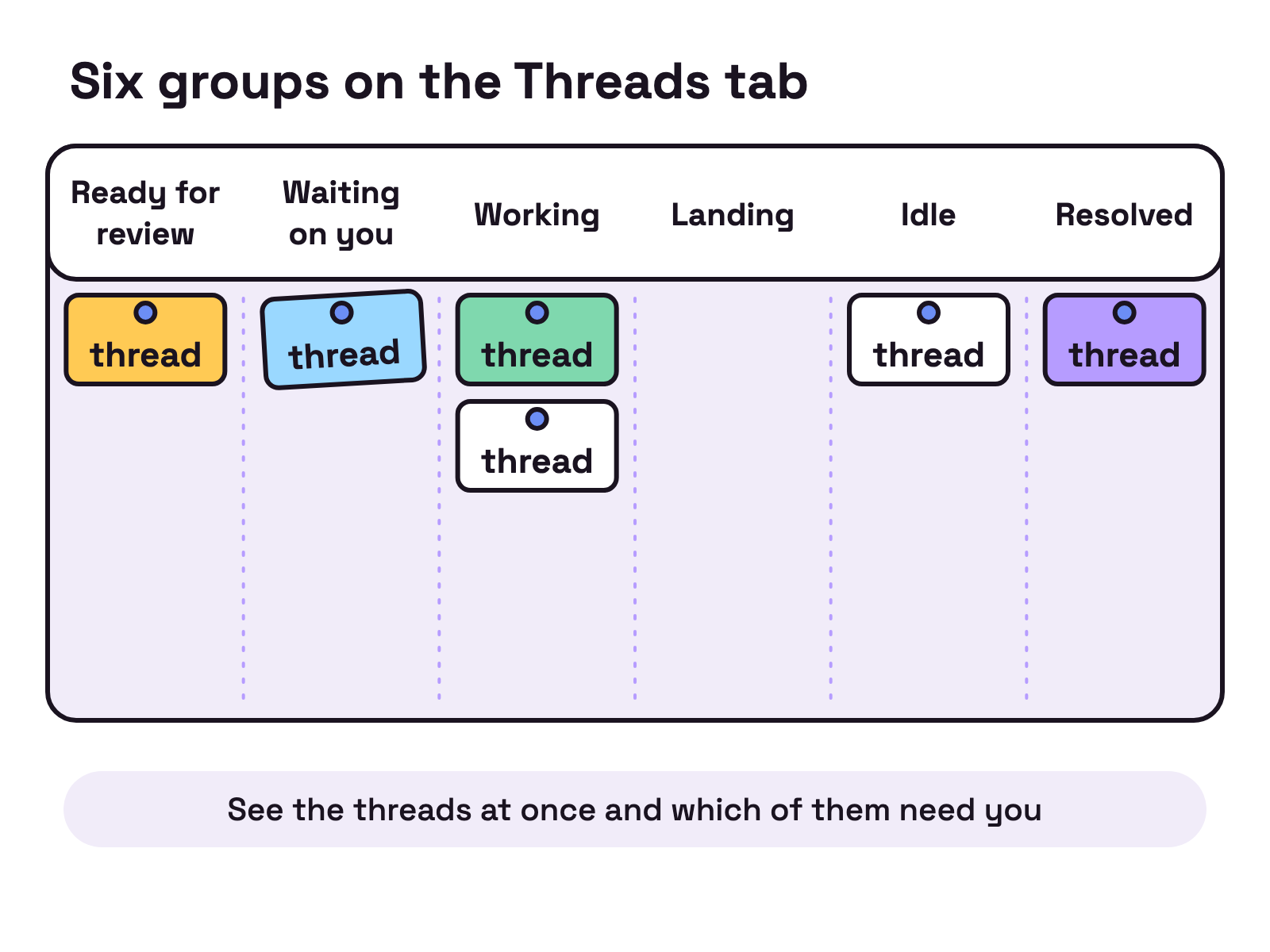
| Overview pane | Where you see the threads at once and which of them need you. |
The Projects docs list six groups on the Overview pane’s Threads tab: Ready for review, Waiting on you, Working, Landing, Idle and Resolved.
What do you need before you create one?
You need a Pro or Max plan with Projects showing in your sidebar, and a GitHub setup if the project will work on code. The Projects docs ask for three things there: your code is on github.com “rather than GitHub Enterprise Server, GitLab, or Bitbucket”, your connected GitHub account has push access to it, and the Claude GitHub App is installed on it.
The Projects docs add that cloud threads don’t pick up anything from the Claude Code setup on your own machine.
What does a project cost?
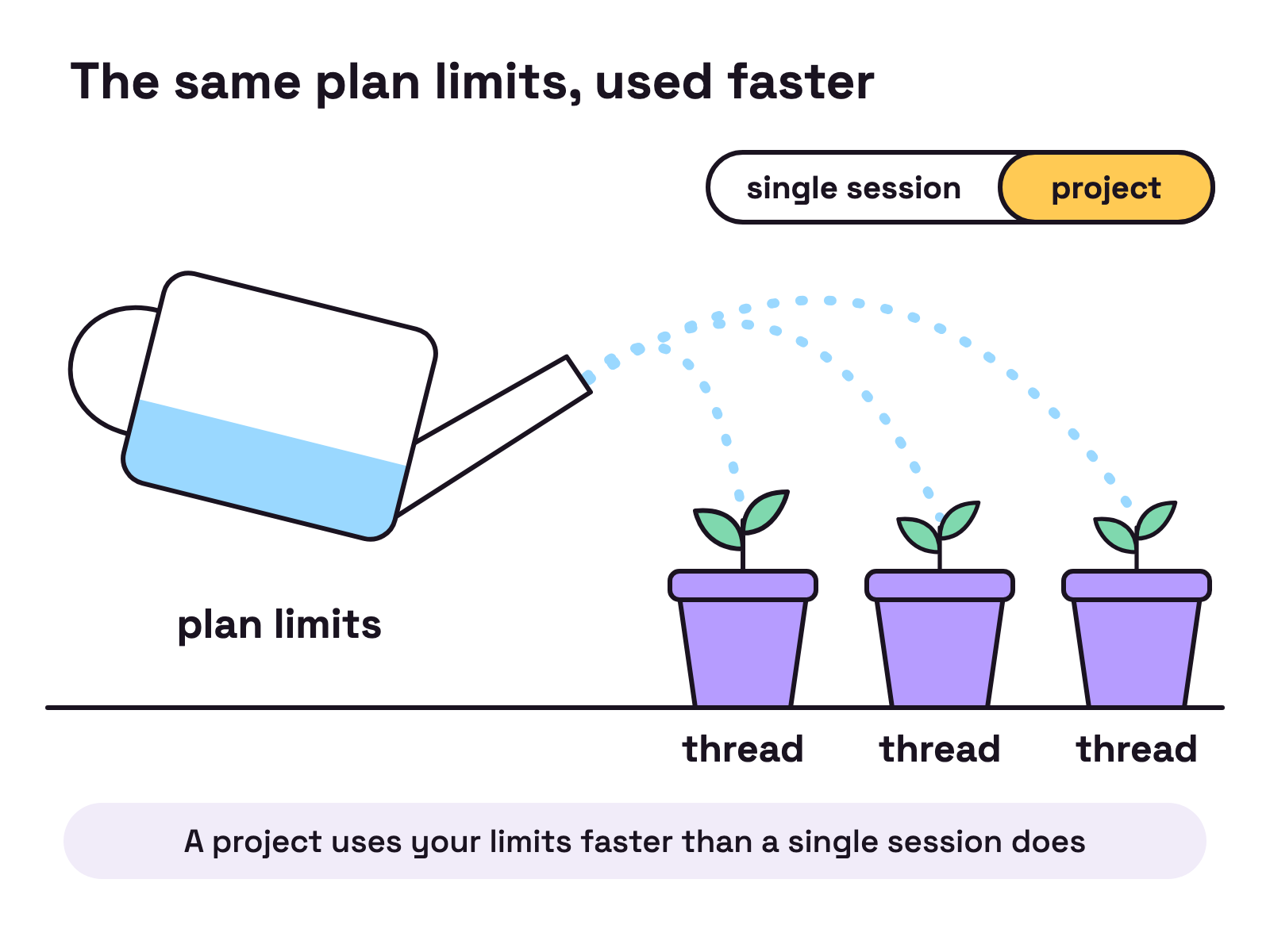
The Projects docs give no price for Projects: usage “counts against the same plan limits as your other Claude Code sessions”. The Projects docs say a project “uses your limits faster than a single session does”, and that “on a Pro plan in particular you should expect to reach your limit sooner on days you run one”.
The Projects docs do give one count: “The enforced limit is 200 new threads per day across your projects.” They also say a new project runs every thread on Opus at high effort, “which draws on your plan fastest”.
A thread that reaches your plan’s limit usually waits and continues when the limit resets. The Projects docs say a thread started by a routine stops instead. So closing the laptop stops neither a cloud thread nor its usage. For plan prices, see how much Claude Code costs.
What are the limits in beta?
The Projects docs list six limitations. These four are our selection:
- One user. “A project belongs to one user.” You can’t share a project or its threads with another user.
- No organization controls. There are no organization-level controls for projects during the beta.
- Threads stay put. You can’t move or copy a thread to another project.
- Uncommitted changes can be lost. If a cloud thread’s sandbox can’t be resumed, the thread continues from a fresh clone.
How is this different from agent teams, agent view and routines?
In a project, Claude starts and tracks the sessions instead of you. The Projects docs compare the neighbours this way:
- Agent teams. “One session that starts teammate sessions for a single task”, which “ends with that task”. Our agent teams explainer has the detail.
- Agent view. “A screen for tracking several local sessions side by side”, where you still start each one yourself. See managing multiple Claude Code sessions.
- Routines. When you ask for scheduled work in a project, Claude creates a routine that runs as threads in that project. See Claude Code automation while you sleep.
What does it mean if you run coding agents on your own computer?
A project reaches your machine only by running a thread there through Remote Control, the Projects docs say. That needs Claude Code v2.1.280 or later on that computer, and the thread “runs only while that computer is awake with Remote Control turned on”. The changelog page dates 2.1.280 to September 22, 2026.
The Projects docs also say you can’t add a session you started yourself on your machine to a project. For work where every task needs your machine, the Projects docs suggest a local session or agent view instead. Our comparison of local-first and cloud agent SDKs covers that trade.
What should you do now?
Check your sidebar first, then join the waitlist.
- Look for Projects at claude.ai/code or in the Code tab of the desktop app.
- If it is missing and you are on Pro or Max, join the waitlist.
- On your first project, check Thread model and Thread effort before you send a batch.
FAQ
What are Claude Code Projects?
Anthropic's Projects docs describe a project as one ongoing conversation where Claude coordinates a stream of related work for you. You tell it what needs doing and it starts a thread for each task. The docs say each thread is usually a cloud session.
Are Claude Code Projects available on Team or Enterprise plans?
Not yet. On 11 Oct 2026 Anthropic's Projects docs said Projects are in public beta on Pro and Max plans and rolling out gradually, and that they aren't available on Team or Enterprise plans yet. If Projects doesn't appear in your sidebar, the docs point to a waitlist.
How much do Claude Code Projects cost?
Anthropic's Projects docs give no separate price. They say project usage counts against the same plan limits as your other Claude Code sessions, and that a project uses your limits faster than a single session does. Work goes past your plan's limits only if you have turned on usage credits.
Can a project thread run on my own computer?
Yes, when you ask for it. Anthropic's Projects docs say the thread is then a Claude Code session in a folder on your machine, connected through Remote Control, and that it runs only while that computer is awake with Remote Control turned on. The docs say this needs Claude Code v2.1.280 or later.
Are these the same as Projects in claude.ai chat?
No. Anthropic's Projects docs call the chat and Cowork version the earlier Projects experience, which groups conversations and reference files without threads or a coordinator. The docs say those projects keep working as they do today until the redesigned experience reaches them.