How to ask AI a private question with Duck.ai, free, no account
Duck.ai is DuckDuckGo's free AI chat with no account. What it hides, where chats are saved, how to delete them, the limits and the fixes.
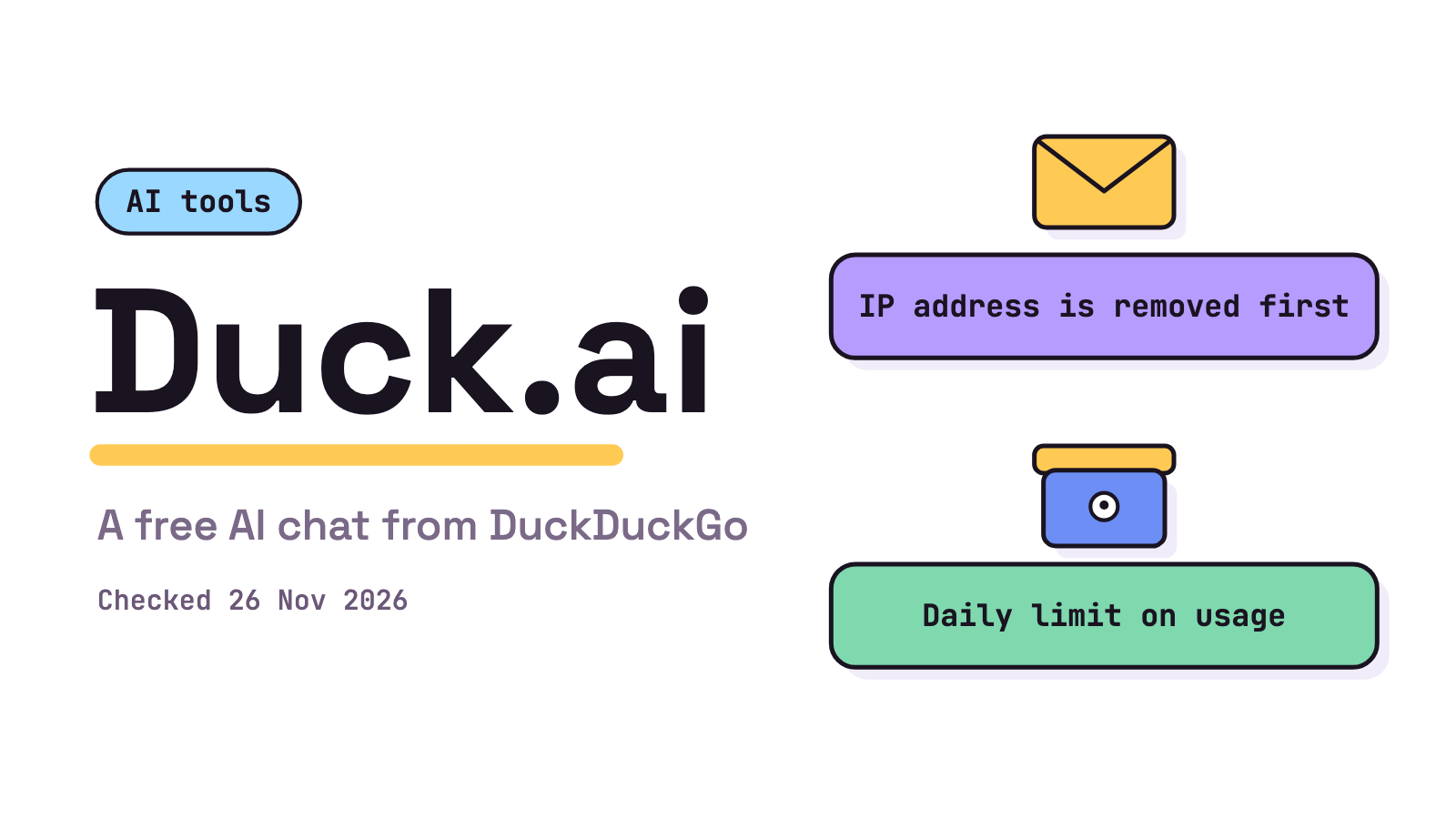
Duck.ai is DuckDuckGo’s free AI chat, with no account. It removes your IP address before your question goes to another company’s model and saves chats on your device by default. Free use has a daily limit, and what you type is still sent, so leave out personal details. Checked 26 Nov 2026.
This guide is on the blog of Munder Difflin, which is free and open source: a desktop app that runs a team of AI agents for all kinds of knowledge work, coding included, on your own computer. You do not need it for this guide; its install guide covers setup.
Checked on 26 Nov 2026 against DuckDuckGo’s help pages and the Duck.ai Privacy Policy and Terms of Service. Names in quotes are the ones those pages use.
What is Duck.ai?
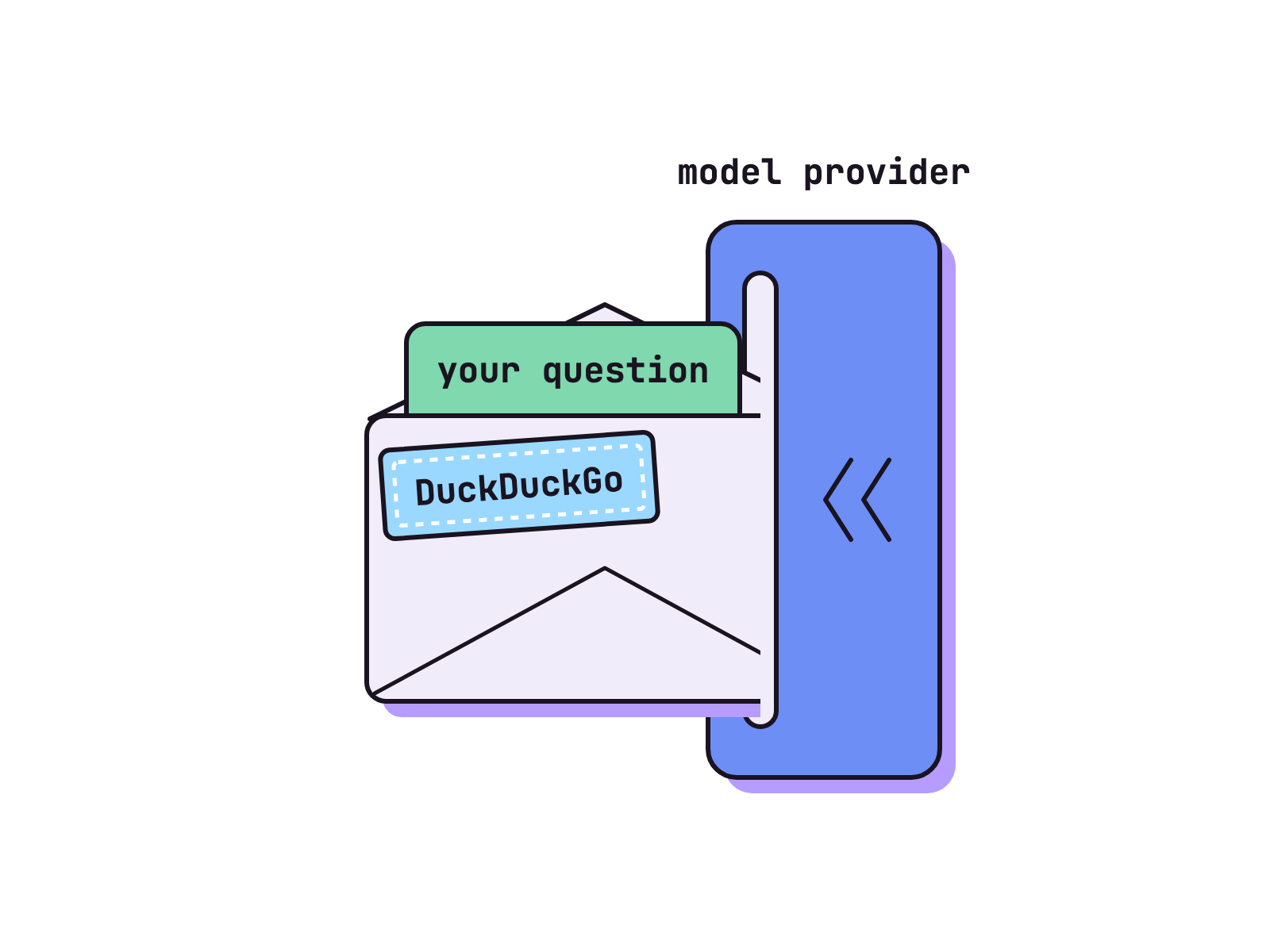
Duck.ai is a free AI chat from DuckDuckGo that passes your question to another company’s model after taking your IP address off it. The help page calls it “private conversations with 3rd-party AI chat models, anonymized by us”. You pick the model, and some are free. DuckDuckGo subscribers “also get access to the additional, advanced AI models” (models page) and higher usage limits (usage limits page).
What do you need?
You need a web browser and nothing else: DuckDuckGo says “no account required” (approach to AI page). Two limits apply.
- Age: “Duck.ai is only intended for people who are age 18 or older.” Under 18s “may use Duck.ai with your parent or legal guardian’s supervision” (terms).
- Place: the help pages list twelve countries and regions where Duck.ai is not supported.
How do you ask a question, step by step?
You open the site, pick a free model, and type your question without personal details.
- Go to duck.ai in your browser.
- Click the current chat model name in the chat input area to change model. The free ones today come from Anthropic, Mistral AI and OpenAI, plus two models hosted by Tinfoil (models page).
- Type your question. Leave out names, addresses and account numbers (the next section says why).
- Start a new chat when the subject changes. The usage limits page says: “Long conversations can cost more, so begin a new chat whenever you change subjects.”
What does “anonymized” mean here?
It means the details that travel with your message are removed, not the message itself. In DuckDuckGo’s words (privacy help): “Metadata that contains personal information (for example, your IP address) is completely removed before prompting the model provider.” The request then looks “as though” it came “from DuckDuckGo rather than individual users”.
What you type still goes to the model. The policy says: “If you submit personal information in your Prompts, it may be reproduced in the Outputs”.
Which models can the host not read?
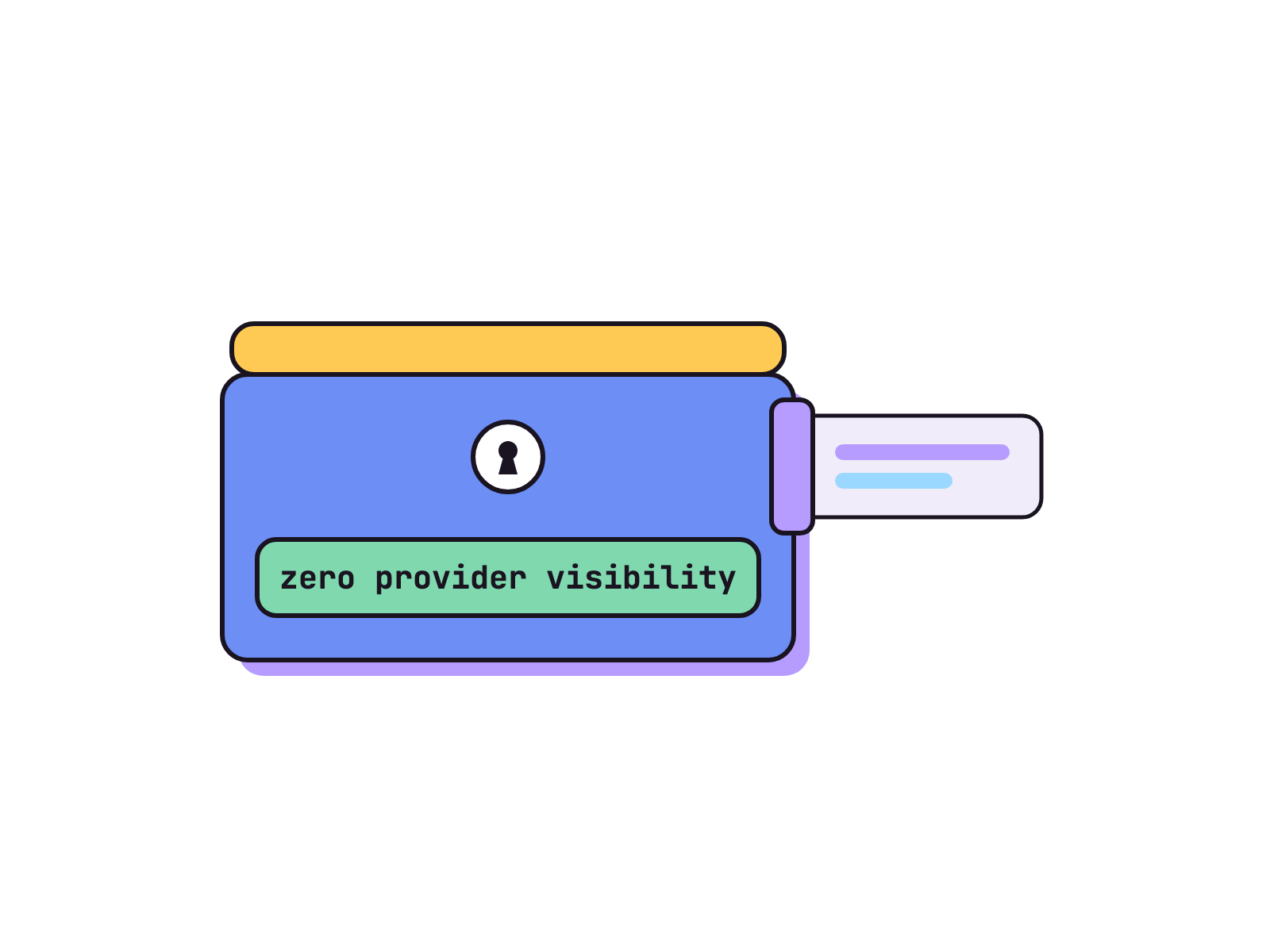
The two models hosted by Tinfoil, gpt-oss-120b and Gemma 4 31B, today. They run “in a Trusted Execution Environment such that Tinfoil cannot see your prompts or the model’s response” (privacy help). Duck.ai labels them “zero provider visibility”.
Our view: use one of those two for your most sensitive question.
Where are your chats saved, and how do you delete them?
They are saved on your own device by default, and the Fire Button inside Duck.ai deletes them.
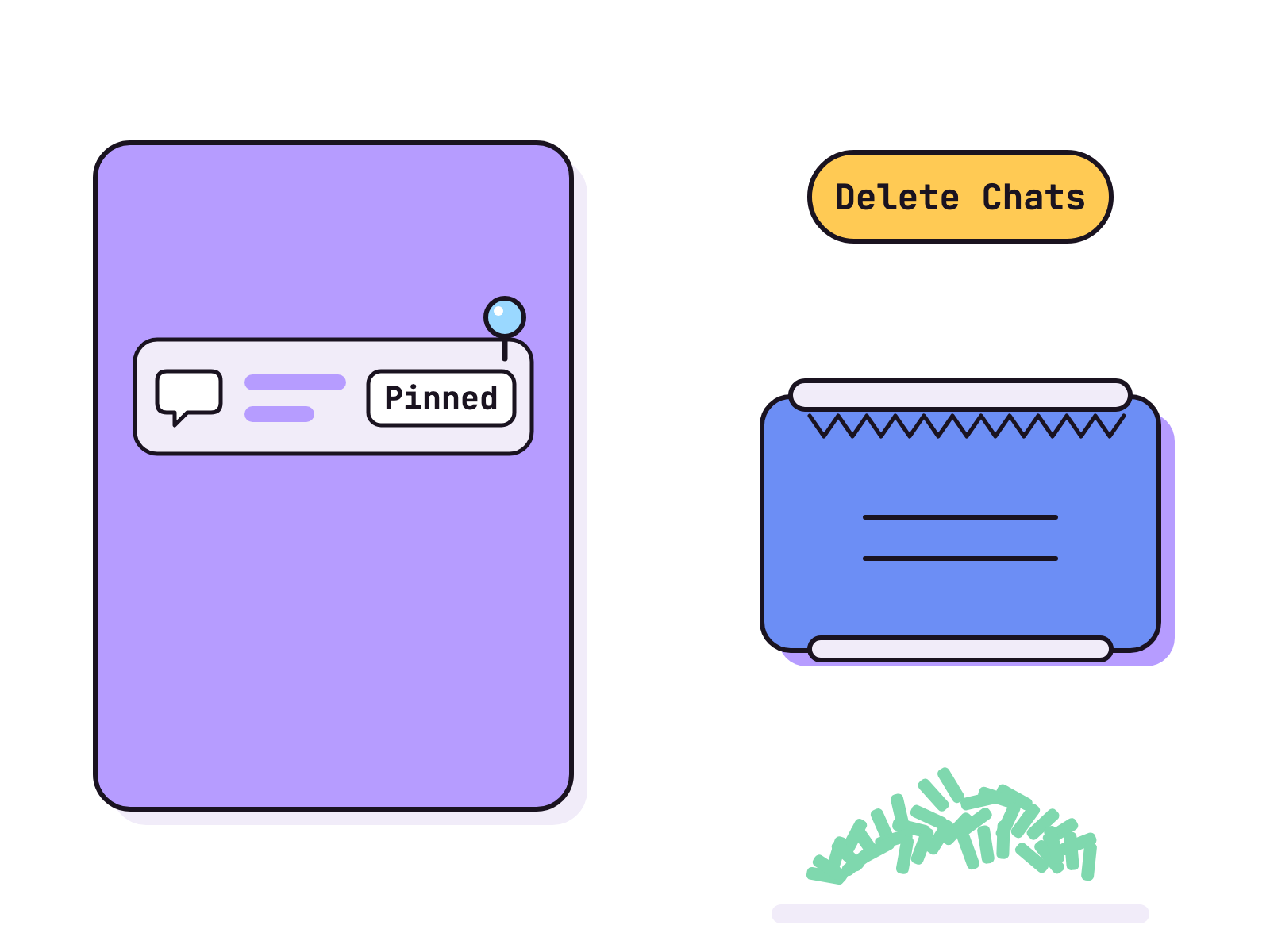
- To delete everything: “Tap the Fire Button icon at the top of the chats list and choose “Delete Chats”.”
- To delete one chat: tap the Fire Button icon beside it.
- Pinned chats stay. They “won’t be deleted when you use the Fire Button in Duck.ai”, so unpin them first.
- To stop saving chats: “You can disable chat history at any time in Duck.ai settings.”
- Your browser matters. Some keep chats “for extended periods or indefinitely, unless you explicitly clear your browser data”. Safari deletes them “if you go more than 7 days without visiting duck.ai”.
“Sync & Backup” is optional. It stores chats on a DuckDuckGo server, encrypted so that “only you can decrypt this information”.
What does it get wrong?
It can give a wrong answer that looks complete. The terms say: “Outputs may be inaccurate, incomplete, or otherwise unreliable.” They add that you should not rely on an answer “without verifying its contents using other sources, especially for professional advice (like medical, financial, or legal advice)”.
Is it private?
Yes, in the ways DuckDuckGo’s pages list, with exceptions those pages also list.
- The model companies “agree to” delete your prompts and responses and never train on them (privacy help). DuckDuckGo allows “limited, clearly defined exceptions”.
- One listed exception: with OpenAI and Anthropic models, chats “may be held in short-term memory for up to 1 hour”. Another, for Anthropic: chats “may be retained where required by law or as necessary to combat malicious use”.
- The policy’s own wording is looser than the help page: the model companies agree to delete information “at most within 30 days, with limited exceptions for safety and legal compliance”.
- Files and images you upload are “anonymously checked by a third-party content moderation provider, and in some cases, the model provider”.
- DuckDuckGo samples messages to sort them into broad topics, then says: “We don’t store the message itself or any identifiers”.
Our view: these are promises from a company and its suppliers. Treat them as lower risk, not zero risk.
What if it does not work?
Start with your network, then your model.
- You hit the limit on your first message. This can happen “when using a VPN or cellular network” (usage limits page). Try another VPN location or switch to WiFi.
- You run out during the day. “Lower cost models use your limits more efficiently than higher cost models”, and the same page says to use “Fast” mode by default.
- Something else is broken. Use the “Share Feedback” button at the bottom of the chat page. A chat you send as feedback is stored and reviewed by DuckDuckGo (privacy help).
Also on this blog: Buzz: free, offline Whisper transcription for a long recording and Goblin Tools Magic ToDo: break a scary chore into small steps. More guides like these are on the AI tools page.
Sources
Checked on 26 Nov 2026:
- Duck.ai, DuckDuckGo Help Pages
- How does Duck.ai protect my privacy?
- Is my Duck.ai chat history private?
- Does Duck.ai have usage limits?
- What AI chat models are available?
- What is DuckDuckGo’s approach to AI?
- Duck.ai Privacy Policy and Terms of Service, last updated 16 Nov 2026
- Duck.ai Unsupported Regions
- Duck.ai itself
This guide is independent. It is not made, checked or paid for by DuckDuckGo.
FAQ
Is Duck.ai free?
Yes, with no account. DuckDuckGo's usage limits page says: "Duck.ai is free to use, but there is a daily limit on usage." Checked 26 Nov 2026.
Where are your chats saved?
By default, "locally on your device", not on DuckDuckGo's servers.
Can the AI company see who you are?
Your IP address is removed first, but whatever you type is still sent.
What costs money?
The "additional, advanced AI models" and higher limits need a DuckDuckGo subscription.