How to talk instead of typing with Handy, free speech to text
Handy is a free, open source app that types what you say into any text box, on your own computer. Setup, which model to pick, limits and fixes.
Handy is a free and open source app that types what you say into any text box. Hold a shortcut, talk, let go, and your words are pasted at your cursor. The speech model runs on your own computer, and your voice stays there. Checked 25 Nov 2026.
This guide is on the blog of Munder Difflin, which is free and open source: a desktop app that runs a team of AI agents for all kinds of knowledge work, coding included, on your own computer. You do not need it for this guide; its install guide covers setup.
Checked on 25 Nov 2026 against the makers’ website, documentation and README, at version v0.10.2. Names in quotes are the ones those pages use.
What is Handy?
Handy is a free and open source app for Mac, Windows and Linux that turns your speech into text and pastes it wherever your cursor is. It is a dictation tool, not an assistant: “One tool, one job. Transcribe what you say and put it into a text box.”
What do you need?
You need a computer, a microphone and an internet connection for the first setup.
The computer can be a Mac, a Windows PC or a Linux machine; the download page lists no phone version. The recommended model takes about 478 MB of disk space (models page).
How do you set up Handy and dictate, step by step?
You download the app, grant two permissions, pick a model, then hold the shortcut and talk.
- Go to handy.computer, open the download page and take the file for your computer. The Homebrew and winget packages “are not maintained by the Handy developers” (README).
- Install it. On a Mac, grant both permissions Handy asks for: “Microphone” and “Accessibility” (Getting Started). Skip the second and Handy hears you but pastes nothing.
- Pick a model (next section) and wait for the download.
- Click into any text field: “a browser, editor, chat app, anywhere you can type”.
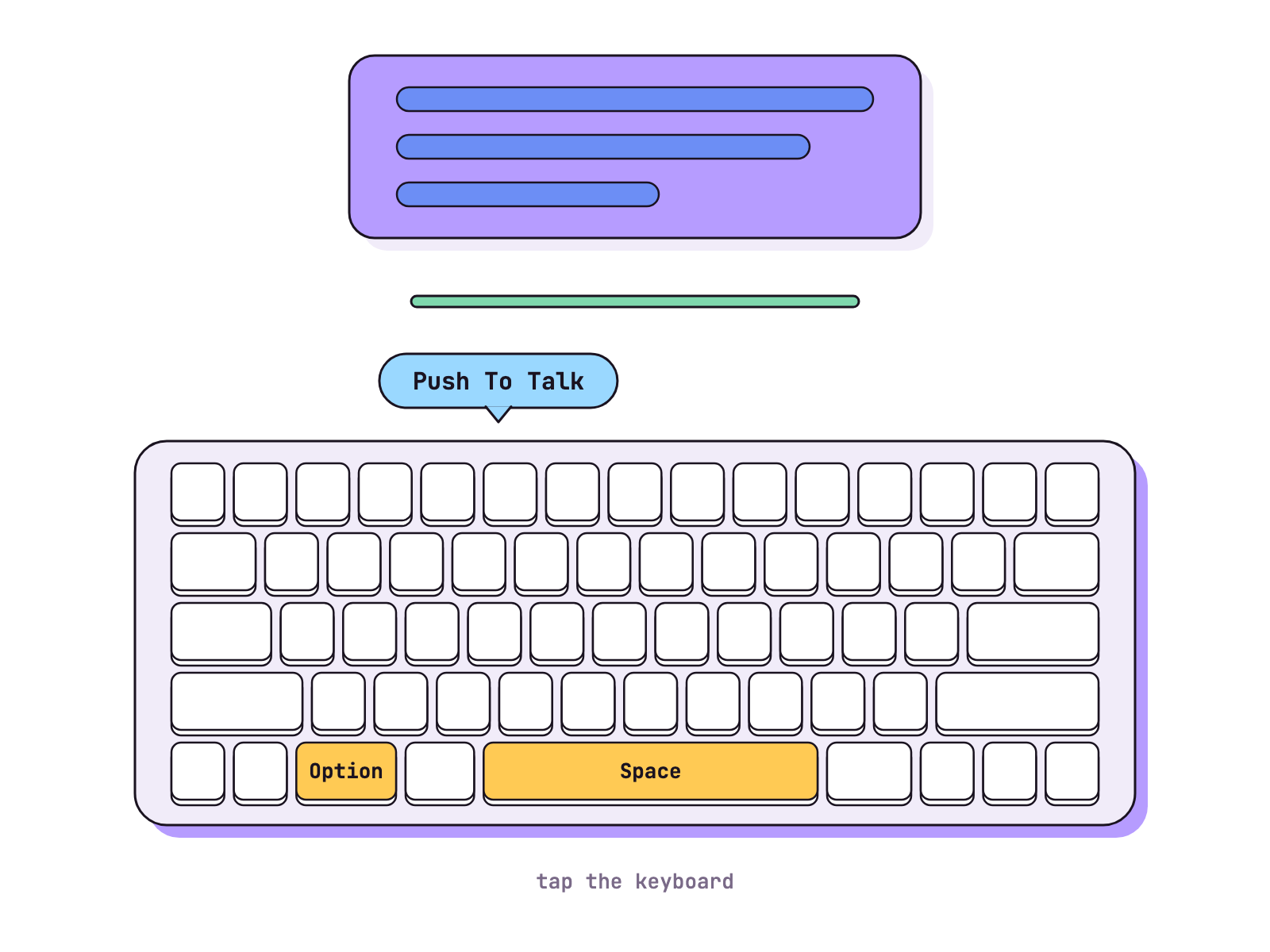
- Hold the shortcut. The default is Option + Space on a Mac and Ctrl + Space on Windows and Linux (General settings). “Speak naturally”, then let go. Your words are pasted at the cursor.
Holding the keys is “Push To Talk”, the default. Turn it off in the General settings and one press starts recording and a second stops it. Shortcuts with the fn key “only work on Apple keyboards” (README).
Which model should you pick?
Pick Parakeet V3 unless one of the cases below fits (Getting Started, Models).
- English or a European language: Parakeet V3, about 478 MB.
- A language outside Europe, or several: Whisper Medium, about 492 MB, or Whisper Small, about 487 MB, on a weaker computer.
- A very slow computer, English only: Moonshine V2 Tiny, about 31 MB.
- The best English on a strong graphics chip: Cohere Transcribe, about 1.8 GB.
Parakeet writes numbers as words, so use a Whisper model for digits. The FAQ warns that Parakeet “is primarily an English model” and with other speech “may produce English output or gibberish”.
What does it get wrong?
It writes what it heard, so rambling, restarts and misheard names all come through.
- Names and rare words. Add them under “Custom Words” in “Settings > Advanced” (Advanced). The makers admit: “This is very imperfect.”
- Long recordings. The FAQ says to keep recordings under 3 to 5 minutes for best results, because current models “do not handle very long audio well”. Longer ones can fail.
- Saying “period” or “comma” does not insert the symbol.
- It is not live: “Handy records a segment, then transcribes it.”
- Whisper can add a stray “thank you” or “bye bye” to a short recording. Parakeet does not.
- It hears only your microphone, not a video call.
Our view: talk in short takes and read every paste before you send it.
Is it private?
Yes for the audio, with three things to know. The policy says: “During ordinary transcription, Handy does not send your microphone audio or transcription content to the Handy maintainers or to Handy servers.”
- The internet is used for model downloads and update checks. Update checks are on by default and can be turned off in the settings.
- The “History” tab keeps recent transcriptions with their audio on your disk. The policy says this data is protected by your operating system account and file system controls, and Handy does not currently add its own encryption. To keep nothing, set “History Limit” to 0 under “Advanced > History” (History).
- Post processing is optional and experimental. With a cloud provider, the text of what you said goes to that company. It is off unless you set it up (Post Processing).
What if it does not work?
Start with the permission and the paste method (Troubleshooting).
- Nothing is pasted. Check the cursor was in a text field. On a Mac, allow Handy under “System Settings > Privacy & Security > Accessibility”. If your words show in the “History” tab, try another paste method in “Settings > Advanced”. On Windows, an app running as administrator blocks the paste, so run Handy as administrator too. On Linux, Handy “needs a small tool to type into other apps”: xdotool on X11, and on Wayland one that depends on your desktop. On Wayland the shortcut may also work only while Handy’s window is in front (Linux Setup), and the README calls Wayland support limited.
- Old copied text is pasted. In the Debug settings (Cmd+Shift+D on a Mac, Ctrl+Shift+D elsewhere), raise the paste delay from 60 ms to between 100 and 200 ms.
- Nothing is transcribed. Check the microphone is not muted and a model shows under “Settings > Models”, then try another microphone in “Settings > General”. Bluetooth devices “can have issues with Handy”.
- The shortcut stopped on a Mac. Secure Input is probably active, often from a terminal with “Secure Keyboard Entry” on or a password manager. Turn it off or quit that app.
- It is slow. Try “a smaller model (Moonshine Tiny or Whisper Small)”.
Also on this blog: Goblin Tools Magic ToDo: break a scary chore into small steps, How to use Upscayl to make a small photo sharp again and Gemini Notebook: turn a long contract into an audio summary. More guides are under AI tools.
Sources
Checked on 25 Nov 2026:
- Handy home page
- Download Handy
- About Handy
- Getting Started
- Linux Setup
- Models
- General
- Advanced
- FAQ
- Troubleshooting
- Post Processing
- History
- Privacy Policy, effective 18 Sep 2026
- README
This guide is independent. It is not made, checked or paid for by the Handy project.
FAQ
Is Handy free?
Yes. It is free and open source, and it needs no account.
Does your voice leave your computer?
Not in ordinary use. The speech model runs on your own machine.
Which model should you pick?
Parakeet V3 for English and European languages, a Whisper model for other languages.
Does it work offline?
Yes, once the app and one model are downloaded.