Goblin Tools Magic ToDo: break a scary chore into small steps
Magic ToDo on the free Goblin Tools website turns one dreaded chore into small steps. The steps, the limits, the privacy facts and the fixes.
Magic ToDo, a free tool on the Goblin Tools website, turns one dreaded chore into small steps: type the chore, set the spiciness, press the magic wand, then edit what comes back. Press the wand again on any step that still feels too big. Treat the list as a first draft. Checked 25 Nov 2026.
This guide is on the blog of Munder Difflin, which is free and open source: a desktop app that runs a team of AI agents for all kinds of knowledge work, coding included, on your own computer. You do not need it for this guide; its install guide covers setup.
Checked on 25 Nov 2026 against the Goblin Tools website, version v3.14.1. Names in quotes are the site’s own.
What is Magic ToDo?
Magic ToDo is a to do list that writes out the steps for any job you give it. It is one of the small tools on the Goblin Tools website.
The website is free: “goblin.tools is offered free and available to all. It will stay free without ads or paywalls.” The phone apps are sold “at a low price”, and sync between devices needs the paid Goblin Tools Pro (terms). Nothing here needs either.
What do you need?
You need a phone or computer with a web browser and a few minutes. There is nothing to install, and this guide uses no account.
How do you break a chore into steps, step by step?
You type the chore as one line, set the spiciness, press the wand, then fix what comes back.
- Open goblin.tools and choose “Magic ToDo”.
- Click the box that reads “Add new item…”, type the job as one line and add it. Name the finish line, not the topic: “Clear the garage floor so the car fits” beats “garage”.
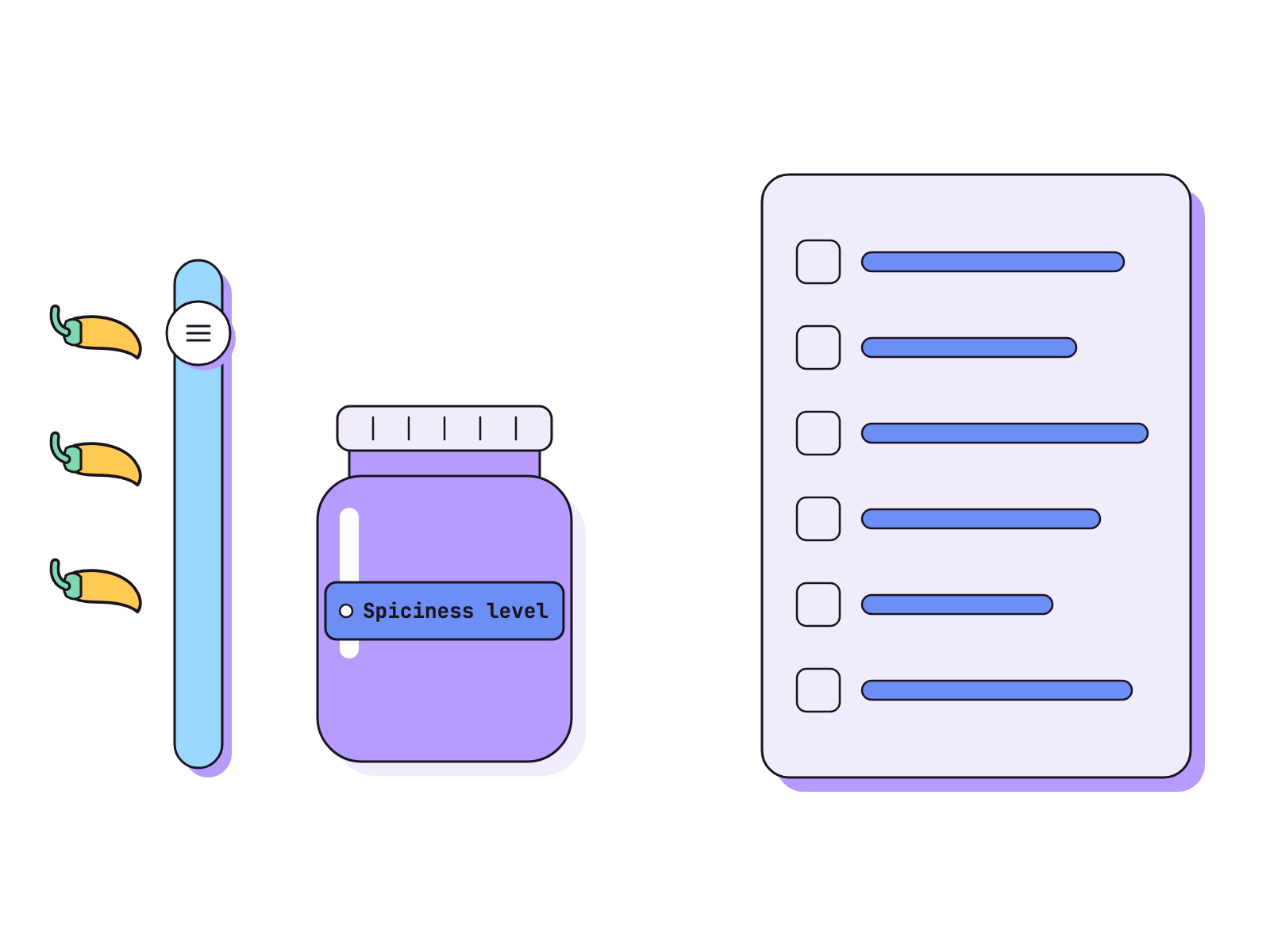
- Set the “Spiciness level”. It “gives the tool a hint about how hard or stressful you find the task. The spicier, the more steps it will attempt to break it down into.”
- Press the button with a magic wand on it. The steps appear under the chore, each with its own tick box.
- The three dots button on each item holds “Edit”, “Remove”, “Add Subtask” and “Estimate”. Remove what does not apply, add the step it missed, and drag the grip icon on the left to reorder.
- Press the wand on any step that still feels too big, and it gets smaller steps of its own. Stop when the first step is too small to avoid.
- Choose “Estimate” for a time. The site calls the result “just a rough guess”.
- Do the first step and tick it.
How do you turn a brain dump into a list?
Use a second tool, “Compiler”, which the site describes as “Turn a braindump into actions”.
- Open “Compiler” and type everything on your mind, in any order.
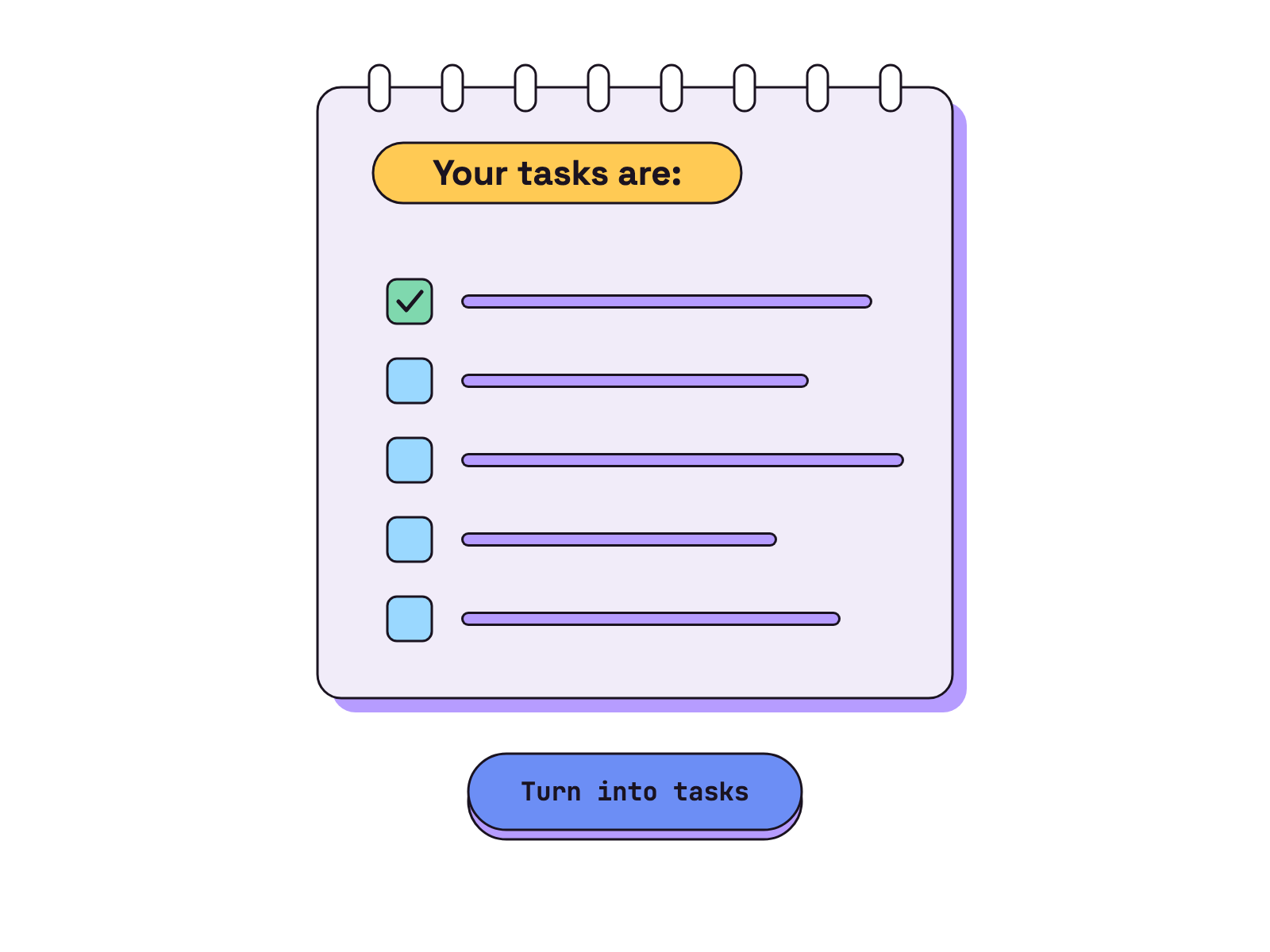
- Press “Turn into tasks”.
- Read the result under “Your tasks are:” and check that nothing went missing.
- Press “Send result to the Magic Todo”.
- In Magic ToDo, press the wand on the item that scares you most.
Under a finished list, “Export as iCal events” downloads a file that places top level tasks on tomorrow’s calendar, back to back starting at 9 AM; the site warns that “this is a suggested schedule rather than a real one”.
What does it get wrong?
It guesses, and it knows nothing about your situation. The site says nothing the tools return “should be taken as a statement of truth, only guesswork”, and asks you to “use your own knowledge and experience to judge whether the result you get is valid.”
- Steps about tax rules, your landlord, your health or your budget are generic.
- It can leave a step out or put steps in the wrong order. Ask what has to happen before step one.
- The terms say not to rely on it for anything important, medical, legal, financial or safety related.
Our view: treat the list as a first draft to argue with.

Is it private?
Partly: your list stays in your browser, but what you type is sent to an AI provider to be processed.
- The privacy policy names OpenAI and says: “We do not store this data on our servers, and we do not share it with any other third party.”
- “Without a Pro account nothing you type is stored anywhere but your own browser”. Clear your browser data or switch device and the list is gone. “Save to file” under the list keeps a copy.
- With a Pro account, your lists and some history are kept on the site’s servers.
- Write chores, not secrets. Leave out names, ID numbers, account numbers and diagnoses.
What if it does not work?
Most problems clear with a retry, a reword or a change of spiciness.
- You see “An error occurred while fetching the breakdown, try again later” (page script). Wait a minute and press the wand again. The terms do not guarantee it will always be available or error free.
- The steps are too vague. Remove them with “Clear subtasks” in the chore’s three dots menu, reword the chore with one concrete fact, raise the spiciness and run it again.
- There are too many steps. Remove them, lower the spiciness and run it again.
- Your list has vanished. Check you are in the same browser on the same device, not in a private window.
- You were asked to pay. You are probably in a phone app or on a Pro feature such as sync. Everything here works on the free website.
Also on this blog: How to talk instead of typing with Handy, free speech to text, Gemini Notebook: turn a long contract into an audio summary and every guide in AI tools.
Sources
Checked on 25 Nov 2026:
- About Goblin Tools
- Goblin Tools home page
- Magic ToDo and its Help panel
- Estimator
- Compiler
- The Magic ToDo list script
- Privacy Policy
- Terms of Service, last updated 16 August 2026
- The Magic ToDo page script
This guide is independent. It is not made, checked or paid for by Goblin Tools.
FAQ
Is Goblin Tools free?
Yes, the website is. The phone apps and Goblin Tools Pro cost money.
What does the spiciness level do?
It tells the tool how hard the task feels to you. Spicier means more steps.
Can you trust the steps?
Not blindly. The site calls its results "only guesswork".
Where is your list kept?
In your own browser, unless you have a Pro account.