GTA 6 Tracker: Build a Morning Brief of News, Servers and Sales With AI Agents
Build a GTA 6 tracker that AI agents run each morning: the public pages to watch, how to fetch politely, a sample brief and a Python diff.
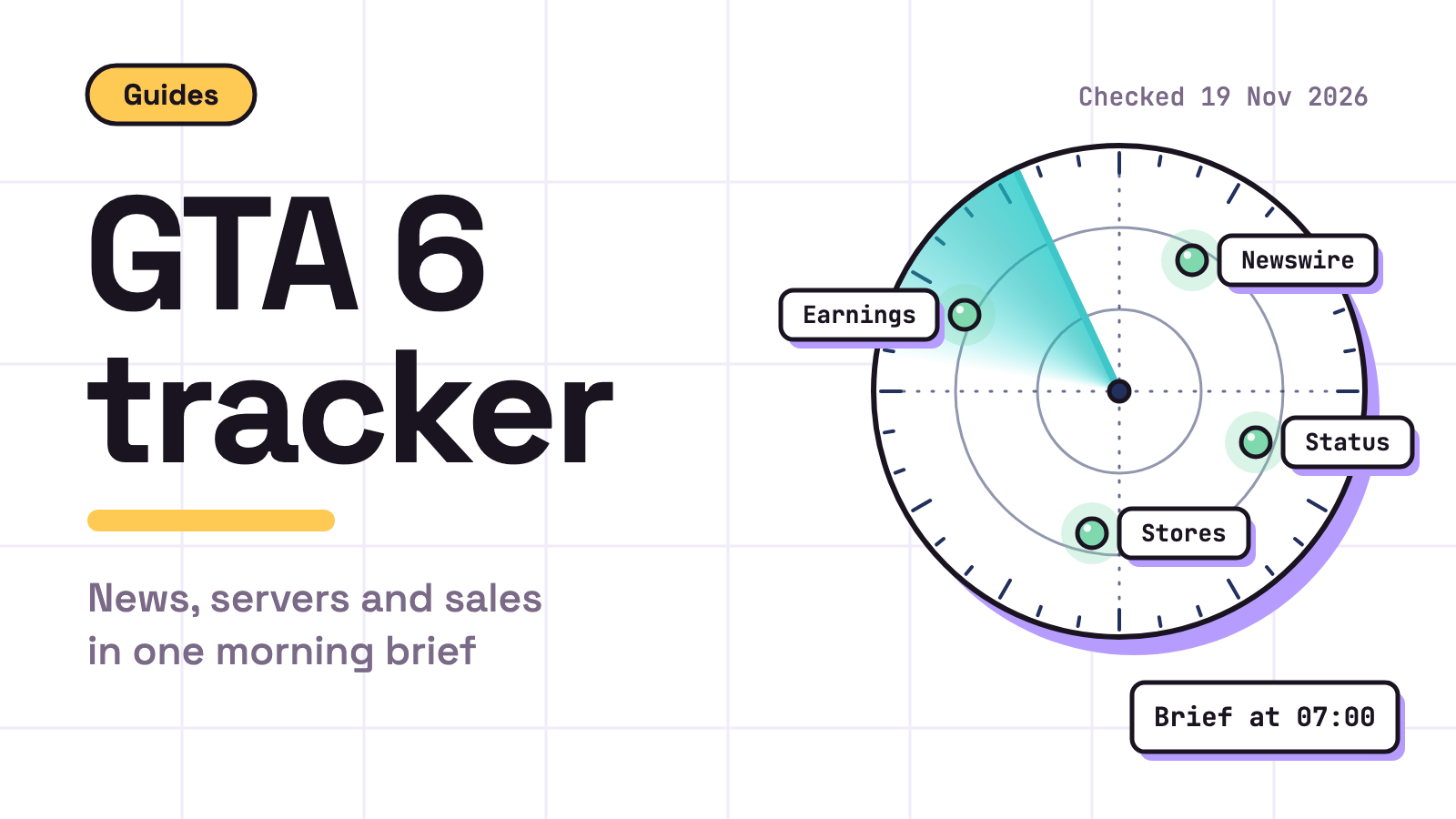
A GTA 6 tracker is a small script plus two AI agents that check six public pages every morning, compare them with yesterday and send you one short brief on news, servers and sales. Checked 19 Nov 2026.
Grand Theft Auto VI arrives today on PlayStation 5 and Xbox Series X|S, per Rockstar’s Newswire. You can build the tracker with cron and a Slack webhook, or use Munder Difflin, free and open source: a desktop app that runs a team of AI agents for all kinds of knowledge work, coding included, on your own computer. Other launch angles: making money with GTA 6.
Which sources should a GTA 6 tracker watch?
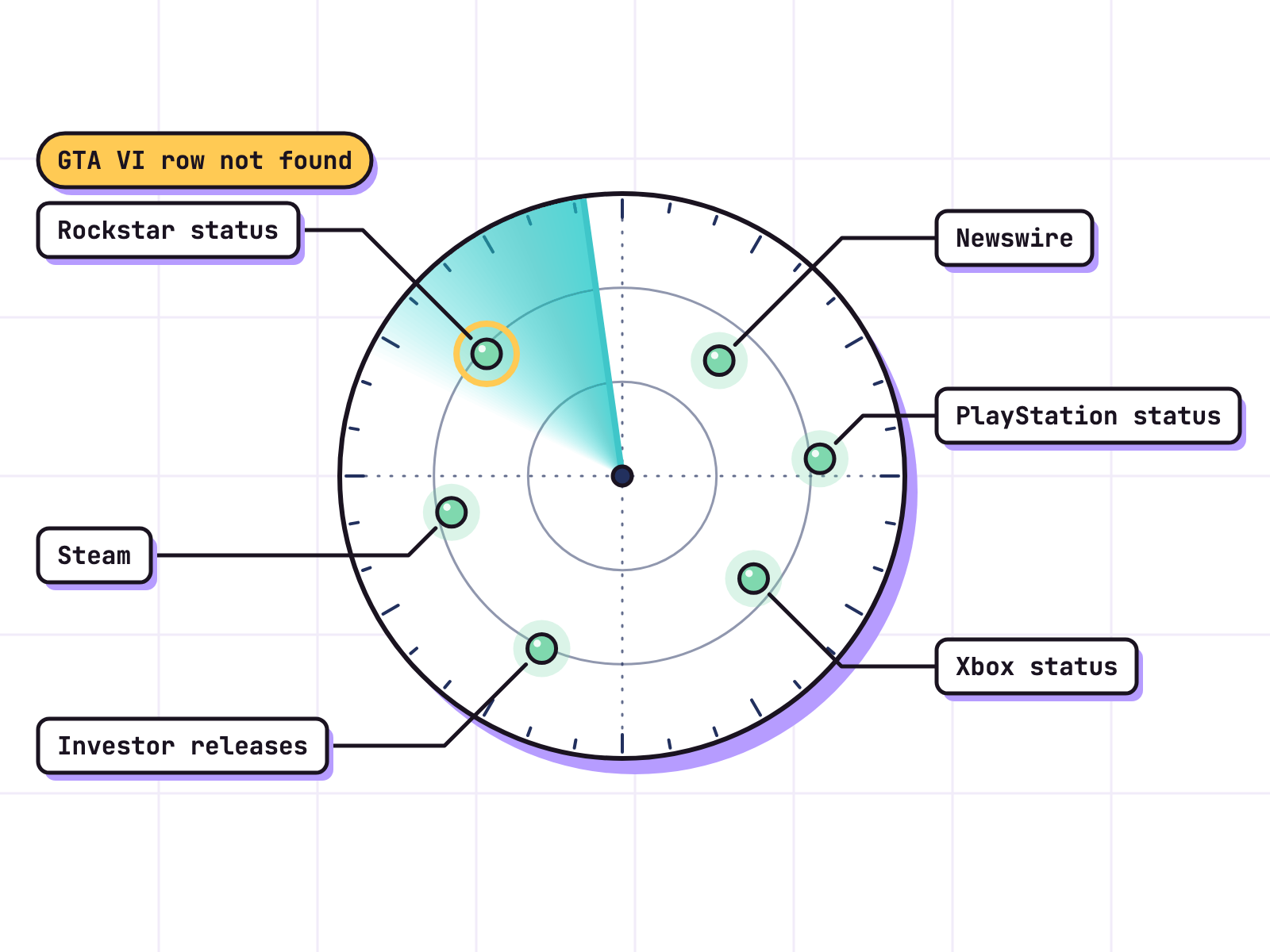
Six public pages cover news, servers and sales, and only one offers a feed. Read at about 04:00 IST on 19 Nov 2026:
| Source | Tracks | What we found (19 Nov 2026) |
|---|---|---|
| Rockstar Newswire | News, patches | No feed; the HTML is a shell with no post titles, so render it headless |
| Rockstar service status | Rockstar online services | Plain HTML; “All services operational”, and no GTA VI row |
| PlayStation status | PlayStation Network | JavaScript app; “All services are up and running.” Sony’s terms bar bots, so link it |
| Xbox status | Xbox network | JavaScript app; states Up and running, Limited, Major outage |
| Take-Two press releases | Sales, earnings | Has an RSS feed that lags the page |
| Steam search | A PC version | No GTA VI page |
Rockstar calls the game “a single player experience” in its June 24 post, so “GTA 6 online news” means waiting on Newswire. Take-Two’s 9 Nov results list only PS5 and Xbox Series X|S, so no PC version has been announced; we think a weekly Steam search is plenty. Official sales figures, if any, land in those releases; GTA 6 sales tracks them.
How do you fetch politely?
Obey robots.txt and each site’s terms, prefer feeds, ask once per run and check every cache header. Five rules:
- robots.txt first. RFC 9309 says its rules “are not a form of access authorization”, so they are the floor. Rockstar’s robots.txt blocks eight named crawlers, ClaudeBot and GPTBot among them. If your agent’s fetch tool uses one of those names, skip the site.
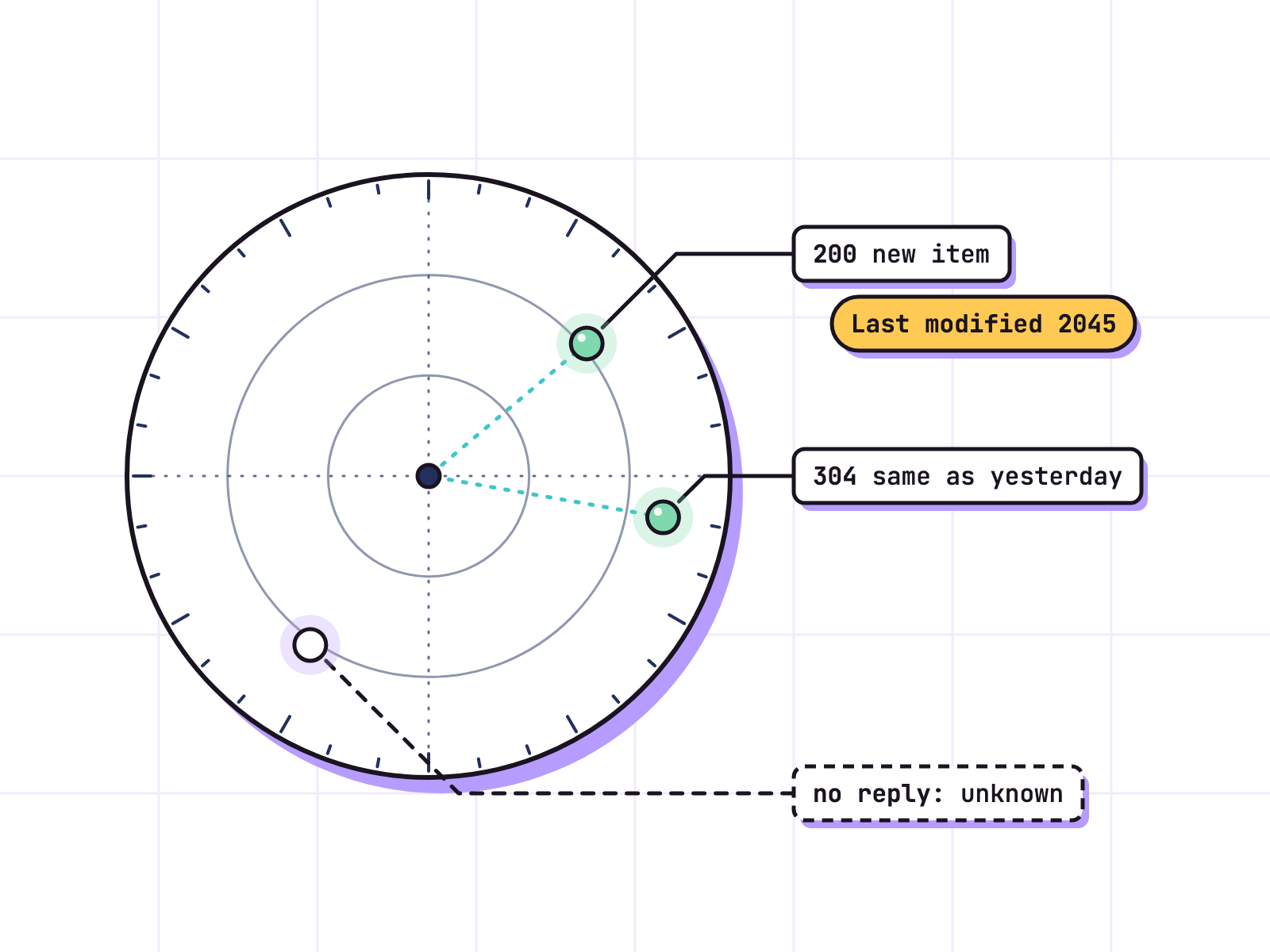
- Unreachable means stop. When robots.txt is unreachable through server or network errors, RFC 9309 says a crawler “MUST assume complete disallow”. On 19 Nov 2026 Rockstar’s support host dropped common clients, robots.txt included. No answer means “unknown”, with the link in the brief. Unknown is not down.
- Cache headers can lie. Newswire sends
Last-Modified: Mon, 13 Nov 2045. Either Rockstar owns a time machine or that header is decoration, so hash the rendered list. Take-Two’s feed ended at 13 Oct 2026 while its page listed the 9 Nov results; the CDN served copies whoseageheader said 16 to 24 days. - Read the terms. Rockstar’s terms and Take-Two’s terms, both updated 28 Feb 2025, say nothing in their license authorizes using their content to “provide source material for, or promote, any Generative AI Tools”. So a plain script reads Newswire, Rockstar status and the investor releases, and no agent sees those pages. Sony’s website terms, updated 11 Mar 2026, bar any “robot”, “bot”, “spider”, “scraper” used to “access, obtain, copy, monitor or republish any portion of our site”, so PlayStation status stays a link you open.
- Be slow and honest. Our view: one run a morning, seconds apart, with a user agent that names your tracker. A login wall, a CAPTCHA or a 403 ends that source for the day. Never scrape behind a login or a bot check, and never dress a script up as a browser.
What does the code look like?
About thirty lines of standard library Python: check robots.txt, send the stored ETag so the server can answer 304, print only new links. No keys.
import json, pathlib, urllib.error, urllib.request, urllib.robotparser
import xml.etree.ElementTree as ET

FEED = "https://ir.take2games.com/rss/news-releases.xml"
UA = "gta6-tracker/0.1 (personal, once a day)"
path = pathlib.Path("state.json")
state = json.loads(path.read_text()) if path.exists() else {"seen": [], "etag": None}

robots = urllib.robotparser.RobotFileParser("https://ir.take2games.com/robots.txt")
robots.read()
if not robots.can_fetch(UA, FEED):
    raise SystemExit("robots.txt says no")

req = urllib.request.Request(FEED, headers={"User-Agent": UA})
if state["etag"]:
    req.add_header("If-None-Match", state["etag"])
try:
    with urllib.request.urlopen(req, timeout=20) as r:
        state["etag"] = r.headers.get("ETag")
        items = ET.fromstring(r.read()).iter("item")
        new = [(i.findtext("title").strip(), i.findtext("link")) for i in items
               if i.findtext("link") not in state["seen"]]
except urllib.error.HTTPError as e:
    if e.code != 304:
        raise
    new = []

for title, link in new:
    print("NEW:", title, link)
state["seen"] += [link for _, link in new]
path.write_text(json.dumps(state))
A 200 with new links feeds the brief; a 304 means no change. For Newswire, swap the feed parse for a headless render that keeps each post’s title, date and link. For status pages, keep only the status words.
What does the morning brief look like?
Lead with what changed, give each status one line, link every source. Example only: every value in [brackets] is a placeholder, not real data.
GTA 6 tracker, [Fri 20 Nov], 07:00
- Changed: Newswire has [1] new post, “[post title]” ([link])
- Servers: Rockstar [unknown, page did not load], Xbox [up], PlayStation ([link], open it yourself)
- Sales: [no new Take-Two release]
- PC: [no Steam page]
- Needs you: [nothing]
Headlines only, never story content, so it cannot spoil anything. Our view: a brief that says “no change” five times is a good morning.
How does a scheduled mission run it in Munder Difflin?
A scheduled mission starts the tracker every morning, and Slack or a webhook delivers the brief. Munder Difflin’s README, read 19 Nov 2026, lists “Kanban tasks with dependencies, scheduled missions + heartbeat, live fleet monitoring, memory search, activity log, and a CI watcher”, and: “Slack & webhooks: message a channel or POST a webhook; Michael can spawn an ephemeral worker, reply in-thread, and tear it down.”
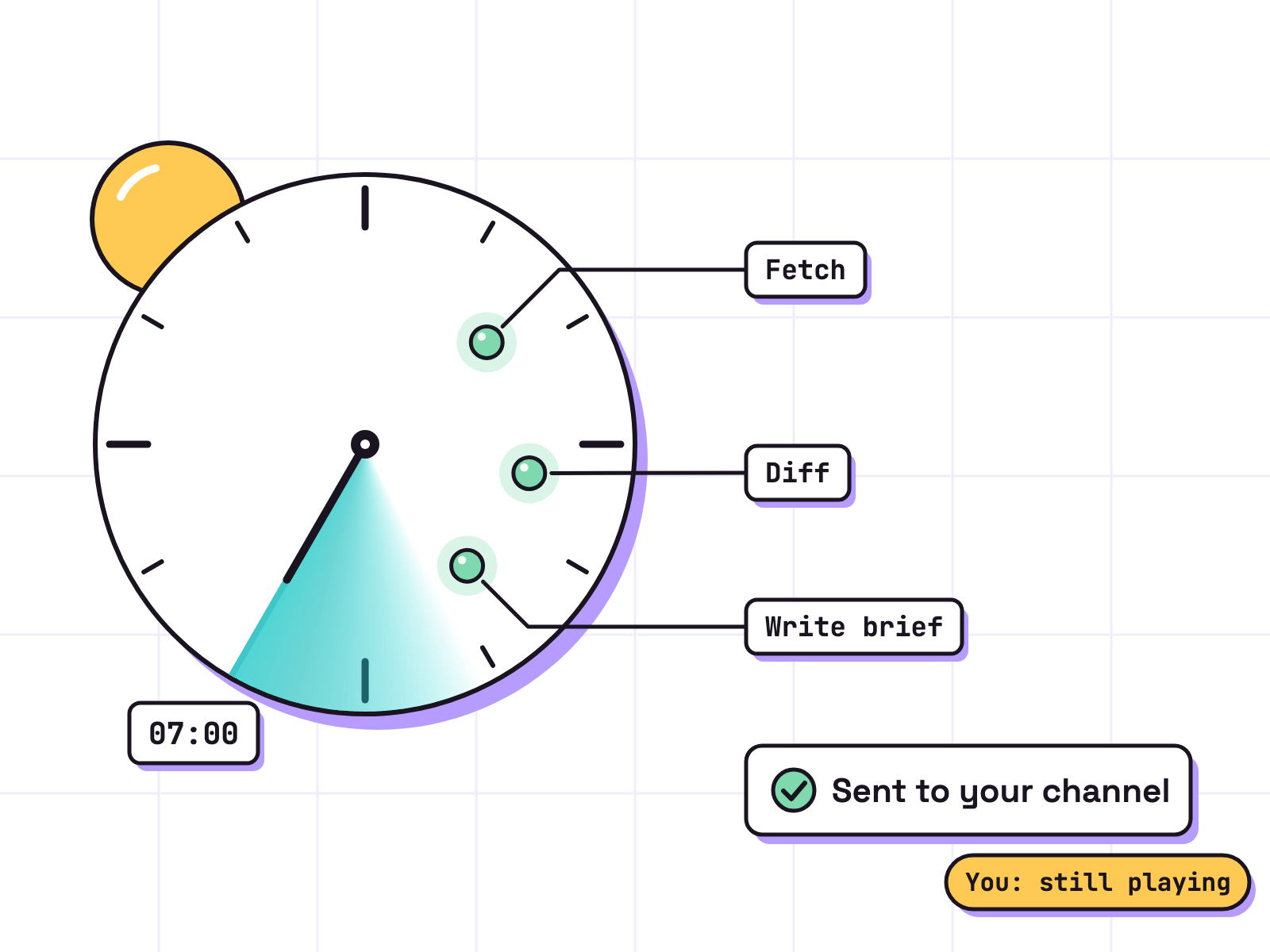
- Fetcher, a Claude Code or Codex agent, starts your script at 07:00. The script, not the agent, reads the Rockstar and Take-Two pages and writes their lines of the diff.
- Writer waits on that task, adds the Xbox and Steam lines, and sends the brief to your channel or webhook.
- You read it in a minute, still playing. Anything public waits for your yes.
harnessmd.com, read 19 Nov 2026: “Pro adds the Pro workspace: an orchestrator that runs your other agents, a task board, an inbox, automations, memory, Stapler, temps and the capabilities catalog. The free plan lets you use Pro features up to a monthly allowance of work tokens.”
The Cloud Office is live: agents in the cloud, always on, and work goes on with your computer off. harnessmd.com: “Close your laptop and a Cloud Office keeps going”. Guides: scheduled missions, Slack, your first hour, and a GTA 6 style city for agents.

Next in this set: GTA 6 download size.
FAQ
Is there an official GTA 6 server status page?
Rockstar's service status page lives at support.rockstargames.com/servicestatus. On launch morning it read "All services operational" as of 10:38 PM UTC on 18 Nov 2026, with rows for GTA Online, Red Dead Online, Online Services and Cfx, and no Grand Theft Auto VI row. PlayStation and Xbox run their own status pages.
How often should a GTA 6 tracker check each source?
Our view: once a morning per source is enough for a brief, and once a week for the Steam search. Send one request per source per run, a few seconds apart, with a user agent that names your tracker. If a game misbehaves in the evening, open the status pages yourself.
Is there GTA 6 online news to track?
Not yet. Rockstar calls Grand Theft Auto VI "a single player experience", and no online mode was announced on the pages read on 19 Nov 2026. A tracker watches Rockstar's Newswire so you hear about an announcement the morning after it lands.
Do I need Munder Difflin to run a GTA 6 tracker?
No. A cron job, the script in this post and a Slack webhook do the job. Munder Difflin is free and open source and adds a scheduled mission, a small agent team and a Cloud Office that keeps running with your computer off.