GTA 6 Discord Server: How to Start, Grow and Moderate One With AI Agents
Set up a GTA 6 Discord server from Discord's own help pages: a spoiler channel, AutoMod, onboarding, a mod rota, and AI agents that draft for you to approve.
A GTA 6 Discord server works best built from Discord’s own tools: a spoiler channel members opt into, AutoMod rules guarding every other channel, onboarding questions and a mod rota, with AI agents drafting the weekly posts for a person to approve. Checked 19 Nov 2026.
Grand Theft Auto VI launches on November 19 on PlayStation 5 and Xbox Series X|S, per Rockstar’s Newswire. You can do all of this by hand, or use Munder Difflin, free and open source: a desktop app that runs a team of AI agents for all kinds of knowledge work, coding included, on your own computer (your first hour with it). More launch ideas: our GTA 6 money guide.
How do you set up a GTA 6 Discord server?
Create it, switch on Community, then build seven default channels. Discord’s Server Setup Guide (edited 27 Oct 2026) says Add a Server, Create My Own, “For a club or community”. Then Server Settings, Enable Community: Discord’s Community page requires verified email, the explicit media filter, a rules channel and a moderator updates channel, and adds Announcement Channels and Onboarding. Discovery is “currently limited to servers with more than 1000 members and Partnered & Verified servers”, so early growth comes from invites.
Onboarding needs at least 7 Default Channels, 5 of them letting @everyone view and send messages. A plan that fits, checked 19 Nov 2026:
| Channel | Who posts | Setting |
|---|---|---|
| #rules, #announcements | Mods | Default, read only |
| #general, #news, #photos, #lfg, #help | Everyone | Default, open |
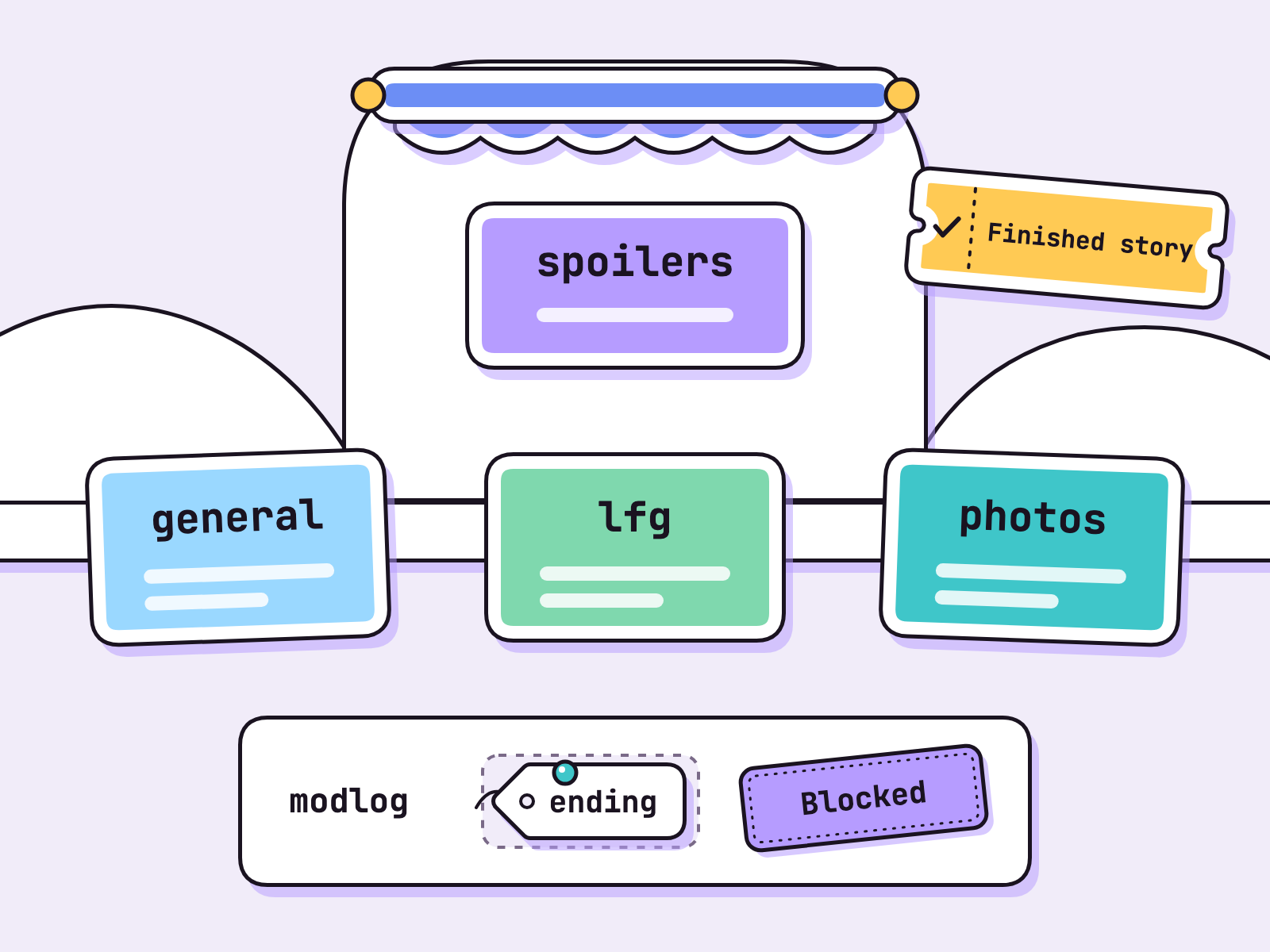
| #spoilers | Finished Story role | Private, via onboarding |
| #modlog | Mods | Private, AutoMod alerts |
Roles: per Discord’s roles page, Administrator “grants all permissions and bypasses all channel restrictions”, so keep it for the owner. Below sit Mod, Finished Story and everyone.
How do you stop GTA 6 spoilers on Discord?
One opt in channel, and blocked words everywhere else. Spoiler tags (two bars each side, /spoiler, or the eye icon) are only the backup: “text marked as Spoiler within code blocks will not be hidden”.
- Opt in. Add the onboarding question “Have you finished the story?”; Yes grants the Finished Story role and #spoilers. Members can change answers later in Channels & Roles.
- Guard. In AutoMod, make a Custom Keyword rule with plain words like “ending”, exempt #spoilers, add a block note (up to 150 characters) and send alerts to #modlog. Rules hold up to 1,000 terms (AutoMod FAQ). A * on both sides matches inside words, so ending also blocks “spending”. Use the bare word.
- Names. AutoMod can also block words in member profile names.
The no spoiler policy, ready for #rules:
No story talk outside #spoilers, tagged or not.
Finished? Join #spoilers in Channels & Roles.
No ending clips or cutscene edits anywhere.
Mods remove first and explain after.
Our view: keep ripped story clips out of #spoilers too. tbreak and Metro reported on 4 Nov 2026 that Rockstar removes endings and edited cutscene compilations; read Rockstar’s policy page.
Who moderates a GTA 6 server, and when?
Named shifts, with AutoMod catching the obvious first. Turn on Block Spam Content, Block Mention Spam (up to 50 mentions per message) and the Commonly Flagged Words lists, plus Raid Protection alerts under Safety Setup, which can require “CAPTCHA for new joiners within the next hour”, per the onboarding FAQ.
Our view, a launch week rota: three mods, three shifts, names posted in #modlog. The mod on shift acts on every AutoMod alert, then writes a three line handover: what happened, what is open, what to watch.
What size is a Discord banner and icon?
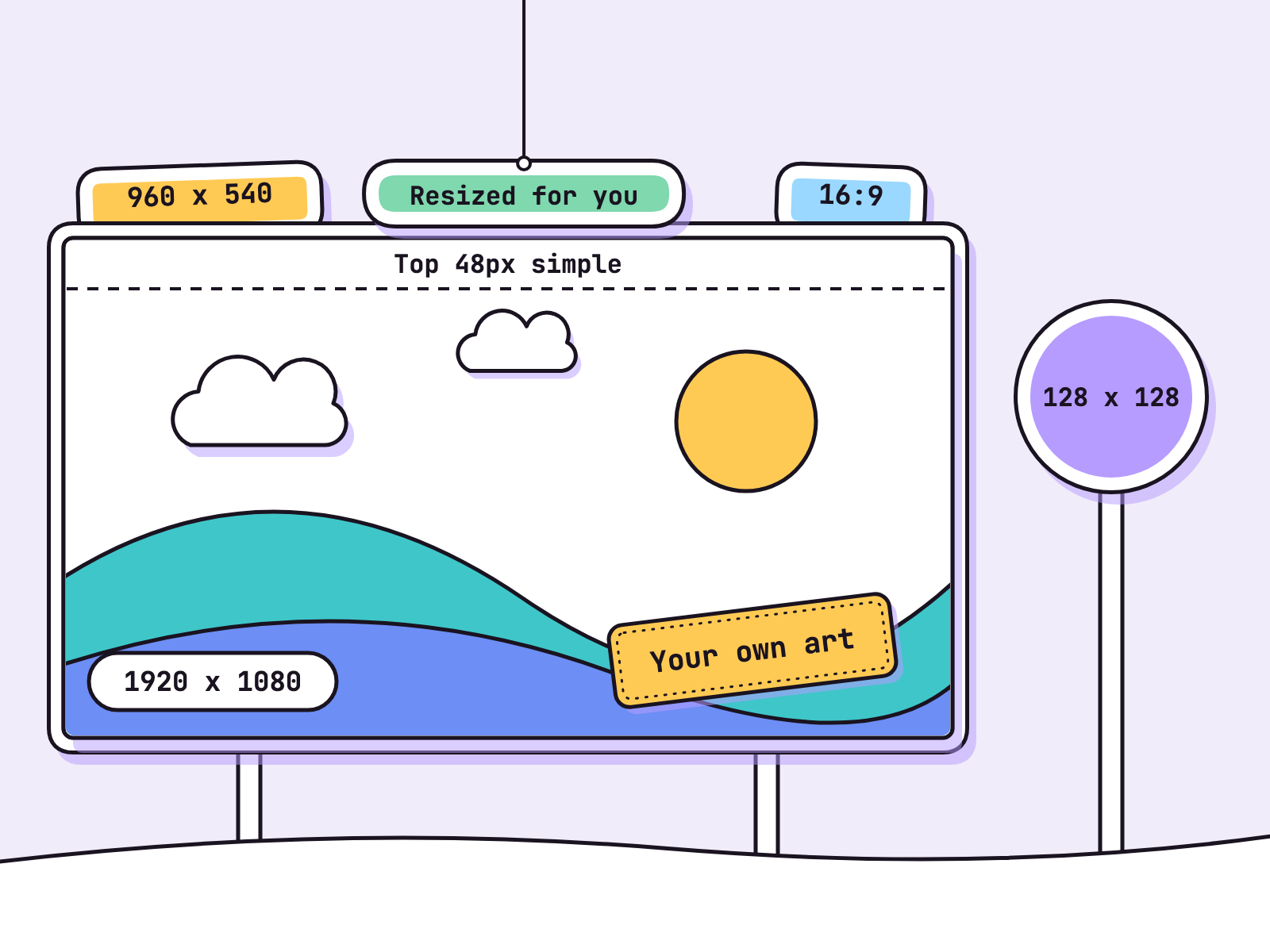
A banner is 960x540 at 16:9; an icon is at least 128x128. Discord’s banner page puts banners at Boosting Level 2, resizes a 1920x1080 upload for you, and asks you to keep the top 48px “fairly simple” and avoid “a logo or text”. Icons crop in multiples of 128, per Discord’s create a server page.
The banner page suggests “Key art, stills of a character”. Not here: that art is Rockstar’s. Never use Rockstar art, logos or screenshots; make your own from shapes, colours and your server’s name. For a theme, Enhanced Role Styles give “gradient or holographic roles”. More on art in our GTA 6 content creator kit.
Can a GTA 6 server make money with Server Subscriptions?
Only if the owner qualifies, and only for your own perks. Discord’s Server Shop page requires an owner aged 18 or older and “based within the United States”, with Community on. As of 19 Nov 2026 it lists “a 90 / 10 split” with “various fees” on top, a first payout once $100 is earned and $25 after that, and bans “Intellectual property”. Sell event nights or a members channel, never Rockstar’s content. Earnings can be zero.
What can AI agents do for a Discord server?
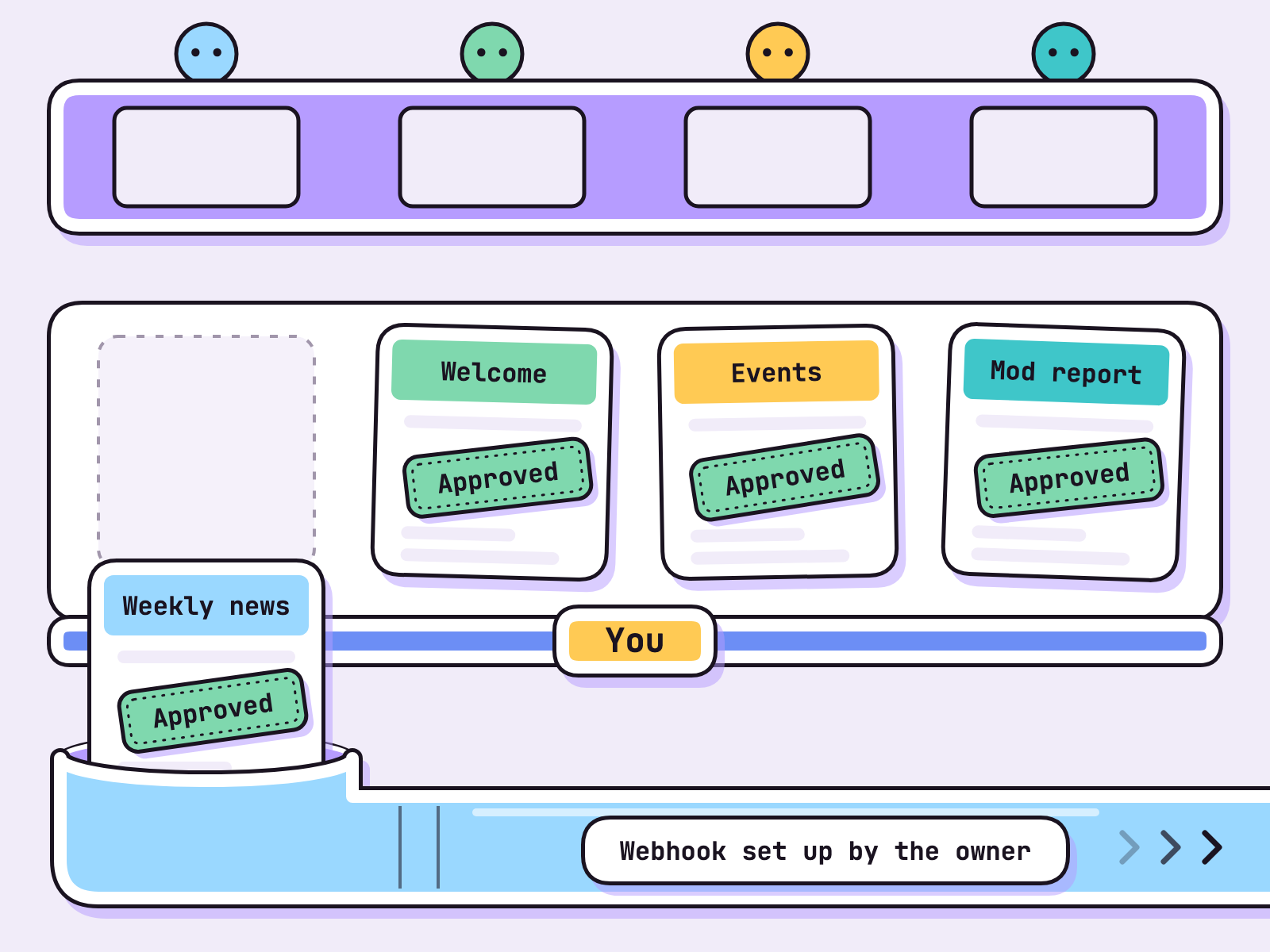
They draft; a person approves and posts.
- News writer: the weekly news post from the Rockstar Newswire, story left out.
- Greeter: welcome messages.
- Event planner: the event schedule.
- Mod reporter: a weekly moderation report from the handovers your mods paste in.
- You: read, edit, approve, post.
Plainly: the agents never post. You do, by pasting, or through a webhook the owner creates (Server Settings, Integrations, Create Webhook, per Discord’s webhook intro) that posts into one chosen channel. A webhook is not a bot: Discord’s developer docs say webhooks “do not require a bot user or authentication to use”, so the URL is the only key. Keep it secret.
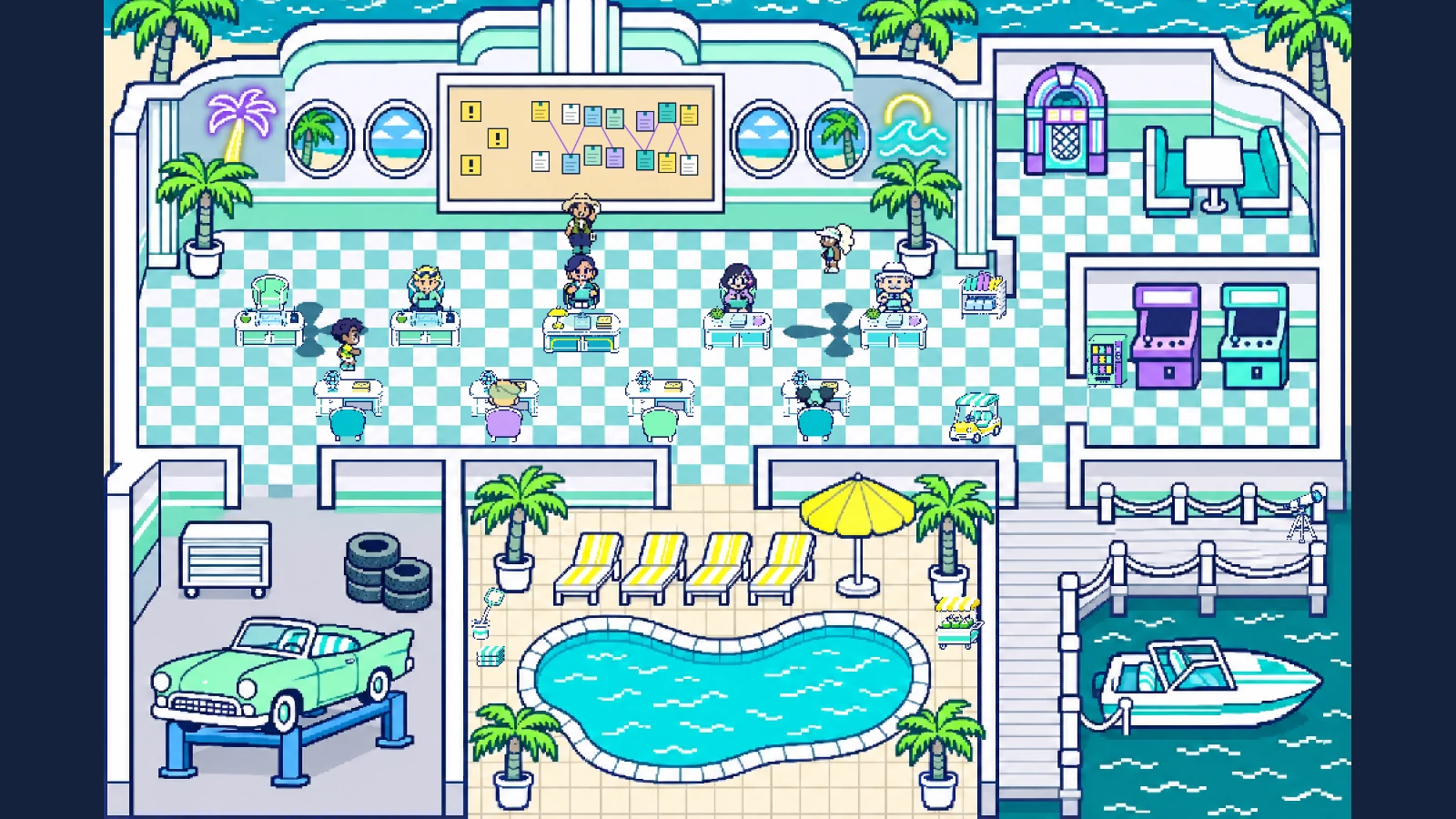
In Munder Difflin each role is its own agent. The README lists “scheduled missions + heartbeat”, and harnessmd.com says “Close your laptop and a Cloud Office keeps going”. It also says “Pro adds the Pro workspace: an orchestrator that runs your other agents, a task board, an inbox, automations” and “The free plan lets you use Pro features up to a monthly allowance of work tokens.” The drafts wait while you play; you approve them in minutes. Same shape as a GTA 6 guide site and approving AI agents. Next: GTA 6 streaming setup.
FAQ
How do I start a GTA 6 Discord server?
Press Add a Server, choose Create My Own and then For a club or community, and turn on Community in Server Settings. Community needs verified email for members, the explicit media filter, a rules channel and a channel for Discord's moderator updates. Then set up onboarding, which needs at least 7 default channels, 5 of them open to everyone.
Do I need a GTA 6 Discord bot?
Not to start, we think. AutoMod is built in and Discord says it "is currently available for all servers", onboarding hands out roles, and a webhook can post into a channel without a bot user. Add a bot later only for something these cannot do.
What size is a GTA 6 Discord banner?
Discord recommends 960x540 at 16:9 for a server banner, which needs Boosting Level 2. The server icon minimum is 128x128. Make the art yourself: never use Rockstar art, logos or screenshots.
Can AI agents post in my Discord server?
In this setup, no: the agents draft and a person approves and posts, by pasting or through a webhook the owner creates in Server Settings, Integrations. Keep the webhook URL secret, because Discord's docs say webhooks need no bot user or authentication.
How do I keep GTA 6 spoilers out of my server?
Put story talk in one private channel that members join through an onboarding question, and add an AutoMod keyword rule that blocks story words everywhere else, with that channel exempt. Spoiler tags help, but Discord says text inside code blocks is not hidden.