Worktrunk Alternatives: 6 Picks for Parallel AI Agents (Nov 2026)
Worktrunk alternatives checked 4 Nov 2026: plain git worktree, Munder Difflin, Claude Squad, Orca, Emdash and Conductor, sorted by why you would leave.
Our view: keep Worktrunk if all you want is faster git worktrees, and switch when you want a window, a review screen or agents that work as a team. The main Worktrunk alternatives are plain git worktree, Munder Difflin, Claude Squad, Orca, Emdash and Conductor. Checked 4 Nov 2026.
Munder Difflin is free and open source: a desktop app that runs a team of AI agents for all kinds of knowledge work, coding included, on your own computer. More pages like this sit in our Comparisons hub.
What is Worktrunk?
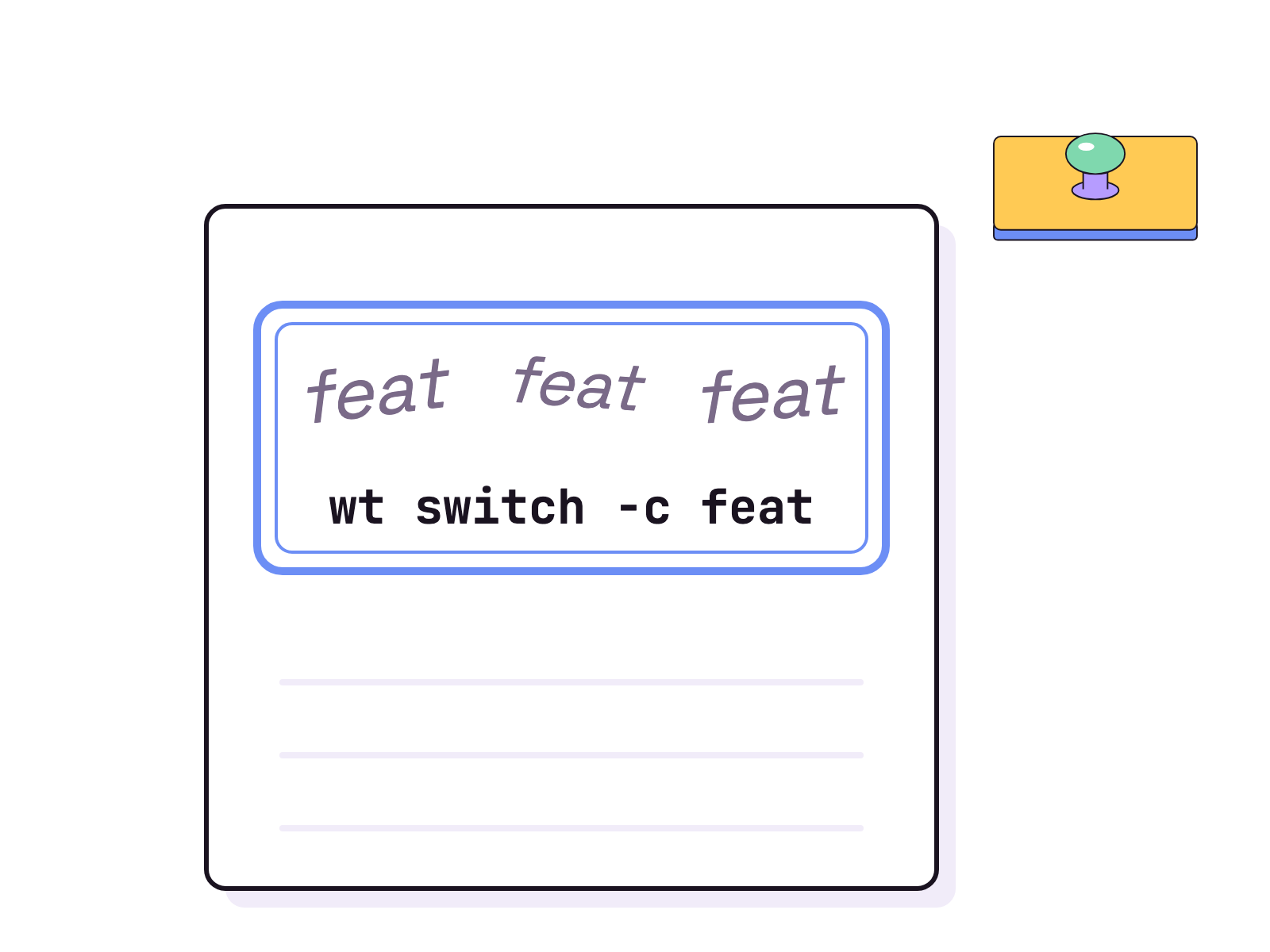
Worktrunk is a free command line tool, wt, written in Rust, that makes git worktrees “as easy as branches”, per its README, read 4 Nov 2026. It exists because, in the README’s words, starting a new worktree “requires typing the branch name three times”. Typing it three times is how you learn to spell it, not how you ship.
The core commands are wt switch, wt list, wt merge and wt remove. For parallel agents, the README starts one agent per worktree like this:
wt switch -x claude -c feature-a -- 'Add user authentication'
wt switch -x claude -c feature-b -- 'Fix the pagination bug'
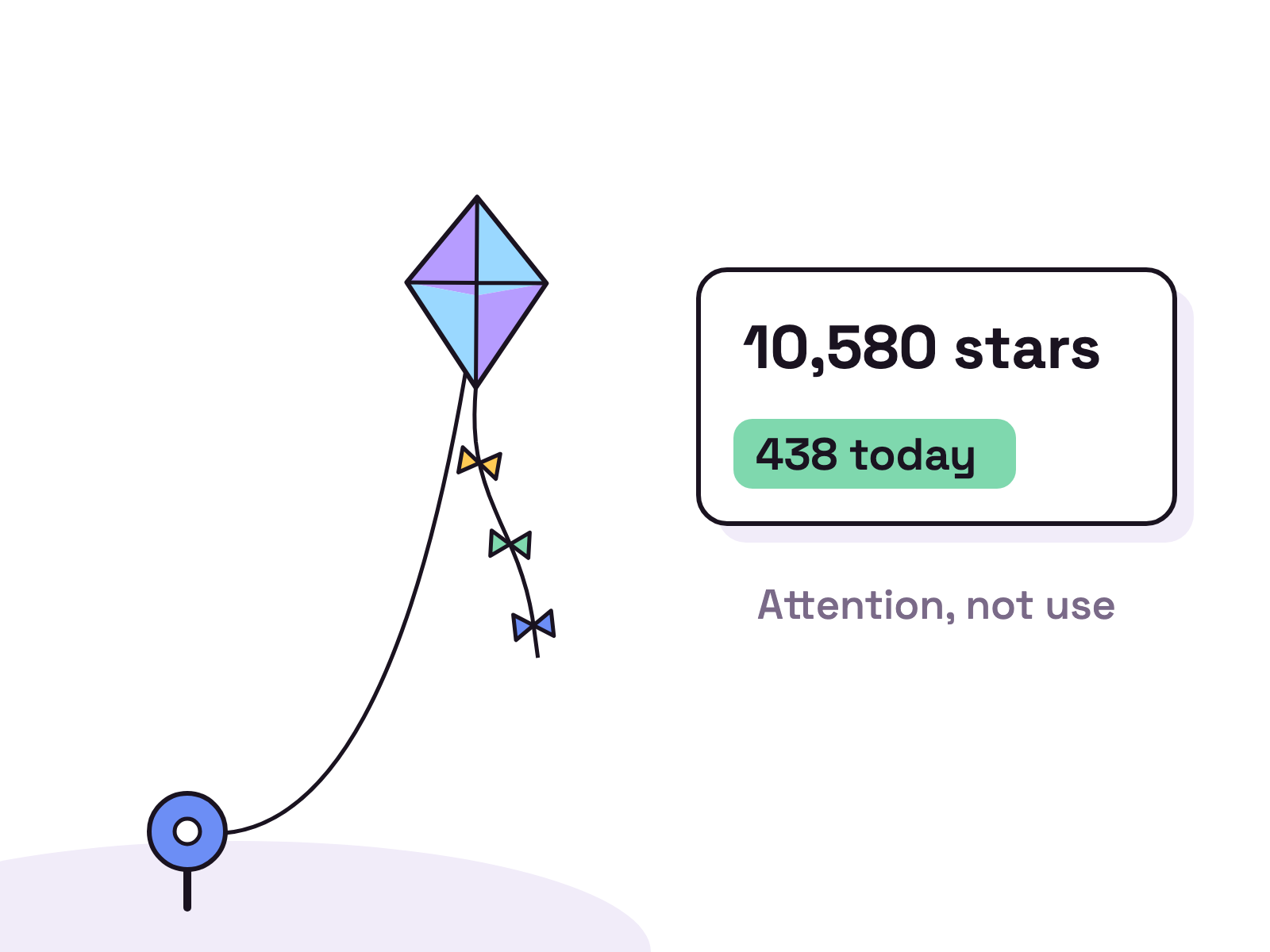
The repo was created on 17 Oct 2025, per gh api repos/max-sixty/worktrunk. Its newest release, v0.81.0 of 20 Oct 2026, lists several breaking changes, among them that hooks “no longer receive their context as JSON on stdin”. On 4 Nov 2026 it showed 10,580 stars and sat on GitHub trending with 438 stars that day. Stars can rise for reasons other than use, so read that as attention.
Which agents does Worktrunk work with?
Worktrunk ships plugins for Claude Code, Codex, OpenCode, Pi, oh-my-pi and Gemini CLI, per its agent integration page, read 4 Nov 2026. Every plugin marks working or waiting sessions in wt list. Automatic worktree isolation is narrower: the page says it needs lifecycle hooks “which only Claude Code and OpenCode 2 expose”, so the other agents call wt switch --create and wt remove directly.
What does Worktrunk cost?
Nothing. The LICENSE file, read 4 Nov 2026, says it “is dual-licensed under MIT and Apache-2.0”, which is why the GitHub API shows NOASSERTION. LLM commit messages run whatever you configure: its docs say “Any command that reads a prompt from stdin and outputs a commit message works.” You pay that agent’s usual costs.
Why leave Worktrunk?
You leave because Worktrunk stops at worktrees. It gives each agent a clean directory and tidies up after, but you still read every diff and decide what happens next. The options below offer less, a terminal UI, a desktop window, cloud machines or a team.
What are the best Worktrunk alternatives?
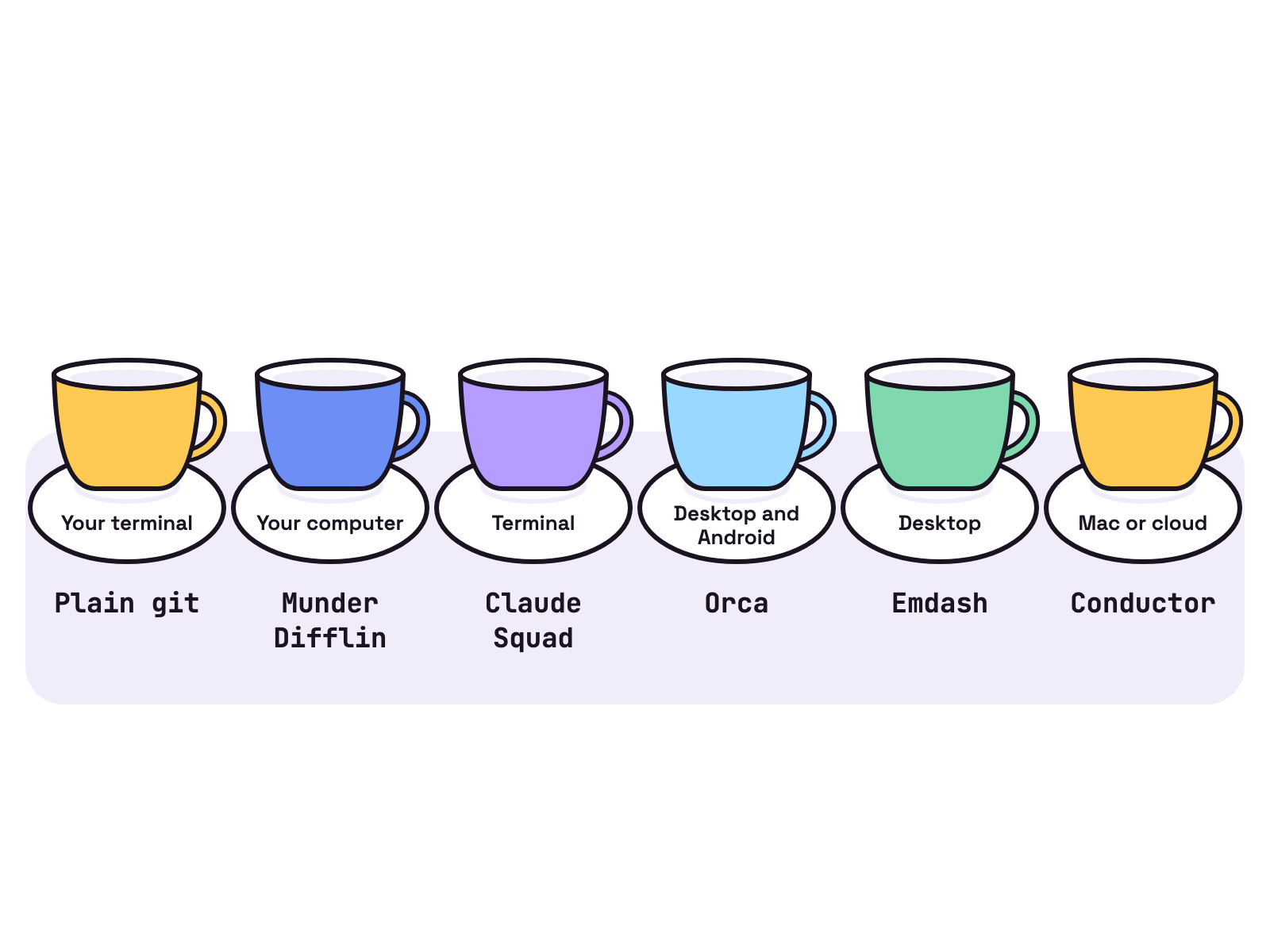
Six, sorted by why you would leave. Every page below was read on 4 Nov 2026.
| Alternative | What it is | Where it runs | Price or licence, 4 Nov 2026 |
|---|---|---|---|
| Plain git worktree | Git’s own command | Your terminal | Free and open source. |
| Munder Difflin | A team of AI agents for knowledge work, coding included | Your computer | Free and open source. |
| Claude Squad | Terminal UI on tmux | Terminal | AGPL 3.0. |
| Orca | Desktop app, a worktree per agent | macOS, Windows, Linux, Android | MIT. |
| Emdash | Desktop app, a worktree per task | macOS, Windows, Linux | Apache 2.0. |
| Conductor | Mac app plus cloud workspaces | Mac, cloud | Free. Pro $50 a month, 4 Nov 2026. |
1. Plain git worktree: if you want no extra tool
Git already does the core job. Its docs say “A git repository can support multiple working trees, allowing you to check out more than one branch at a time.” Claude Code wraps it too: its workflow docs, read 4 Nov 2026, start an isolated session with claude --worktree feature-auth. Our git worktrees vs a hive page covers where worktrees stop.
2. Munder Difflin: if you want a team, not only worktrees
Munder Difflin is what we make, and it fits if you want agents that share work across research, writing, ops and coding. Its README, read 4 Nov 2026, lists “Per-agent git worktrees. Optional isolation so parallel agents never collide on branches.” It runs on engines such as Claude Code, Codex and Gemini CLI, takes work from Slack and webhooks, and adds tools through MCP servers, skills and plugins. A Cloud Office and a mobile app are coming soon. Agents run while your computer runs. Setup is in how to install and use Munder Difflin.
3. Claude Squad: if you want to stay in the terminal
Claude Squad is “a terminal app that manages multiple Claude Code, Codex, Gemini (and other local agents including Aider) in separate workspaces”, per its README. It uses tmux for sessions and git worktrees for code, and needs tmux and gh installed. It’s AGPL 3.0, and its latest release, v1.0.20, came out on 20 Aug 2026, so we think it moves slower than the rest. See our Claude Squad alternatives.
4. Orca: if you want a desktop app and a phone
Orca runs Codex, Claude Code, OpenCode or Pi “each in its own worktree, tracked in one place”, per its README. It can “Fan one prompt across five agents” and merge the winner. Builds cover macOS, Windows and Linux, with an Android APK. The README says it “is free and open source under the MIT License”, and v1.4.248 shipped on 4 Nov 2026. More in Orca vs Munder Difflin.
5. Emdash: if you want tickets in and pull requests out
Emdash is “a desktop app for running AI coding agents in parallel”, and “Each task runs in its own Git worktree”, per its README. It pulls issues from Linear, GitHub, Jira and others, and supports Claude Code, Codex, Cursor, OpenCode, Amp, Qwen Code, GitHub Copilot and more. It’s Apache 2.0, and v1.2.10 shipped on 30 Oct 2026.
6. Conductor: if you want cloud workspaces and will pay
Conductor “uses Git worktrees to give each workspace its own files, branch, commands, chats, and review flow”, per its docs. It runs Claude Code, Codex, Cursor and OpenCode. Its pricing page, read 4 Nov 2026, lists Free at $0 with “Local workspaces on your Mac”, Pro at $50 a month with cloud workspaces, its API and a mobile app, and Teams at $60 a month per user.
When should you stay on Worktrunk?
Stay if you live in a shell and want worktrees to feel like branches. wt merge does “squash, rebase, merge, clean up in one command”, hooks set up each new worktree, and its plugins cover six agents. If you want agents that plan and share work, a team tool on top saves you writing that layer yourself.
FAQ
Is Worktrunk free?
Yes. Its LICENSE file, read 4 Nov 2026, says the project "is dual-licensed under MIT and Apache-2.0" and you pick either. LLM commit messages run a command you choose, such as Claude Code or Codex, so that agent's own costs apply.
Which agents does Worktrunk work with?
Its agent integration page, read 4 Nov 2026, lists plugins for Claude Code, Codex, OpenCode, Pi, oh-my-pi and Gemini CLI. Only Claude Code and OpenCode 2 get automatic worktree isolation, because they expose the hooks it needs. The others call wt switch and wt remove directly.
Does Worktrunk work on Windows?
Yes. Its README, read 4 Nov 2026, installs it with winget as git-wt, because wt is already Windows Terminal's command. You can also turn off Windows Terminal's alias and use wt.
Do I need Worktrunk if Claude Code has a worktree flag?
Not always. Claude Code's docs, read 4 Nov 2026, start an isolated session with claude --worktree and a name. Worktrunk adds listing with status, merging, hooks and cleanup, and works across several agents.
What is the best free desktop alternative to Worktrunk?
Our view: Orca, Munder Difflin or Emdash, all free and open source. Orca and Emdash give each coding task its own worktree. Munder Difflin runs a team of agents for all kinds of work, coding included. Checked 4 Nov 2026.