How to remove a photo background free with BgSub, in your browser
BgSub is a website that removes a photo's background in your browser, free by its own FAQ. The steps, the edge fixes, the limits and what to decline.
BgSub is a website that removes the background from a photo, and its own page says it does this “all in the browser”. Its FAQ says “it’s all free”. Open the “Web App”, press “Open Image”, wait for the cut, fix the edges with “Edit” and press “Save”. Checked 28 Nov 2026.
This guide is on the blog of Munder Difflin, which is free and open source: a desktop app that runs a team of AI agents for all kinds of knowledge work, coding included, on your own computer. You do not need it for this guide; its install guide covers setup.
Checked on 28 Nov 2026 against BgSub’s home page, About page and the text of its web app. Names in quotes are theirs, spelling included. The privacy policy and terms pages returned an error that day. Labels come from the site’s own text, so check them against what you see.
What is BgSub?
BgSub is a website that removes or replaces the background of a photo, and its page description says it works “all in the browser”. It describes itself as “a website that uses AI technology to automatically remove or replace image backgrounds”. There is nothing to install. No page names the person or company behind it.
What do you need?
You need a browser, one photo and a connection for the first visit.
- A computer or tablet gives you the full tool. A phone gets “a simple version designed for mobile” (web app).
- The first visit loads the program. The site says “Only the first opening requires loading”.
- Keep the photo at or under 4096 pixels on each side. The FAQ says “up to 4096 x 4096 resolution”.
How do you remove a background, step by step?
You open the photo, wait for the cut and save the result.
- Open bgsub.com and choose “Web App”.
- Press “Open Image” and pick your photo. “Drop file” and “Paste image” do the same job.
- Wait. The first time, the page shows “Please wait the program loading”.
- Look at the cut. “Original” and “Processed” let you compare the two.
- Press “Save”. The site’s script writes the picture as a PNG file.
How do you fix the edges?
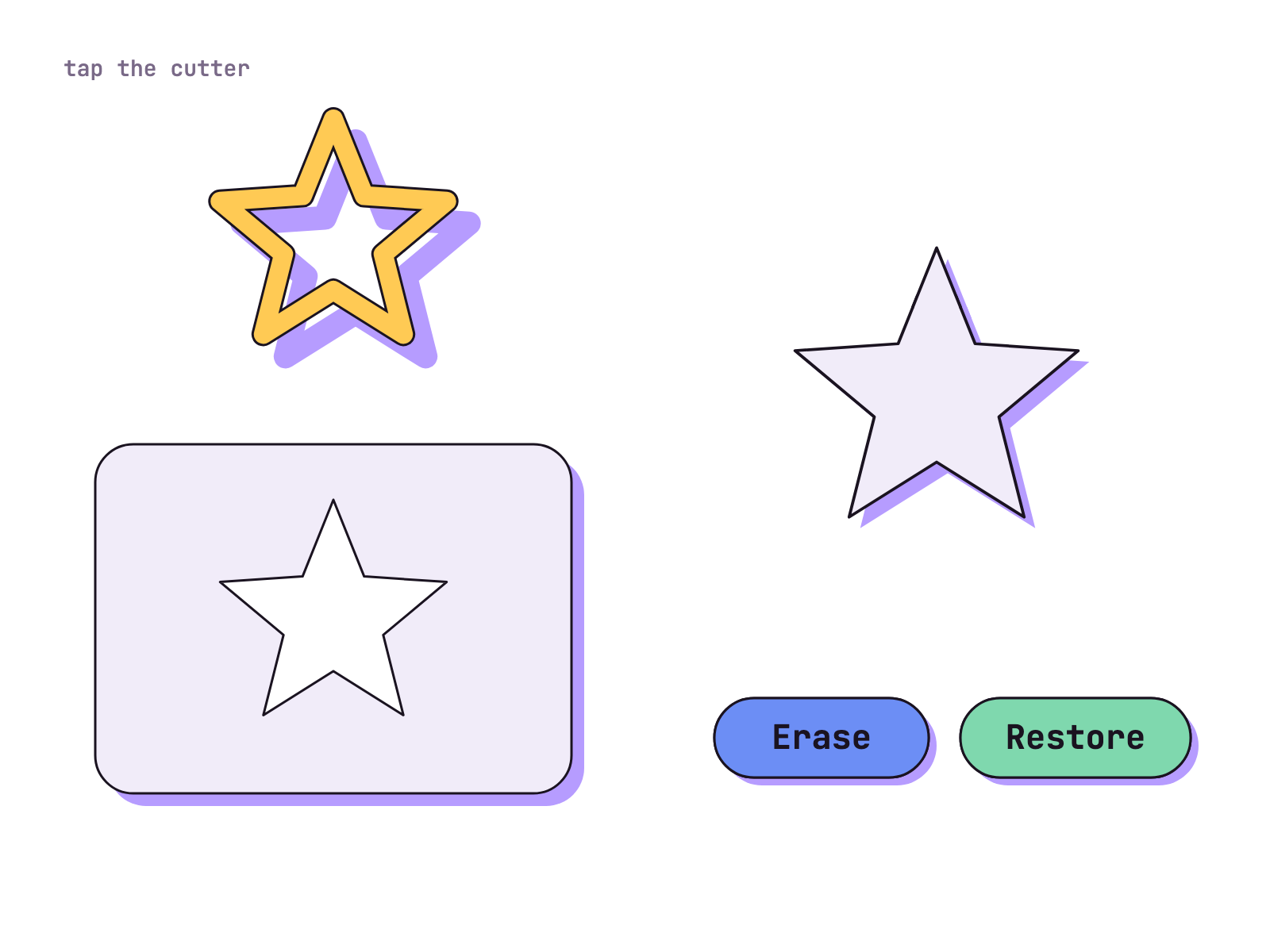
You use the “Edit” tools to paint parts of the photo out or back in. The site’s own tip says that where there are “redundant/missing parts of the image, you can erase or restore them”.
- “Erase” removes what the cut left behind. “Restore” brings back what it took.
- “Size” and “Shape” set the brush, as a “Circle” or a “Square”.
- To resize it quickly: “Use the mouse wheel to adjust the size of the indicator.”
- “Undo” and “Redo” step back and forward. “Cancel all Erase/Restore” starts over.
Our view: check thin and see through parts first, such as hair, straps and glass.
Which backgrounds can you add?
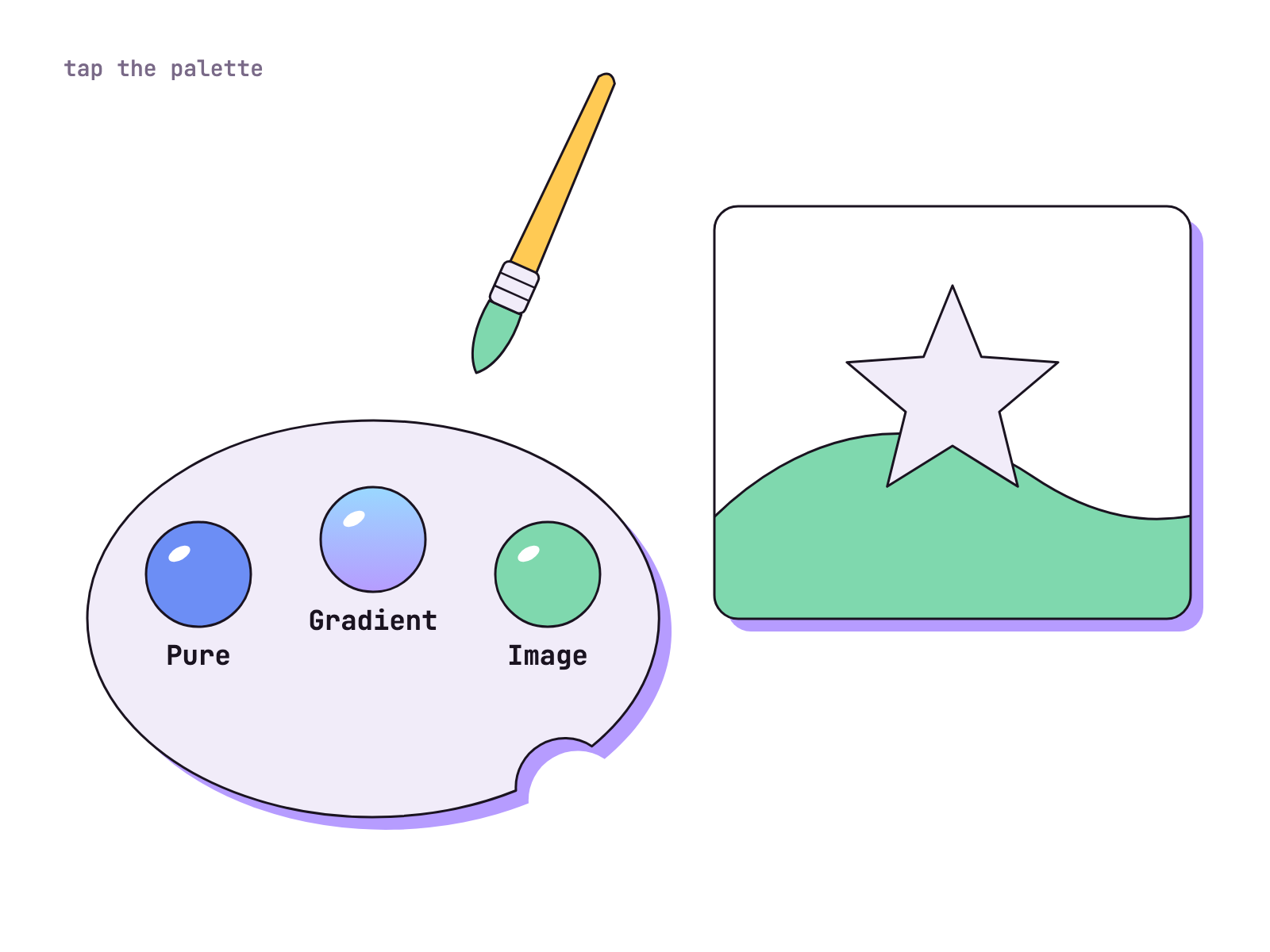
You can leave the background empty, or put a colour, a gradient or a picture behind the subject. The home page lists “Replace background” with “Color / Gradient / Image”.
- The colour labels in the app include “Pure” and “Gradient”. For a picture of your own, look under “Image” for “Custom”.
- The phone version adds a label that reads “Certificate”, and the site does not explain it. Our view: it reads like a set for ID style photos, and an official photo has rules of its own to check.
- “Filter” works on the background, the foreground or “All”, with “Blur”, “Gray” or “Sepia”.
What does it get wrong?
It handles one photo at a time, and it makes no promise about edges. The home page says “High precision”, yet the app ships an eraser, so expect to tidy some cuts by hand.
- There is no batch mode. The FAQ says “Comming soon”.
- “AI Coloring” has limits of its own. It “can only be used with background image”, and “The colorized image cannot be edited again”.
- Phones are slow. The site asks you to “be patient” there.
Is it private?
By BgSub’s own account, yes. Its FAQ says: “BgSub does not upload images during all processing, completely eliminating the risk of privacy leakage.” Its page description adds “no need to upload your images”.
- The claim cannot be checked from its pages. No source code is linked, and no page names who runs the site.
- The privacy policy and terms returned an error, HTTP 500, when read on 28 Nov 2026. The app still says “By open an image or URL you agree to our Terms of Service”.
- After “Rate this result”, the app can ask “Would you like to contribute this image to help us improved?”, with the note “Images will only be used to improve the algorithm”. Its buttons are “Contribute” and “No contribution”.
Our view: use it for product shots and everyday pictures, and press “No contribution”. Think twice before opening a passport scan or any photo you could not bear to see leaked.
Also on this blog, about privacy: How to ask AI a private question with Duck.ai, free, no account.
What if it does not work?
Start by waiting, because the first load is the slowest part.
- Stuck on “Please wait the program loading”. Keep the tab open and in front. On a phone the site says “do not switch to the background”.
- “Failed to download image.” This appears when “Load image from URL” cannot fetch a picture. Save the picture to your device and use “Open Image”.
- The save button does nothing. The site’s advice is to “right click on the above image to save”. On a phone, “long press the above image to save”.
- The photo is too large. Shrink it to 4096 pixels a side or less and open it again.
- “A new version of BgSub is available.” Press “Refresh”.
Also on this blog: How to run a free AI chat offline on your laptop with Jan. More guides like these are on the AI tools page.
Sources
Checked on 28 Nov 2026:
- BgSub home page, with its FAQ
- BgSub web app and its interface text
- BgSub About Us
This guide is independent. It is not made, checked or paid for by BgSub.
FAQ
Is BgSub free?
Yes, by its own FAQ: "you own all the rights to the images processed by BgSub, and it's all free".
Is your photo uploaded?
BgSub says no. Its FAQ says "BgSub does not upload images during all processing". Its code is not public, and one prompt asks "Would you like to contribute this image to help us improved?". We think you should press "No contribution".
How big can a photo be?
The FAQ says "up to 4096 x 4096 resolution".
Can it do a whole folder?
Not yet. Asked about batch processing, the FAQ answers "Comming soon".