GGUF Malware: How to Check a Model Before You Run It
Spot GGUF malware before it runs: read the chat template, scan for bytes after the last tensor, use the original publisher, run no command it prints.
To check a GGUF model before you run it, read its chat template, scan the file for extra bytes after the last tensor, get it from the original publisher, and never run a command the model tells you to. Malspark reports five malicious GGUF models on Hugging Face that used these tricks. Checked 28 Nov 2026.
Munder Difflin is free and open source: a desktop app that runs a team of AI agents for all kinds of knowledge work, coding included, on your own computer. The install guide covers setup.
What does a GGUF file carry?
A GGUF file carries the model weights, a set of metadata and a chat template. Hugging Face’s GGUF docs say “GGUF encodes both the tensors and a standardized set of metadata,” and the Hub “has a viewer for GGUF files that lets a user check out metadata & tensors info (name, shape, precision)”.
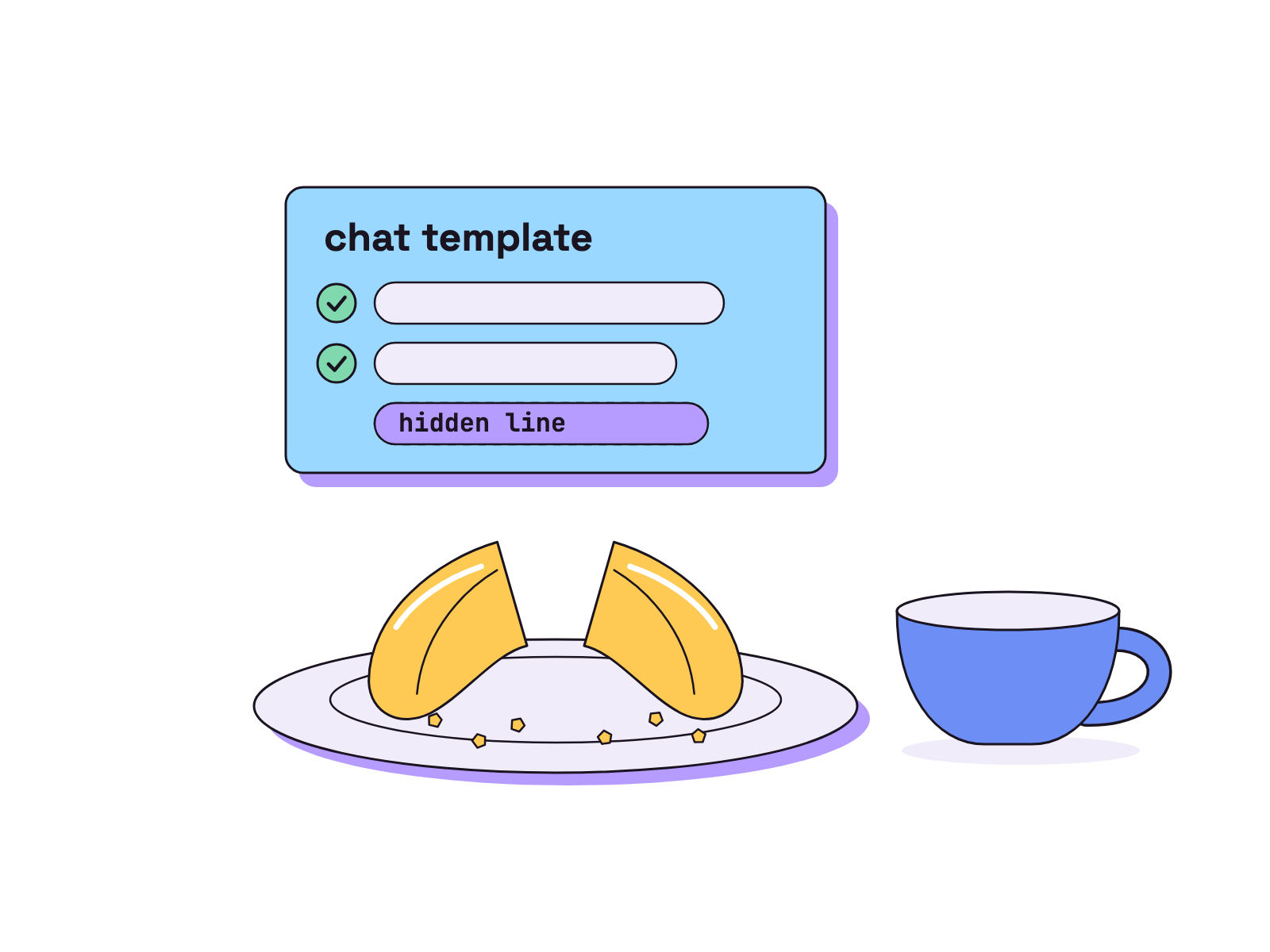
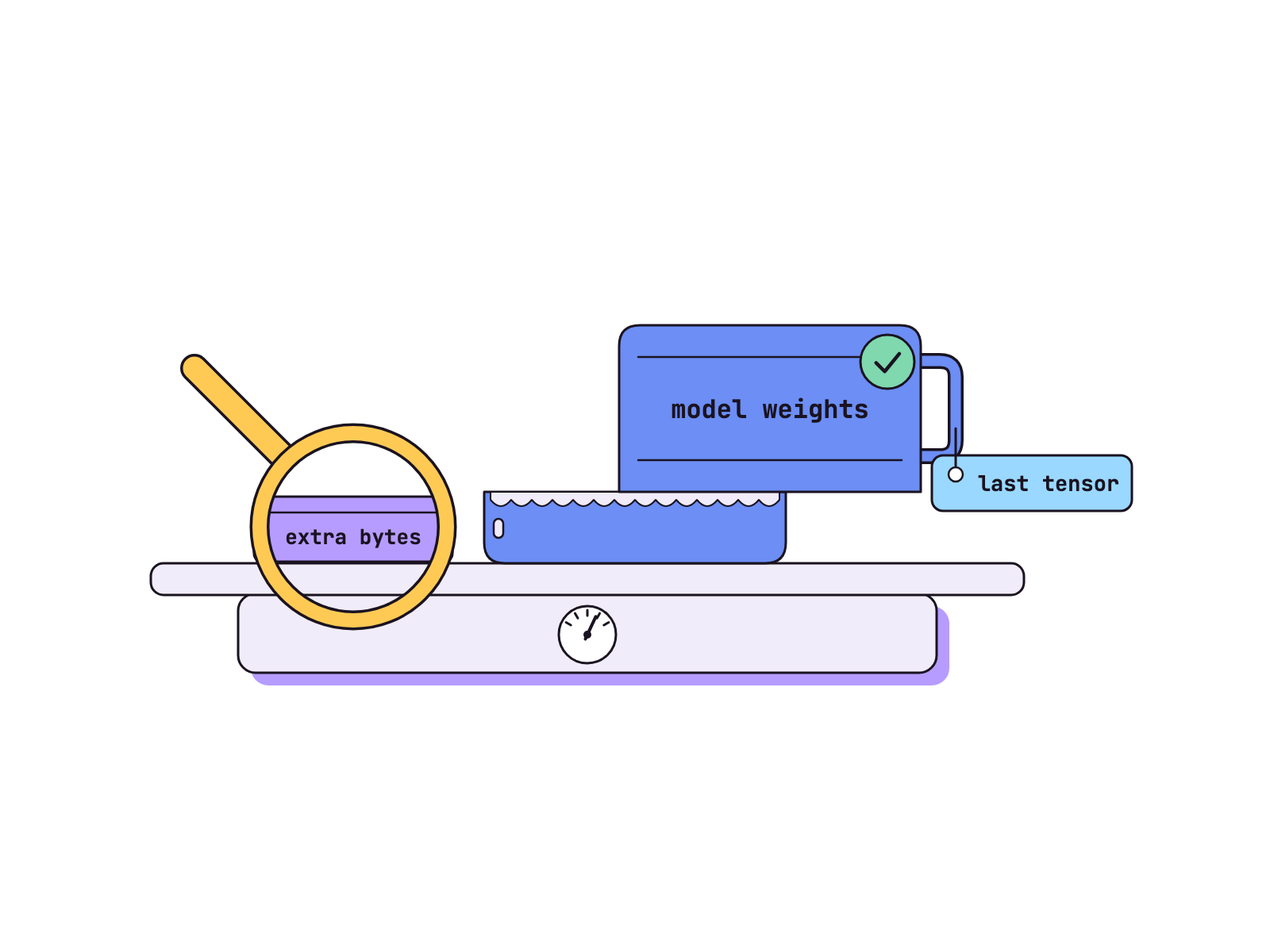
The Malspark report, dated 27 Nov 2026, names the two weak spots. The chat template is “a small Jinja2 program stored under the metadata key tokenizer.chat_template”, and in chat template poisoning “the template quietly adds instructions the user never sees”: a hidden line the chat window never shows. And past the end of the last tensor, “Anything after that point is never read,” so extra bytes there go unseen and “no runtime warns about it.”
What did Malspark find on Hugging Face?
Malspark reports that a scan of every public Hugging Face model repository on 26 Nov 2026 found 5 malicious GGUF models with 2,428 downloads as of 27 Nov, from 2 actors.
| What Malspark reports | Number |
|---|---|
| Public model repositories scanned, 26 Nov 2026 | 3,273,389 |
| GGUF repositories among them | 226,310 |
| Chat templates parsed without running them | 572,184 |
| Malicious GGUF models, all still online on 27 Nov | 5 |
| Downloads at the time of the scan, 26 Nov | 1,502 |
| Downloads as of 27 Nov | 2,428 |
“Hugging Face counts downloads, not people,” the report adds, “so the number of affected users is lower or equal.”
The larger campaign, in the section titled “Plant First and Arm Later”, hid a Windows remote access trojan after the last tensor of two uncensored models with clean templates, then on 26 November rewrote both templates “so the model asks the user to run the line that unpacks it.” The account was new; of its 14 repositories, the report says, “Twelve of them are empty placeholders named after expected releases.”
The second, under “Hijacking Coding Agents”, copied one model three times. A trigger phrase makes its template insert a fake system directive that “orders an agent with shell access to download and run a script,” and its README “advises against replacing the embedded template.”
On Hacker News the report had 104 points at 16:19 UTC on 28 Nov.
How do you check a GGUF model before you run it?
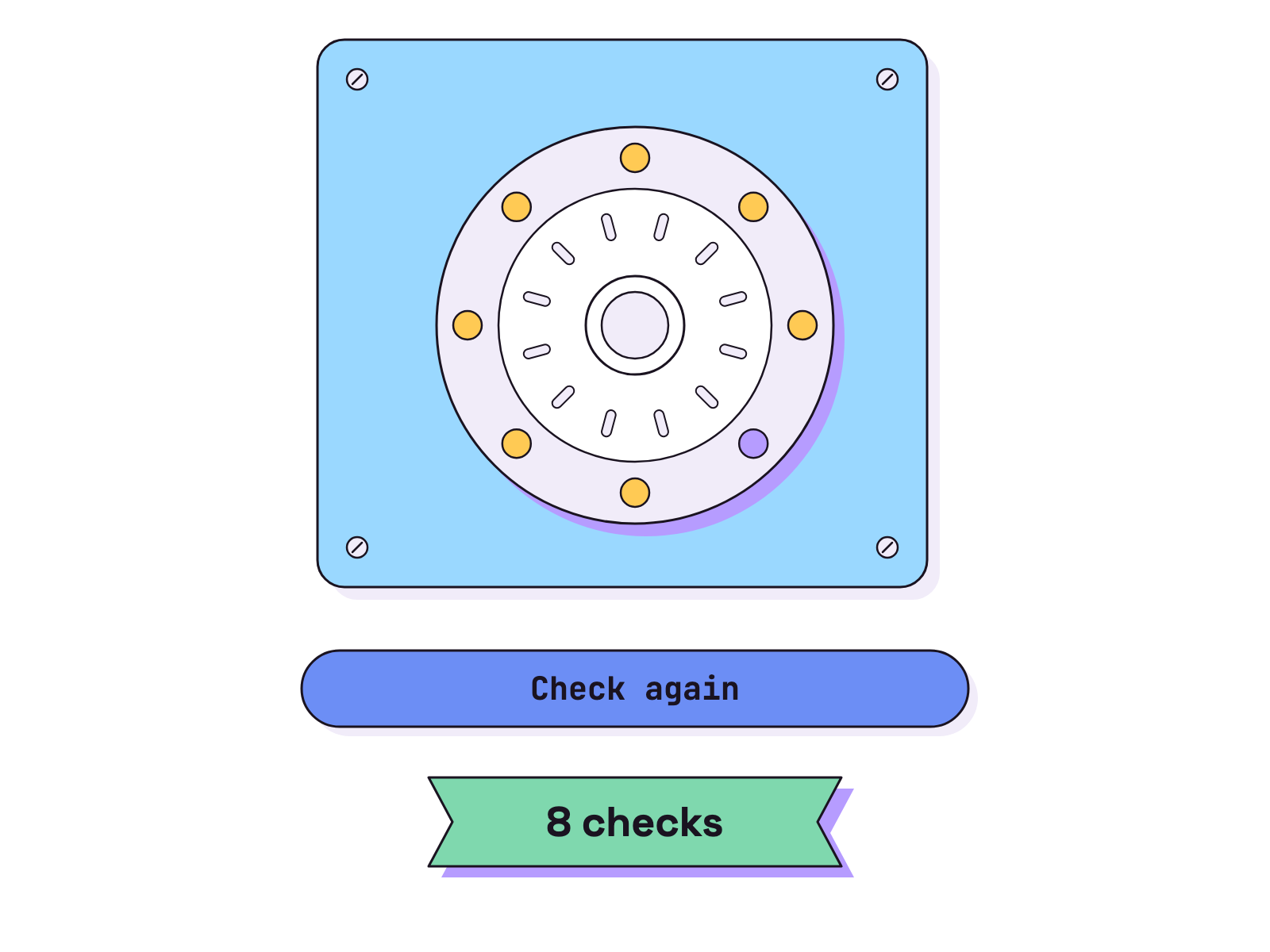
Run these 8 checks. gguf-radar, the MIT licensed scanner the report links, had 118 GitHub stars on 28 Nov 2026, and its README says it “never runs the model or its template.”
# read the metadata and template (llama.cpp gguf-py)
pip install gguf
gguf-dump --json --no-tensors model.gguf

# Ollama
ollama show --modelfile llama3.2

# scan a file or a Hugging Face repo (gguf-radar)
pip install git+https://github.com/Root0ne/gguf-radar
gguf-radar scan ./model.gguf
gguf-radar scan Qwen/Qwen2.5-0.5B-Instruct-GGUF

# run with your own template (llama.cpp)
llama-server -m model.gguf --chat-template-file my-template.jinja- Original publisher. gguf-radar’s limitations page says to “Download models from publishers you trust”. Our view: a new account full of placeholder repos is a warning sign.
- Read the template. Use the Hub’s viewer, or
gguf-dumpfrom llama.cpp’s gguf-py, which “Dumps a GGUF file’s metadata to the console”. Its plain view shortens long strings; the--jsonflag (“Produce JSON output”) prints the whole template. For Ollama, the Modelfile docs point toollama show --modelfile. - Commands in the template. gguf-radar flags “file reads and writes, decompression, process starts, download commands, conditional hidden directives,” Malspark says. Our view: a template formats text, so a shell, URL or file path in it is a warning sign, as is a model card that tells you to keep the template.
- Extra bytes. gguf-radar “reports any bytes after that point”, the end of the model data, the report says. For Hugging Face models the README says “it downloads only the small parts it needs”. Verdicts are
CLEAN,SUSPICIOUS,MALICIOUSorERROR. - Antivirus alone. Hugging Face’s malware scanning page says “We run every file of your repositories that is smaller than 2 GB through a malware scanner.” Malspark reports that “Antivirus engines and checks that only look at the last few kilobytes of a file do not see the compressed payload.”
- Your own template. llama.cpp’s server docs say
--chat-template-filewill “set custom jinja chat template file (default: template taken from model’s metadata)”. In Ollama,TEMPLATEis “The full prompt template to be sent to the model.” Malspark says that when the model has access to tools, a reviewed template “takes the embedded one out of the loop.” - No command from a model. Malspark’s advice: “treat any command a model suggests as untrusted.”
- Check again. Keep scanning, the limitations page says, “because files in a repository can change after you first check them.”
What should you do if you already ran one?
Scan your machine and your GGUF files first. Malspark advises: “Check endpoints against the indicators in Section 7.2 and scan local .gguf files with gguf-radar.” It reports the Windows program it took apart sends saved passwords from Chrome, Edge and Brave, and targets the Phantom and MetaMask wallet extensions.
Our view: take the machine off the network, scan it, then from a clean device change your saved browser passwords and rotate your API keys.
Why do local agents raise the stakes?
A poisoned template can give orders to your agent, as the campaign under “Hijacking Coding Agents” shows. Our view: give a community model shell tools only with permission prompts on. Claude Code’s permissions docs say the default mode “Prompts before most edits, shell commands, and network requests” and “Permission rules are enforced by Claude Code, not by the model.” To wire in a local model, see how to connect Ollama to Claude Code, is Ollama good for coding and llama.cpp 1.0. For skills and tools, see how to check an agent skill before you install it and MCP tool poisoning.
In Munder Difflin, the README, read 28 Nov 2026, says: “API keys and local models (Ollama, LM Studio, vLLM) go in Settings → Agents & Models.” We think the same checks apply there.
FAQ
Can a GGUF file contain malware?
Malspark reports that it can. Its scan of Hugging Face on 26 Nov 2026 found 5 malicious GGUF models. In the larger campaign a Windows program sat after the last tensor, where loaders never read, and the chat template was later changed so the model asks the user to run the line that unpacks it.
What is GGUF chat template poisoning?
The chat template is "a small Jinja2 program" in the GGUF metadata that formats every conversation, Malspark explains. Poisoning it means the template "quietly adds instructions the user never sees", such as telling an agent to run a command.
Is it safe to download GGUF models from Hugging Face?
Our view: get the model from its original publisher, read the template and scan the file first. gguf-radar's own docs add that "A clean result is not a guarantee" and that "files in a repository can change after you first check them."
Does Hugging Face scan GGUF files for malware?
Its malware scanning page says "We run every file of your repositories that is smaller than 2 GB through a malware scanner." The page does not say it reviews chat templates. Malspark reports that "Antivirus engines and checks that only look at the last few kilobytes of a file do not see the compressed payload."
What does gguf-radar do?
Its README says it "checks LLM model files for hidden malware and poisoned chat templates" and "never runs the model or its template." It scans local files and Hugging Face models, can build a clean copy with the same model weights, and is MIT licensed.