Google Workspace MCP Servers: What They Can Do and How to Connect
Google Workspace MCP servers went GA on 24 Nov 2026: the eight servers and their tools, setup for Claude and Antigravity, the agent OAuth rule and tiers.
Google made its Workspace MCP servers generally available on 24 Nov 2026, and the Gmail server can search, read and draft mail, but its reference lists no tool that sends. Eight servers are GA, and each needs an OAuth client marked for AI agents. Checked 26 Nov 2026.
Running agents that use MCP servers? Munder Difflin is free and open source: a desktop app that runs a team of AI agents for all kinds of knowledge work, coding included, on your own computer. It runs engines such as Claude Code, Codex and Gemini CLI, and its agents can use MCP servers. The install guide covers setup.
What did Google ship on 24 Nov 2026?
Hosted MCP servers and a CLI, plus usage tiers and admin controls. Google’s post says it is “making Workspace Model Context Protocol (MCP) servers and the official Workspace CLI generally available”. Each MCP server covers one product.
The CLI guide says gwscli “connects AI agents such as Claude Code, Codex, and Antigravity”. Google’s 25 Nov 2026 blog post says agents must connect “through the Workspace MCP servers or CLI instead of traditional REST APIs (technical enforcement begins on February 1, 2027).”
Which servers are GA, and what can each one do?
Eight are generally available; the configure page puts People API, Google Classroom and Universal Search in the Developer Preview Program. Tools are from each server’s MCP reference, checked 26 Nov 2026.
| Server | Status | What its tools do |
|---|---|---|
| Gmail | GA | Search, read, draft, label, trash, spam; no send tool |
| Drive | GA | Search, read, download, create, copy, upload revisions |
| Docs | GA | Read and update docs |
| Sheets | GA | Read and update values and formulas, insert rows or columns |
| Slides | GA | Read slides and thumbnails, update presentations |
| Calendar | GA | List, search, create, update, delete and respond to events; suggest a time |
| Chat | GA | Search conversations and messages, send messages, mark read or unread |
| Tasks | GA | List, create, update, complete, delete and restore tasks |
| People API, Classroom, Universal Search | Developer Preview | Program members only |
Can the Gmail MCP server send email?
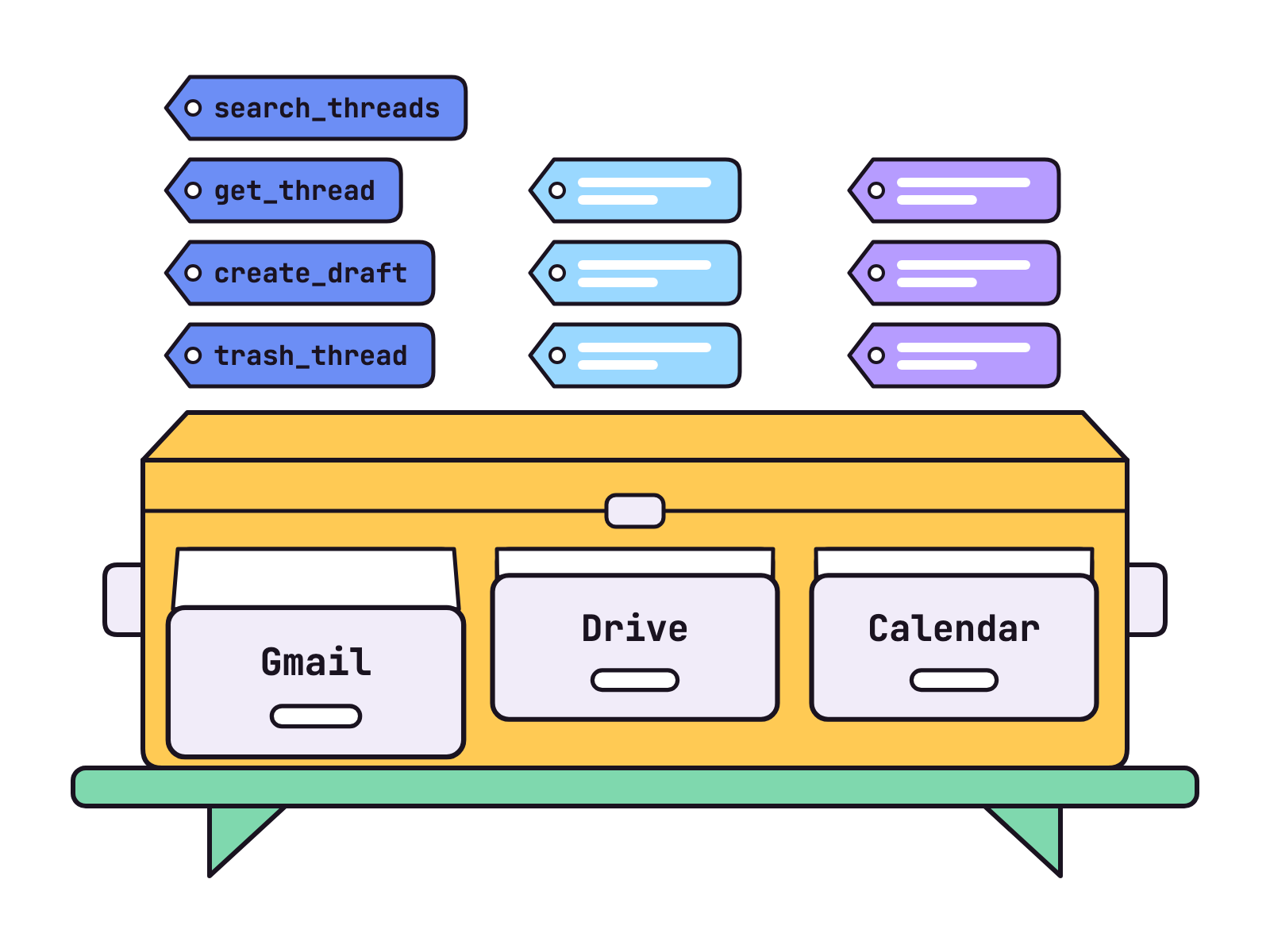
Not by its MCP reference, which lists no tool that sends. Its tools are search_threads, get_thread, get_message, create_draft, list_drafts, get_draft, list_labels, create_label, label_thread, unlabel_thread, label_message, unlabel_message, update_message_labels, apply_sensitive_thread_label, apply_sensitive_message_label, trash_thread, untrash_thread, trash_message, untrash_message, mark_thread_spam, unmark_thread_spam, mark_message_spam and unmark_message_spam. The configure page says create_draft makes “an email in your drafts folder, allowing you to review and send it from Gmail.” Its approvals section still names “sending emails” among sensitive actions.
Who can use them, and when?
The post says “Available to all Google Workspace customers and developers” and “Rapid Release and Scheduled Release domains: Rolling out to all in 2 weeks”.
The configure page also has a setup “for your own Google Account”, though the CLI guide says sending Chat messages with the CLI “isn’t supported for personal Google Accounts.”
Admins manage agent access, confirmation rules and agent audit logs “in the Admin console under Security > API Controls”. A known issue: “Users can’t view or revoke saved tool approvals themselves. Saved approvals expire after 90 days.”
How do you connect a Google Workspace MCP server?
Create an OAuth client marked for AI agents, then add each server URL. The configure page personal quick setup:
- Open Personal mode onboarding in the Google Cloud console.
- In Select Project, “select an existing personal-mode project or click Create a new project.”
- Name the client and add a redirect URI:
https://antigravity.google/oauth-callbackfor Antigravity,https://claude.ai/api/mcp/auth_callbackfor Claude. - Check that Use this client for an AI-powered agent is selected, agree to the User Data Policy and click Continue.
- Copy the Client ID and Client Secret.
For several users, the page enables the product APIs, then the MCP services with this command, then the consent screen and scopes:
gcloud services enable gmailmcp.googleapis.com \
drivemcp.googleapis.com \
docsmcp.googleapis.com \
sheetsmcp.googleapis.com \
slidesmcp.googleapis.com \
calendarmcp.googleapis.com \
chatmcp.googleapis.com \
tasksmcp.googleapis.com \
--project=PROJECT_ID
Claude. Google says this needs “the Claude Enterprise, Pro, Max, or Team plan”. In Settings > Connectors, click Add custom connector, enter a name and a URL such as https://gmailmcp.googleapis.com/mcp/v1, put the client ID and secret in Advanced settings, and click Add. Repeat per server, changing gmail in the URL.
Antigravity. Add one mcpServers entry per server to ~/.gemini/config/mcp_config.json, then authenticate each.
Other apps. The page has no Claude Code steps, only “Streamable HTTP” and OAuth 2.0; our Claude Code MCP guide shows where a hosted server goes. The CLI guide’s steps, run in your own terminal, need a client secret JSON file from its personal mode setup; for Claude Code, install skills to ~/.claude/skills instead:
curl -fsSL https://dl.google.com/workspace-cli/install.sh | bash
gwscli auth setup
gwscli auth login --bundle=readonly
gwscli skills install --dir ~/.agents/skills
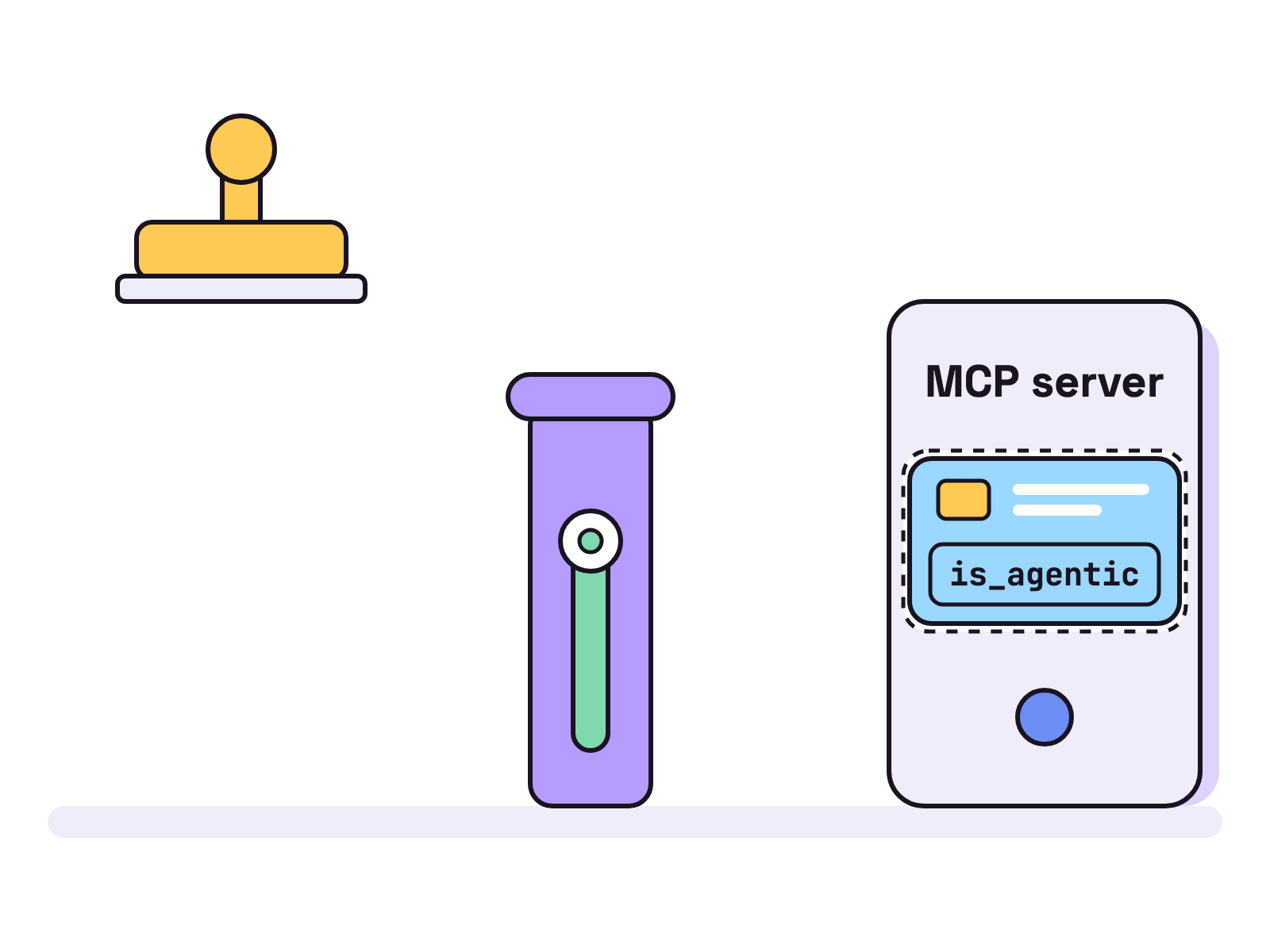
The agent setting, is_agentic in Google’s post, is required: without it, requests are rejected with “a generic invalid token error”, the configure page says. The post adds that “traditional non-agent features should use a separate OAuth client”.
What do the usage tiers mean?
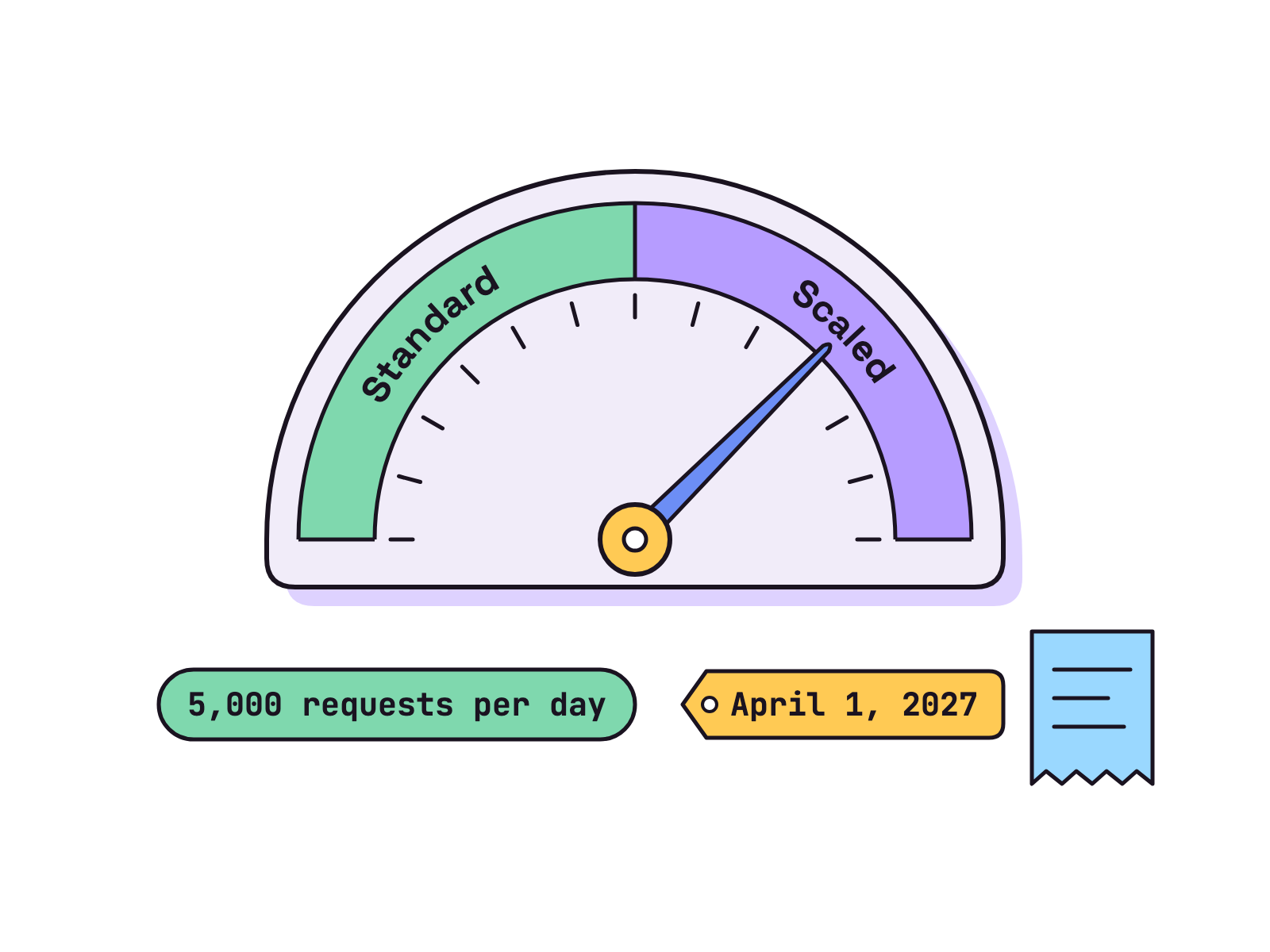
Standard is free with caps; Scaled lets you request more and, from April 1, 2027, bills. Google’s post calls Standard “No cost, with published usage quotas (rate limits)”.
The tiers page caps the eight GA servers on Standard at “5,000 requests per day, per project, per product”, with no billing account. Higher MCP quotas need Scaled, a linked billing account and a quota increase request.
From February 1, 2027, agents calling REST APIs directly “are limited to Standard Tier quotas, regardless of the tier selected.” From April 1, 2027, “Scaled Tier Gmail, Calendar, and Drive MCP usage has no daily no-charge allowance and is billed from the first request.” The pricing page lists $0.10 per 1K requests (Light) to $0.50 per 1K requests (Premium), checked 26 Nov 2026.
What should you check before you let an agent in?
Google’s warning first: agents with these servers “can read, modify, and delete data in your Google Account”, and “Never connect the Google Workspace MCP servers to untrusted or unverified applications.”
Our view:
- Add only the servers and scopes a task needs.
- Use a host that supports form elicitation, so Google’s confirmation prompts reach you; the
/mcp/v1selffallback exposes “only tools and results that work without form elicitation under default policy”. - Treat every email and file an agent reads as untrusted input; see our MCP tool poisoning guide.
- Move any agent on Workspace REST APIs to MCP before February 1, 2027.
FAQ
Can the Gmail MCP server send email?
Google's Gmail MCP reference lists no tool that sends. It lists tools to search and read threads and messages, create and read drafts, and label, trash or mark mail as spam. Google's configure page says create_draft puts an email in your drafts folder so you can review and send it from Gmail. Checked 26 Nov 2026.
Which Google Workspace MCP servers are generally available?
Eight: Gmail, Drive, Docs, Sheets, Slides, Calendar, Chat and Tasks. The People API, Google Classroom and Universal Search servers are in the Google Workspace Developer Preview Program. Checked 26 Nov 2026.
Are the Google Workspace MCP servers free?
On the Standard tier, yes. Google says it has no cost and caps the GA servers at 5,000 requests per day, per project, per product. On the Scaled tier, Gmail, Calendar and Drive MCP usage is billed from the first request starting April 1, 2027. Checked 26 Nov 2026.
How do I connect a Google Workspace MCP server to Claude?
Create a Web application OAuth client with the redirect URI https://claude.ai/api/mcp/auth_callback and the agent setting selected. In Claude.ai or Claude Desktop, open Settings > Connectors, click Add custom connector, enter a server URL such as https://gmailmcp.googleapis.com/mcp/v1, and put the client ID and secret in Advanced settings. Google says this needs a Claude Enterprise, Pro, Max or Team plan.
What changes on February 1, 2027?
Google says technical enforcement of its MCP requirement begins: AI agents must use MCP to reach Workspace data rather than calling Workspace REST APIs directly. Agents that call the REST APIs directly are limited to Standard tier quotas.