AGENTS.md Best Practices: What to Write, Who Reads It (Nov 2026)
AGENTS.md best practices from the format's site and vendor docs, checked 24 Nov 2026: what to write, where files go, which tools read it.
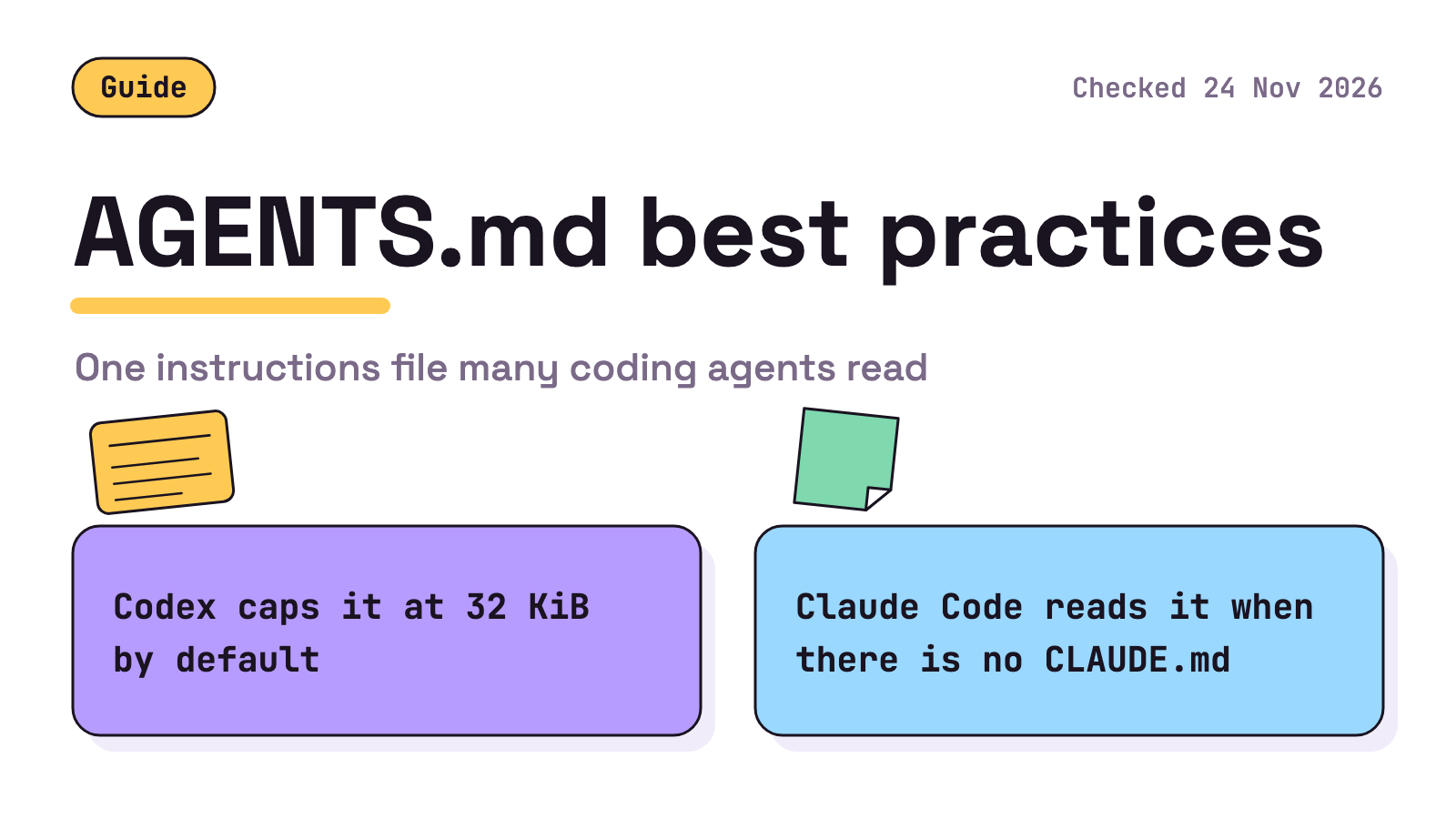
The best AGENTS.md is one short markdown file at the repo root that lists the commands and rules an agent cannot guess, with nested files only where a folder truly differs. Checked 24 Nov 2026: these best practices come from the format’s own site and the docs of five tools that read the file.
Running several coding agents on one repo? Munder Difflin is free and open source: a desktop app that runs a team of AI agents for all kinds of knowledge work, coding included, on your own computer. It runs engines such as Claude Code, Codex and Gemini CLI. The install guide covers setup. For habits beyond this file, see Claude Code best practices.
What is an AGENTS.md file?
A plain markdown file of instructions for coding agents. The format’s site calls it “a README for agents: a dedicated, predictable place to provide the context and instructions to help AI coding agents work on your project.” There are no required fields: “AGENTS.md is just standard Markdown. Use any headings you like”.
On 24 Nov 2026 the site says the format is “used by over 60k open-source projects” and “is now stewarded by the Agentic AI Foundation under the Linux Foundation.” Its GitHub repository carries the MIT licence, per GitHub on 24 Nov 2026.
What should you put in AGENTS.md?
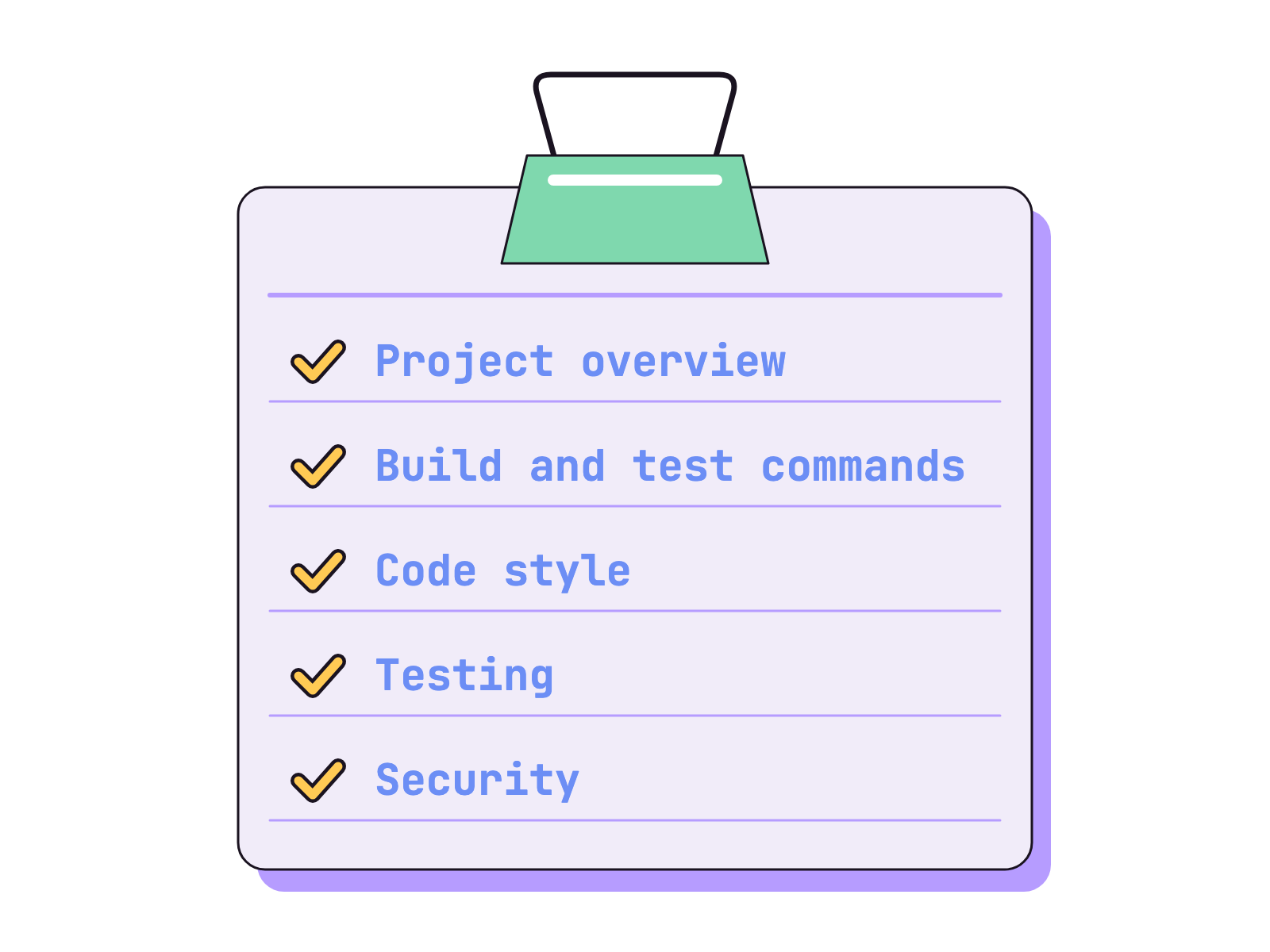
What a README leaves out. The site names “build steps, tests, and conventions that might clutter a README or aren’t relevant to human contributors.” It lists popular sections: project overview, build and test commands, code style guidelines, testing instructions and security considerations. Commit messages, pull request guidelines and deployment steps fit too: “anything you’d tell a new teammate belongs here too.”
List your test commands. The site’s FAQ says that when you list them, the agent “will attempt to execute relevant programmatic checks and fix failures before finishing the task.” OpenCode’s docs name a similar core: “build commands, architecture notes, code conventions, and verification requirements.”
Here is a short example that follows the site’s suggested sections:
# Project overview
A web app and its API in one repo.

## Build and test commands
- Install: `pnpm install`
- Test one file: `pnpm vitest run path/to/file`
- Lint: `pnpm lint`

## Code style
- TypeScript strict mode.

## Security
- Never commit `.env` files.
Where should AGENTS.md files live?
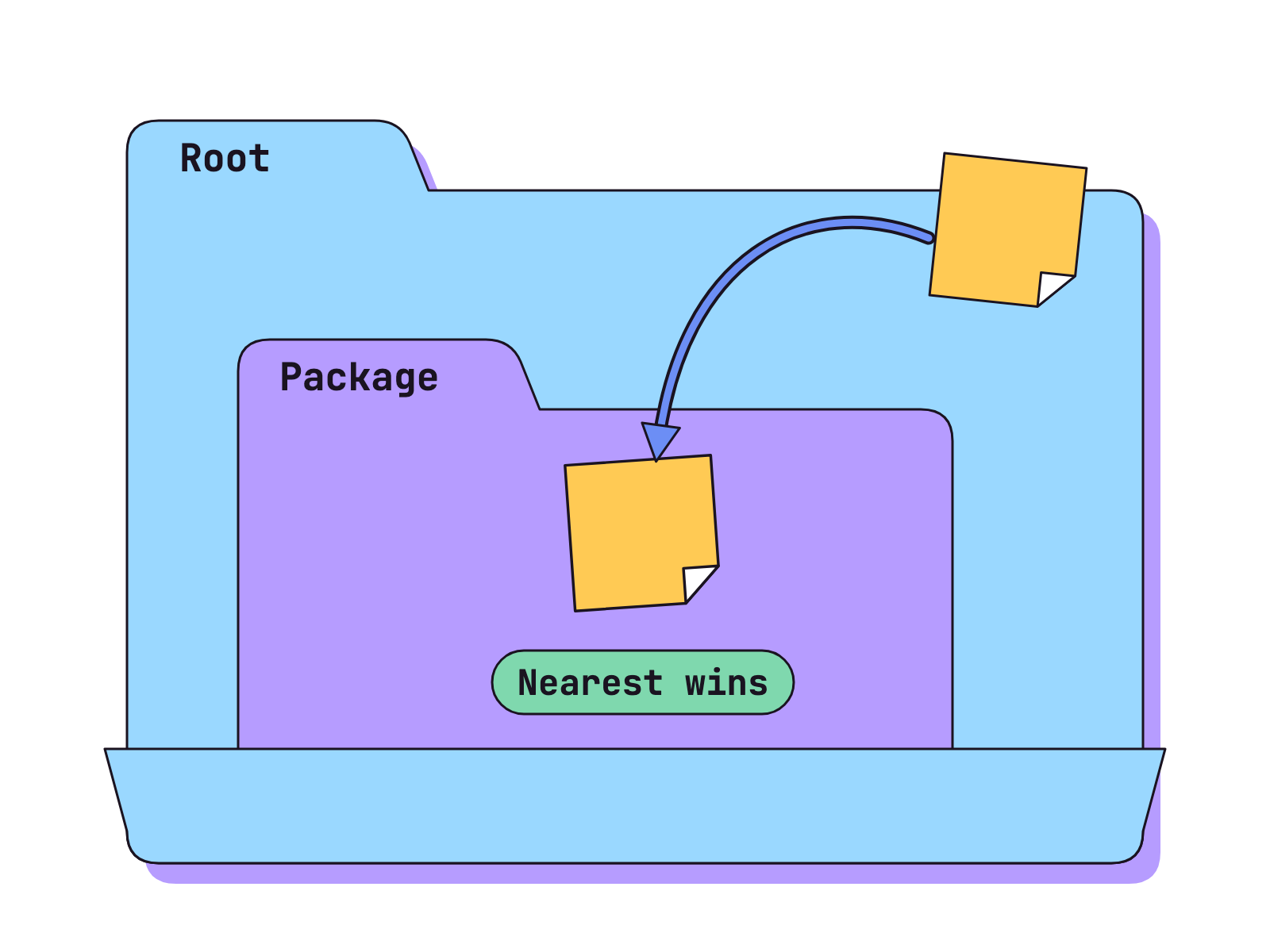
At the root of the repo first. The site says to create the file “at the root of the repository”, and in a large monorepo to “Place another AGENTS.md inside each package.” Agents “automatically read the nearest file in the directory tree, so the closest one takes precedence”, and its FAQ adds that “explicit user chat prompts override everything.”
Tools treat nested files differently. GitHub’s Copilot docs agree the nearest file “will take precedence.” Per OpenAI’s Codex docs, Codex joins files from the root down, and closer files “override earlier guidance because they appear later in the combined prompt.” OpenCode “combines the files and does not resolve conflicts between them.”
Our view: write nested files that add to the root file and never contradict it, because nearest wins only holds for some tools.
Which tools read AGENTS.md, and how?
The five tools below name it in their own docs. Checked 24 Nov 2026:
| Tool | File it reads | How it picks between files | Source |
|---|---|---|---|
| Codex | AGENTS.override.md, else AGENTS.md, in ~/.codex; the same plus fallback names in each folder from the project root to your working folder |
One file per folder, joined root down; later files override | Codex docs |
| Claude Code | AGENTS.md and .claude/AGENTS.md, from v2.1.277 |
By default, only when no CLAUDE.md, .claude/CLAUDE.md or CLAUDE.local.md is in your working folder or above |
Memory docs |
| OpenCode | ~/.config/opencode/AGENTS.md, then every AGENTS.md from the workspace up toward your home folder |
Combines all; a folder’s AGENTS.md wins over its CLAUDE.md |
OpenCode docs |
| Gemini CLI | GEMINI.md by default; AGENTS.md once named in context.fileName |
Concatenates every file found | Gemini CLI docs |
| GitHub Copilot | One or more AGENTS.md anywhere in the repo |
Nearest file in the tree takes precedence | GitHub docs |
Gemini CLI needs one setting. Its docs give this settings.json example:
{
  "context": {
    "fileName": ["AGENTS.md", "CONTEXT.md", "GEMINI.md"]
  }
}
How long should AGENTS.md be?
Short. Codex sets a hard cap: it “stops adding files once the combined size reaches the limit defined by project_doc_max_bytes (32 KiB by default).” Its docs show project_doc_max_bytes = 65536 in ~/.codex/config.toml to raise it, or say to split instructions across nested folders.
Claude Code’s memory docs target under 200 lines per CLAUDE.md file, because longer files “consume more context and reduce adherence”. Our view: the same budget suits AGENTS.md.
Does Claude Code read AGENTS.md or CLAUDE.md?
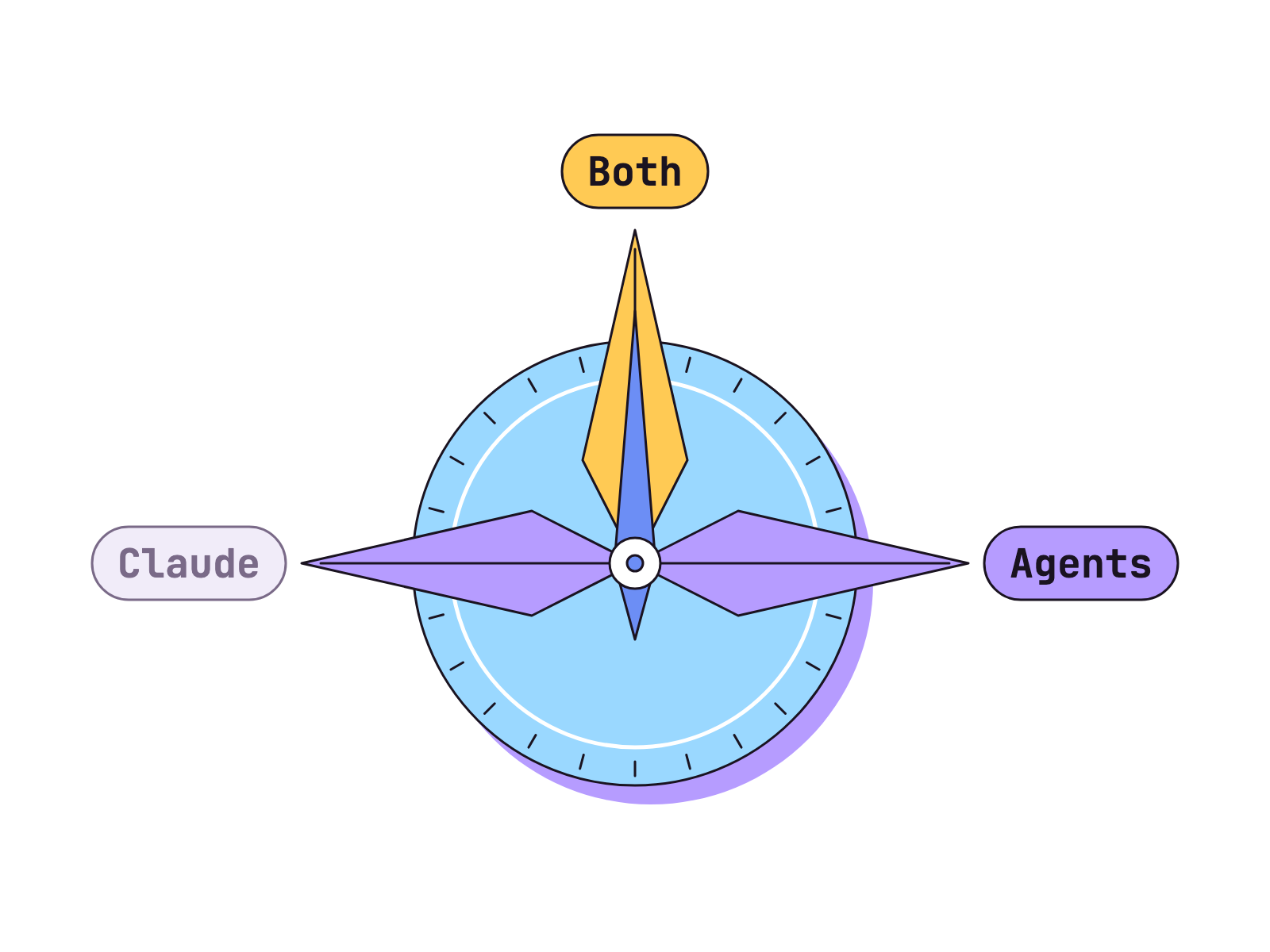
By default, one or the other. Anthropic’s memory docs say Claude Code v2.1.277 and later reads AGENTS.md when there is no CLAUDE.md, .claude/CLAUDE.md or CLAUDE.local.md in your working folder or above it. It does not read AGENTS.override.md, AGENTS.local.md or anything under .agents/.
To keep one shared file, the docs give three routes: put @AGENTS.md at the top of a CLAUDE.md, symlink CLAUDE.md to AGENTS.md, or set Project instructions in /config to claude-md-and-agents-md so Claude reads both. The import also covers sessions that cannot load AGENTS.md directly. OpenCode goes the other way and reads CLAUDE.md in any folder without an AGENTS.md. Our CLAUDE.md best practices guide covers the Claude side.
How do you keep AGENTS.md up to date?
Commit it and keep editing it. The site says “Treat AGENTS.md as living documentation.” OpenCode’s docs say to commit project instruction files “so everyone working in the repository receives the same guidance.”
Reloads differ. Codex rebuilds its instruction chain on every run. OpenCode picks up edits to a global or parent file before the next request, but a nested file already loaded needs a new session. From v2.1.283, Claude Code’s /doctor prompt-audit checks AGENTS.md files for “outdated or conflicting content”. For more on Codex itself, see what is Codex and our Codex Max plan tips.
AGENTS.md best practices at a glance, checked 24 Nov 2026
| # | Rule | From |
|---|---|---|
| 1 | One file at the repo root first | Format site |
| 2 | Overview, build and test commands, code style, testing, security | Format site |
| 3 | Test commands listed, so the agent can run checks | Format site |
| 4 | Nested files per package in a monorepo | Format site |
| 5 | Nested files add to the root file, never contradict it | Our view |
| 6 | Under 32 KiB combined for Codex, or raise project_doc_max_bytes |
Codex docs |
| 7 | Import or symlink it from CLAUDE.md when you need both |
Claude Code memory docs |
| 8 | Commit it and treat it as living documentation | Format site, OpenCode docs |
FAQ
What should I put in `AGENTS.md`?
The format's site lists project overview, build and test commands, code style guidelines, testing instructions and security considerations as popular sections, plus anything you would tell a new teammate. Checked 24 Nov 2026.
Does Claude Code read `AGENTS.md`?
Yes, from v2.1.277, by default only when there is no `CLAUDE.md`, `.claude/CLAUDE.md` or `CLAUDE.local.md` in your working folder or above it. To keep both, import it with `@AGENTS.md` from `CLAUDE.md`, or set Project instructions in /config to `claude-md-and-agents-md`.
Which `AGENTS.md` wins when there are several?
It depends on the tool. The format's site and GitHub's Copilot docs say the nearest file takes precedence. Codex joins files from the root down so closer ones override, and OpenCode combines them without resolving conflicts. Checked 24 Nov 2026.
Is there a size limit for `AGENTS.md`?
In Codex, yes. It stops adding files once the combined size reaches `project_doc_max_bytes`, 32 KiB by default, and you can raise that in `~/.codex/config.toml`. Checked 24 Nov 2026.
How do I make Gemini CLI read `AGENTS.md`?
Name it in `context.fileName` in your Gemini CLI `settings.json`, for example `["AGENTS.md", "CONTEXT.md", "GEMINI.md"]`. By default Gemini CLI reads `GEMINI.md`.