Run Munder Difflin on Open Source Models: Fully Local or Through a Provider
Munder Difflin can run your whole agent floor on open weight models like gpt-oss, Qwen3, DeepSeek, Llama, GLM and Kimi: fully local with Ollama, LM Studio or vLLM, or through a provider with your own key. The wiring for each engine, current as of 0.5.2.
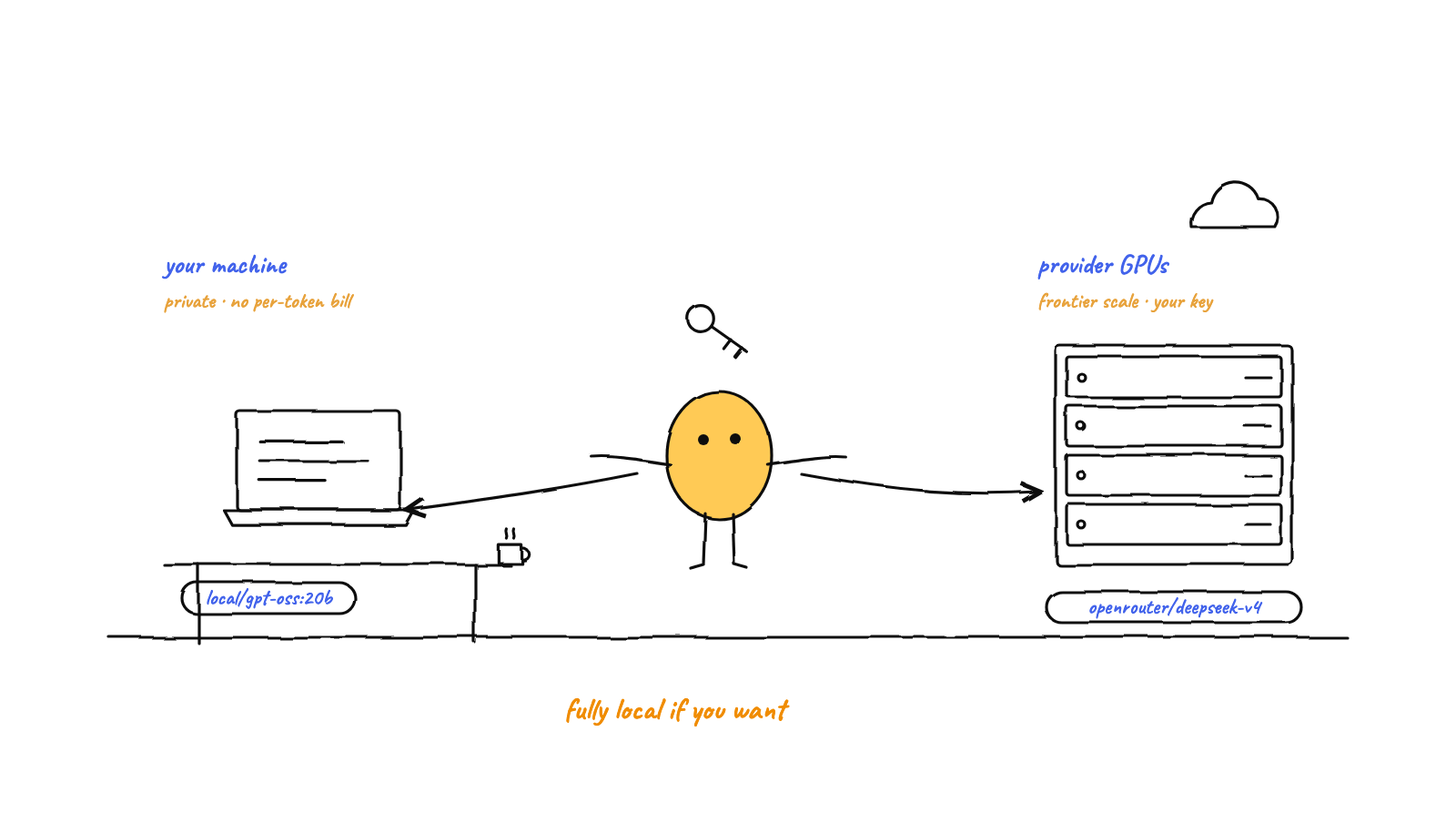
Munder Difflin can run on open models
end to end. Two routes: fully local with Ollama, LM Studio or vLLM (private, no per
token bill, limited by your memory), or a provider such as OpenRouter or Groq (their hardware,
your key, much bigger models). Four engines do the wiring: OpenCode, Crush and
Qwen take a local base URL in Settings → AI Engines, and Pi reads
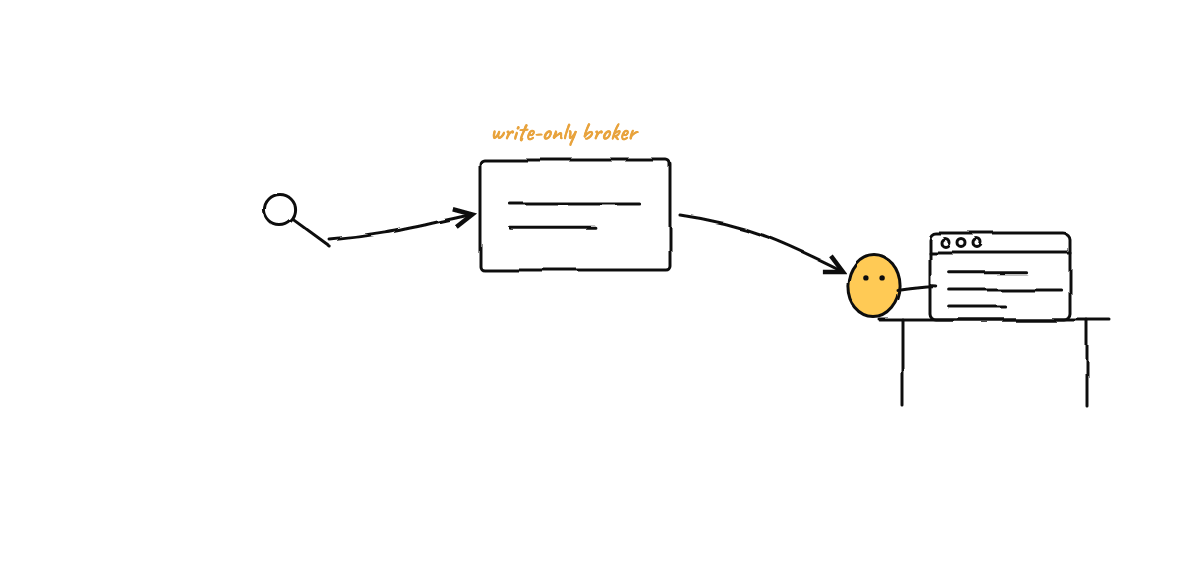
your own ~/.pi/agent/models.json. Keys go in the same panel and are stored write only.
Munder Difflin started out wrapping the closed frontier CLIs. Today it supports twelve, and several of them will point at any model you like. That means a whole office of agents can run on models whose weights anyone can download.
There are two honest ways to do it, and they trade off differently. This guide walks through both, then gives the exact wiring for each engine, checked against Munder Difflin 0.5.2 on 10 September 2026. (For the why, see why local first matters for AI agents.)
Should you run open models locally or through a provider?
Local if privacy and a fixed cost matter and your machine can hold the model. A provider if you want the biggest models or have no spare hardware.
| Fully local | Through a provider | |
|---|---|---|
| Runs on | Your machine (Ollama, LM Studio, vLLM) | Their GPUs (OpenRouter, Groq and others) |
| Cost | Electricity. No per token bill. | Per token, billed to your own key. |
| Privacy | Prompts never leave the machine. | Prompts go to the provider. |
| Ceiling | Your memory: roughly 8B to 70B on a Mac, 120B on a very big one. | Open models with hundreds of billions of parameters. |
| Setup | Pull a model and point the engine at localhost. | Paste one key. |
| Best for | Private work, always on floors, fixed cost. | Top quality, bursty use, no local hardware. |
You do not have to choose once for the whole floor. Engine and model are set per agent, so a strong provider model can sit in Michael’s seat while cheap local workers handle the routine majority. That is capability routing with open weights at both ends.
Which engines can run open models?
Four, and each one wires it a little differently.
| Engine | Where the local server goes | What the app does with it | Local model slug |
|---|---|---|---|
| OpenCode | Base URL in Settings → AI Engines | Injects it as a local OpenAI compatible provider named local |
local/<tag> |
| Crush | Base URL in Settings → AI Engines | Uses it as the upstream of the local proxy Crush runs through | ollama/<tag> |
| Qwen | Base URL and default model in Settings → AI Engines | The same proxy approach as Crush | the default model you set |
| Pi | Your own ~/.pi/agent/models.json |
Copies that file into every Pi agent it starts | ollama/<tag> |
The usual endpoints: Ollama at http://localhost:11434/v1, LM Studio at http://localhost:1234/v1, and vLLM wherever you
expose it, often :8000/v1.
How do you run a model fully locally?
Pull a model, tell the engine where it lives, and pick it for an agent.
Want a local model behind Claude Code itself? That route is covered in how to connect Ollama to Claude Code.
1. Pull a model. With Ollama installed, grab one sized to your memory:
ollama pull gpt-oss:20b        # about 14 GB, fits a 16 GB Mac
ollama pull qwen3:30b-a3b      # about 19 GB, a fast generalist for 32 GB
ollama pull deepseek-r1:32b    # about 20 GB, strong reasoning for 32 GB
ollama serve                   # serves the OpenAI compatible API on port 11434
LM Studio works the same way: load a model in the app and start its local server on port 1234.
2. Point the engine at it. For OpenCode, Crush or Qwen, open Settings → AI Engines and set that engine’s local base
URL, for example http://localhost:11434/v1. Local servers need no key. For Pi, add the server to ~/.pi/agent/models.json
instead:
{
  "providers": {
    "ollama": {
      "baseUrl": "http://localhost:11434/v1",
      "api": "openai-completions",
      "apiKey": "ollama",
      "models": [{ "id": "gpt-oss:20b" }]
    }
  }
}
Munder Difflin copies that file into each Pi agent when it starts, so start the Pi agent again after you edit it.
3. Hire an agent on that model. In Add agent, choose the engine and pick one of the open model quick picks, or type
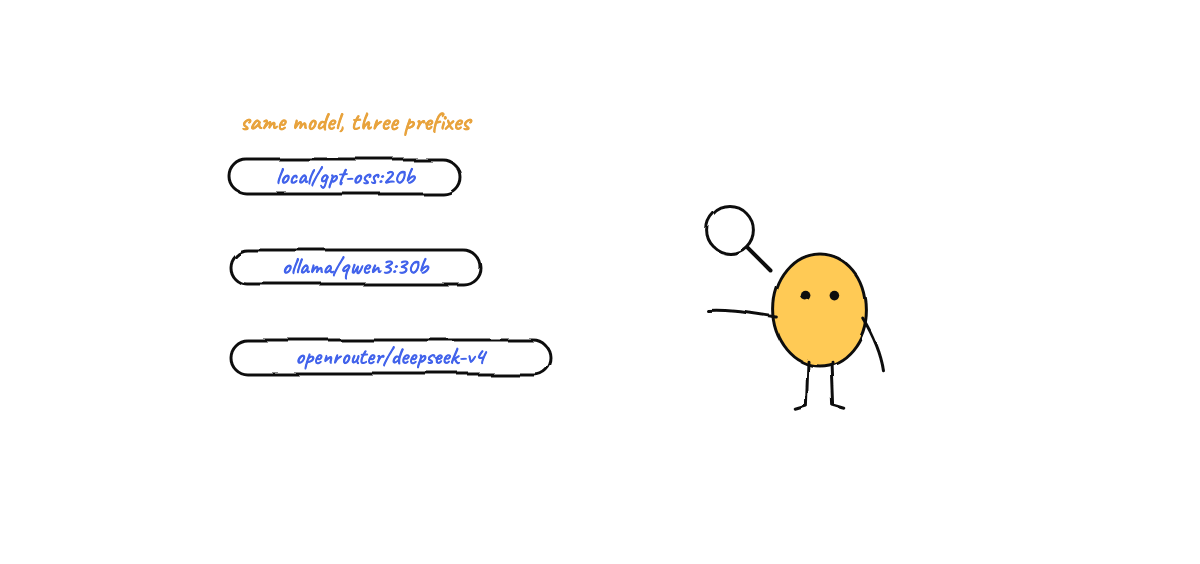
the slug yourself: local/gpt-oss:20b on OpenCode, ollama/gpt-oss:20b on Crush and Pi. Keep the colon in the tag. That
agent now runs entirely on your hardware.
Which local model? These are the app’s local quick picks, by memory:
| Model | Ollama tag | Memory | Good for |
|---|---|---|---|
| gpt-oss 20B | gpt-oss:20b |
16 GB | The smallest capable default |
| Mistral Small 24B | mistral-small:24b |
16 to 32 GB | A light generalist |
| Qwen3 30B A3B | qwen3:30b-a3b |
32 GB | A fast generalist |
| Qwen3 Coder 30B | qwen3-coder:30b |
32 GB | Coding |
| DeepSeek R1 32B | deepseek-r1:32b |
32 GB | Reasoning |
| GLM 4.7 Flash | glm-4.7-flash |
32 GB | The GLM that fits on a Mac |
| Llama 3.3 70B | llama3.3:70b |
64 GB | A bigger generalist |
| gpt-oss 120B | gpt-oss:120b |
96 GB | The top local pick |
The headline open flagships, like DeepSeek V4, Kimi K2.6 and Qwen3 235B, are server class. No consumer Mac holds them, so use a provider for those. Sizing a model to your memory is the whole subject of the Mac mini guide.
How do you run open models through a provider?
Same open weights, someone else’s GPUs, your own key.
1. Get a key. OpenRouter is the easiest start, with one key for a wide catalog. Groq is quick for the models it carries.
2. Paste it into Settings → AI Engines. There are key fields for Anthropic, OpenAI, Google Gemini, OpenRouter and Groq. Keys are write only: the app stores a key but never shows it back, and it reaches an agent as the right environment variable only when that agent starts.
3. Pick a model. In Add agent, choose OpenCode, Crush or Pi and a provider hosted quick pick:
| Model | Route | Slug | Key |
|---|---|---|---|
| gpt-oss 120B | Groq | groq/openai/gpt-oss-120b |
GROQ_API_KEY |
| Llama 3.3 70B | Groq | groq/llama-3.3-70b-versatile |
GROQ_API_KEY |
| DeepSeek V4 Flash | OpenRouter | openrouter/deepseek/deepseek-v4-flash |
OPENROUTER_API_KEY |
| GLM 4.6 | OpenRouter | openrouter/z-ai/glm-4.6 |
OPENROUTER_API_KEY |
| Kimi K2.6 | OpenRouter | openrouter/moonshotai/kimi-k2.6 |
OPENROUTER_API_KEY |
| Qwen3 Coder 480B | OpenRouter | openrouter/qwen/qwen3-coder |
OPENROUTER_API_KEY |
| Qwen3 235B | OpenRouter | openrouter/qwen/qwen3-235b-a22b-2507 |
OPENROUTER_API_KEY |
| gpt-oss 120B | OpenRouter | openrouter/openai/gpt-oss-120b |
OPENROUTER_API_KEY |
What should go in Michael’s seat?
A strong model. Michael does the reasoning, holds the long context and decides who does what. Locally, that is gpt-oss:120b
or llama3.3:70b on 64 to 96 GB of memory. Through a provider, DeepSeek V4 Flash or Kimi K2.6. Models under 8B make good
workers and thin orchestrators.
What if it does not work?
- The model name is rejected. Check the prefix:
local/on OpenCode,ollama/on Crush and Pi. Keep the colon in the Ollama tag. - The agent cannot reach the server. Make sure
ollama serveor LM Studio’s server is running, and that the base URL ends in/v1. - A Pi agent cannot see your model. Check that
~/.pi/agent/models.jsonis valid JSON, then start the Pi agent again so the app copies the new file. - An engine shows as missing. Settings → Prerequisites lists which engine commands the app can actually find.
The bottom line
Open weights turn Munder Difflin from a harness for a few vendors’ CLIs into a harness for the whole open ecosystem. Go local when privacy and a fixed cost matter, use a provider when you want the biggest models, and mix both across your floor, agent by agent.
Download Munder Difflin, free and open source, and point your favourite open model at it. On a Mac and want the sizing walkthrough? Read the Mac mini guide.
FAQ
Can Munder Difflin run entirely on open source models?
Yes. OpenCode, Crush, Qwen and Pi can all run open weight models, either on your own machine or through a provider with your own API key. You can put open models in every seat on the floor, including Michael's.
What is the difference between running local and using a provider?
Local means Ollama, LM Studio or vLLM runs the weights on your machine: private, no per token bill, and limited by your memory. A provider such as OpenRouter or Groq hosts the same open weights on its hardware and bills your own key per token, so you can reach models far too big for a laptop.
Which open model should I give the orchestrator?
A strong one, because Michael does the reasoning and the long context coordination. Locally that means gpt-oss 120B or Llama 3.3 70B on a machine with 64 to 96 GB of memory. Through a provider, DeepSeek V4 Flash or Kimi K2.6 on OpenRouter. Models of 8B and under make fine workers and thin orchestrators.
Does each engine need a different model name?
The model id stays the same and only the prefix changes. A local model is local/<tag> on OpenCode and ollama/<tag> on Crush and Pi, and a provider model carries the provider first, like openrouter/openai/gpt-oss-120b.
How do I run Pi on a local model?
Add your local server to Pi's own config file, ~/.pi/agent/models.json. Munder Difflin copies that file into every Pi agent it starts, so the models you define there are available to your Pi agents. The Pi base URL field in the app stays reserved.