Running Agents in tmux vs an Agent Harness
tmux panes, git worktrees, shell scripts, and cron will absolutely run several Claude Code sessions at once. Here's what that DIY setup does well, where it breaks at scale, and what a purpose-built agent harness automates.
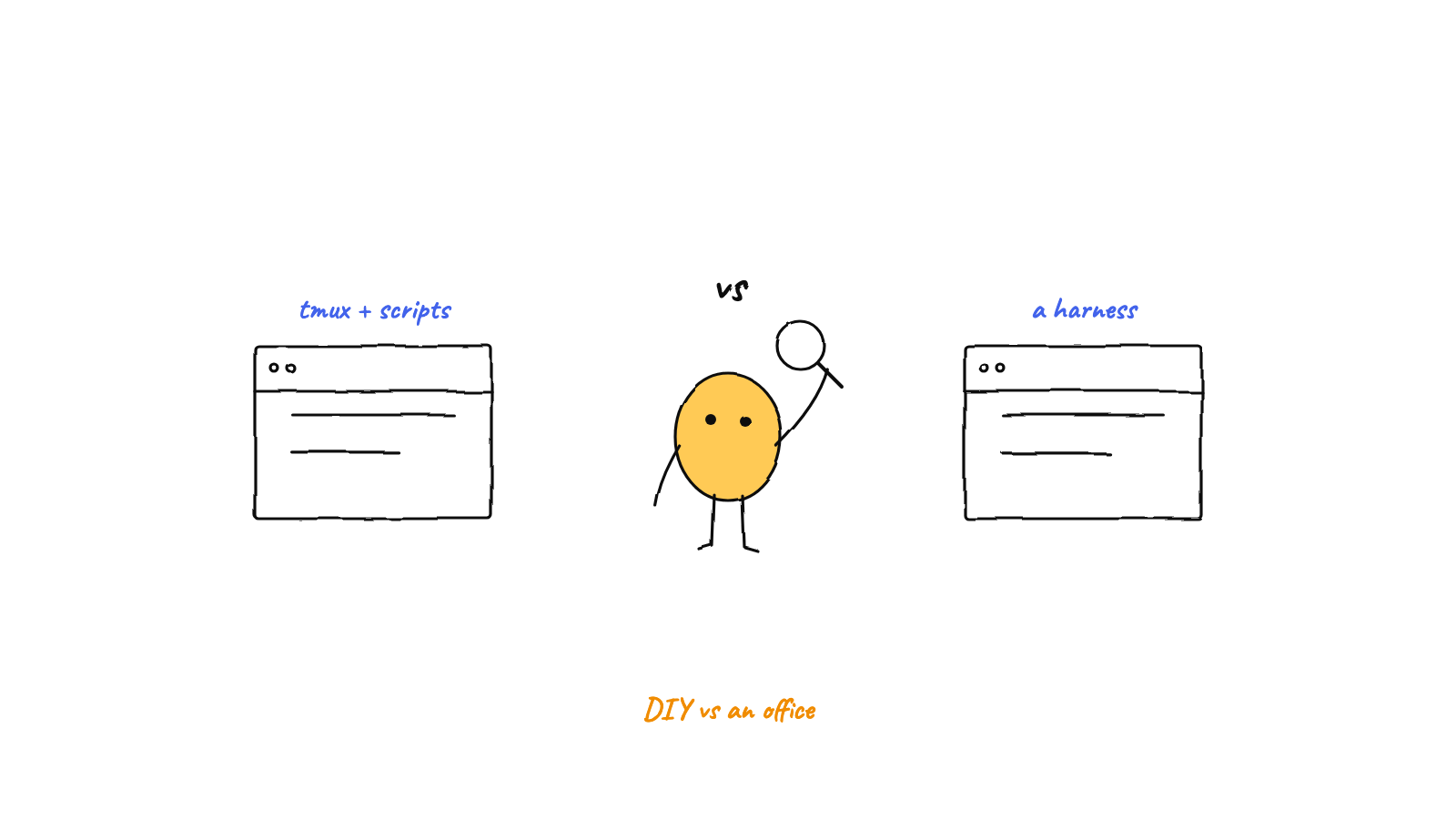
tmux + git worktrees + shell scripts is a real, respectable way to run several Claude Code sessions in parallel — it's the setup half the community uses, and at two or three agents it's genuinely fine. What breaks at scale is everything between the panes: no routing, no shared memory, no budgets, no crash recovery, coordination via copy-paste, and scrollback archaeology to find out what happened overnight. An agent harness automates exactly that layer while still running the same CLI processes. Munder Difflin is, roughly, the tmux setup you would have built yourself after six months — free, open source, and local-first.
Let’s start by giving the DIY path its due, because it deserves it.
The standard recipe — tmux for sessions, git worktrees for isolation, a shell script to spin everything up, maybe cron for the nightly run — is not a hack. Worktrees give each agent its own working directory and branch while sharing one repository, so parallel sessions never fight over a checkout. tmux gives you named, detachable sessions that survive a closed laptop lid on a remote box. Boris Cherny, one of Claude Code’s creators, has called parallel worktree sessions the “single biggest productivity unlock”, and Claude Code has since added native worktree support. Tools like Claude Squad exist precisely because this pattern is popular enough to be worth wrapping in a TUI.
If you’re running two agents on two branches and reviewing everything yourself, stop reading — you don’t have a problem. The problem shows up when you try to make the panes into a team.
What breaks at scale
No routing. tmux panes are strangers to each other. When agent A finishes the API change agent B is waiting on, nothing tells B. You notice, you copy the relevant output, you paste it into the other pane. You are the message bus, and the message bus goes to sleep at night. Community writeups on parallel sessions consistently land on the same ceiling — two to three sessions is sustainable, five is cognitively expensive — and the ceiling is you.
No shared memory. Each session starts cold. The bug agent A root-caused on Tuesday is unknown to agent B on Wednesday; the knowledge lives in a scrollback buffer that will eventually be truncated. There’s no place where “things this project has learned” accumulates. (This is exactly the gap a semantic memory layer exists to fill.)
No budgets, no brakes. A looping agent in pane 4 will happily burn tokens until you happen to switch to pane 4. There’s no per-agent budget, no circuit breaker, no gate before a destructive command — the safety rail is hope plus however often you cycle through panes.
Scrollback archaeology. “What did the fleet do overnight?” becomes an hour of Ctrl+B [ and paging through six buffers, reconstructing a timeline by hand. There’s no event log, no board, no cost attribution — just bytes.
Crash recovery is manual. A wedged session, a dead pane after a reboot, a cron job that fired while the machine slept — each is a small manual rebuild: recreate the worktree, relaunch the CLI, re-explain the task. Nothing resumes or self-heals.
Cron is a trigger with no feedback loop. Cron can start a session on a schedule, but it can’t watch the result, retry a failure, or route the output anywhere. And there’s no path at all from “a teammate posted in Slack” or “a webhook fired” to “an agent picked it up.”
None of these are tmux’s fault. tmux is a terminal multiplexer, and it’s excellent at multiplexing terminals. Everything above is a coordination problem, and coordination is a different program — one you end up writing yourself, script by script, incident by incident. Agent aware multiplexers such as herdr sit in between, and our herdr alternatives post compares them with the rest.
What a harness automates
This is the layer Munder Difflin is. Our landing page has a full comparison table, but it maps almost one-to-one onto the breakage list:
- Routing and orchestration. Agents get mailboxes; a router moves messages between them; a GOD orchestrator assigns work, adjudicates, and escalates only what genuinely needs a human. Coordination by copy-paste becomes envelopes flying between desks — literally, on the office floor.
- Worktrees, provisioned for you. The same git-worktree isolation you’d script by hand is a toggle: each agent gets a dedicated worktree on spawn, torn down on kill. (Deeper dive: worktrees vs the hive.)
- Shared long-term memory. Markdown-first memory per agent, mined into a shared semantic index, recalled in milliseconds across sessions and restarts.
- Budgets and brakes. Per-agent token budgets, real token/cost telemetry, and a circuit breaker with a steer → constrain → stop ladder for loops and runaway spend — plus human approval gates on spend, scope, and destructive ops.
- Observability instead of archaeology. A live floor, a Command Center with a kanban board, an activity log, and OpenTelemetry spans per agent. The overnight question takes a glance, not an excavation.
- Triggers with a feedback loop. Scheduled missions with a heartbeat, Slack ingress that replies in-thread, webhooks, voice — and wake-reliability hardening that catches up missed schedules and revives wedged terminals when the machine wakes.
Crucially, the terminals are still terminals. Every agent is the real CLI — Claude Code, Codex, Copilot CLI, and four others — running in a real pseudo-terminal you can pop open and type into, exactly like the pane you left behind.
The honest framing
The DIY path isn’t wrong; it’s version one. Every feature above started life as somebody’s shell script, and if you kept iterating on your tmux setup — add a router script, a memory file, a budget checker, a Slack bridge, a recovery script — you’d converge on a harness. Munder Difflin is that convergence, already built, MIT-licensed, and local-first, so the six months of scripting goes into your actual work instead.
If you’re at two panes, enjoy them. If you’re at five and tired of being the message bus, download the latest release — and if it saves you a script or two, a GitHub star is appreciated.
FAQ
Can I run multiple Claude Code sessions with just tmux and git worktrees?
Yes, and it works well at small scale. Give each session its own tmux pane or window and its own git worktree so branches never collide, then detach and reattach as you like. This is a widely used pattern — Claude Code's own creators endorse worktrees for parallel sessions. The pain starts when you go past two or three agents: no routing between sessions, no shared memory, no budgets, and you become the coordination layer.
What does an agent harness add over tmux plus shell scripts?
The parts you'd otherwise build by hand: a router that moves messages between agents, an orchestrator that assigns and adjudicates work, shared long-term memory across sessions, per-agent token budgets with a circuit breaker, approval gates for destructive operations, triggers from Slack, webhooks, and schedules, and a live view of every agent instead of scrollback archaeology. Munder Difflin does all of this while still running the same CLI processes you'd run in tmux.
Does using a harness mean giving up the terminal?
No. In Munder Difflin every agent is still a real CLI process — claude, codex, copilot, and others — running in a genuine pseudo-terminal via node-pty. You can open any agent's live terminal and type into it directly, exactly like a tmux pane. The harness sits around the terminals, not instead of them.
Is the DIY tmux approach ever the right choice?
Often, yes. If you run one or two parallel sessions, review everything yourself, and don't need triggers or unattended operation, tmux plus worktrees is simple, transparent, and has zero new dependencies. The harness earns its keep when agents need to hand work to each other, run while you're away, remember across sessions, or stay inside a budget.
Do tmux-based agents share memory between sessions?
No. Each CLI session starts with a fresh context, and anything one agent learned dies with its scrollback unless you manually paste it into another session or a file. A harness like Munder Difflin gives every agent markdown-first long-term memory plus a shared semantic index, so what one agent learns is recallable by all of them across restarts.
Is Munder Difflin free if I already pay for Claude Code?
Yes. It's MIT-licensed and free, and it drives the CLI subscriptions you already have — Claude Code, Codex, Antigravity, OpenCode, Crush, pi.dev, and GitHub Copilot CLI — so there's no extra platform fee on top of your existing model spend.