Run a Mixed-Engine Office: the Right CLI for Every Desk
A practical guide to mixing agent engines on one Munder Difflin floor: Claude Code as orchestrator, Codex for coding bursts, Copilot for dispatched tasks, and OpenCode/Crush/pi.dev for BYOK keys and local models.
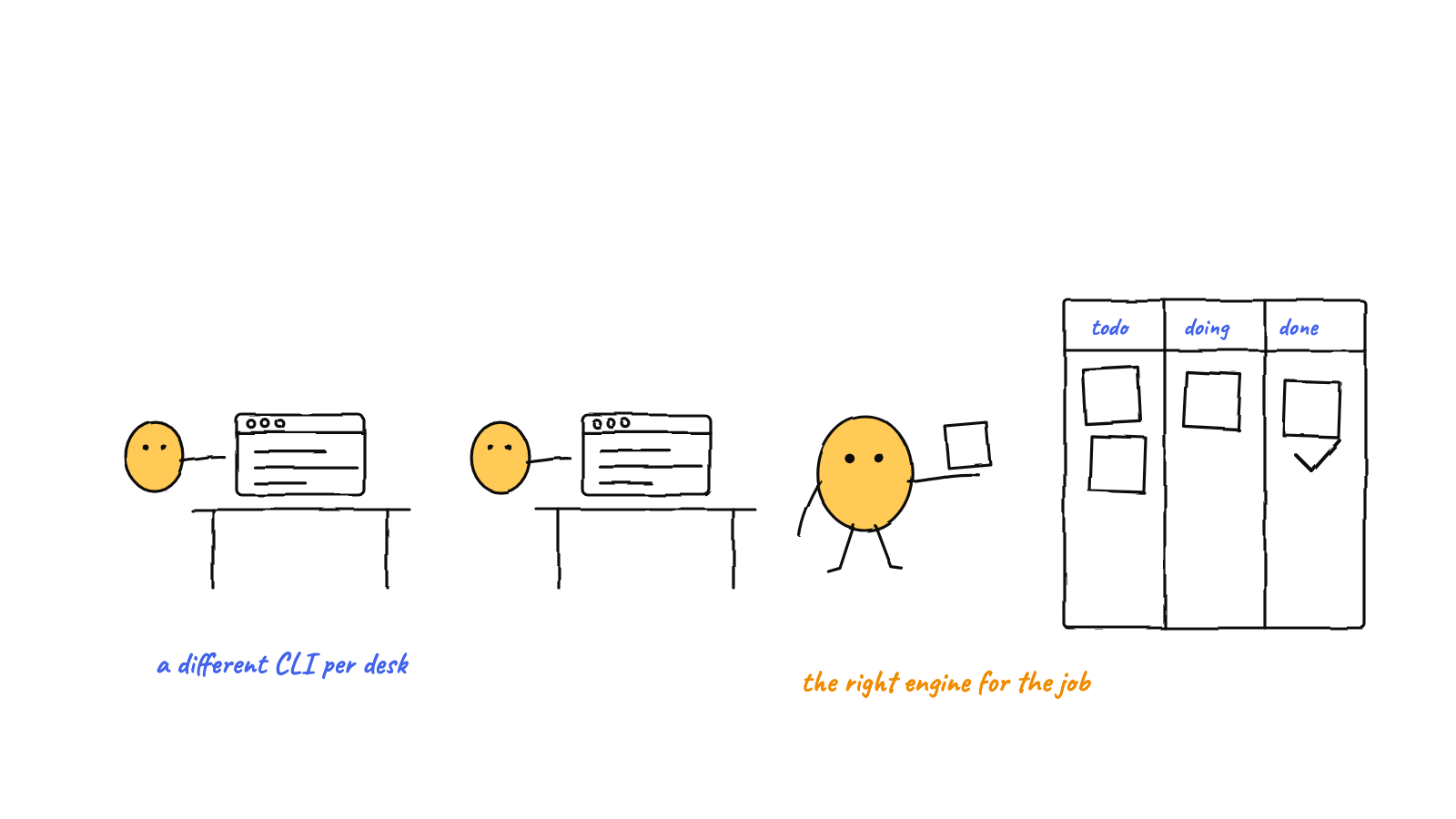
You don't have to pick one agent CLI. Munder Difflin runs seven engines on one floor — Claude Code, Antigravity, Codex, OpenCode, Crush, pi.dev, and GitHub Copilot CLI — chosen per hire from a visual picker. The winning layout: Claude Code as the GOD orchestrator and hive-aware senior workers, Codex for coding bursts, Copilot for dispatched, self-contained tasks, and OpenCode / Crush / pi.dev on BYOK keys or local models for the routine majority. Keys and local endpoints live in Settings → AI Engines; OSS-model quick-picks fill the right slug for you.
Most multi-agent setups are a clone army: five copies of the same CLI on the same model, paying the same rate for wildly different jobs. That’s like staffing an office entirely with regional managers. A real office has a manager, a couple of closers, and a lot of people doing solid routine work at a sensible salary.
Munder Difflin is built for that second shape. Every hire — and Michael, the GOD orchestrator himself — runs on a pluggable engine, picked from a visual provider picker at hire time. Here’s how to lay out the floor.
The engine roster, honestly
Seven engines can sit on one floor today, and they’re not interchangeable — that’s the point:
- Claude Code — the deepest hive citizen. Native hooks drive lifecycle events, inbox draining, HITL gates, and mid-run steering. The natural orchestrator.
- Antigravity (Gemini) — full hive participation via the native
agy-hookbridge. - OpenAI Codex — receives the hive protocol as its initial prompt and participates through inbox/outbox routing. A strong pure-coding worker. New to it? Start with how to install Codex CLI.
- OpenCode, Crush, pi.dev — the BYOK trio (shipped in v0.3.1), wired in via native-plugin, proxy, and hooks bridges respectively. Each works as a worker and as Michael, and each can point at your own keys or a local model.
- GitHub Copilot CLI — new in v0.3.3, the first community-contributed engine (PR #101). Runs in documented print mode (
copilot -p) with a model picker and--resume, authenticated by your existing Copilot login.
One honest caveat up front: Copilot’s print mode exits per turn and has no hook bridge, so its workers can’t drain hive inbox mail — routed mail bounces to the orchestrator instead of disappearing. That’s by design, and it tells you exactly where Copilot desks belong.
The layout that works
Michael’s office: Claude Code. The orchestrator reads every request, adjudicates traffic, scribes the blackboard, and escalates only critical items to you. That’s sustained, stateful, judgment-heavy work — give it the engine with native hooks and the tightest harness integration. (Michael’s engine is swappable from onboarding or the change-engine flow if you want to experiment; OpenCode, Crush, and pi.dev are all god-eligible, backstopped by a provider-agnostic idle fallback.)
Senior desks: Claude Code or Antigravity, hive-aware. Work that involves conversation — replying to routed messages, coordinating with other agents, long multi-step missions — needs engines that drain a mailbox. These are your closers.
Coding bursts: Codex. Scoped, well-defined implementation work — “build this component, tests included” — plays to Codex’s strengths. It gets the protocol injected as its initial prompt and reports back through outbox routing.
Dispatched tasks: Copilot CLI. Self-contained jobs that arrive, execute, and finish — perfect for print mode. Hire a Copilot worker, pick its model (Claude Sonnet 4.5 by default, GPT-5.4, or auto), and dispatch. No new keys; your existing GitHub Copilot seat covers it.
The routine majority: OpenCode, Crush, or pi.dev on cheap or local models. Formatting passes, doc updates, changelog grooming, triage — most fleet work doesn’t need frontier reasoning, and this is where the money is. This is capability routing made physical: the desk itself is the routing decision.
Wiring it: Settings → AI Engines
All the credentials for the BYOK trio live in one panel. Settings → AI Engines collects per-provider API keys — Anthropic, OpenAI, Google, OpenRouter, Groq — stored write-only in the encrypted secret broker. They’re never read back into the renderer; the main process materializes them into the environment only at spawn. The same panel takes per-engine local base-URLs (Ollama, LM Studio, vLLM) and default-model fields, which OpenCode, Crush, and pi.dev pick up automatically.
Then hire. In Add Agent, choosing a local-capable engine surfaces OSS-model quick-picks: a Local bucket of Mac-runnable Ollama tags (gpt-oss 20B/120B, Qwen3, DeepSeek-R1, Mistral Small, Llama 3.3 70B) and a third-party OSS provider bucket via Groq or OpenRouter. Click one and it fills the engine-correct slug — local/<tag> for OpenCode, ollama/<tag> for Crush and pi — and rebuilds the spawn command. If the engine’s CLI binary is missing, the harness runs its installer in the terminal and auto restart-and-continues into the fresh binary. No dead-ends.
The full local-model walkthrough is in run Munder Difflin on open models.
Keeping the mixed floor affordable and sane
A mixed floor is a cost instrument, but only if you can see and cap what each desk spends. Munder Difflin gives every agent a token budget with live fleet monitoring, real token and cost telemetry per agent per session, and a circuit breaker that steers, constrains, then stops any agent that loops or blows its budget. The expensive Claude Code desks carry tight scopes; the local desks can grind all night for electricity. The routing logic — which work deserves which price — is the whole subject of the multi-agent cost playbook.
Isolation keeps them from colliding: each hire gets its own pseudo-terminal and, with the git-isolation toggle, its own worktree — seven engines, zero branch fights.
Start with three desks
Don’t design the org chart up front. Hire Claude Code as Michael, add one Codex or Copilot desk for a real coding task, and one OpenCode desk on a Groq or Ollama model for something routine. Watch what each engine is actually good at on your work, then grow the floor around the evidence.
Munder Difflin is free, MIT-licensed, and local-first. Grab the latest release and try a mixed floor — and if it earns a spot in your toolkit, a GitHub star helps more people find it.
FAQ
Which agent engines can Munder Difflin run on one floor?
Seven CLI engines plus a local provider: Claude Code, Antigravity (Gemini), OpenAI Codex, OpenCode, Crush, pi.dev, and GitHub Copilot CLI, which joined in v0.3.3 as the first community-contributed engine. You pick the engine per hire from a visual picker in Add Agent, and they all participate in the same hive on the same office floor.
Can any engine be the GOD orchestrator?
Michael's engine is swappable from onboarding or a change-engine flow, and OpenCode, Crush, and pi.dev are god-eligible alongside Claude Code, Antigravity, and Codex. Claude Code is the strongest default because it has the native hook bridge and the deepest hive integration. Copilot CLI is a worker-only engine: its print mode exits per turn, so it can't run the floor.
Where do API keys and local model endpoints go?
Settings -> AI Engines. Per-provider keys (Anthropic, OpenAI, Google, OpenRouter, Groq) are stored write-only in the encrypted secret broker — they're never read back into the renderer and are materialized main-only at spawn. The same panel holds per-engine local base-URLs for Ollama, LM Studio, or vLLM, plus default-model fields that OpenCode, Crush, and pi.dev pick up when they spawn.
How do I run some desks on local or open-source models?
Hire a worker on a local-capable engine — OpenCode, Crush, or pi.dev — and the Add Agent modal surfaces curated OSS-model quick-picks: a Local bucket of Mac-runnable Ollama tags (gpt-oss, Qwen3, DeepSeek-R1, Mistral Small, Llama 3.3 70B) and a BYOK bucket via Groq or OpenRouter. Clicking one fills the engine-correct model slug and rebuilds the spawn command for you.
Why is GitHub Copilot CLI limited to dispatched tasks?
Copilot CLI runs in its documented non-interactive print mode (copilot -p), which exits after each turn and exposes no hook bridge. That means Copilot workers can't drain hive inbox mail — routed messages bounce to the GOD orchestrator instead of silently dropping. They're excellent for self-contained dispatched work, and they authenticate with your existing GitHub Copilot login, no new keys.
What happens if a chosen engine's CLI isn't installed?
The harness self-heals: it runs that engine's installer in the terminal, then automatically restarts and continues into the freshly installed binary in place. There's no dead-end and no manual step, and the flow is idempotent so the installer never fires twice.