Hermes Agent: what it is, how to install it and what it costs
Hermes Agent is Nous Research's MIT licensed AI agent with memory, skills and chat channels. Install command, models, pricing and how it compares.
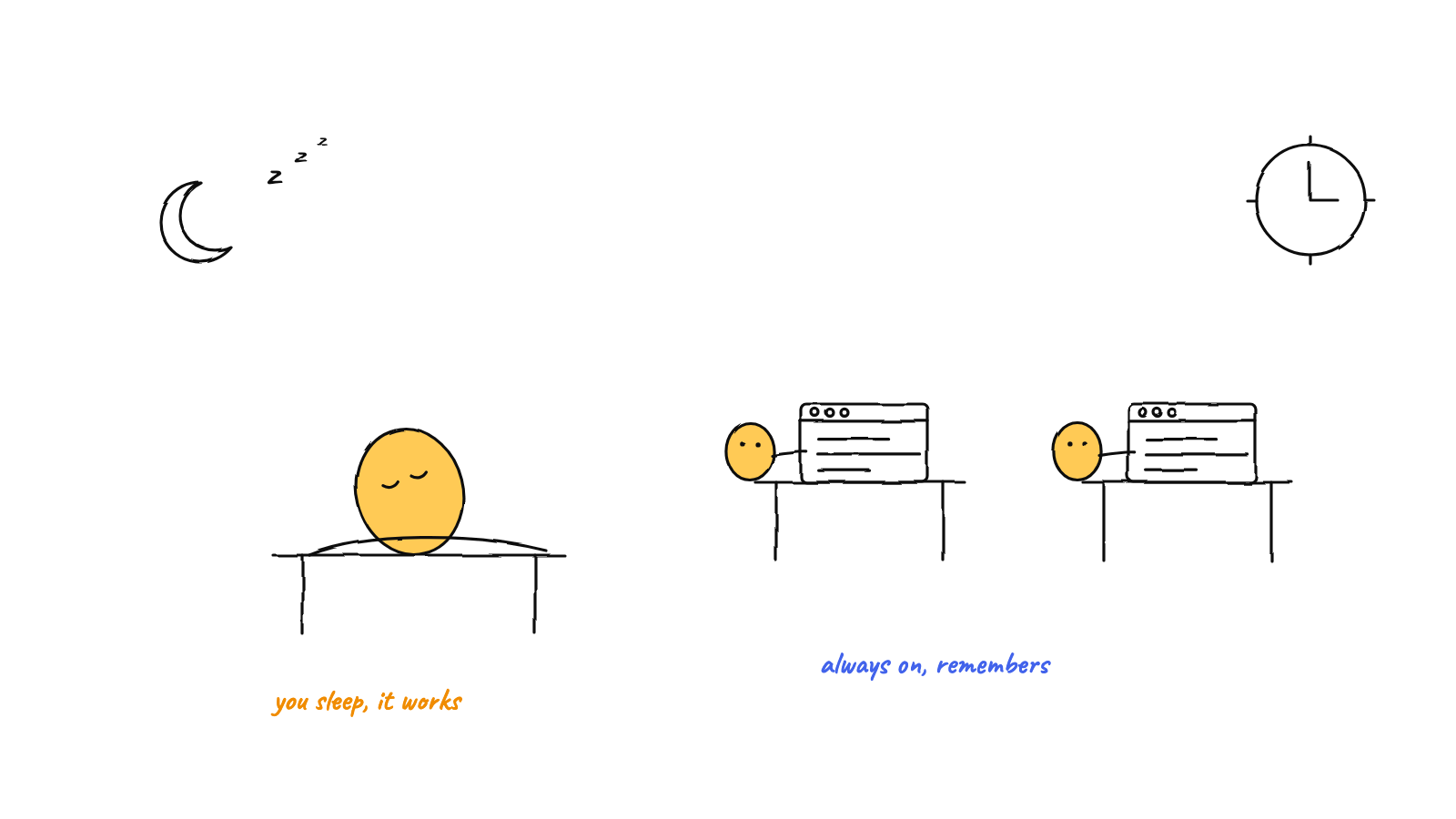
Hermes Agent is a free, MIT licensed AI agent from Nous Research. It runs on your computer or a server, keeps memory between sessions, writes its own skills, and answers from a terminal or from Telegram, Slack and Discord. Verdict: pick it for an always on personal agent, not as a replacement for your coding CLI. Checked 3 Oct 2026.
Hermes is one agent that lives on a server. If you want a team of coding agents on your desk instead, that is Munder Difflin, free and open source: a desktop office for coding CLIs such as Claude Code and Codex. The install guide covers setup. Our open source AI agents list covers the wider field.
What is Hermes Agent?
Hermes Agent is a general purpose agent with a learning loop built in. The README says it “creates skills from experience, improves them during use, nudges itself to persist knowledge, searches its own past conversations”. In practice that is three pieces: a memory it edits itself, a skills folder it writes to, and a search index over old sessions.
It has two entry points. hermes opens a terminal UI. hermes gateway starts one background process that connects your chat apps, so you can message the agent from your phone while it works on a cloud VM. There is also a desktop app: the install docs list a signed MSIX bundle for Windows and a DMG for macOS. The DMG installer is Apple Silicon only; on an Intel Mac, install the CLI and run hermes desktop.
How do I install Hermes Agent?
Run one line, reload your shell, then type hermes. These are the commands from the README, checked 3 Oct 2026:
| Platform | Command |
|---|---|
| Linux, macOS, WSL2 | curl -fsSL https://hermes-agent.nousresearch.com/install.sh | bash |
| Windows (PowerShell) | iex (irm https://hermes-agent.nousresearch.com/install.ps1) |
After that, hermes model picks a provider, hermes setup runs the full wizard and hermes doctor diagnoses a broken install. If you installed the command line version and want the app later, the install docs say to run hermes desktop. Android has its own Termux package, so skip the script there.
Which models does Hermes Agent support?
Almost any, hosted or local. The providers page lists Nous Portal, OpenRouter, Anthropic, OpenAI, Google Gemini, xAI, DeepSeek, GitHub Copilot, AWS Bedrock, Hugging Face, LM Studio, Ollama Cloud and a custom endpoint option for anything you host yourself, among many others. Switch with hermes model in the shell or /model inside a chat.
One trap, from the same page: signing in with a Claude subscription only works on a Max plan with extra usage credits bought on top, and Hermes spends those credits, not your included allowance. Claude Pro cannot use that path at all. Use an ANTHROPIC_API_KEY instead.
What does Hermes Agent do that a coding CLI does not?
It stays running and it remembers. A coding CLI starts when you open a terminal in a repo and stops when you close it. Going by the docs, Hermes adds:
- Memory. Two files in
~/.hermes/memories/:MEMORY.mdfor the agent’s notes (2,200 characters) andUSER.mdfor your profile (1,375 characters). Both load at the start of every session. Your whole profile gets less room than most conference bios. - Skills. The agent writes new skills to
~/.hermes/skills/after complex tasks and patches them as it uses them. - Channels. The gateway docs list Telegram, Discord, Slack, WhatsApp, Signal, SMS, email, Matrix, Microsoft Teams and more.
- Schedules. A cron scheduler runs jobs unattended and delivers the result to any connected platform.
- Places to run. Seven terminal backends: local, Docker, SSH, Singularity, Modal, Daytona and Vercel Sandbox.
- MCP catalog.
hermes mcp install <name>adds a reviewed server by name.

Is Hermes Agent free?
Yes, the software is free and MIT licensed. What you pay for is the model. Bring your own key and you pay that provider. Or use Nous Portal, which puts 300+ models and hosted tools (web search, image generation, speech, a cloud browser) under one login. Portal listed these plans on 3 Oct 2026:
| Plan | Price | Monthly credits |
|---|---|---|
| Free | $0 | $0, free models only |
| Plus | $20 per month | $22 |
| Super | $100 per month | $110 |
| Ultra | $200 per month | $220 |
The same page says tools and Hermes Cloud hosting are charged separately. None of it is required: hermes setup --portal is a shortcut, not a gate.
What is the latest Hermes Agent release?
It is v0.21.5, tagged v2026.9.24 and published on 24 Sep 2026. We asked the GitHub API on 3 Oct 2026:
$ gh api repos/NousResearch/hermes-agent/releases/latest \
    --jq '.tag_name + " | " + .name + " | " + .published_at + " | " + (.assets | length | tostring) + " assets"'
v2026.9.24 | Hermes Agent v0.21.5 (v2026.9.24) | 2026-09-24T10:09:38Z | 0 assets

$ gh api repos/NousResearch/hermes-agent \
    --jq '.license.spdx_id + " " + (.stargazers_count | tostring) + " stars"'
MIT 250874 stars
Zero assets is expected: the installer pulls from git, so the release is a tag and notes, with no binaries attached. Releases use a date tag and a version name, and the list shows five in September alone. The v0.21.5 notes call it a patch release rolling up about 460 merged pull requests since v0.21.4, and defer the full write up to v0.22.0.
Hermes Agent vs OpenClaw, Munder Difflin, Claude Code and Pi: which should you use?
Hermes or OpenClaw if you want a personal assistant in your chat apps, the other three if the job is code. Licences and releases read from each repo through gh api on 3 Oct 2026, dates in UTC:
| Licence | Where it runs | What it is for | Latest release | |
|---|---|---|---|---|
| Hermes Agent | MIT | Your computer, a VPS or serverless | An always on agent that learns | v0.21.5, 24 Sep 2026 |
| Munder Difflin | MIT, free and open source | Your desktop | An office for a team of coding CLIs | 0.5.5, 1 Oct 2026 |
| OpenClaw | MIT | Your own devices | A personal assistant in your chats | 2026.9.8, 3 Oct 2026 |
| Claude Code | Proprietary | Your terminal | Anthropic’s coding agent | 2.1.288, 2 Oct 2026 |
| Pi | MIT | Your terminal | A minimal coding agent you extend | 1.0.0, 1 Oct 2026 |
Pick Hermes Agent if you want memory and skills that grow, and a server to keep it on.
Pick Munder Difflin if the work is a codebase and you want several coding agents side by side on your own machine.
Pick OpenClaw if you want the larger project. It had 391,210 stars at the same check, and its README lists native apps for macOS, iOS, Android, Windows and Linux. Switching later is cheap, since hermes claw migrate imports an OpenClaw setup.
Pick Claude Code or Pi if you want one coding agent in one terminal. Our what is Pi agent explainer covers the second.
FAQ
Is Hermes Agent free?
Yes. The code is MIT licensed and costs nothing to install. You pay for the model you connect: your own API key, a supported subscription, or a Nous Portal plan. Portal listed a Free tier limited to free models when we checked on 3 Oct 2026.
Who makes Hermes Agent?
Nous Research. The repo is NousResearch/hermes-agent on GitHub and the README ends with the line Built by Nous Research. Docs live at hermes-agent.nousresearch.com.
Does Hermes Agent support MCP?
Yes. The docs describe a catalog of MCP servers that Nous staff has reviewed, all disabled by default. Run `hermes mcp catalog` to list them and `hermes mcp install deepwiki` to add one by name, or pick from the interactive list with `hermes mcp`.
Can I move from OpenClaw to Hermes Agent?
Yes. `hermes claw migrate` imports your persona file, memories, skills, command allowlist, messaging settings and allowlisted API keys from `~/.openclaw`. Add `--dry-run` to preview the import first. The setup wizard also offers the migration when it finds that folder.
Does Hermes Agent run on Windows?
Yes. The README says native Windows is fully supported through a PowerShell installer, with no WSL needed. A desktop package exists for Windows and for macOS, and the platform docs say the macOS builds cover both Apple Silicon and Intel.