What Is ZeroClaw? The Single Binary Agent Runtime in Rust, Explained
ZeroClaw explained on 17 Oct 2026: what the Rust agent runtime does, how it keeps the agent in check, how to install it and which models it works with.
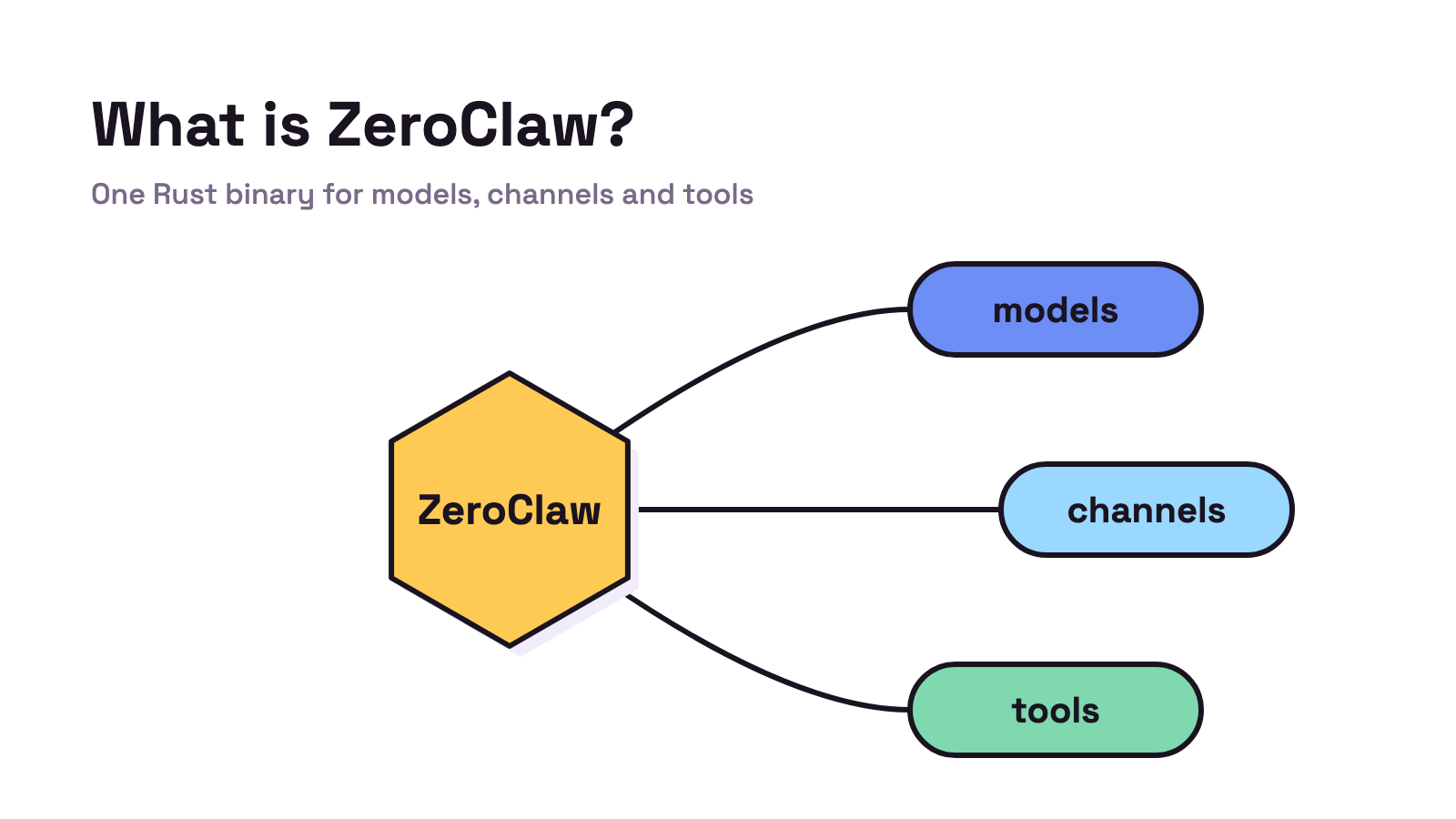
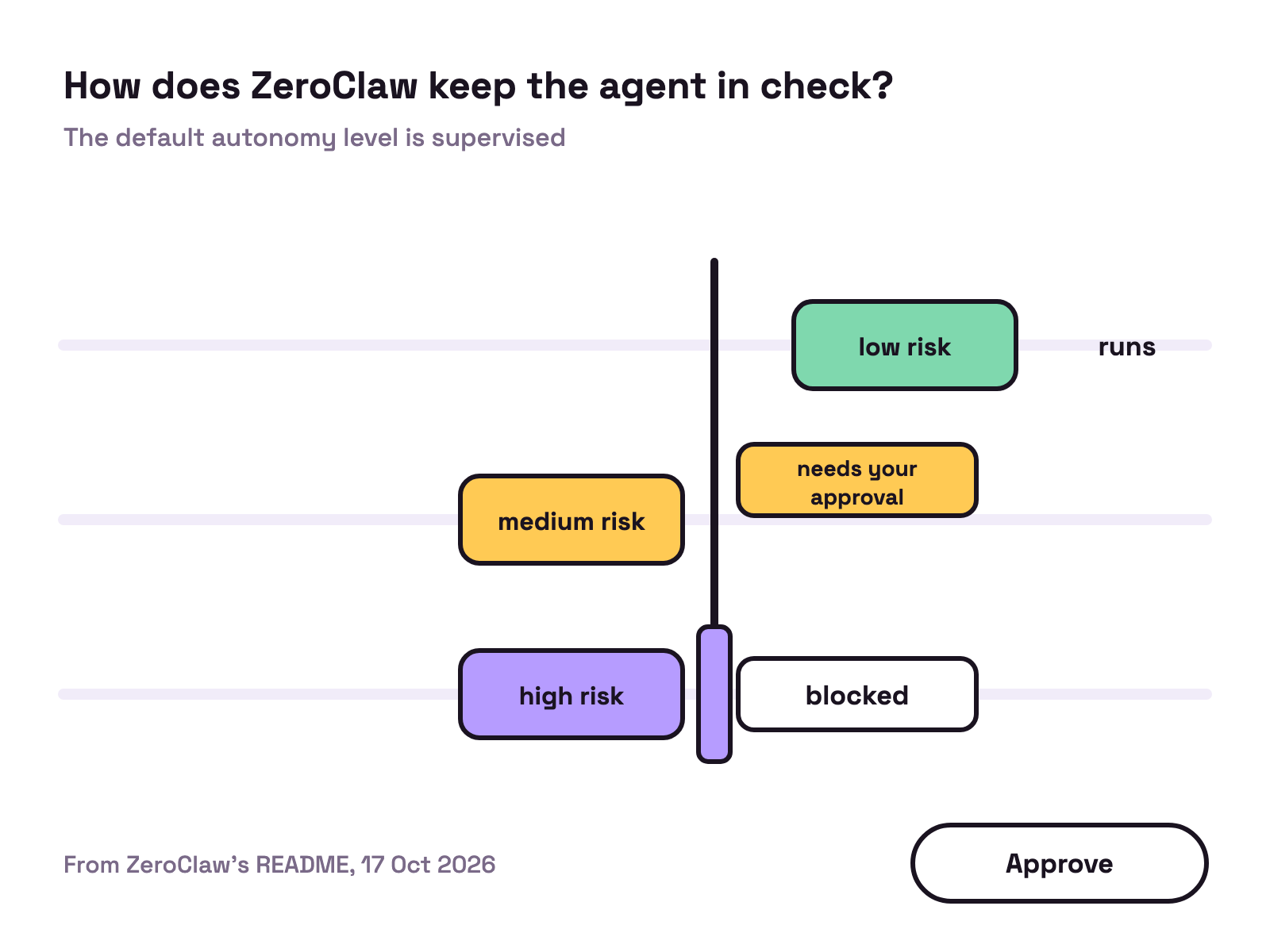
ZeroClaw is a free, open source agent runtime: one Rust binary that connects a model to your chat apps, tools and even hardware, with approval gates switched on by default. Pick it if you want a small, always on assistant that you set up in one config file. Checked 17 Oct 2026.
If your real work is code rather than chat, Munder Difflin is free and open source: a desktop app that runs a team of coding agents such as Claude Code, Codex and Gemini CLI on your own computer. Our OpenClaw alternatives page compares both with five other tools, and our install guide covers setup.
What is ZeroClaw?
The README calls ZeroClaw an agent runtime, “a single Rust binary you configure and run.” It talks to model providers, takes messages from channels and acts through tools. The repo describes it as “Fast, small, and fully autonomous AI personal assistant infrastructure, any OS, any platform”.
| Detail | ZeroClaw (17 Oct 2026) |
|---|---|
| Licence | MIT or Apache 2.0, your choice, per the README |
| Language | Rust |
| Latest release | v0.8.5, published 5 Sep 2026 |
| Providers | Anthropic, OpenAI, Ollama “and ~20 others” |
| Channels | 30+, including Discord, Telegram, Matrix, email and webhooks |
| Config | One TOML file at ~/.zeroclaw/config.toml |
| GitHub | More than 32,000 stars, created 13 Feb 2026 |
The README lists more than chat: a web dashboard for chat, memory, config and cron jobs, an engine for event triggered “Standard Operating Procedures”, editor integration through the Agent Client Protocol, and hardware control on Raspberry Pi, STM32, Arduino and ESP32 boards. The README’s architecture diagram keeps memory in SQLite with embeddings, and a gateway offers REST and WebSocket access for other clients.
How does ZeroClaw keep the agent in check?
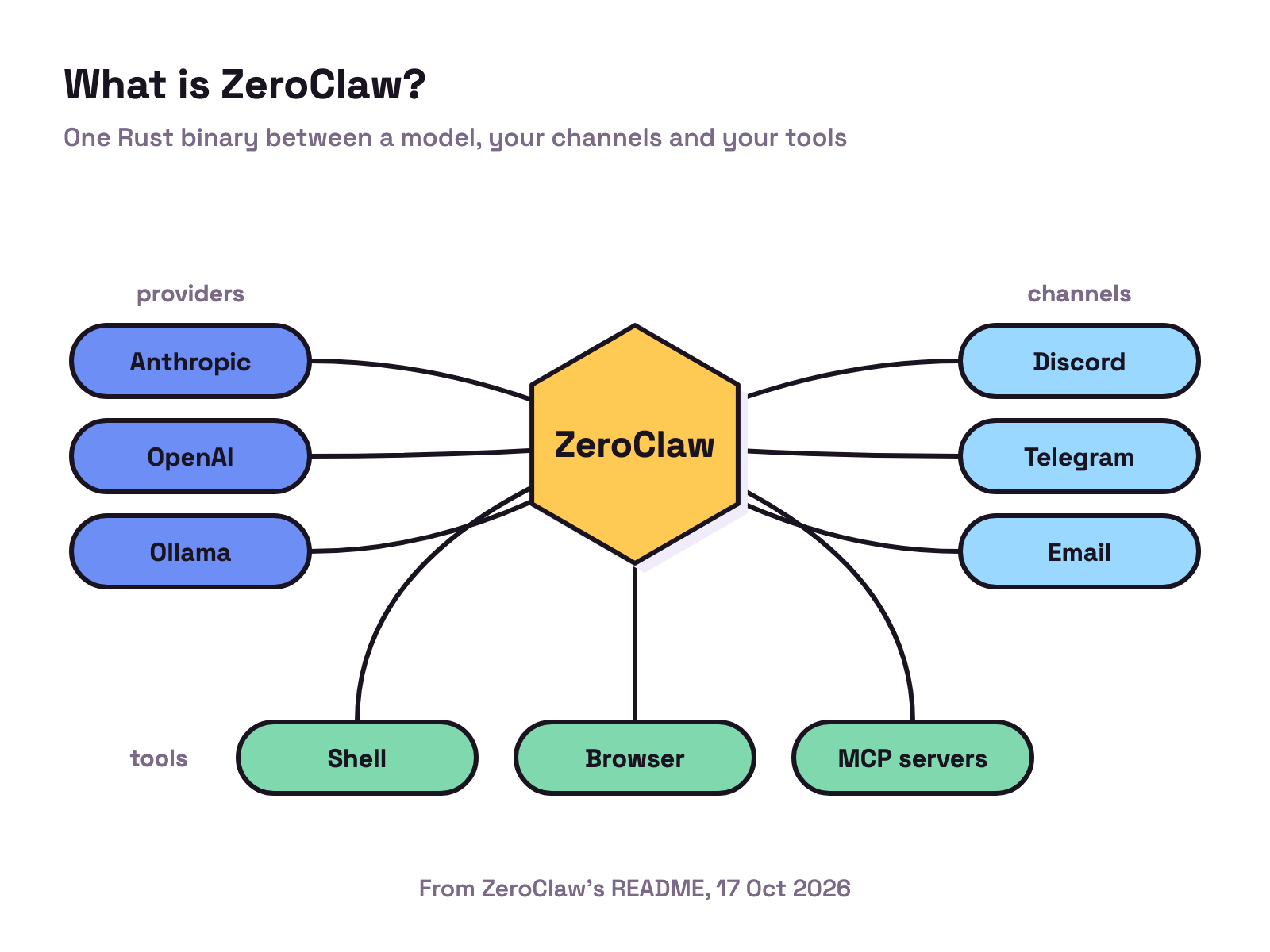
ZeroClaw starts cautious. The README says the default autonomy level is supervised, where medium risk operations need your approval and high risk ones are blocked. On top of that it lists workspace boundaries, a command policy, OS level sandboxes (Landlock, Bubblewrap, Seatbelt or Docker) and “cryptographic tool receipts on every action”.
You can turn the gates off. The quick start points to a YOLO mode that skips the safety gates “for dev boxes”. On a machine that holds anything you care about, keeping supervised is the sensible choice, in our view.
The README also carries a warning: github.com/zeroclaw-labs/zeroclaw is “the only official ZeroClaw repository”, and anything else claiming the name is “unauthorized and not affiliated with this project”. Check the address before you install.
How do you install ZeroClaw?
On Linux and macOS, the README’s recommended path is a script, then the guided setup:
curl -fsSL https://raw.githubusercontent.com/zeroclaw-labs/zeroclaw/master/install.sh | sh
"${CARGO_HOME:-$HOME/.cargo}/bin/zeroclaw" quickstart
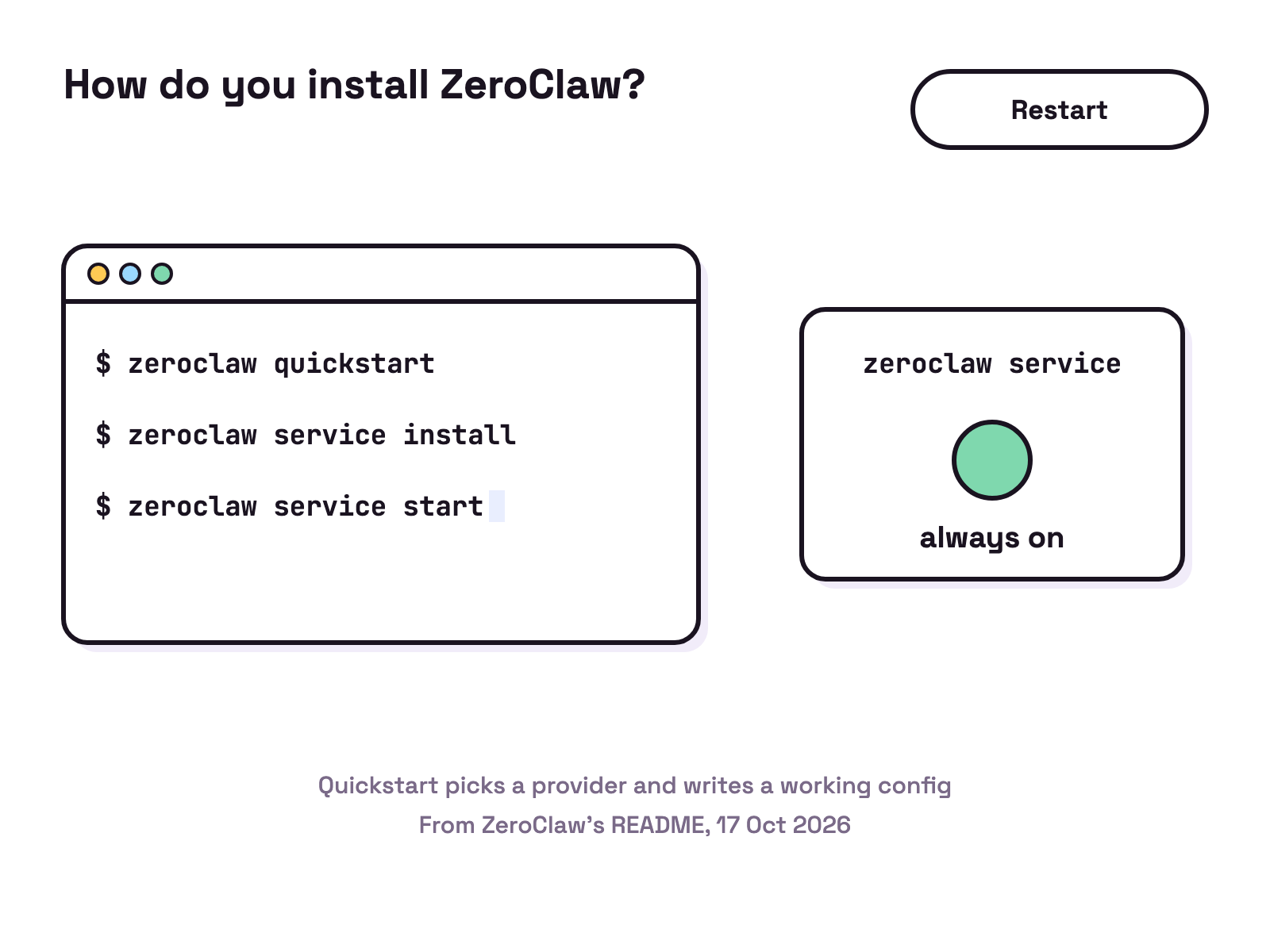
On Windows it points to a prebuilt PowerShell path that installs the current release and runs Quickstart. From there, the README’s quick start is four commands: zeroclaw quickstart to pick a provider and write a working config, zeroclaw agent -a <alias> to chat, then zeroclaw service install and zeroclaw service start to keep it running in the background as a system service.
The README says a working config needs at least a provider entry, an agent that references it and a risk profile the agent is gated against; Quickstart writes one for you. It keeps setup notes for Linux, macOS, Windows, FreeBSD, NixOS and Docker.
Which models and tools does ZeroClaw support?
Providers are pluggable. The README names Anthropic, OpenAI, local Ollama and any OpenAI compatible endpoint, with fallback chains that “keep the agent running when a provider flakes.” It also covers subscriptions: if you already use Codex CLI, zeroclaw auth login --model-provider openai-codex --import ~/.codex/auth.json imports that sign in and Quickstart can write the provider entry, while a Claude Max setup token from claude setup-token goes in the Anthropic slot.
Tools include a shell, a browser, HTTP calls, hardware and custom MCP servers. On boards, ZeroClaw reaches GPIO, I2C, SPI and USB through what the README calls the Peripheral trait. For more agents that run local models, see open source AI agents.
What changed in ZeroClaw v0.8.5?
The v0.8.5 release, published 5 Sep 2026, spans “454 commits from 73 contributors”. It introduces ZeroRelay and ZeroRouter, lets the dashboard keep several conversations open per agent, and adds Grok Build ACP and Atlas Cloud as providers. It also removes or narrows several deprecated features, so the notes ask you to read the breaking changes before upgrading plugins, skills and other integrations.
Our view: ZeroClaw suits someone who wants an always on assistant, likes one config file and may want to wire in hardware. For the container based alternative, see what is NanoClaw, and for the bigger picture, Hermes Agent vs OpenClaw.
FAQ
What is ZeroClaw?
ZeroClaw is a free, open source agent runtime written in Rust. Its README calls it "a single Rust binary you configure and run". It connects a model to chat channels such as Discord, Telegram and email, and to tools such as a shell, a browser and custom MCP servers.
Is ZeroClaw free?
Yes. The README says ZeroClaw is dual licensed, MIT or Apache 2.0, at your choice. You still pay for the model it calls, through an API key or a subscription such as Codex or Claude Max, or you run a local model through Ollama.
Is ZeroClaw safe to run?
Its default autonomy level is supervised: the README says medium risk operations need your approval and high risk ones are blocked. It adds workspace boundaries, a command policy, OS sandboxes and signed tool receipts. A YOLO mode skips the approval, workspace, command and sandbox gates and is meant for dev boxes.
Which is the official ZeroClaw repository?
The README says github.com/zeroclaw-labs/zeroclaw is the only official repository, and that any other repository, organisation, domain or package claiming the name is unauthorised and not affiliated with the project.
What is the difference between ZeroClaw and NanoClaw?
ZeroClaw is one Rust binary you set up through a TOML config file, with pluggable providers. NanoClaw is a TypeScript project that runs each agent in a Docker container, uses the Claude Agent SDK by default and is customised by changing its code.