Cline vs Munder Difflin: One Agent Everywhere, or a Team of Agents?
Cline vs Munder Difflin on 17 Oct 2026: what each one is, how they compare on models, teams and price, and when to pick which.
Pick Cline if you want one open source coding agent that follows you from VS Code to the terminal to a desktop app; pick Munder Difflin if you want several different coding agents working one job as a team. Checked 17 Oct 2026.
Munder Difflin is what we make. It is free and open source: a desktop app that runs a team of coding agents such as Claude Code, Codex and Gemini CLI on your own computer. Cline is a different kind of tool, and for plenty of people it is the right one. This page sets out where each fits.
What is Cline?
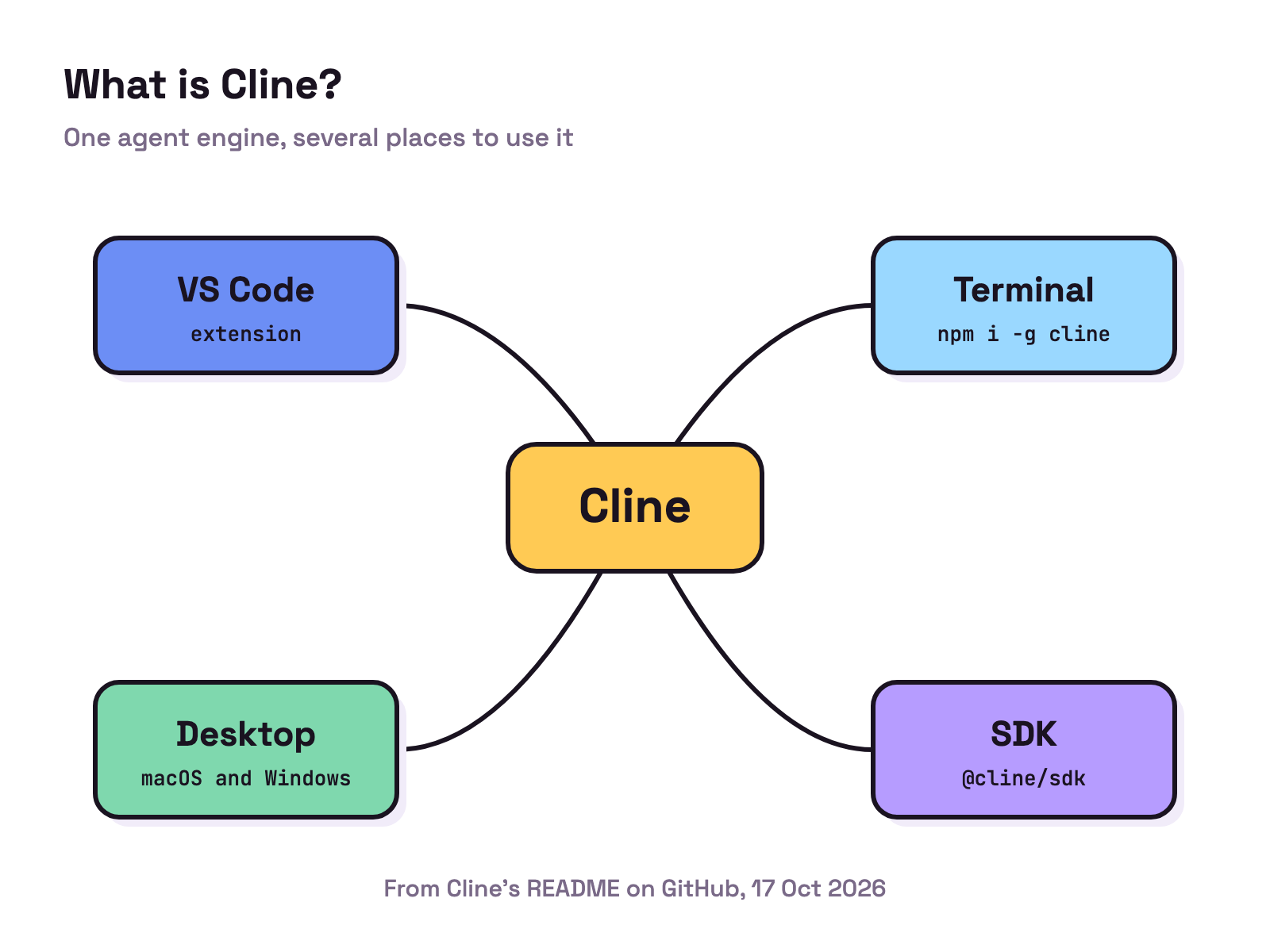
Cline’s README calls it “The open source coding agent in your IDE, terminal, & desktop.” It is licensed Apache 2.0. One agent engine sits behind several front ends:
- VS Code extension. Edits show as diffs you can review or revert, with checkpoints to undo the agent’s work.
- CLI. Installed with
npm i -g cline, with an interactive chat or a headless mode for scripts and CI. - Desktop app. A native app for macOS and Windows that runs agent sessions in any folder, schedules routines and manages models, plugins and MCP servers.
- JetBrains plugin. The README says Cline is currently not open sourcing its JetBrains plugins, and the pricing page lists the JetBrains extension under Enterprise.
- SDK.
@cline/sdk, for building your own agents on the same engine.
Cline works in a Plan mode and an Act mode, and the README says every file edit and terminal command needs your approval unless you turn on auto approve. It is not tied to one provider: the README lists Anthropic, OpenAI, Google, OpenRouter, Bedrock, Vertex and any OpenAI compatible API, plus Ollama and LM Studio for local models.
It has grown well past an editor plugin. The README now describes multi agent teams, where “A coordinator agent breaks the work into subtasks and delegates to specialist agents”, scheduled agents on cron and chat connectors for Slack, Telegram, Discord and others. Releases are frequent: CLI v3.0.73 and desktop v0.0.48 on 17 Oct, and extension v4.1.25 on 16 Oct, which began rolling out Cline Cloud sessions in a hosted sandbox.
What is Munder Difflin?
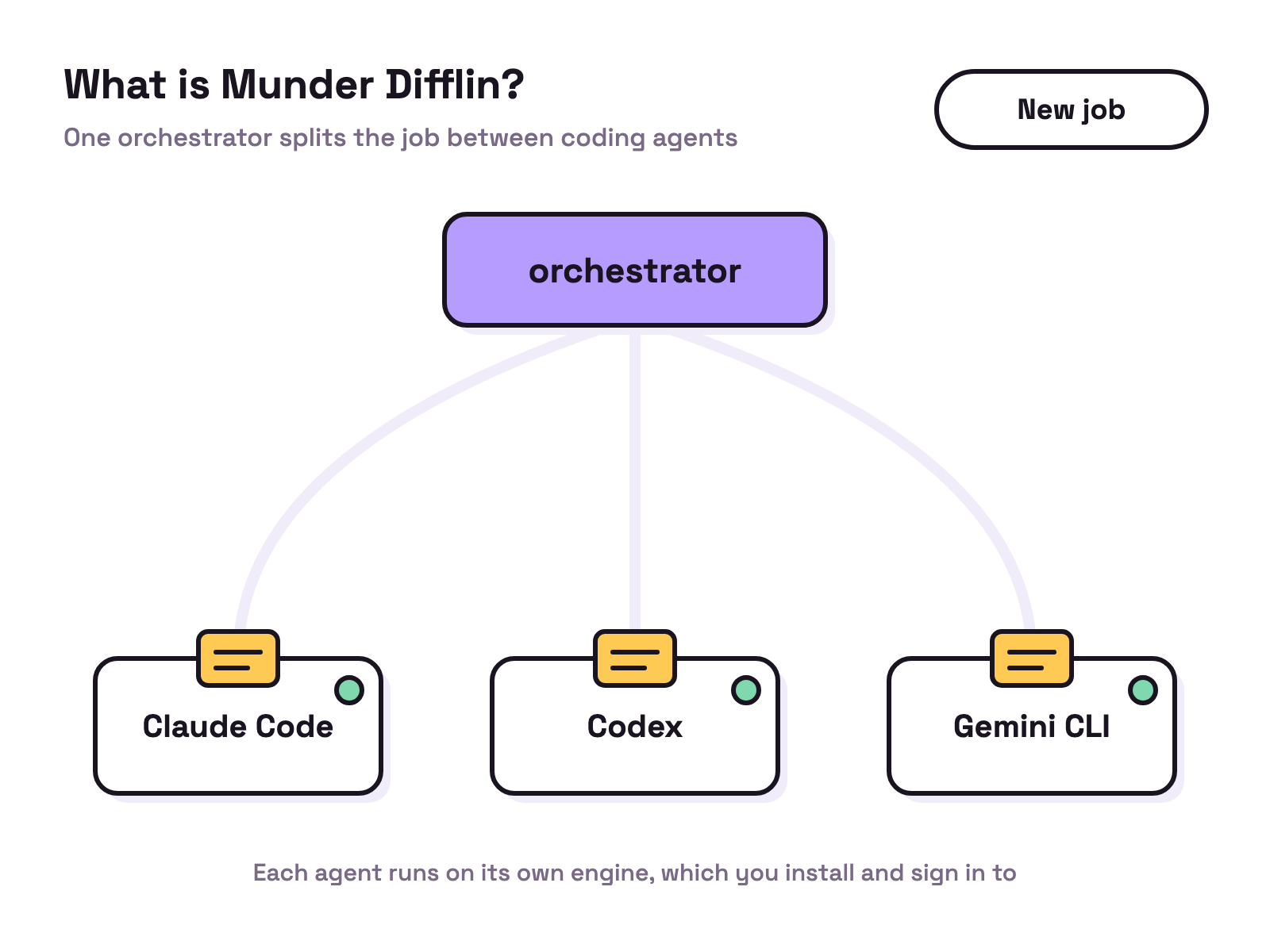
Munder Difflin is an office for coding agents. You talk to one orchestrator; it splits a job into pieces, hires other agents and hands the pieces out, and comes back to you when something needs your decision. Each agent runs on an engine such as Claude Code, Codex or Gemini CLI. The app is the office around them: tasks, memory, schedules and messages between agents.
You still install each engine and sign in with your own plan or key; Munder Difflin does not run a model by itself. Our install guide walks through setup, and what is a multi agent harness explains the idea.
How do Cline and Munder Difflin compare?
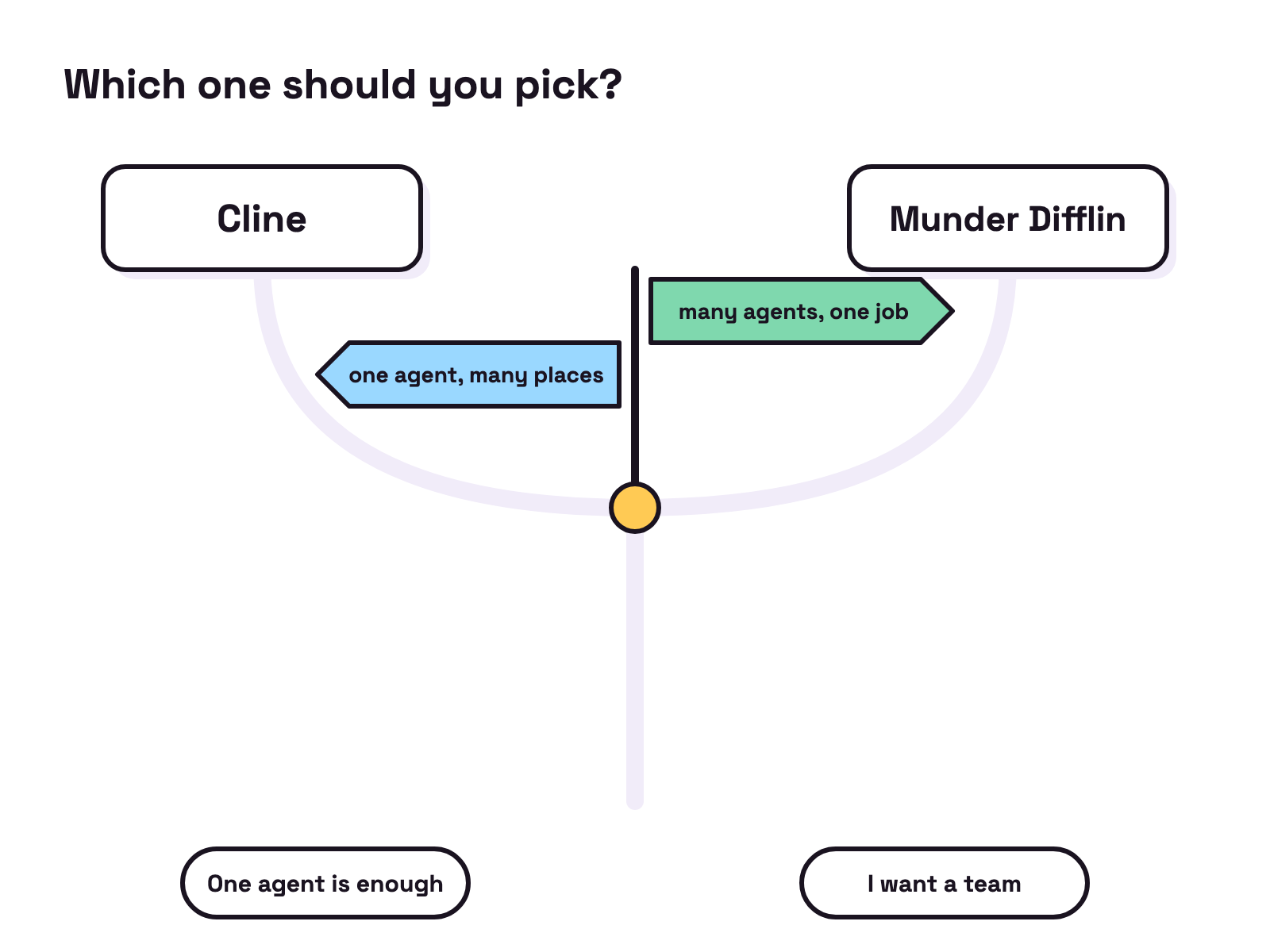
Cline is one agent you can take to many places; Munder Difflin is a place where several different agents work together.
| 17 Oct 2026 | Cline | Munder Difflin |
|---|---|---|
| What it is | One coding agent with many front ends | A desktop app that runs a team of coding agents |
| Where you use it | VS Code, JetBrains (Enterprise), terminal, desktop app, SDK | Its desktop app, with each agent in its own terminal |
| Models | Any provider you add, including local models through Ollama or LM Studio | Whatever each agent’s engine runs |
| Teams | A coordinator and specialist agents, inside Cline | Different agents, such as Claude Code, Codex and Gemini CLI, led by an orchestrator |
| Licence | Apache 2.0 (JetBrains plugin not open source) | Free and open source |
| Price | Free for individual developers; you pay for inference. Enterprise through sales | Free and open source; you bring your agents’ plans or keys |
Sources: Cline’s README and pricing page, read 17 Oct 2026.
When should you pick Cline?
Pick Cline when one capable agent is enough and you want it close to your code.
- You want one agent in the editor you already use. The VS Code extension shows each edit as a diff, and Plan mode lets you agree on a plan before anything changes.
- You want to choose your own model. Cline takes keys from many providers, and Ollama or LM Studio if you want local models.
- You want one tool in many places. The same engine runs in the editor, the terminal, CI, the desktop app and your own code through the SDK.
If those cover you, Cline is the more direct fit. For other tools in this space, see our OpenCode alternatives and Claude Code alternatives.
When should you pick Munder Difflin?
Pick Munder Difflin when the job is big enough to split, or when you want different agents on it.
- You already pay for more than one agent. If you have Claude Code, Codex and Gemini CLI, Munder Difflin puts them on one team instead of three terminal tabs.
- You want a job split for you. The orchestrator breaks the work up, hires agents and asks you only when it needs a decision.
- You want the team to keep its context. Everything the team does lives in one workspace folder: its work, memory, tasks and history.
For the wider field of team tools, see the best Claude Code multi agent tools and how to choose a multi agent tool.
Can you use Cline and Munder Difflin together?
Yes, side by side. They are separate apps, so nothing stops you keeping Cline in your editor for hands on work while Munder Difflin runs a team on a bigger job. Munder Difflin’s agents run on engines such as Claude Code, Codex and Gemini CLI. For a head to head with another team tool, see Claude Squad vs Munder Difflin.
FAQ
What's the difference between Cline and Munder Difflin?
Cline is an open source coding agent that you use in VS Code, a terminal or its desktop app (and JetBrains on its Enterprise plan), on the model you choose. Munder Difflin is a free and open source desktop app that runs a team of coding agents such as Claude Code, Codex and Gemini CLI on your own computer, with an orchestrator that splits a job between them.
Is Cline free?
Cline's pricing page says Cline is free for individual developers and that you pay only for AI inference on a usage basis, with your own API keys or the Cline provider. JetBrains support, SSO and team management sit in its Enterprise plan, priced through sales. Checked 17 Oct 2026.
Can Cline run a team of agents?
Yes. Cline's README describes multi agent teams in which a coordinator agent breaks the work into subtasks and delegates to specialist agents, started with the --team-name flag. Those teams run inside Cline. Munder Difflin's team mixes different coding agents, such as Claude Code, Codex and Gemini CLI.
Can you use Cline and Munder Difflin together?
They are separate apps, so you can keep Cline in your editor and run Munder Difflin beside it. Munder Difflin's agents run on engines such as Claude Code, Codex and Gemini CLI, and you install and sign in to each one yourself.