Context Engineering for AI Agents: Budgeting the Window
Why context engineering beats prompt wording for agents — and the tactics (isolation, retrieval, externalized state, compaction) that keep the window lean.
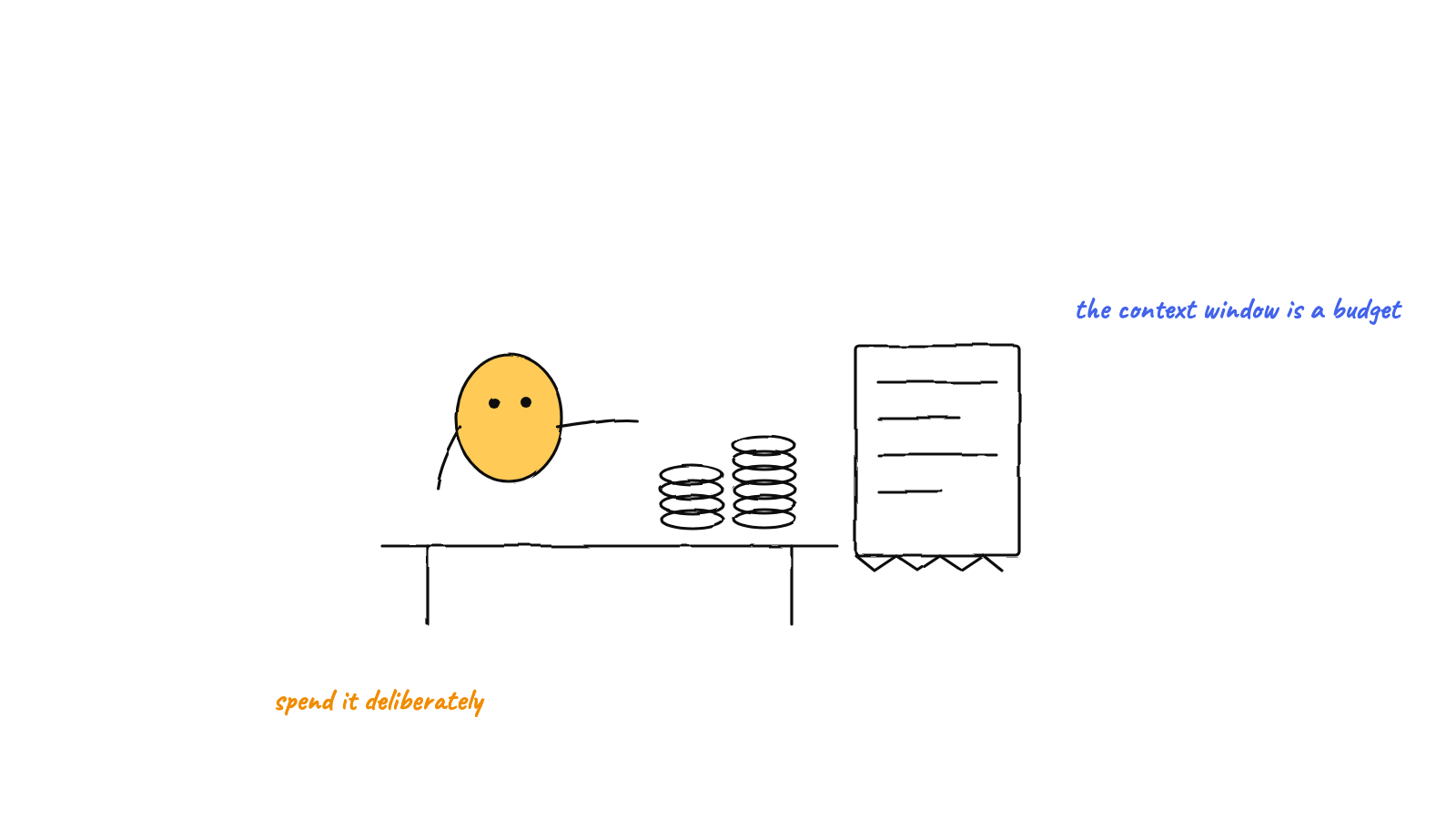
Context engineering is deciding what occupies a model's finite window at each step — and what stays out. It's the system-level successor to prompt engineering. The window is a budget, not a bucket: past a point, more tokens make answers worse. The four moves that matter for a hive of agents are isolation (a small window per agent), retrieval (pull the few relevant notes, not all of them), externalized state (keep mailboxes, logs, and the plan in files, not in context), and compaction (summarize the long tail). Get those right and a fleet of agents stays sharp for hours.
For a long time the craft of working with language models was prompt engineering — finding the wording that coaxed the best answer out of a single request. That framing made sense when the unit of work was one prompt and one completion. It stops making sense the moment you have an agent that runs for an hour, calls thirty tools, reads files, and coordinates with five other agents. At that scale the exact phrasing of any one message is a rounding error. What decides whether the agent succeeds is the entire set of tokens in its context window at the moment it has to act — and that set is something you design. That design discipline is context engineering.
The window is a budget, not a bucket
Every model has a finite context window, and that window is the agent’s entire working memory. Newer models advertise enormous windows — hundreds of thousands of tokens, sometimes a million — and the intuitive conclusion is “great, I’ll just put everything in.” That intuition is wrong, and it’s the single most expensive mistake in agent design.
Quality does not increase monotonically with tokens. Past a certain fill level, answers get worse — a phenomenon now widely called context rot. Irrelevant history distracts the model; stale tool output gets mistaken for current state; two notes that contradict each other pull the model in two directions. The window is a budget you spend, and every token you add has a cost in attention even when it’s free in dollars. The job of context engineering is to spend that budget on the smallest set of high-signal tokens that lets the model take the right next step.
It helps to name the ways a window goes bad. The 2025 taxonomy that stuck:
- Poisoning — a wrong fact (often a hallucination) lands in context and gets referenced as truth on every subsequent turn.
- Distraction — so much history accumulates that the model leans on it instead of reasoning about the task in front of it.
- Confusion — irrelevant-but-present content (a tool the agent will never call, a doc for another feature) nudges the model off course.
- Clash — two parts of the window disagree, and the model has no way to know which to trust.
Notice that three of the four get worse as you add tokens. That’s the whole argument for treating context as something to curate, not accumulate.
Multi-agent makes it sharper
In a single-agent setup you can sometimes get away with a messy window. In a hive you can’t. Every agent has its own window, and they have to coordinate. The naive design — one giant shared context that every agent sees — fails on all three axes at once: it’s expensive (you pay for the shared blob in every agent’s token bill), it’s slow (bigger windows cost latency), and it’s confusing (each agent wades through five other agents’ chatter to find its own task).
The whole architecture of a multi-agent harness is, viewed one way, an answer to a context-engineering question: how do we let many agents share state without sharing windows? The answer is to keep the shared state out of the window and let each agent pull in only the slice it needs.
Four moves that keep the window lean
1. Isolation — one small window per agent
The first and biggest lever is to give each agent its own context, scoped to its own role. A planner doesn’t need the executor’s tool output; a reviewer doesn’t need the full chat history of the agent it’s reviewing. When an orchestrator hands a sub-task to a specialist, it hands over a brief — the goal and the few facts that matter — not a transcript.
This is why “spin up a sub-agent for the search” so often beats “stuff the search results into my own context.” The sub-agent burns its window on the messy intermediate work and returns a clean conclusion; the parent’s window stays small and high-signal. Isolation is context engineering’s version of encapsulation. (For where this helps and where it doesn’t, see Claude Code subagents vs a multi-agent harness.)
2. Retrieval — recall the relevant few, not the relevant many
An agent that has worked for weeks has learned far more than fits in a window. The wrong fix is to load its whole history “just in case.” The right fix is retrieval: store everything durably outside the window, and at each step pull in only the handful of notes that bear on the task.
This is exactly what semantic memory for AI agents provides. The agent’s knowledge lives in markdown files; a semantic index sits on top; a query like “how do we build the web bundle?” returns the two or three relevant notes by meaning, even if they never used those words. The window cost stays flat as the knowledge base grows — that’s the property you’re buying. Recall-everything scales the window with history; retrieval keeps it constant.
3. Externalized state — files the agent reads, not tokens it carries
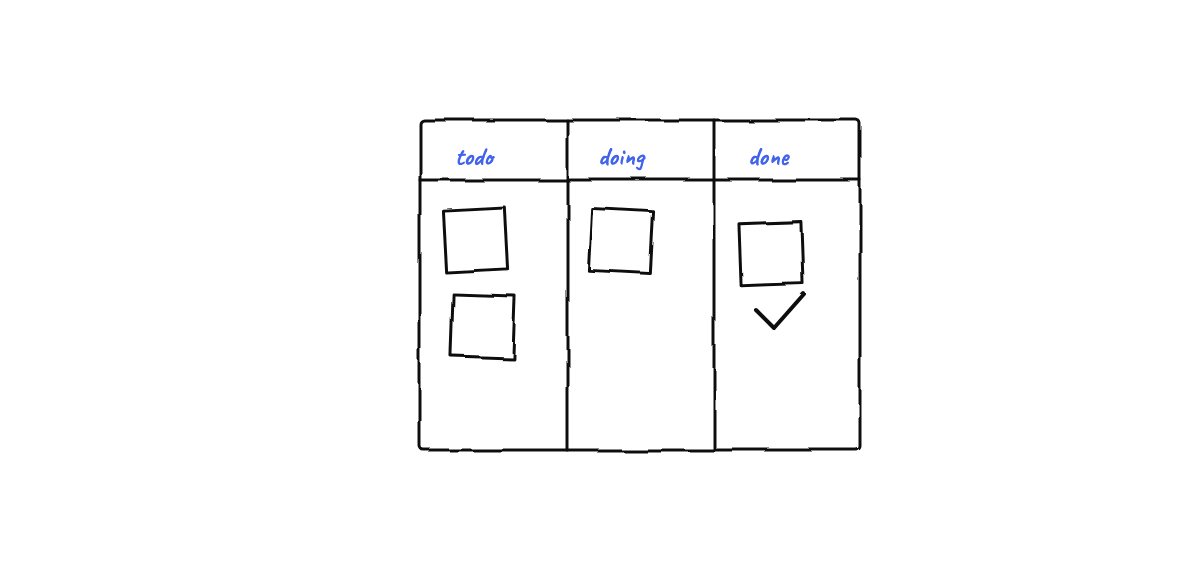
The most underrated context-engineering move is to keep coordination state in files rather than in the window. A hive’s shared plan, its message mailboxes, and its event log are all state the agents need access to — but not state they need resident in context at all times.
In a file-based coordination model, an agent reads its inbox at the start of a task, acts, and writes a reply to its outbox — the messages live on disk, not in a shared prompt. The append-only event log records every action for debugging and replay, but no agent carries the log in its window; it’s read on demand when something needs investigating. The shared board is the plan of record, edited by one writer, read by anyone who needs it. The window holds a pointer to the state, and the agent dereferences it just-in-time. This is the agent equivalent of not loading the entire database into RAM.
The same principle applies to tools and docs: load a tool’s full schema or a library’s documentation when the agent decides to use it, not preemptively for every tool it might theoretically call. Just-in-time beats just-in-case.
4. Compaction — summarize the long tail
Even a well-scoped agent eventually fills its window if it runs long enough. The escape valve is compaction: when the history grows past a threshold, summarize the old turns into a compact recap and continue from there. Done well, the agent keeps its conclusions, its open decisions, and its current state, while shedding the verbose middle — the tool calls and dead ends that got it there.
Our hive’s hourly standup is compaction as a team ritual: each agent reports what it did and what’s next in a few lines, and that digest — not the raw hour of work — is what propagates. The transcript stays on disk for anyone who needs to replay it; the summary is what travels. Whether it’s a single agent compacting its own session or a team compacting into a standup, the move is the same: trade fidelity you no longer need for window you do.
A practical checklist
When an agent underperforms, resist the urge to rewrite its prompt first. Audit its window instead:
- What’s resident that shouldn’t be? Stale tool output, another agent’s chatter, a doc for a feature this agent doesn’t touch — evict it.
- What’s missing that should be there? The one decision from three hours ago that changes the answer. Make sure retrieval surfaces it.
- Is anything contradicting anything? Two notes that clash; an outdated fact next to its correction. Resolve or remove.
- Could this be a sub-agent? If the task involves messy intermediate work, isolate it and return a clean result.
- Is shared state in the window or in files? Move coordination state to disk and read it on demand.
- Is it time to compact? If history dominates the window, summarize and continue.
Most “the model got dumber” complaints are context problems wearing a model costume. The fix is rarely a better sentence; it’s a cleaner window.
The same care applies to what comes back out: ASD-STE100 prompting is a one line way to make an agent’s answers shorter and easier to check.
Why this is the durable skill
Models will keep getting bigger windows, and every jump tempts people to stop curating. Don’t. A bigger window raises the ceiling on what you can hold; it does nothing to change the fact that signal beats volume. The teams that get the most out of agents — single or swarm — are the ones who treat the context window as the scarce, high-value resource it is and engineer what goes into it deliberately.
Munder Difflin is built around exactly these moves: isolated per-agent windows, semantic memory that recalls the relevant few, file-based mailboxes and an event log that keep shared state out of context, and standups that compact the long tail. Download Munder Difflin to run a hive that stays sharp for hours — it’s free and open source.
FAQ
What is context engineering?
Context engineering is the discipline of deciding exactly what tokens occupy a model's finite context window at each step — instructions, tools, retrieved memory, and history — so the model has what it needs and nothing it doesn't. It's the system-level successor to prompt engineering: prompt engineering tunes the wording of one message, context engineering curates the whole window over a long-running, multi-turn agent.
How is context engineering different from prompt engineering?
Prompt engineering optimizes a single static prompt. Context engineering manages a dynamic, growing window across many turns and often many agents — what to load, what to retrieve just-in-time, what to summarize, and what to keep out of the window entirely. For agents that run for hours and call dozens of tools, the prompt is the smallest part of the problem.
What is context rot?
Context rot is the degradation in answer quality as a context window fills up. More tokens isn't strictly better: irrelevant history, stale tool output, and contradictory notes distract the model and crowd out what matters. A large window is a budget to spend carefully, not a bucket to fill.
Why does context engineering matter more in a multi-agent system?
Because every agent has its own finite window and they must coordinate. If you pour all shared state into every agent's context, you pay for it in tokens, latency, and confusion. The fix is to give each agent a small, role-scoped window and keep the shared state — mailboxes, logs, the plan — in files the agent reads on demand.