How to Debug a Multi-Agent System
How to debug a multi-agent system: use the event log, per-agent terminals, message trails, and git history to find why a hive of AI agents went sideways.
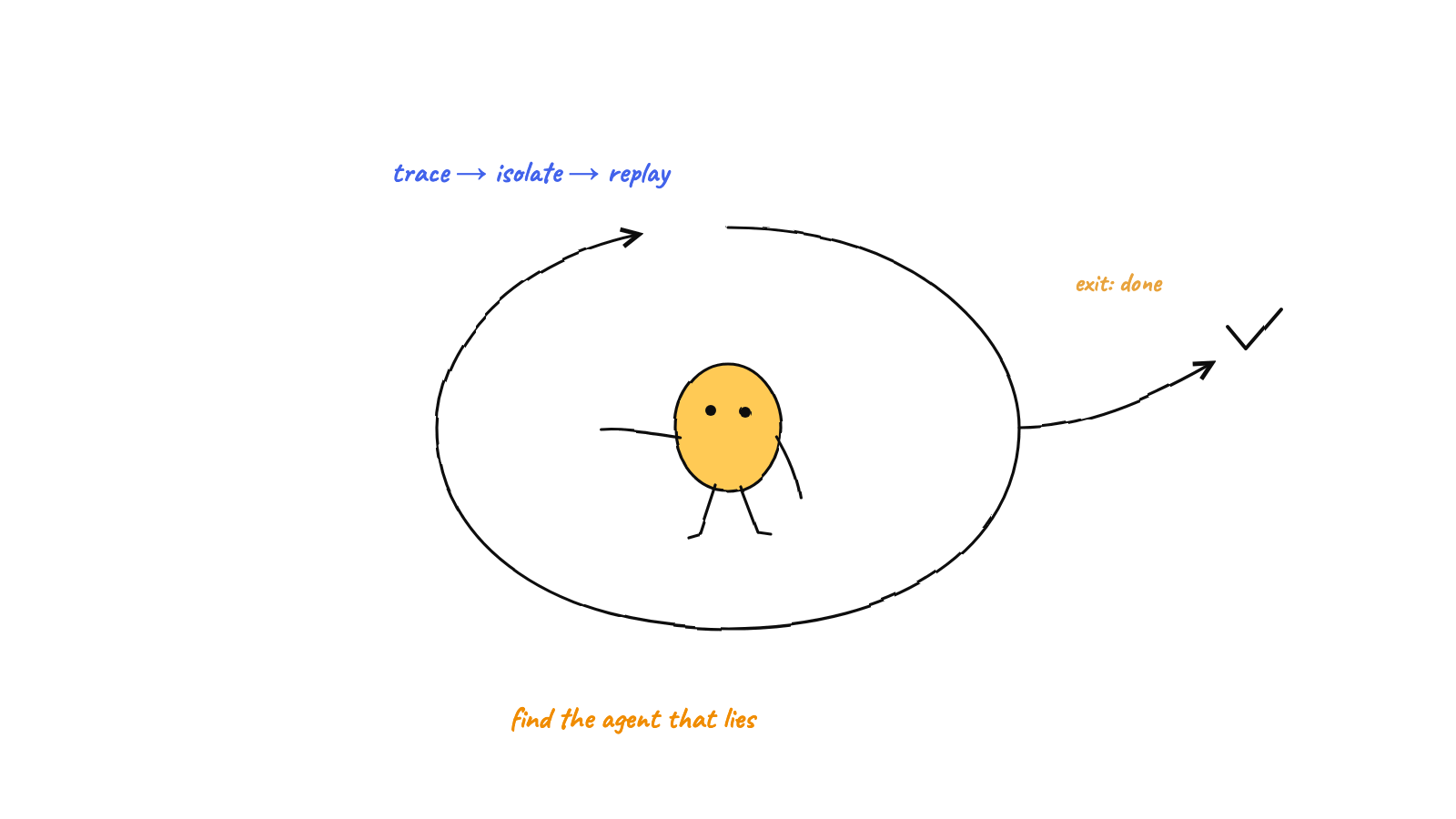
To debug a multi-agent system, work from the outside in: read the event log to find when the run diverged, follow the message trail between the agents involved, then open the offending agent's terminal for byte-level detail — and use git history to replay the coordination state. The bug often lives in the interaction between agents, not inside any one of them, so start with the timeline.
Debugging one agent is familiar: read its output, find the bad step. Debugging a hive is different, because the failure is often relational — two agents coordinated wrong, a message went to the wrong place, a handoff never happened. Staring at a single agent’s terminal won’t show you that. This is a practical method for finding out why a multi-agent system went sideways, using the observability a well-built hive already gives you.
Start with the timeline, not an agent
The first instinct — “open the agent that misbehaved” — is usually the slow path. The fast path is the append-only event log: the ordered, immutable record of everything the hive did. Every spawn, every routed message, every escalation and approval is one timestamped line. Read it and you get the sequence, which is exactly what a per-agent view hides.
Scan the log for the moment things diverged from what you expected:
- a message routed to the wrong agent (or never routed),
- an escalation that should have fired and didn’t (or fired when it shouldn’t),
- an agent that went idle while it still had work,
- a burst of activity where there should have been calm.
The event where reality and expectation part is your starting point. Now you know which agents and which moment to investigate — instead of reading six terminals hoping to spot it.
Follow the message trail
Multi-agent bugs frequently live in the messaging. Once the log points you at the agents involved, follow the trail their mailboxes leave. Because messaging is file-based (atomic file mailboxes), the evidence is sitting on disk:
- An agent’s outbox archive (sent messages) shows exactly what it asked for, and how it phrased the request.
- An agent’s inbox and its handled folder show what it received and what it acted on.
- The speech act on each message (
request,inform,done…) tells you whether a reply was even expected — a common bug is one agent replying to a terminalinformand starting a loop, or not replying to arequestand leaving a peer stuck.
Reading the trail answers the relational question: did A actually ask B what you think it did, and did B get it? Half of “the hive stalled” bugs resolve right here — a message that was malformed, misrouted, or never sent.
Drop into the agent’s terminal
Now — and only now — open the specific agent’s terminal. Because every agent runs in a real pseudo-terminal, you have its byte-for-byte output, not a summary. With the log and the message trail having narrowed which agent and which moment, the terminal gives you the detail: the exact command that failed, the error it hit, the reasoning it printed. This is where a multi-agent bug finally becomes a single-agent bug you can fix.
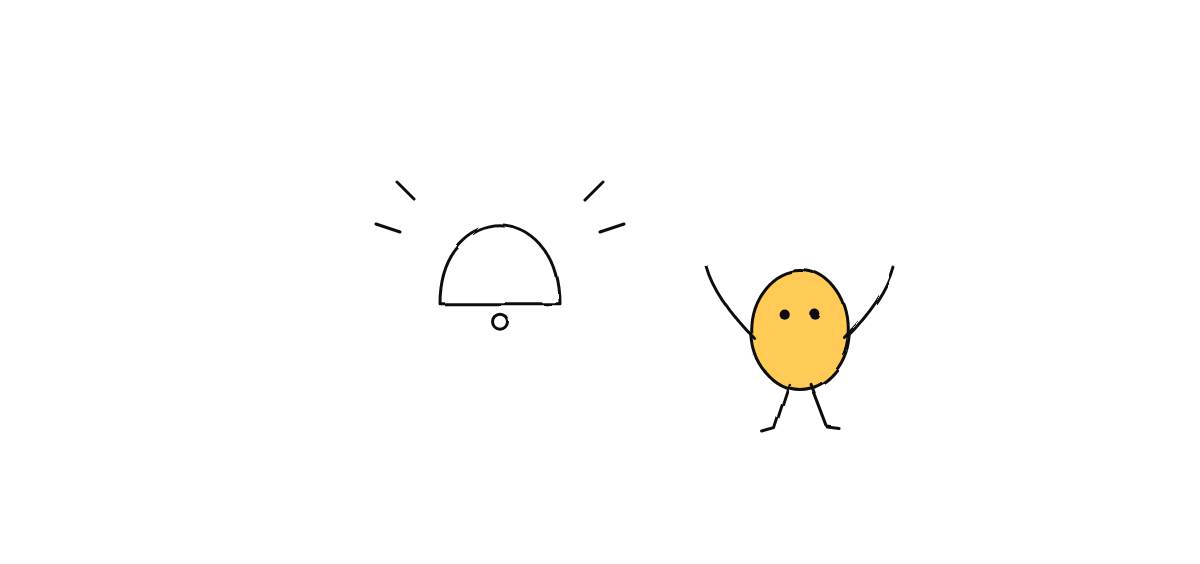
The office floor helps here too: the live visualization shows you, at a glance, which agent is blocked (waving at the mailbox), which is spinning, and which went idle — often pointing you at the right terminal before you’ve even opened the log.
Replay with git
The hive’s coordination state lives in a git repo that the main process commits to as it works (the single-committer pattern). That makes the whole run replayable: each coordination step is a commit, so you can walk the history and reconstruct exactly what the hive knew at any point — the roster, the pending messages, the board. When “what state was the system in when it broke?” matters, the git log answers it precisely instead of from memory.
Check the usual suspects
Some failure modes recur in multi-agent systems. When you’re stuck, check these directly:
- Livelock. Two agents ping-ponging. The log shows a tight back-and-forth; the fix is usually a message type that shouldn’t have obligated a reply, or a hop cap that should have escalated.
- A stuck agent. One agent waiting on a reply that never came. The message trail shows the unanswered
request; the peer either didn’t receive it or didn’t treat it as needing a reply. - Reprocessing. An agent acting on the same message twice. Check its cursor and whether handled messages were moved aside — idempotent handling should make re-seeing a message a no-op.
- A silent escalation. Something critical that should have reached the human but didn’t (or vice versa). The approvals queue and the log’s escalation events tell you what the policy actually did.
Build for debuggability up front
The reason this method works is that the observability was designed in, not bolted on. If you’re building a multi-agent system, the lesson is to make it debuggable before you need to debug it:
- record an append-only event log so you always have a timeline,
- keep messaging file-based and archived so trails persist,
- give each agent a real terminal so detail is never lost, and
- commit coordination state to git so any moment is replayable.
Get those four right and “why did the hive do that?” stops being a mystery and becomes a query.
FAQ
Can I debug without stopping the agents? Yes — the log, message files, and git history are all read-only artifacts you can inspect while the hive runs. The visualization is live. You rarely need to halt the team to understand it.
What if the bug is in my orchestrator’s judgment? That’s a prompt problem, not a code problem. The log shows you the routing decision that went wrong; you correct the orchestrator’s instructions (its escalation and routing policy) rather than patching the mechanism.
Munder Difflin makes a hive debuggable by design: an event log, file-based message trails, real per-agent terminals, a git-committed history, and a live floor. Download Munder Difflin to run agents you can actually trace; it’s free and open source.
FAQ
How do you debug a multi-agent system?
Start from the timeline, not a single agent. Read the append-only event log to find when things diverged, follow the message trail between the agents involved, then drop into the specific agent's terminal for the byte-level detail. The order — log, messages, terminal — keeps you from guessing.
Why is debugging multiple agents harder than one?
Concurrency and interaction. A bug may not live in any one agent but in how two of them coordinated — a misrouted message, a missed handoff, a shared assumption that was wrong. You need the cross-agent view, not just per-agent logs.
What's the single most useful artifact for multi-agent debugging?
The append-only event log. It's the ordered, immutable timeline of everything that happened — who spawned, who messaged whom, what escalated — so you can replay the run and find the exact event where it went wrong.