From One Terminal to a Team: Scaling Your Claude Code Workflow
The workflow shift from a single Claude Code session to a coordinated team of agents — what changes, where it breaks, and the concrete before-and-after.
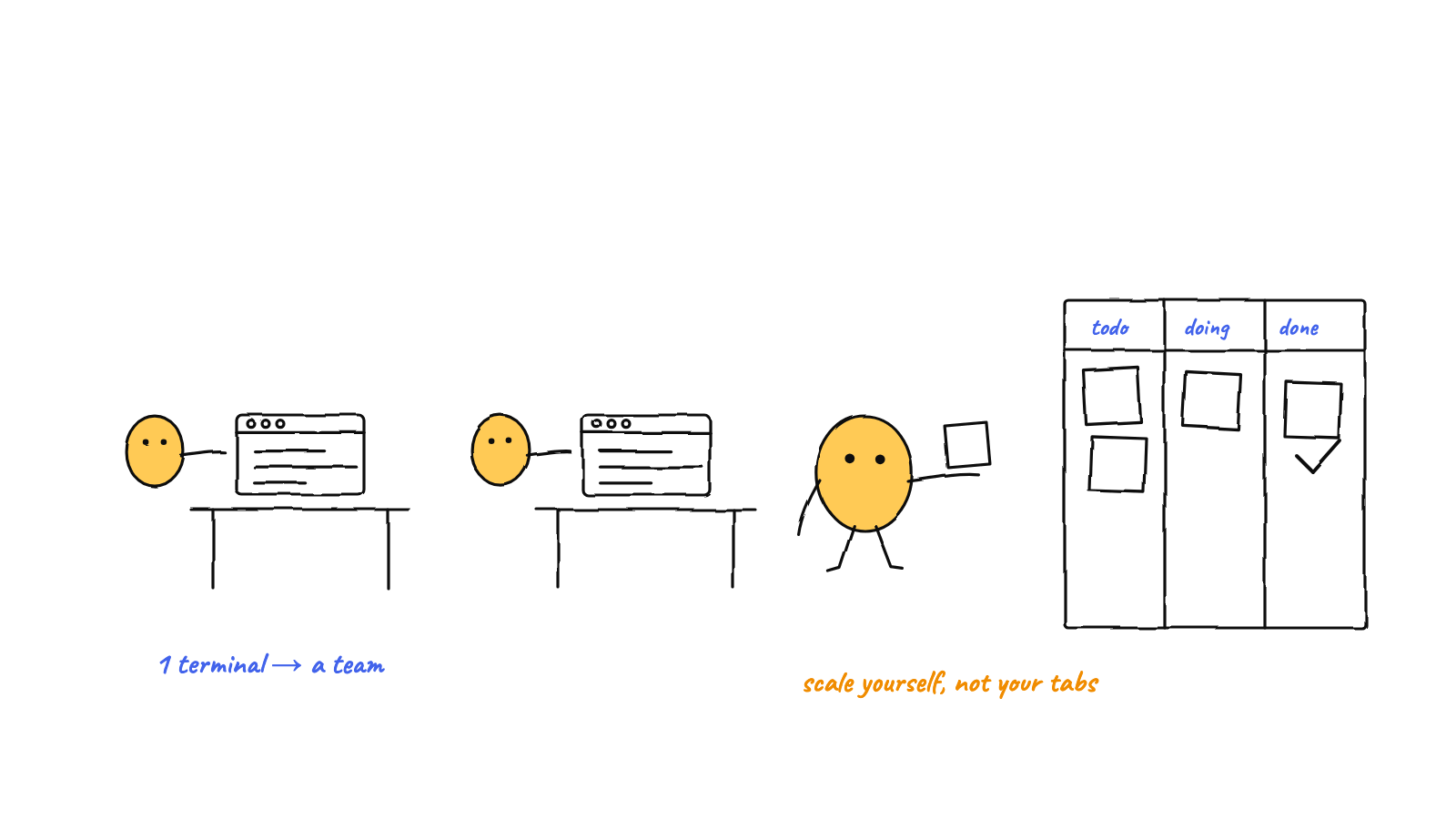
Scaling your Claude Code workflow goes through three stages: one session → a few manual terminals → a coordinated team. Each stage solves the previous one's pain and introduces a new one. The jump that actually changes your day is the last: giving agents shared memory, messaging, and an orchestrator so they stop colliding and forgetting.
Most people don’t decide to “run a team of agents” — they back into it, one terminal at a time, until the workflow strains. Here’s the arc, what breaks at each step, and the concrete before-and-after of crossing to a real team.
Stage 1: One terminal
You run a single claude session. It’s focused, it’s easy to follow, and for most tasks it’s all you
need. The only ceiling is throughput — one agent does one thing at a time, and you’re the only
parallelism in the room.
The pain that pushes you forward: you’re waiting on the agent while three other things you could parallelize sit idle.
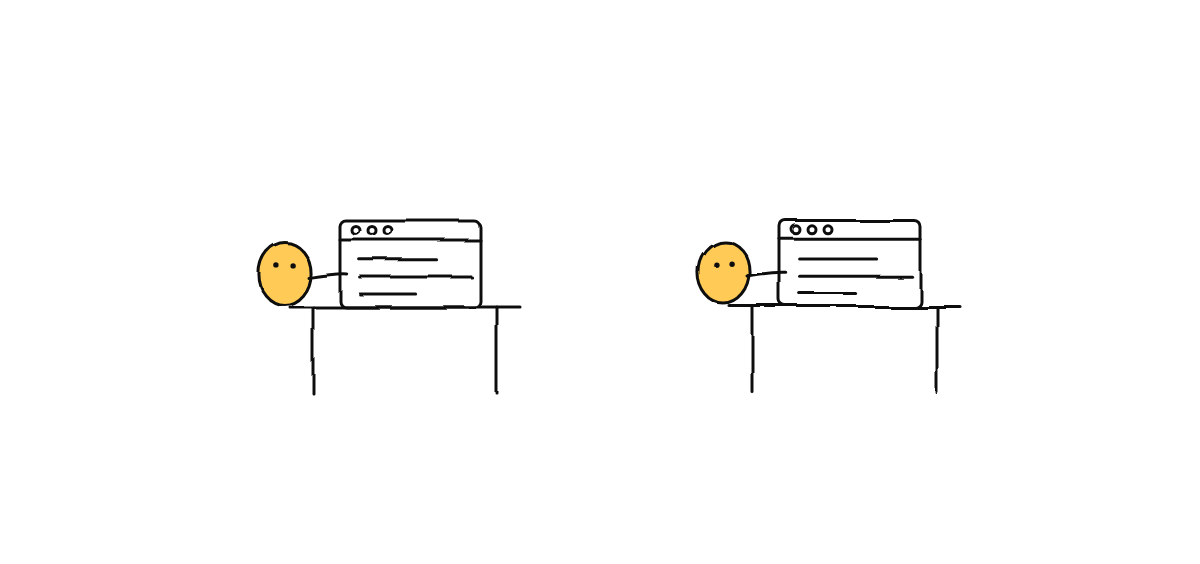
Stage 2: A few manual terminals
So you open more terminals — a classic move. One writes tests, one refactors, one updates docs. Throughput jumps. For two or three independent tasks, this genuinely works.
Then they start to overlap, and three problems show up:
- Collisions. Two agents edit the same file and race each other; in git you get
index.lockerrors and half-applied changes. - Amnesia. Each session has its own context. What agent A learned, agent B can’t use — so you become the courier, copy-pasting findings between windows.
- Lost track. With six tabs open, “what is everyone doing right now?” has no answer.
The pain that pushes you forward: you’ve become the message bus, the conflict resolver, and the project’s only memory. The agents got faster; you became the bottleneck.
Stage 3: A coordinated team
The fix isn’t more tabs — it’s a coordination layer. Three additions turn parallel sessions into a team:
- Roles so each agent stays in its lane and “who does this?” is obvious.
- Shared memory so the team reads from one long-term memory and stops re-learning the project.
- Messaging + an orchestrator so agents hand work to each other and a coordinator routes it — instead of routing through you.
That’s the leap from juggling Claude Code agents to running a multi-agent harness. It’s the stage where adding agents stops adding overhead.
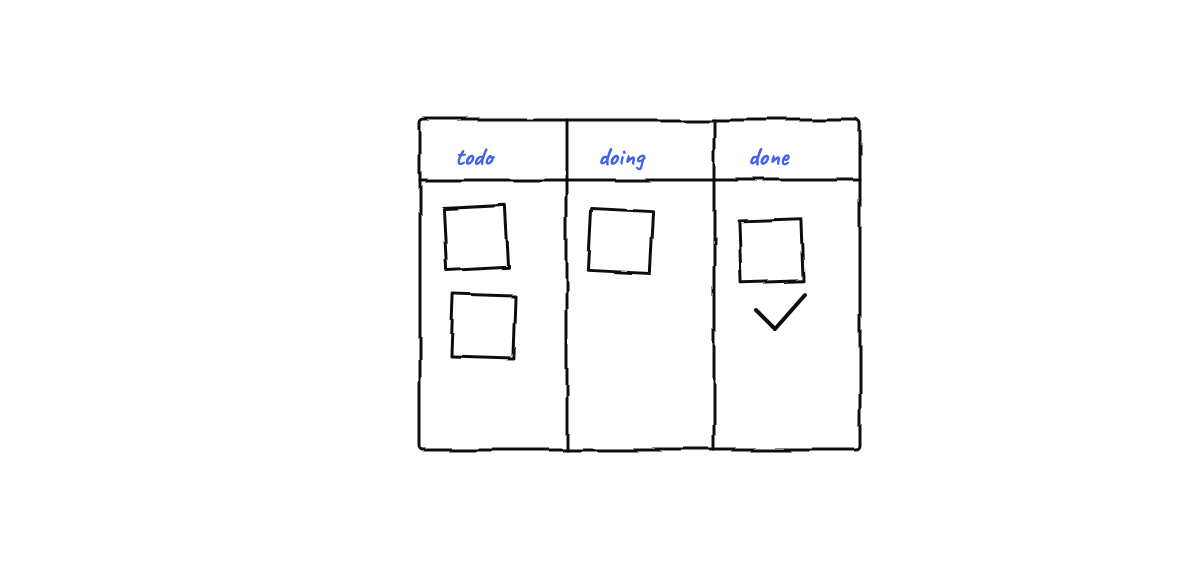
The before-and-after
The same morning, two ways:
| Manual terminals | Coordinated team | |
|---|---|---|
| Assigning work | You, tab by tab | Describe intent; orchestrator routes |
| Context sharing | You copy-paste between windows | Shared memory; agents read it |
| Handing off | You relay results | Agents message each other |
| File conflicts | index.lock, manual cleanup |
Coordination rules prevent it |
| “What’s happening?” | Alt-tab and guess | A glance at the floor |
| Your role | Message bus | Manager |
Nothing about the agents changed — they’re the same Claude Code sessions. What changed is the layer around them, and that’s what moves you from operator to manager.
Knowing when to make the jump
You don’t need a team to use Claude Code. You want one when:
- you’re running three or more sessions and losing the thread,
- you keep re-explaining context because each session forgets, or
- agents collide on the same files.
If that’s you, the next step is the coordination layer — and you can keep the whole thing local. The natural destination is an office of agents that keeps shipping even after you log off.
Munder Difflin is the coordination layer for the Claude Code agents you already run — roles, shared memory, messaging, and an orchestrator, all local. Download Munder Difflin to make the jump; it’s free and open source.